
Asus NUC 14 Pro Review for 2026: Compact Mini PC
Disclosure: We may earn a commission when you buy through links on this page, at no extra cost to you. As an Amazon Associate I earn from qualifying purchases. Learn more

This asus nuc 14 pro review covers the Core Ultra mini PC, its tall and slim versions, Thunderbolt 4 ports, price and cheaper rival mini PCs.
Small desktops keep getting more capable, and this asus nuc 14 pro review shows how far a palm sized PC has come. The NUC 14 Pro is an ASUS mini PC built around Intel's Core Ultra processors, with Thunderbolt 4, fast DDR5 memory and Intel Arc graphics. Third party sellers offer it as a ready to use system with memory, storage and Windows 11 Pro installed, usually priced between $1,300 and $1,800.
The product table compares NUC 14 Pro configurations with older NUC models and rival mini PCs, so you can weigh price against performance.





Asus Nuc 14 Pro Review: What You Get
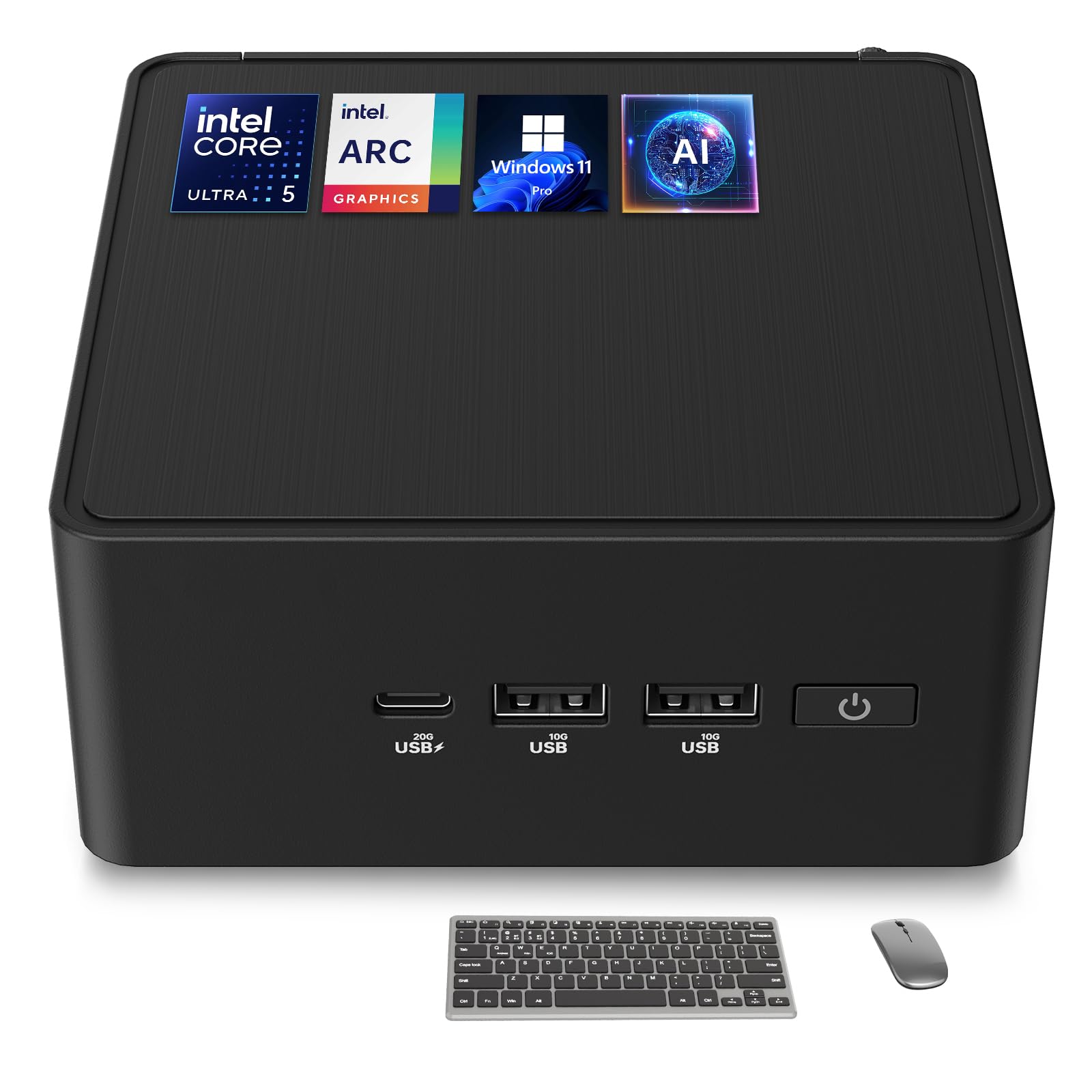
Listings describe the NUC 14 Pro with a Core Ultra 7 155H processor, which has 16 cores and 22 threads and boosts up to 4.8 GHz. A Core Ultra 5 125H version has 14 cores and 18 threads and boosts up to 4.5 GHz. Both include Intel Arc integrated graphics and neural processing hardware that the listings market as AI features.
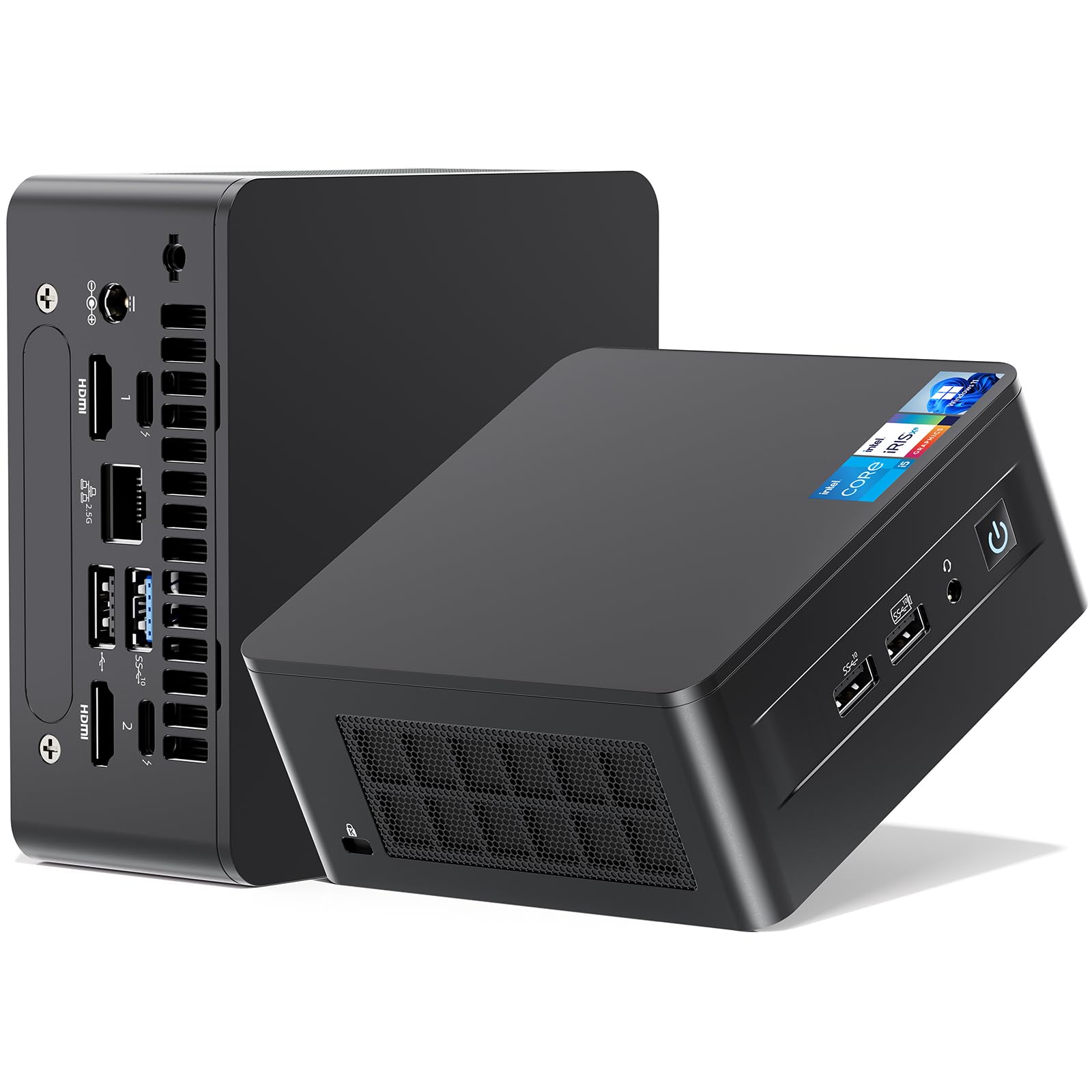
Most configurations include 32 GB of DDR5 memory and a 1 TB PCIe SSD, and a 64 GB version exists too. Thunderbolt 4 ports, Wi-Fi 6E and Bluetooth 5.3 are listed, along with support for several 4K displays and a VESA mount for hiding the PC behind a monitor.
Tall and Slim Versions
The NUC 14 Pro comes in a standard and a tall chassis. The tall listing mentions toolless chassis access, which makes opening the case and upgrading parts easier. The slimmer one saves desk space, so check the listing for how easy it is to open.
Decide whether you want to add storage later. If you do, easy access saves hassle. If you plan to leave it as it is, the slim version is neater.
Barebone versus full system
Some sellers ship the NUC as a barebone kit that needs memory, storage and an operating system. Others sell it fully assembled. The assembled versions cost more but save time, and they are the ones listed here.
Everyday Performance
Office work, web browsing, streaming and multitasking are easy tasks for this class of processor. The Arc graphics handle photo editing and 4K video playback smoothly, and they can run older or lightweight games at reduced settings. It is not a replacement for a gaming PC with a dedicated graphics card.
Compact cases limit cooling, so heavy workloads such as long video exports raise fan noise. Place the mini PC where air can move around it, and avoid stacking items on top.
Connectivity and Expansion
Thunderbolt 4 allows fast external storage and docks, and a single cable can connect a display and peripherals. HDMI and USB C outputs handle multiple monitors, and the listings mention support for up to four displays. Wired Ethernet is also provided for stable networking.
Check the port layout against your desk setup. Front ports help with frequently used devices, while rear ports keep cables tidy. A small USB hub is an inexpensive fix if you run short.
Price and Value
At roughly $1,300 for a fully configured system, the NUC 14 Pro is not cheap. Cheaper mini PCs from other brands offer similar processors for several hundred dollars less. You pay a premium for the ASUS NUC name, the quality of the build and the reputation for reliability.
The previous NUC 13 Pro is cheaper and still capable for office work. If you do not need the newest processor and AI hardware, an older model or a rival brand is a smarter buy.
Setting Up a Mini PC Desk
A mini PC shines when it disappears. Use the VESA mount to hide it behind the monitor, route cables along the stand and connect a single dock if you use a laptop too. The result is a clean desk with a powerful computer that is barely visible.
Think about airflow before you hide it. Leave a gap behind and above the PC, and avoid enclosed cabinets. A little space keeps temperatures low and fan noise down.
Things to Check Before Ordering
Look at the memory and storage listed in the title, the operating system and who sells the system. Third party sellers assemble most of the configurations, so the warranty may come from the seller rather than the maker. Compare the return window and support terms as well as the processor.
Confirm that the power adapter and any needed cables are included. Also check whether the listing shows the Core Ultra 7 or the Core Ultra 5, because the price gap is not always logical between sellers.
Who Should Buy the NUC 14 Pro
Offices, home workers and creators who want a small, quiet and well built PC will be happy with it. It suits a clean desk where the computer sits behind the monitor. Anyone who needs strong gaming performance should choose a different machine.
The guide to the best mini PC compares other models. For a different kind of compact workstation, see the Framework Desktop review or the NVIDIA DGX Spark review.
Noise, Heat and Longevity
Mini PCs trade size for thermal headroom, so the fan may spin up during long tasks. Keep the vents clean and update the BIOS to get the latest fan curves. A well kept mini PC runs for years and can move from a desk to a living room without trouble.
Frequently Asked Questions
Does the NUC 14 Pro include Windows?
Most assembled listings include Windows 11 Pro. Check the exact listing.
Can I upgrade the memory and storage?
Yes, the chassis is designed for easy access, especially the tall version.
How many monitors can it drive?
Listings mention up to four displays through HDMI and USB C ports.
Is it good for gaming?
It can play light games on Arc graphics, but it is not built for demanding titles.
What is the difference from the NUC 13 Pro?
The 14 Pro uses newer Core Ultra processors with Arc graphics and AI hardware.
Final Verdict
This asus nuc 14 pro review lands on a balanced note: it is a capable, compact PC with excellent connectivity, but the price is high compared with rivals. Choose the version that fits your needs, compare options in the product table and consider an older or rival mini PC if you want to save.
Prices and availability can change, so check the product page before ordering.


