
Beelink EQ14 Review for 2026: A Quiet Mini PC for Everyday Work
Disclosure: We may earn a commission when you buy through links on this page, at no extra cost to you. As an Amazon Associate I earn from qualifying purchases. Learn more

A beelink eq14 review for light desktop and home server use: N150 speed, dual LAN, display support, and when to step up to a Ryzen mini PC.
The EQ14 is a small, low power mini PC aimed at people who want a quiet desktop for the office, the living room, or a home server. This beelink eq14 review explains what the Intel N150 chip can and cannot do, and which Beelink models sit above and below it.
The sections below cover performance, ports and networking, storage and memory, noise, and the kind of buyer who should skip it. The product table near the top lists related Beelink mini PCs for price comparison.



Beelink EQ14 Review: What the Hardware Offers
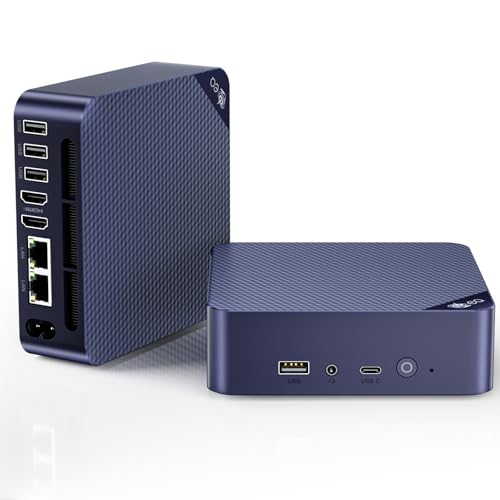
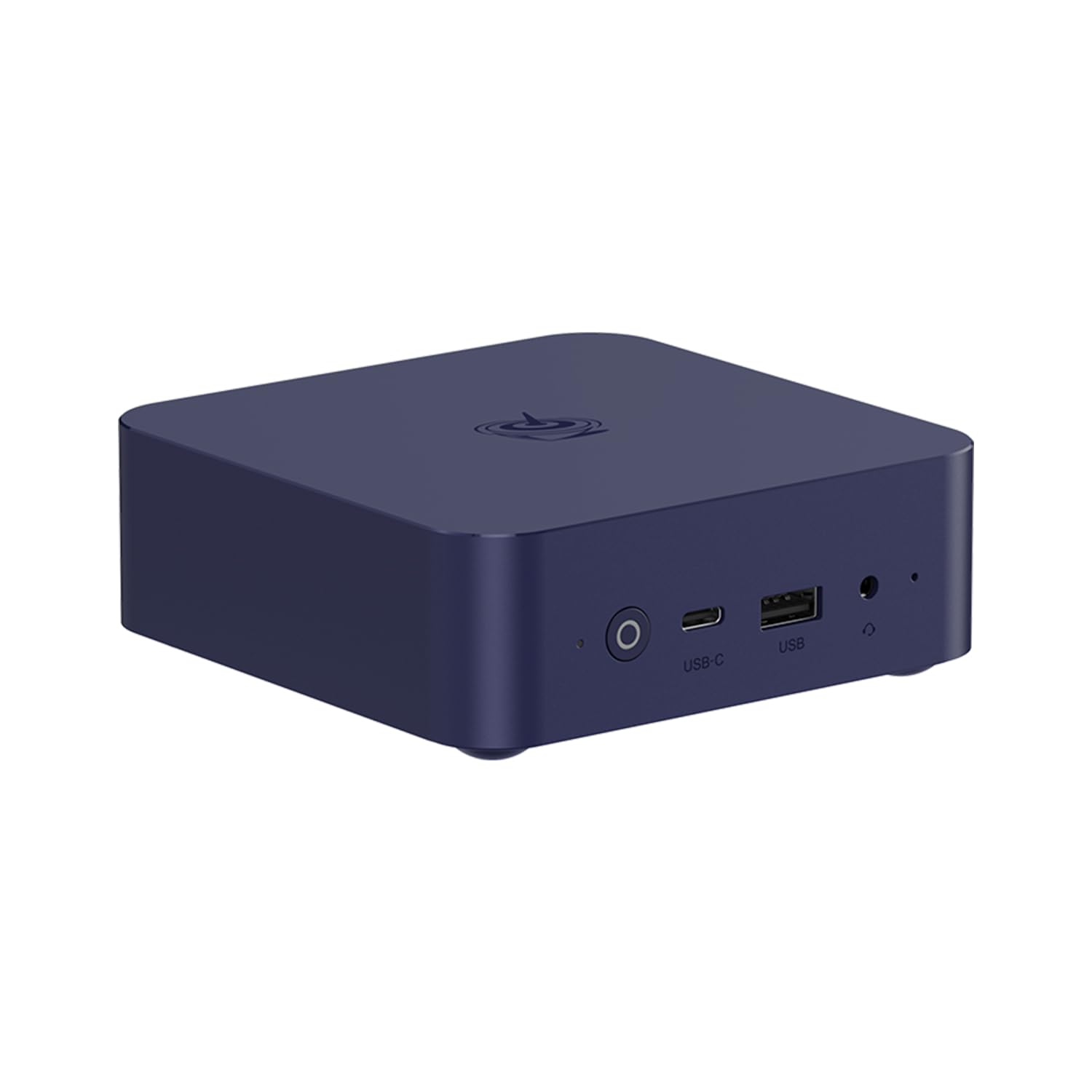
The listing names an Intel Twin Lake N150 processor, described as an upgrade over the older N100, with 16GB of DDR4 memory and a 500GB M.2 SSD in the configuration shown. It supports dual 4K displays at 60Hz, Wi-Fi 6, and Bluetooth 5.2, according to the product page.
Those figures point to a machine for everyday computing: web browsing, office apps, video calls, streaming, and light media work. Confirm the exact memory and storage in the configuration you buy, since several versions share the same name.
Performance for Real Tasks
An N150 class chip is efficient but modest. It handles Windows and Linux smoothly for office work, browsers with many tabs, and 1080p or 4K video playback. It is not meant for heavy video editing, modern 3D games, or large virtual machines.
If your workload includes spreadsheets, remote desktop sessions, or a small home server running a few containers, the EQ14 is a comfortable fit. For anything heavier, step up to a Ryzen based Beelink such as those in our best mini PC guide.
Ports, Dual LAN, and Networking
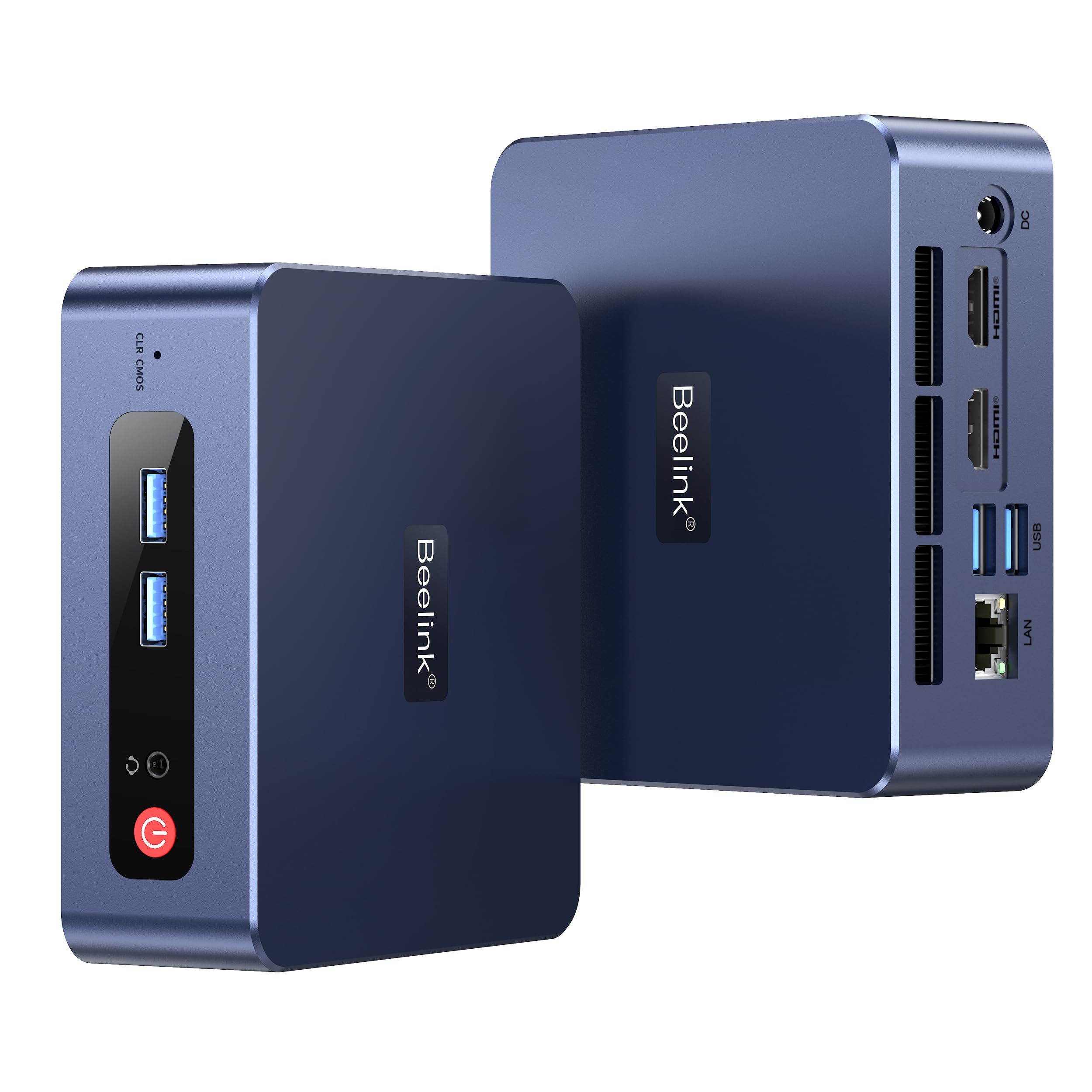
The listing highlights dual LAN ports, a rare feature at this size. Two network ports make the EQ14 useful as a small router, firewall, or media server, and they let you keep a wired link while experimenting with a second network.
Check the speed of each port in the product page and confirm how many USB ports and video outputs are included, since a compact case limits the count. If you plan to run two monitors, make sure your cables and displays match the outputs listed.
Noise, Heat, and Placement
Low power chips run cool, so the fan rarely becomes a nuisance. Mini PCs still need airflow, so keep the case away from stacked papers or a closed cabinet. Mount it behind a monitor with a VESA bracket if the listing includes one.
A quiet machine suits a bedroom, a classroom, or a shared office. If you notice fan noise, clean the vents with compressed air and move the unit to a more open spot.
Upgrades, Storage, and Software
Many mini PCs let you swap the SSD or add memory, but not all do, so verify that in the manual before ordering. Windows comes pre-installed on most Beelink models, and many also run Linux well.
Back up your data from day one. A small SSD fills quickly if you keep video files, and external storage is an easy way to add space. See our guide to the Framework Desktop review if you want a more upgradeable desktop.
Who Should Buy the EQ14
- Home office users who want a small, quiet Windows desktop.
- Hobbyists building a home server or media box.
- Families who need a second computer for browsing and school work.
- Anyone replacing an old tower with something that uses less power.
It is the wrong tool for serious gaming or creative work. For that, look at the NVIDIA DGX Spark review for a very different class of small computer, or move up to a Ryzen mini PC.
Memory, Storage, and the Configuration You Pick
The same name often appears on several listings with different memory and storage. Sixteen gigabytes of memory and a 500GB drive are comfortable for daily work, while smaller configurations may feel cramped once the system and a few apps are installed. Match the configuration to your actual files rather than choosing the cheapest listing.
Check that the storage is a real M.2 SSD and look at the warranty term and who handles repairs. A small price gap between configurations is usually worth paying, because swapping parts later takes time and can void a warranty. If you plan to store large photo or video libraries, budget for an external drive from the start.
Setting It Up Quickly
Plug in a monitor, keyboard, mouse, and power, and the machine boots in seconds. Run Windows Update first, then install a trusted browser and your office suite. Create a restore point or a backup once the system is configured, so a bad update does not cost you an afternoon.
If you want Linux, create a bootable USB stick from another computer and run the installer. Many people dual boot or run Linux full time on these small boxes, and the low power draw makes them ideal for always on tasks. Note the Wi-Fi and Bluetooth chip, since a few older Linux versions need extra drivers.
Where the EQ14 Fits in the Beelink Lineup
Beelink sells models from entry level N series chips up to powerful Ryzen machines. The EQ14 sits near the low end, which means it costs less and uses less power, while the Ryzen models are better for editing, coding, and gaming. Decide on the heaviest task you expect, and buy the tier that handles it comfortably.
The best mini PC guide ranks the field, and the table above lets you compare prices of related Beelink models without leaving this page.
FAQs
Can the EQ14 run two monitors?
The listing says it supports dual displays at 4K and 60Hz. Check which ports your monitors need before ordering.
Is it good for gaming?
It handles light and older games at low settings. For modern titles, choose a mini PC with stronger graphics.
Does it come with Windows?
Most configurations ship with Windows installed, but verify this on the exact listing.
Can I use it as a home server?
Yes, the low power draw and dual LAN make it a popular choice for small servers and network tools.
For quiet everyday computing at a modest price, this beelink eq14 review lands on a solid recommendation for light workloads, and the table above shows the faster options. Prices and availability can change, so check the product page before ordering.


