
Best 1 TB External Hard Drives for 2026: How to Choose
Disclosure: We may earn a commission when you buy through links on this page, at no extra cost to you. As an Amazon Associate I earn from qualifying purchases. Learn more

Best 1 tb external hard drives explained: hard drive or SSD, USB speed, rugged options, backup habits, and console or Mac formats.
One terabyte is still the practical sweet spot for backups of a laptop, a photo library, or a game collection, and the best 1 tb external hard drives combine reliability, speed, and a fair price. This guide explains how to choose between spinning drives and solid state drives, and how to avoid the common mistakes.
The product table near the top lists current options from well known brands, so you can compare capacity, connection, and price. Read the sections below to decide what fits your use.


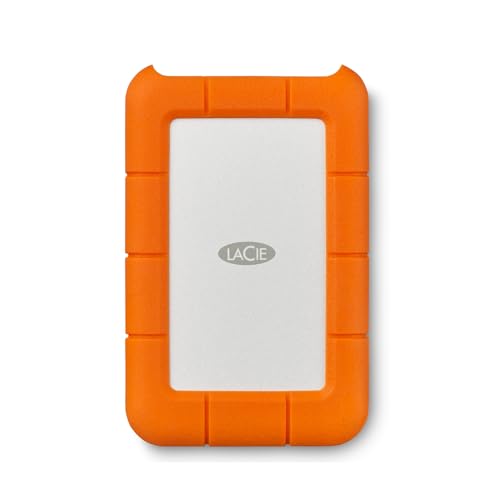
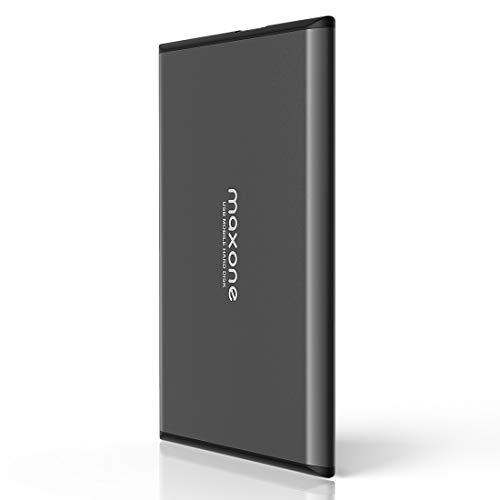


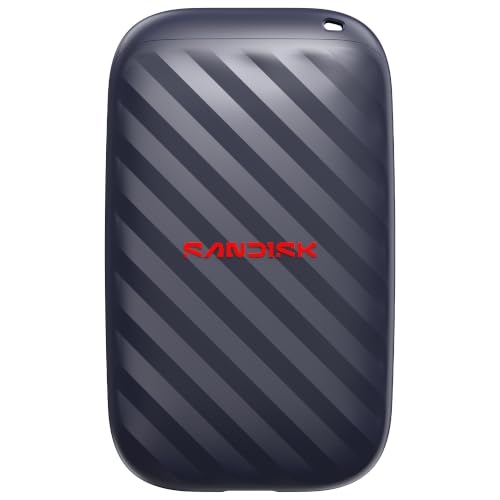
How Much Is 1 TB in Real Life
A terabyte holds hundreds of thousands of photos, hundreds of hours of standard video, or a handful of large modern games. It is plenty for document backups and a laptop's full contents, but it fills quickly with 4K video or a big game library.
Before you buy, check how much data you have now and how fast it grows. If you are near the limit already, a larger drive offers better value per terabyte.
Best 1 TB External Hard Drives: HDD or SSD
A hard disk drive uses spinning platters and costs less per terabyte, making it ideal for backups and archives. A solid state drive has no moving parts, is much faster, and survives bumps better, but it costs more.
For a nightly backup that runs while you sleep, a hard disk drive is perfect. For editing video directly from the drive, or for loading games, an SSD is far more pleasant.
Speed and Connection
Most portable hard drives use USB 3.0 and reach speeds limited by the spinning disk. SSDs use faster USB connections and can be many times quicker. Make sure your computer has a matching port, or use the cable and adapter included.
USB-C is common on modern laptops, and many drives include both USB-C and USB-A cables. Check the box contents before you buy.
Durability and Portability
Hard drives have moving parts, so avoid dropping them while they are running. Rugged models add rubber bumpers and some water resistance, which suits travel and outdoor use. SSDs handle shocks better and are lighter.
If you carry the drive in a bag every day, choose a rugged model or an SSD. If it sits on a desk, a plain slim drive is fine.
Backup and Software
Many drives include backup software or work with built in tools like Time Machine and File History. Consider the 3-2-1 rule: keep three copies of important data, on two different types of media, with one stored off site.
A single external drive is not a complete backup plan, because drives can fail. Add a cloud backup for irreplaceable photos and documents.
Compatibility With Consoles and Mac
Some drives are formatted for Windows and need reformatting for a Mac. Game consoles often support external drives, but check compatibility and the required format. Look for models that mention your platform in the listing.
Reformatting erases the drive, so do it before you copy files onto it.
Price and Value
Prices for 1 TB hard drives are low and vary little between brands. Pay attention to the warranty, the cable type, and the reputation of the brand, rather than small price differences. SSDs cost more but save time.
Look at the seller and make sure the listing is for a new drive. Avoid unusually cheap drives with vague descriptions.
Who Should Choose Which
- Backup users: a plain portable hard drive.
- Travelers: a rugged drive or an SSD.
- Gamers and editors: an SSD for speed.
- Mac users: a drive formatted for Mac or one you can reformat easily.
See also our guides to the best TB hard drives, the best 1 TB hard drives, the best external hard disk drives, and the best 2 TB external hard drives.
Care Tips
Eject the drive properly before unplugging it, keep it away from magnets and heat, and store it in a case. Check the drive health from time to time, and replace it after several years of heavy use.
Setting Up and Formatting
Plug the drive in and let the computer detect it. If it needs reformatting, use Disk Utility on a Mac or Disk Management on Windows, and choose a format that works with all your devices. ExFAT is a common choice for sharing between Windows and Mac, while NTFS suits Windows only and APFS suits Mac only.
Name the drive clearly, and try it with a small file before you copy everything. Run the maker's backup software if you want automatic backups, or use the built in tools.
Encryption and Privacy
If the drive holds sensitive files, enable encryption using BitLocker on Windows or FileVault on a Mac, or use the maker's software. Keep the password in a safe place, because an encrypted drive without the password is a brick. Never leave a drive with personal files in a place where it can be taken easily.
Using a Drive With Consoles and TVs
Many consoles accept external drives for game storage, though the requirements vary. Smart TVs sometimes play media from a drive, but they have format limits. Check the manual for your device, and use a format it supports. If a console needs a fast drive for games, an SSD is the safer choice.
Mistakes to Avoid
Do not yank the cable while the drive is working. Do not assume that one copy is a backup. Do not buy a very cheap drive from an unknown seller without checking buyer comments. And do not forget to keep a second copy of your most important files in a different place.
FAQs
Is an SSD worth the extra cost?
For speed and durability, yes. For backups, a hard drive is cheaper per terabyte.
How long do external hard drives last?
Often several years, but failures happen, so keep more than one copy of important files.
Does it work with my console?
Many do, but check the listing and your console's requirements.
Do I need a power adapter?
Portable drives usually draw power from the USB port.
The right pick from the best 1 tb external hard drives depends on speed needs and travel habits, so compare the models in the table above before ordering. Prices and availability can change, so check the product page before ordering.


