
Best PC for AI Video Generation in 2026: GPU, VRAM, and Build Guide
Disclosure: We may earn a commission when you buy through links on this page, at no extra cost to you. As an Amazon Associate I earn from qualifying purchases. Learn more

Building a dedicated PC for AI video generation in 2026 is a different challenge than assembling a gaming rig or a general-purpose creative workstation. AI video generation hammers GPU VRAM more aggressively than almost any other consumer workload, and if your system is not built specifically for it, you will be watching progress bars crawl while your render queue waits. The model ecosystem has matured significantly, VRAM requirements have become more predictable, and the software stack around tools like ComfyUI, Wan 2.1, CogVideoX, and HunyuanVideo is increasingly capable.
This guide breaks down what you need to build the best PC for AI video generation in 2026, from VRAM requirements by model to complete system build recommendations across budget tiers.



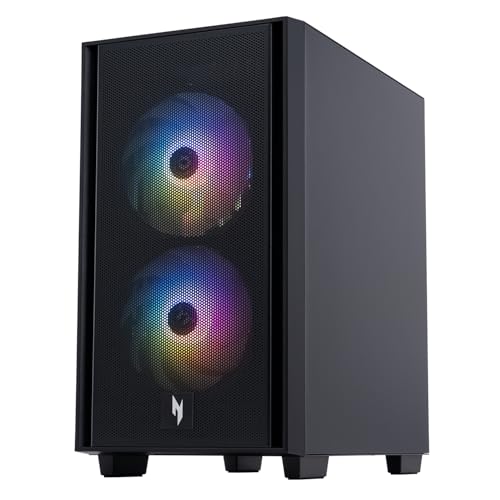
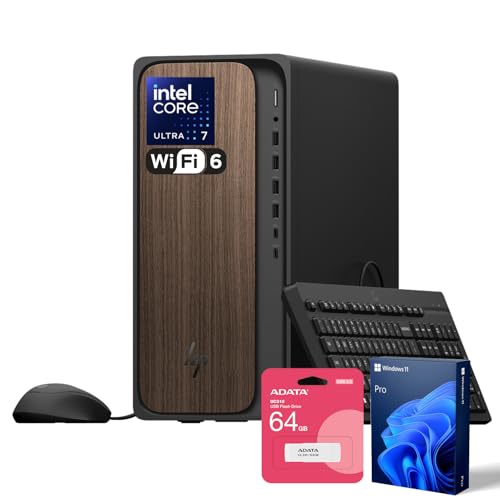
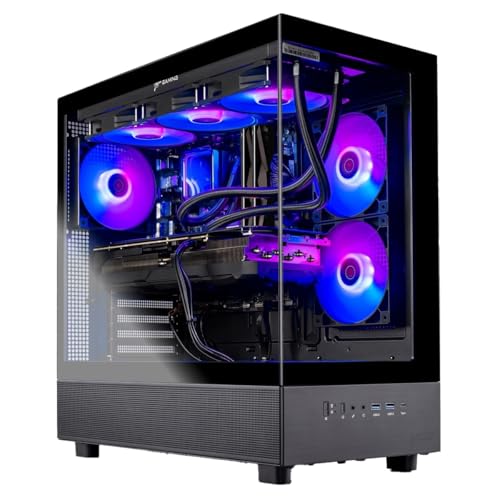
VRAM: The Defining Specification for AI Video Generation
If there is one specification that determines the capability of an AI video generation PC, it is GPU VRAM. Video generation models are memory-intensive by design: generating coherent temporal sequences across many frames requires loading large model weights and maintaining frame context simultaneously. At resolution and quality settings that produce usable output, the VRAM requirement is significant.
In 2026, 16GB of VRAM is the practical floor for running most open-source AI video generation models at usable resolutions. 24GB provides comfortable headroom for the current generation of models. Beyond 24GB, you enter multi-GPU territory or prosumer hardware, which is a substantially different cost and complexity tier.
VRAM Requirements by Major AI Video Model
Wan 2.1 (1.3B and 14B variants): The Wan family has become the most popular open-source video generation model in 2026. The 1.3B variant is lightweight enough for consumer GPUs with 8 to 12GB of VRAM. The 14B variant for higher-quality output requires 16GB or more. For production Wan 2.1 workloads, an H100 SXM5 is the recommended starting point for 480 to 720p generation, though consumer RTX 5090 builds handle experimentation and lighter production well.
HunyuanVideo 1.5: The HunyuanVideo 1.5 version runs on consumer GPUs with 14GB or more of VRAM. It is important to distinguish this from the original HunyuanVideo 13B model, which requires 60 to 80GB of VRAM at 720p and is firmly in enterprise GPU territory. When someone states that HunyuanVideo runs on 14GB, they are referring to version 1.5.
CogVideoX: CogVideoX-1.5-5B is a strong consumer-grade option, running on GPUs with 16GB of VRAM at standard resolutions.
LTX-2.3: From Lightricks, released in 2026, the current LTX series supports native 4K at 50 FPS. It runs at full quality on H100-tier hardware and at reduced settings on consumer 24GB GPUs.
Best GPU Choices for AI Video Generation in 2026
NVIDIA RTX 5090: The Consumer Standard
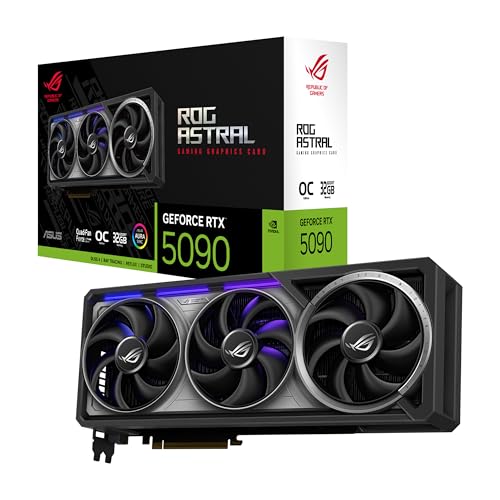
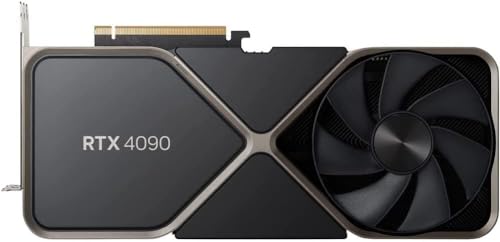
For building a new dedicated AI video generation PC in 2026 with video generation as a primary workload, the RTX 5090 with 32GB of GDDR7 VRAM is the correct GPU. The 32GB VRAM provides genuine headroom over the 24GB RTX 4090, enabling larger batch sizes, higher resolutions, and fewer out-of-memory interruptions during generation runs. Budget an additional $150 to $200 for a 1000W or higher power supply to handle the RTX 5090's 575W TDP safely.
NVIDIA RTX 4090: Still Capable for Most Models
The RTX 4090 with 24GB of VRAM remains a strong choice for local AI video generation on a more constrained budget. It handles the Wan 1.3B and HunyuanVideo 1.5 models well and can run most current open-source video models with appropriate quantization settings. Used RTX 4090 units provide good value for users who do not need the RTX 5090's additional VRAM margin.
For Production Volume: NVIDIA A100 and H100
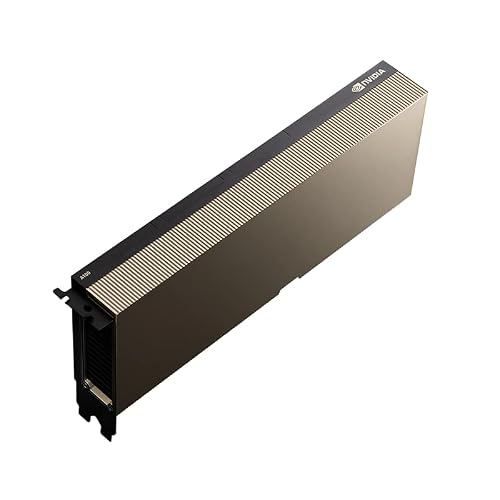
For production pipelines generating large volumes of AI video as a service or at scale, the NVIDIA A100 80GB at $12,000 to $15,000 handles every current model at full resolution with headroom. The H100 PCIe 80GB at $25,000 to $33,000 provides three times the AI performance of A100 for high-throughput production deployment. These are enterprise-grade choices appropriate for commercial AI video generation services, not individual workstations.
Complete PC Build Recommendations for AI Video Generation
Focused Experimentation Build ($2,500 to $3,500)
For creators experimenting with open-source AI video generation models and building workflows, an RTX 4090-based build with 64GB of DDR5 system RAM and 2TB of fast NVMe storage covers the core capability requirements. Pair with an Intel Core Ultra 9 or AMD Ryzen 9 for strong PCIe bandwidth and CPU preprocessing throughput. Keep your OS drive separate from your model and output storage to avoid I/O bottlenecks during generation.
Dedicated AI Video Production Build ($4,000 to $6,000)
The sweet spot for serious AI video generation workflows in 2026 is built around the RTX 5090, 64GB of DDR5 system RAM, a fast CPU with strong PCIe bandwidth (Intel Core Ultra 9 or AMD Ryzen 9 9950X), and dual NVMe SSDs: one for the OS and application stack and one for model weights and output files.
ComfyUI is the most flexible front-end for local video generation in 2026, with node-based workflows supporting Wan 2.1, CogVideoX, and most other open-source models. The single most useful pre-build step is identifying the specific models you intend to run and verifying their VRAM requirements at your target resolution.
System RAM, Storage, and CPU for AI Video PCs
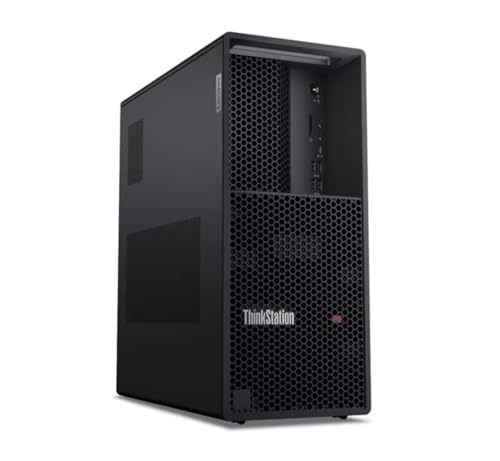
For AI video generation workstations, 64GB of DDR5 system RAM is the recommended configuration in 2026. The compound demands of generative AI video workflows, including text-to-video, image-to-video, and AI-enhanced editing, require strong GPU VRAM and fast supporting hardware to keep the whole system responsive. A CPU with strong PCIe bandwidth such as Intel Core Ultra 9 or AMD Ryzen 9 series ensures your GPU has the data throughput it needs.
Fast NVMe SSD storage is the unsung hero of AI video generation builds. Model weights are large, output video files accumulate quickly, and slow storage creates bottlenecks between generation runs. Prioritize a PCIe Gen 4 or Gen 5 NVMe drive for your primary work volume, sized at 2TB minimum.
Choosing the Right PC for AI Video Generation
The best PC for AI video generation matches your target models and resolution requirements to available VRAM. Start with the models you plan to run most frequently and their minimum VRAM requirements at your preferred resolution. That number determines your GPU.
Everything else in the build supports that primary decision. With the right GPU and a properly balanced system, local AI video generation in 2026 is a genuinely capable creative tool that delivers results previously requiring cloud GPU rentals.


