
Apple Mac Studio M5 Max Review for 2026: The Pro Desktop Without the Tower
Disclosure: We may earn a commission when you buy through links on this page, at no extra cost to you. As an Amazon Associate I earn from qualifying purchases. Learn more
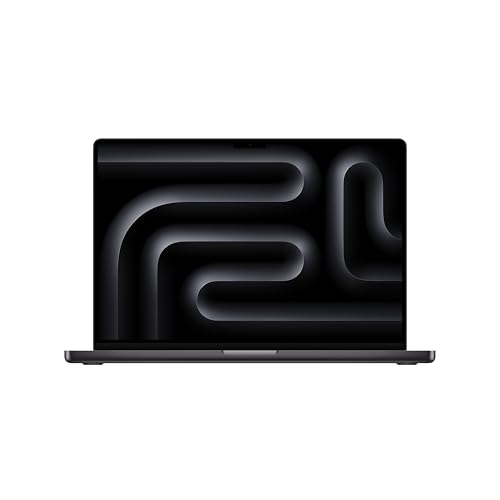
Apple Mac Studio M5 Max review of the compact pro desktop: memory, ports, thermal design, uses and alternatives.
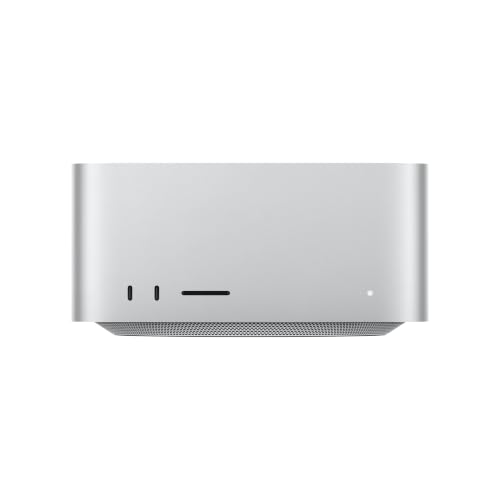
This Apple Mac Studio M5 Max review is for people who want Apple's top desktop power, and who might once have looked at the Mac Pro tower. The tower is no longer sold new, and the Mac Studio is now Apple's pro desktop, a compact box with a strong chip, lots of memory and fast ports.
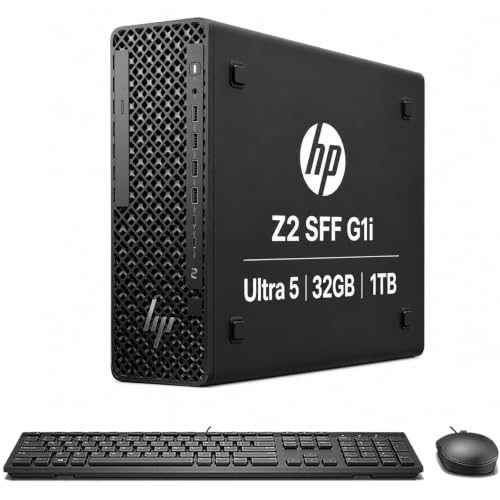
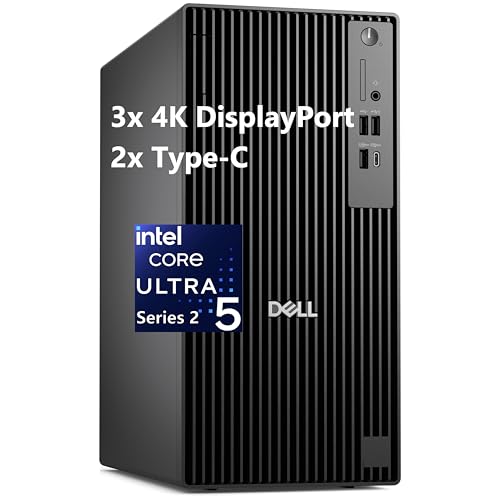
The product table above lists it beside an older Ultra model, a MacBook Pro, Windows workstations and monitors that complete a creative desk.

What the Mac Studio M5 Max Is
The listing describes the new Mac Studio with the M5 Max chip. Apple calls it a tremendously powerful pro desktop, with a next-generation CPU, a GPU with third-generation ray tracing and a Neural Accelerator built into each GPU core. Memory goes up to 128GB of unified memory with up to 614GB/s of bandwidth, and storage is up to twice as fast as before.
It is only 7.7 inches square, small enough to sit under most displays, and Apple lists an advanced thermal system that keeps it quiet during heavy tasks. For a creator, that is a rare mix of power and a small footprint.
Ports and Expansion
The Mac Studio has four Thunderbolt 5 ports with very high bandwidth, plus two USB-C ports, two USB-A ports, an HDMI port, an SDXC card slot and a headphone jack. The Thunderbolt 5 ports are meant for fast storage, multiple displays and even PCIe expansion boxes, and the listing mentions linking models in clustered AI compute.
What it lacks is internal expansion. There are no PCIe slots inside, so the old Mac Pro idea of adding cards to the box is replaced by external enclosures. If you need several internal cards, a Windows or Linux workstation from the table is a better match.
Who Needs This Much Power
- Video editors working with large timelines and several effects.
- 3D artists and animators who render and simulate.
- Developers who build large projects, or run AI models locally.
- Audio producers with big sessions and many plugins.
If you write, browse and edit light photos, a Mac mini or a MacBook is plenty. The Studio is for people whose work waits on the computer.
AI and Memory
Apple highlights on-device AI. Unified memory means the CPU and GPU share one large pool, which lets big models fit that would not fit on a card with a smaller dedicated memory. The listing mentions running huge language models directly on the device, and the memory ceiling of 128GB is the reason. Pick memory carefully, because it cannot be upgraded later.
Choosing a Configuration
Memory and storage cannot be changed after purchase, so decide before you order. The listing shows a starting price near 2,300 dollars for a base M5 Max setup, while higher memory and storage choices raise the cost quickly. Think about the biggest project you work on and add some headroom, and use external fast drives for archives instead of paying Apple prices for internal storage.
Displays and Desk Setup
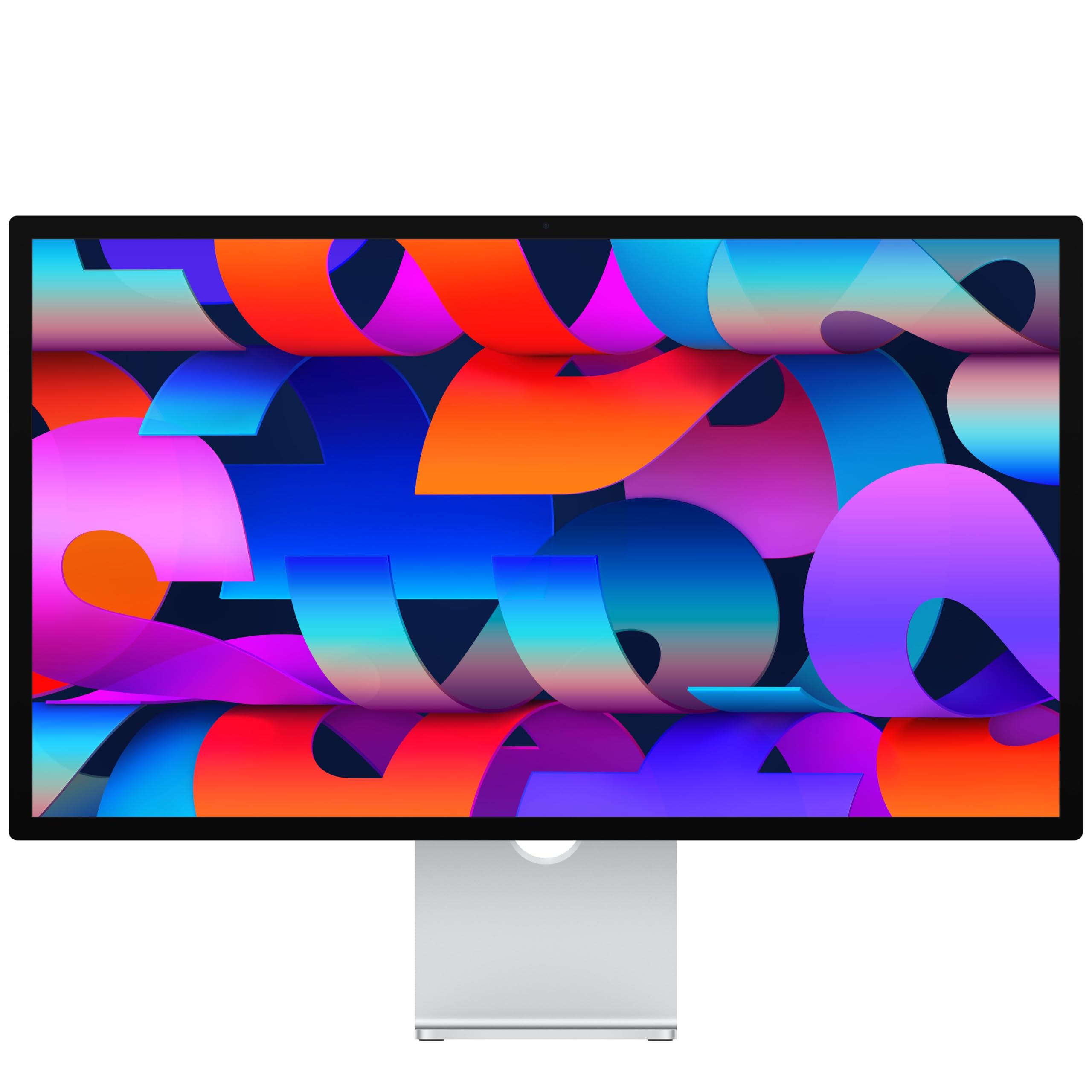
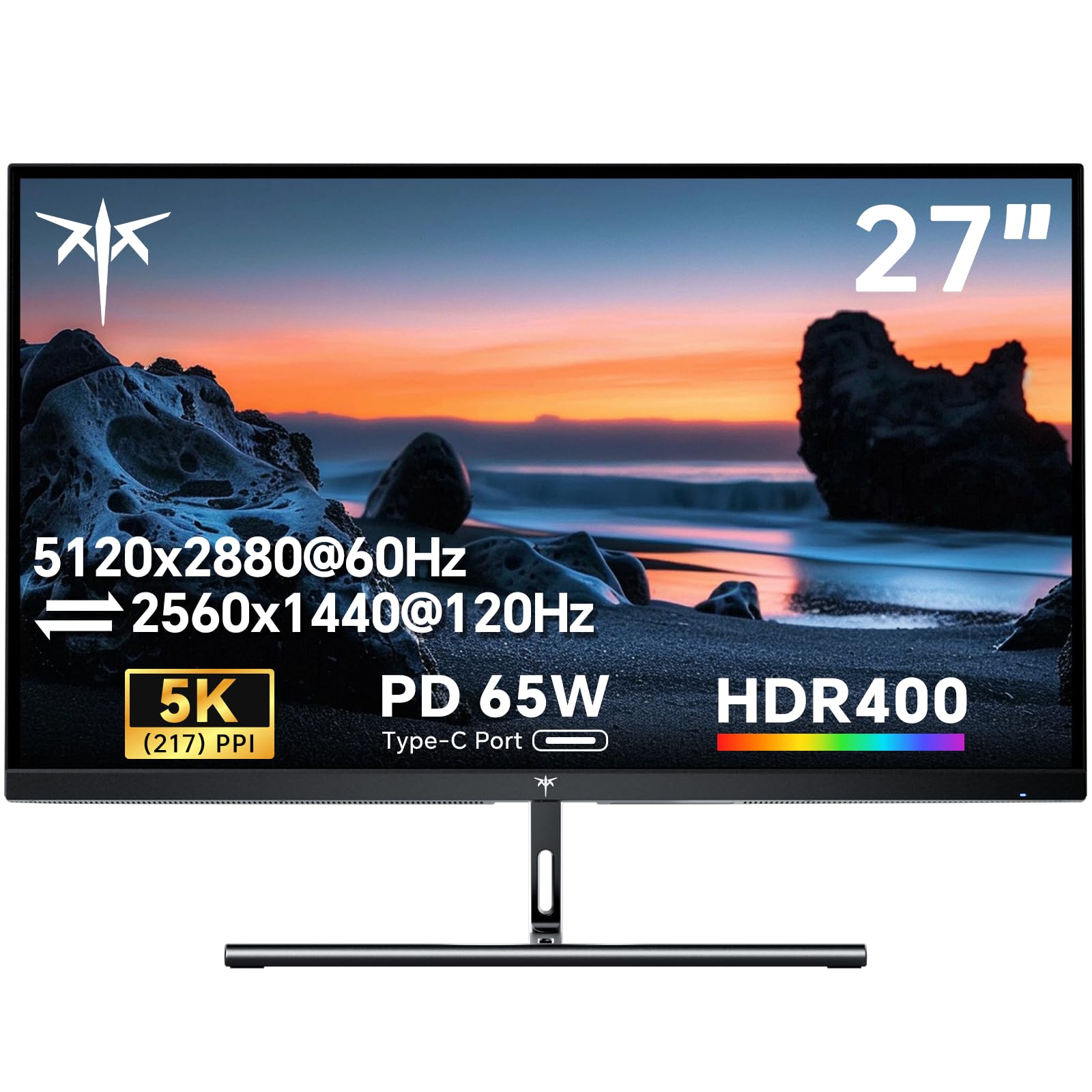
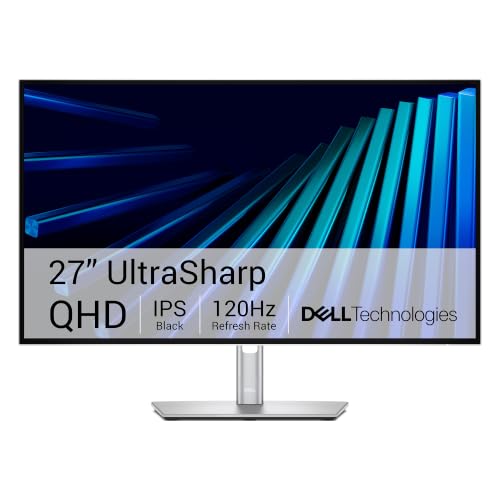
The Studio has no screen, so budget for a display. The table includes Apple's own Studio Display and 5K and 4K monitors from other brands. A keyboard and mouse are also separate. For multi-monitor work, Thunderbolt 5 allows several high-resolution displays from one box.
How It Compares With the Older Mac Pro Tower
The Mac Pro was designed for people who needed slots and the widest expansion. The Studio gives up the slots but delivers a very strong chip in a much smaller and quieter design, and for most creators it is faster per dollar. The Windows workstations in the table are the answer if you need internal cards or a large amount of upgradeable storage.
Our best workstation guide, the HP Z4 G5 review and the Lenovo ThinkStation P8 review cover those tower options.
Apple Mac Studio M5 Max Review: Strengths and Limits
Strengths are the compact size, low noise, memory bandwidth and Thunderbolt 5. Limits are the fixed memory and storage, no internal slots and the need to buy a display separately. It also costs much more than a Mac mini, so be honest about what your work demands.
What to Check Before You Buy
- Memory and storage, since they cannot be upgraded.
- Whether your software runs natively on Apple silicon.
- The displays and drives you will connect.
- Whether you need internal PCIe cards, which the Studio lacks.
Setting Up and Protecting a Pro Desktop
A pro desktop is only as good as the drives you pair it with. Use fast external SSDs on the Thunderbolt 5 ports for active projects, and keep a second backup drive or a cloud backup for finished work. Turn on Time Machine or another backup tool on day one.
Check that your apps, plugins and drivers run on Apple silicon before you move. Most major creative software does, but older plugins and some hardware drivers may need updates. Use Apple's migration tool to move files and settings from an old Mac, and keep the old machine around for a week in case something is missing.
Give the box some room for airflow, even though it runs quietly, and keep it away from stacked papers or soft surfaces. Add a surge protector or a small battery backup, since a sudden power cut can corrupt an open project file.
FAQs
Is the Mac Pro still sold new?
No. This review covers the Mac Studio, which is Apple's pro desktop today.
How much memory can it have?
Up to 128GB of unified memory.
Does it include a monitor?
No. You need a separate display, keyboard and mouse.
Can I upgrade it later?
No, memory and storage are fixed, so pick your configuration before ordering.
Final Verdict
This Apple Mac Studio M5 Max review ends in a clear recommendation for creators and AI workers who want strong performance in a small desktop. Choose memory with care, compare it with the workstations in the table if you need slots, and plan your display and storage before you order.
Configurations vary by listing, so verify the chip, memory and storage on the product page.


