Best Ai Computer For Home In 2026: The Complete Buying Guide For Everyday Users
Disclosure: We may earn a commission when you buy through links on this page, at no extra cost to you. As an Amazon Associate I earn from qualifying purchases. Learn more
If you are searching for the best AI computer for home, you are entering the most significant shift in personal computing since smartphones changed everything. In 2026, AI computers also known as AI PCs are no longer a niche product category for developers and data scientists. They are mainstream consumer devices designed for students, remote workers, content creators, and everyday families who want smarter, faster, and more private computing built into the machine they use every single day.
The difference between a home AI computer and a traditional PC is not just marketing. It is a fundamental change in hardware architecture. As Microsoft's own guidance confirms, AI PCs are powered by a turbocharged Neural Processing Unit (NPU) a specialized computer chip powering Windows AI features to enrich everyday life. The NPU performs more than 40 trillion operations per second (TOPS), enabling AI tasks like real-time translation, image generation, and intelligent search to run locally instead of requiring the cloud.

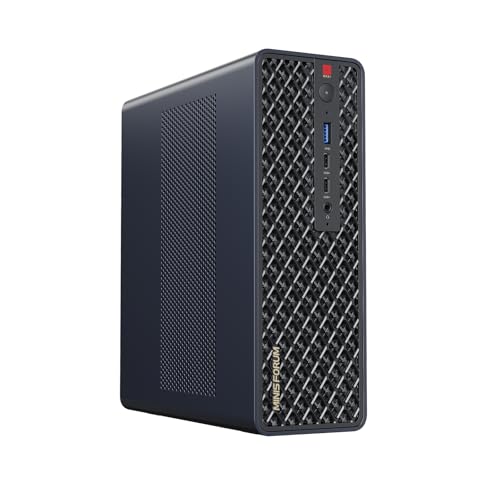
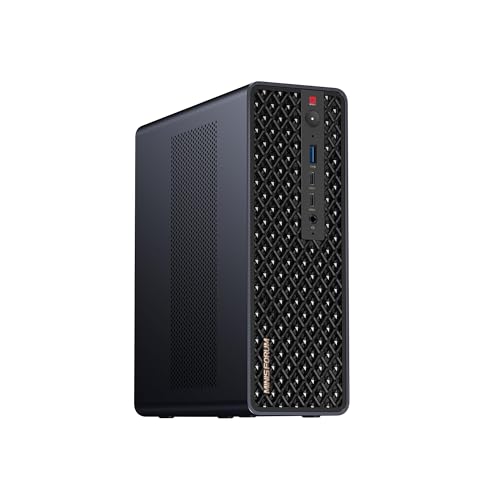
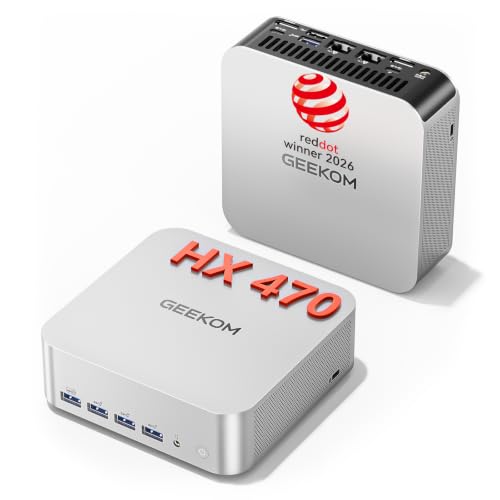
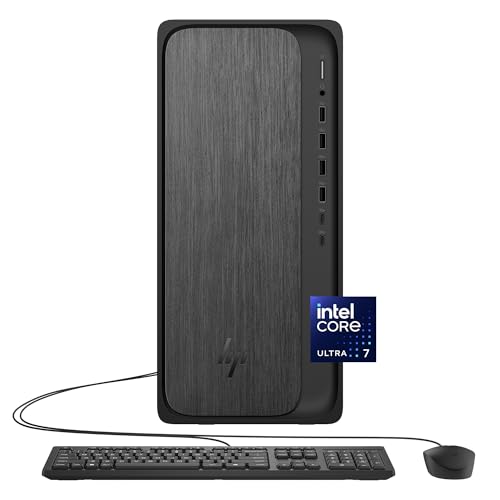

For American households deciding whether to invest in an AI PC in 2026, this guide answers every question you need answered before spending a dollar: what an AI computer actually does at home, what hardware specifications matter, how to choose between desktop and laptop formats, and exactly who benefits most from making the switch.
What Is an AI Computer and How Is It Different from a Regular PC?
A home AI computer is a personal computer equipped with a dedicated Neural Processing Unit (NPU) a third type of processor that works alongside the familiar CPU (central processing unit) and GPU (graphics processing unit). Each chip handles different tasks: the CPU manages general computing, the GPU handles graphics and parallel tasks, and the NPU is purpose-built exclusively for artificial intelligence workloads.
An AI PC is a personal computer designed to run AI applications locally directly on the device. If your computer can run large AI models without connecting online or accessing the cloud, it fundamentally qualifies as an AI PC.
The practical difference this makes for home users is profound:
Privacy-first computing. While older PCs send your data to distant servers to be processed, an AI PC does the heavy lifting right on your device. Local AI means important tasks still work offline on-device writing help, image editing, and system intelligence continue even without Wi-Fi. For families who are rightly concerned about uploading personal documents, voice recordings, and private photos to cloud servers for AI processing, an AI home computer delivers the same intelligent features without any data leaving the house.
Always-on performance without battery drain. The NPU earns its keep for people on video calls all day who want background effects without battery drain, people who need captions or transcription without uploading audio anywhere, and people who want a faster, quieter laptop overall since NPU offload reduces fan noise and heat during everyday multitasking. This matters enormously for home users who run long Zoom calls, online classes, or streaming sessions throughout the day.
Offline capability. Local AI means important tasks still work offline. On-device writing help, image editing, and system intelligence continue even without Wi-Fi so travel, patchy home internet, or campus dead zones don't block you. For households with inconsistent internet service or for students working in locations with limited connectivity, an AI computer delivers consistent intelligent performance regardless of network conditions.
What AI Features Do Home Users Actually Use?
Understanding which AI computer features genuinely improve daily life at home helps you prioritize specifications and avoid paying for capabilities you will never use.
Real-Time Captions and Live Translation
Copilot+ PCs take video calls to the next level with features like automatic framing and live translation from 40 plus languages into English and from 27 languages into Chinese (Simplified). For multilingual families, language learners, and anyone who participates in international video meetings, this on-device translation processed privately by the NPU without cloud upload is a genuinely transformative daily feature.
Intelligent Search Across Your Entire Computer
With improved Windows search, you can use your own words to find the right content on your PC, including text and images, with a simple description no need to remember exact file names. Instead of hunting through folders for a document you cannot remember naming, you describe what you remember: "the report I worked on before my daughter's birthday" or "the photo from the beach with the red umbrella" and the AI surfaces it instantly.
Windows Recall
Windows Recall is one of the most discussed Copilot+ PC features: a searchable visual memory of everything you have done on your computer, processed entirely on-device by the NPU. For home users managing recipes, research, shopping comparisons, news articles, and work documents across a dozen browser tabs and applications simultaneously, Recall acts as a perfect external memory that finds anything you have seen on your screen privately, without cloud storage.
Background Blur, Eye Contact, and Studio Effects
These run locally, work offline, and measurably benefit from dedicated AI hardware: Live Captions with translation transcribes and translates audio from any app, entirely on-device, with no internet connection required. The NPU handles real-time video enhancement background replacement, automatic face framing, eye contact correction, and lighting adjustment without straining the CPU or GPU, which means smooth video and longer battery life simultaneously.
On-Device Image Generation and Creative Tools
AI image generation tools that previously required a powerful cloud server or a dedicated GPU can now run locally on Copilot+ PC hardware. For home users who create content for social media, blogs, personal projects, or school assignments, on-device image generation means faster results, no subscription fees for cloud rendering, and complete privacy for any creative work involving personal photos or sensitive subjects.
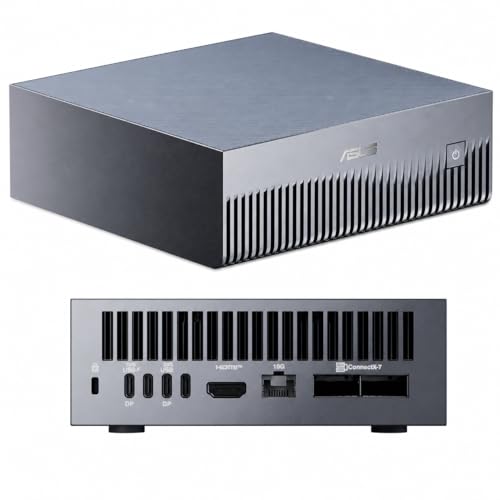
Key Specifications: What to Look for in the Best AI Computer for Home
NPU Performance: TOPS Rating
The NPU's performance is measured in TOPS (Trillion Operations Per Second). A Copilot+ PC has the following hardware requirements: NPUs must be capable of at least 40 TOPS, enabling AI tasks like real-time translation, image generation, and intelligent search to run locally.
For everyday home use, a 40 TOPS NPU handles all standard Copilot+ PC features comfortably. For users who want to run larger local AI language models, generate images locally, or future-proof their purchase for more demanding AI workloads arriving in the next two to three years, look for NPU ratings of 45 TOPS or higher. Current processors from Qualcomm Snapdragon X Elite, Intel Core Ultra 200V series, and AMD Ryzen AI 300 series all meet and exceed the 40 TOPS threshold.
RAM: The Minimum Has Changed
Independent guidance recommends at least 16 GB of RAM and 512 GB SSD for a smooth Copilot+ experience. For home AI computers running local AI language models in addition to standard applications, 32 GB is recommended for light local models, and 64 GB or more for heavy multitasking.
The practical recommendation for most home buyers: 16 GB RAM is the floor for a capable AI home computer in 2026. 32 GB is the sweet spot for anyone who runs multiple demanding applications simultaneously, regularly uses large AI models locally, or plans to keep the machine for more than three years. Avoid 8 GB configurations even at lower prices they will constrain AI performance immediately and feel increasingly limited as on-device AI features expand.
Storage: Speed Matters More Than Ever
Prefer NVMe Gen4 storage with 1 to 2 TB for datasets and checkpoints. For standard home use, 512 GB is the practical minimum for a comfortable AI PC experience with room for applications, local AI models, and personal files. 1 TB is the recommended standard in 2026 for households with media libraries, creative project files, or multiple users sharing a single machine.
Importantly, the storage speed matters as much as the capacity. NVMe SSD storage the type used in all modern AI computers loads AI models and retrieves indexed content from Windows Recall dramatically faster than older SATA SSDs. Confirm any AI home computer you consider uses NVMe SSD storage rather than a slower HDD or SATA drive.
Processor: The Three Main Options
In 2026, three processor families dominate the AI PC market for home users:
Qualcomm Snapdragon X Elite and X Plus deliver the highest NPU performance ratings and the best battery life in thin and light laptop configurations. They run Windows 11 ARM, which has broad application compatibility but may occasionally encounter edge cases with older software.
Intel Core Ultra 200V series provides the strongest compatibility with the entire Windows software ecosystem, including all legacy x86 applications, while delivering NPU performance well above the 40 TOPS Copilot+ threshold. For home users who depend on specific Windows applications or work software, Intel Core Ultra is the safest compatibility choice.
AMD Ryzen AI 300 series offers a compelling combination of strong CPU performance, capable on-device AI, and broad software compatibility at competitive price points. The Ryzen AI 300 is particularly well-suited for home users who want a balance of gaming, creative work, and AI features in a single machine.
Desktop vs. Laptop AI Computer for Home
Choosing between a desktop AI computer and a laptop AI computer for home use depends entirely on how and where you work:
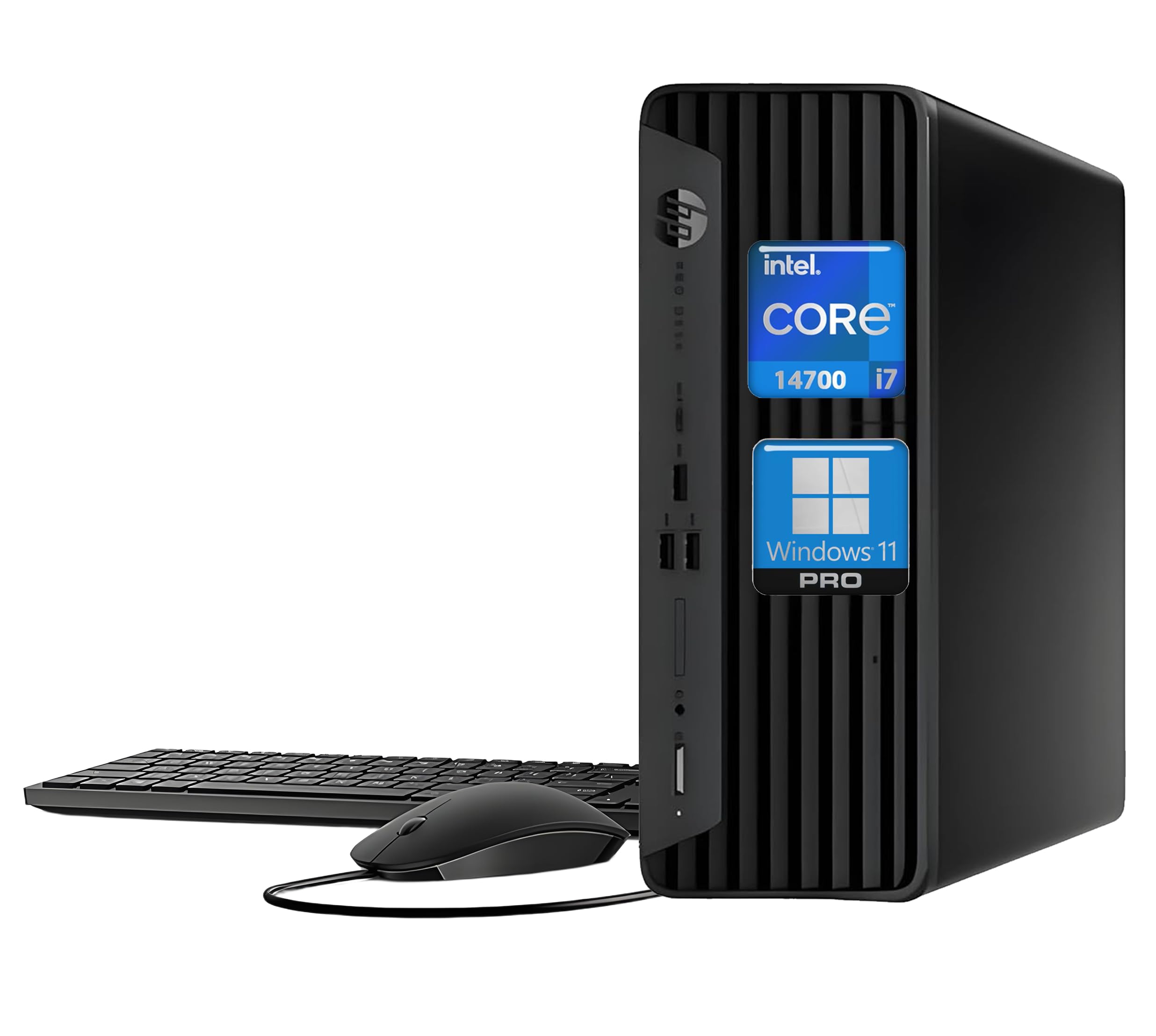
Desktop AI computers provide more computing power per dollar, more GPU VRAM for local AI workloads, better upgradeability, and larger displays. They are ideal for dedicated home offices, creative studios, and households where the computer lives on a desk and connects to a monitor. Desktops deliver the best price-to-performance ratio for local AI training and offer more GPU VRAM options.
Laptop AI computers offer the battery life improvements that NPUs enable less heat, less fan noise, longer sessions away from outlets plus the flexibility to move between rooms, travel, and work anywhere in the house. Even if AI isn't part of your daily life today, ignoring it as you buy a new laptop in 2026 would be a mistake, as AI is more prevalent than ever.
For most American households, a laptop AI computer is the more practical home choice because it doubles as both a home computer and a travel or work device. For dedicated home offices and users who prioritize maximum performance and upgradeability, a desktop AI computer or an AI-ready all-in-one delivers the better long-term value.
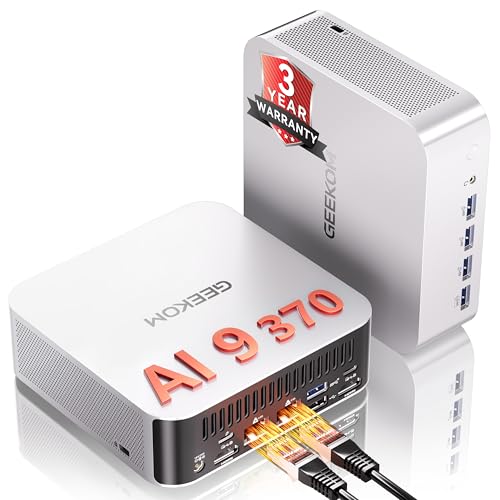
Who Should Buy an AI Computer for Home Right Now?
For everyone else, buying based on CPU performance, screen quality, and battery life with the NPU as a bonus rather than the deciding factor is still the better use of a laptop budget in 2026. That said, the home users who benefit most immediately and most meaningfully from an AI home computer in 2026 include:
Remote workers and hybrid employees who spend hours daily on video calls need reliable captions and transcription, and want background effects without the CPU load that drains batteries and slows machines during calls.
Students and researchers who work across dozens of sources simultaneously and will immediately benefit from intelligent on-device search, Recall, and AI writing assistance that processes documents privately without uploading sensitive academic work to cloud servers.
Content creators and hobbyists who generate images, edit video, write scripts, or produce podcasts, and want on-device AI tools that work offline, run without subscription fees, and do not require GPU server access.
Privacy-conscious households where keeping personal documents, family photos, voice recordings, and browsing activity on the device rather than in cloud servers is a meaningful priority.
Families buying a computer that needs to last. Give the largest weights to requirements that affect every hour of ownership: display, keyboard, battery life, application compatibility, memory, storage, weight, ports, support, and total price. Give the NPU and specific AI features a weight that reflects actual use. An AI computer purchased today is the machine best positioned to remain capable and relevant for the next four to five years as AI features continue expanding across every application category.
Final Thoughts: Choosing the Best AI Computer for Home
The best AI computer for home in 2026 is not simply the one with the highest NPU TOPS rating or the most Copilot+ features listed on the spec sheet. A Copilot+ badge is a starting point for comparison, not a complete buying decision. The label matters only when the hardware, Windows features, software compatibility, and price fit the work you actually do.
Start with the specifications that affect every hour of use: at least 16 GB RAM (32 GB if you plan to run local AI models), NVMe SSD storage of 512 GB or more, a display you enjoy looking at for long sessions, and a keyboard or input method that suits your daily workflow. Then confirm the machine carries a 40 TOPS NPU for Copilot+ eligibility and choose the processor family that best matches your software needs and operating system preferences.
An AI home computer bought thoughtfully in 2026 will be the most capable, most private, and most intelligent computer most American households have ever owned, and the AI features that feel like bonuses today will feel indispensable within 18 months as the software ecosystem catches up to the hardware revolution already sitting in store shelves and shipping from Amazon warehouses across the United States.