
Beelink SER9 Review for 2026: Which Version Should You Buy?
Disclosure: We may earn a commission when you buy through links on this page, at no extra cost to you. As an Amazon Associate I earn from qualifying purchases. Learn more

A beelink ser9 review sorting the SER9, Pro, and Max versions by chip, memory, ports, noise, and price against the older SER8.
The SER9 family is Beelink's newer line of Ryzen mini PCs, with Pro and Max variants that raise the ceiling over the SER8. This beelink ser9 review explains which version suits which buyer, what the chips offer, and where the family is strongest.
You will find notes on processors, memory, ports, noise, and price, plus advice on choosing between the models. The product table near the top lists the SER9 variants next to close rivals.
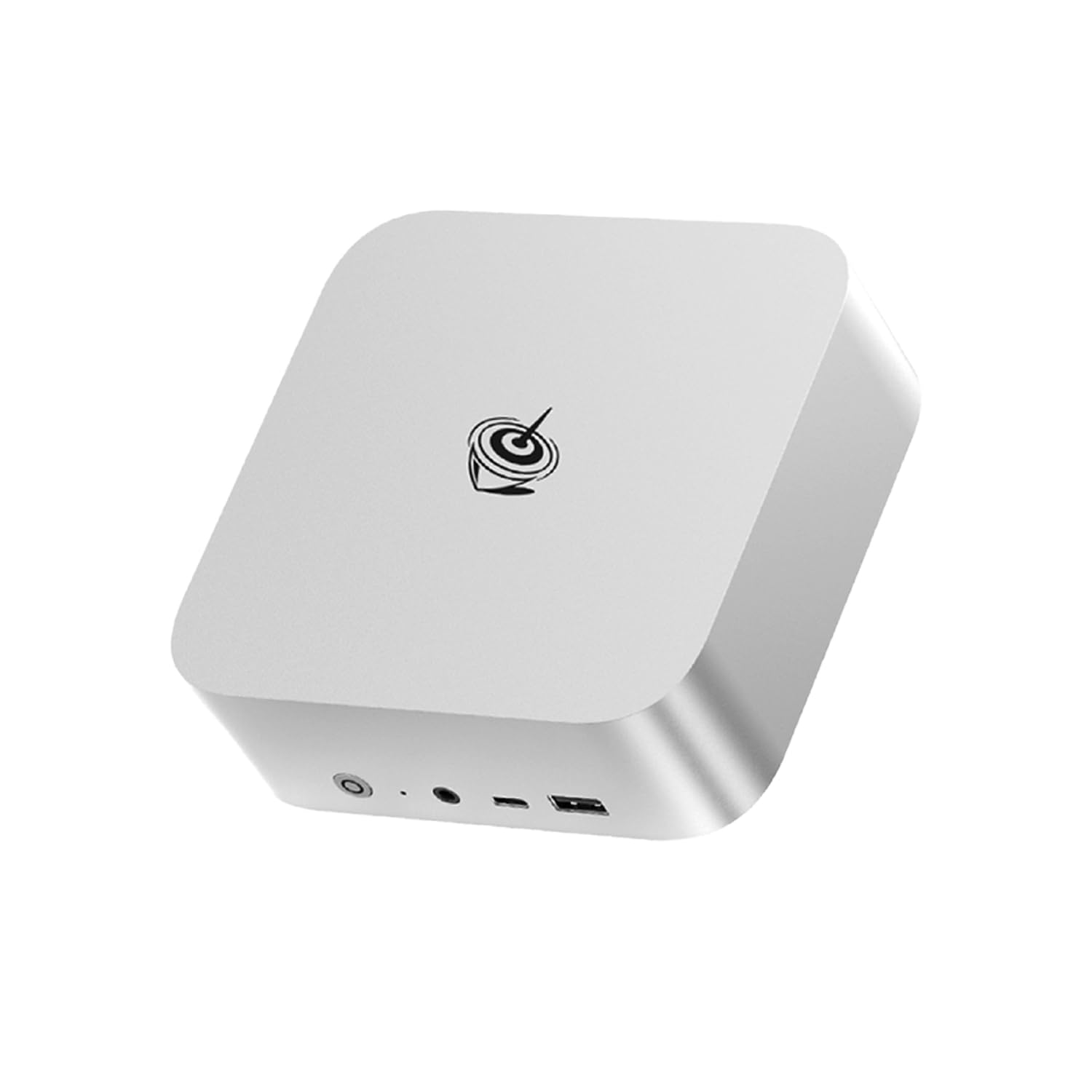

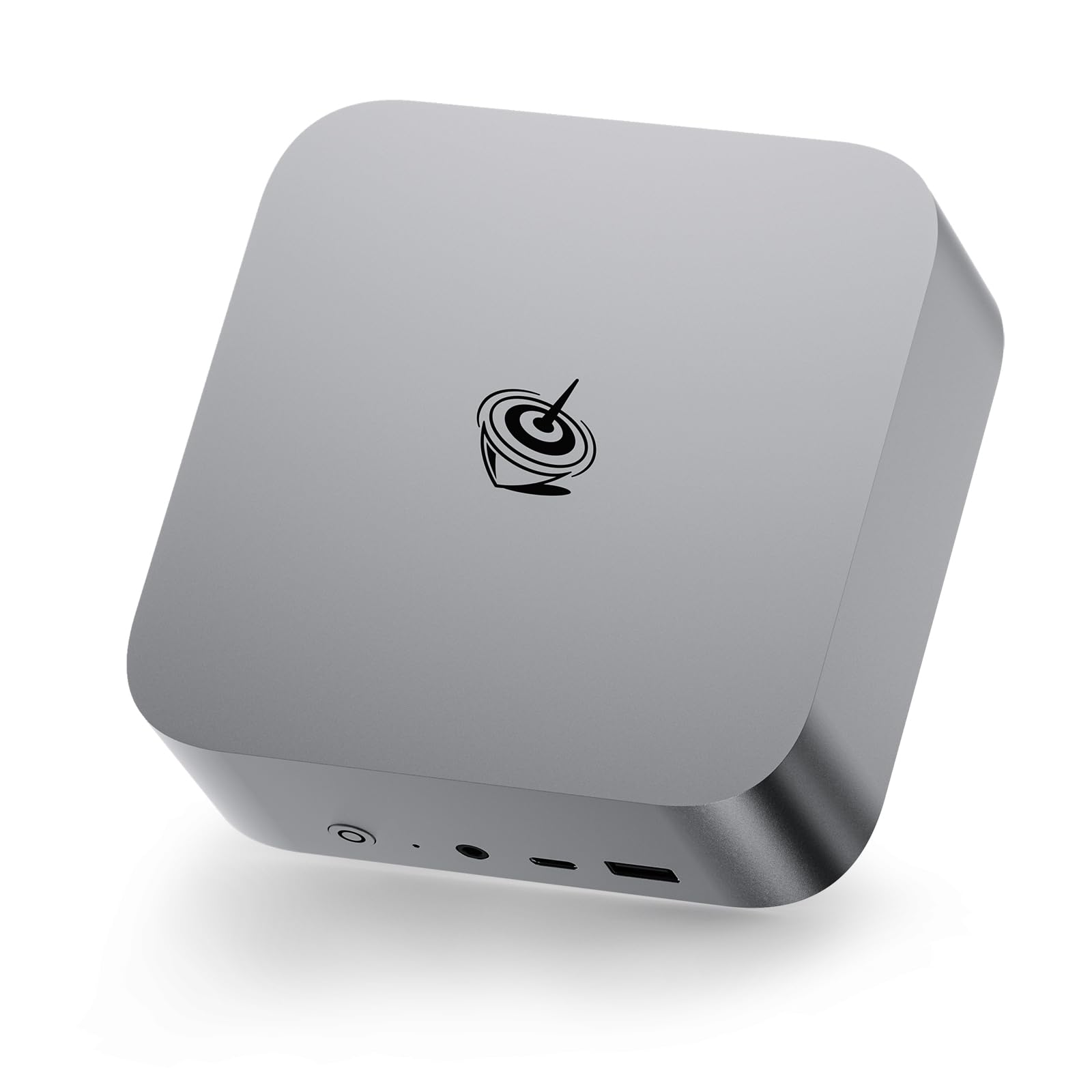


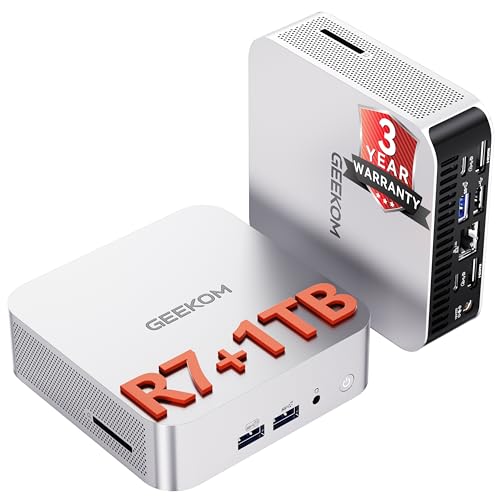
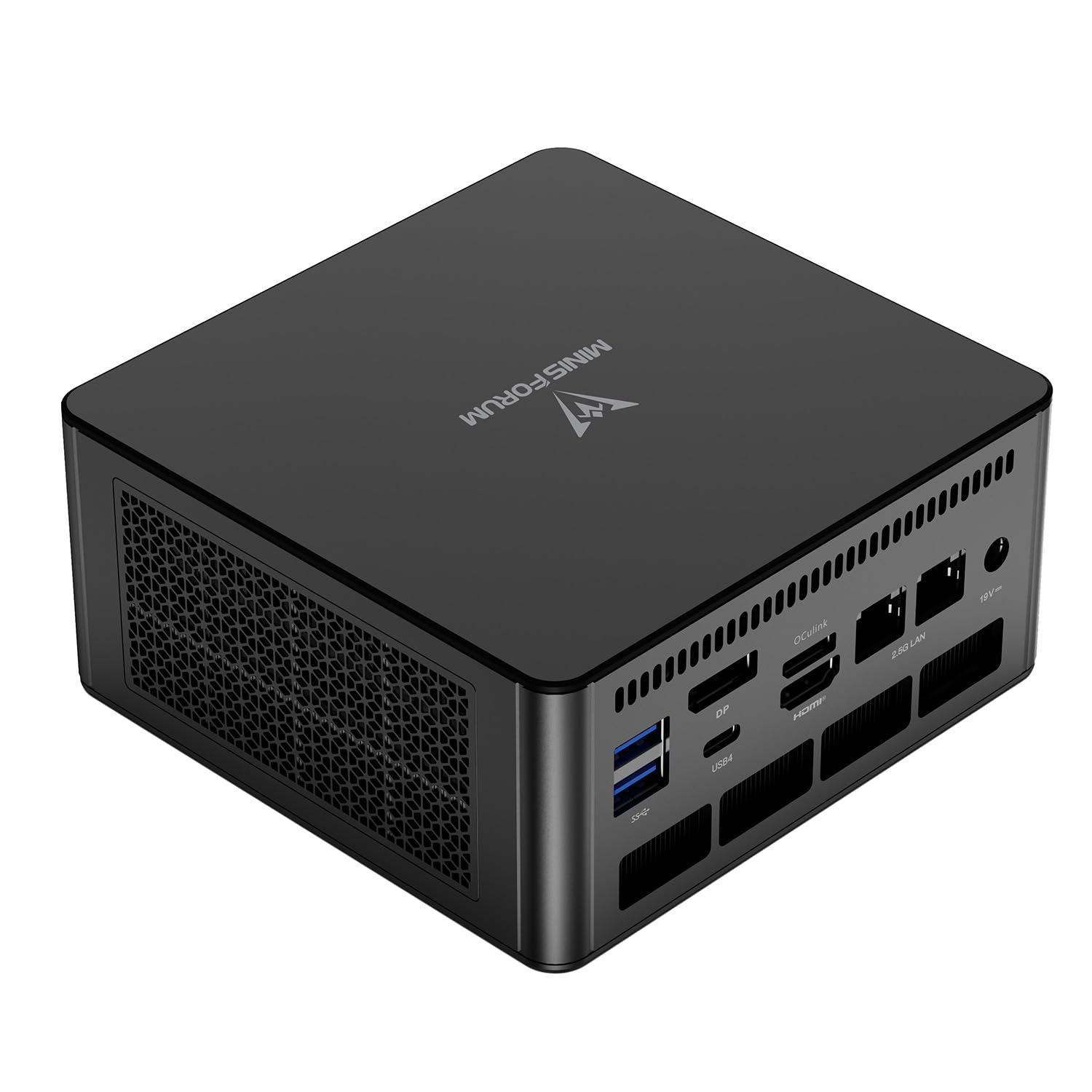

Beelink SER9 Review: The Family at a Glance
Current listings show several versions: the SER9 with a Ryzen AI 7 H 350 chip, the SER9 Pro with a Ryzen 7 H 255, and the SER9 Max with Ryzen AI 7 H 350 or a Ryzen R7 260 class chip in different configurations. Memory is LPDDR5X or DDR5, and SSDs use PCIe 4.0.
The naming is crowded, so always read the exact processor line in the listing. Two machines with the same SER9 name can differ in processor, memory, and price by a wide margin.
Performance and AI Features
All the listed chips have 8 cores and 16 threads, and the Ryzen AI parts add a neural engine meant for on device AI features. For everyday work the difference between versions is modest, and the top versions pull ahead in long exports, builds, and sustained loads.
AI features are still early. Some software can use the neural engine for background blur, noise reduction, or local assistants, but most daily tasks do not need it. Do not pay extra for AI unless you know a program you use benefits from it.
Graphics and Gaming
Integrated Radeon graphics in this generation handle 1080p gaming at moderate settings and make video editing smoother than older mini PCs. They do not replace a desktop graphics card, so keep expectations realistic for the latest games.
Fast memory matters for integrated graphics, so a LPDDR5X configuration often feels quicker in games than slower DDR5 kits. If gaming matters, compare memory speed in each listing.
Ports, Cooling, and Noise
Look at the ports listed for each version, including USB4, the video outputs, and the Ethernet speed. Those details change between configurations and decide how many monitors and accessories you can connect.
Cooling is generally capable but audible under load. Keep the vents clear and dust the case every few months. If you need a quiet room, use balanced power modes and avoid constant full load.
Which SER9 Version to Choose
- Choose the Pro for a strong all round machine at a lower price.
- Choose the Ryzen AI 7 versions if you want the newest chip and AI features.
- Choose the Max if you want top speed and can pay for it.
Our best mini PC guide and the Framework Desktop review help you compare against other designs, and the NVIDIA DGX Spark review shows a very different approach to compact computing.
SER9 Against the SER8
The SER8 is older and often cheaper. If you do not need the newest chip, a SER8 or another mini PC in the same class can be a better value. The SER9 makes sense when you want the newer architecture, faster memory, or AI features.
Setup, Updates, and Care
Install updates on day one, check that memory runs at its rated speed, and update the BIOS if needed. Mount the machine with airflow in mind, and keep it away from heat sources. Back up your data to an external drive or a cloud service.
Keep the warranty information and the packaging, in case you need a return or an exchange within the first weeks.
Price and Value Tips
Prices vary widely between SER9 configurations, from a modest Pro with 24GB of memory to a Max with 32GB and 2TB of storage. The most useful upgrade is usually more memory, while extra storage can be added later with an external drive.
Compare similar configurations, not just names, and check buyer comments for noise and stability. A well reviewed mid range version often beats an expensive top model in value.
Everyday Scenarios for the SER9
A remote worker with several monitors will enjoy the extra USB4 and display options. A photographer who edits large files benefits from the extra memory options, and a student who wants a single machine for coursework and games will find the integrated graphics good enough for casual play.
If you only browse and stream, a cheaper N series mini PC does the same job with less noise. Use your heaviest task as the guide, and avoid paying for headroom you never use.
Longevity and Resale Value
Newer chips tend to stay useful longer because software keeps getting heavier. A SER9 bought now should serve comfortably for several years of office and creative work. Machines with replaceable memory and storage can be refreshed later, which also helps resale value.
Keep the original box and accessories to help with resale, and clean the vents before you sell so the machine looks cared for.
A Short Buying Checklist
Match the processor name to your needs, check that memory is the type and size you want, and confirm the ports against your monitors and accessories. Read the warranty terms, look for a clear return window, and keep the box until you have run the machine for a couple of weeks. That routine catches most problems early.
Choosing a Seller and a Configuration
The same SER9 model appears from several sellers with different memory and storage. Pay attention to who ships and who services the warranty, and avoid listings with vague descriptions. If two offers look the same, prefer the one with a clearer return policy and a longer warranty, even if it costs a little more.
FAQs
Is the SER9 better than the SER8?
It uses newer chips and faster memory in many versions, so it is usually quicker, but it also costs more.
What does AI mean on a mini PC?
It means a neural engine for AI tasks. It helps with a few apps, but most daily tasks do not use it.
Which version is the quietest?
Noise depends on load and the cooling design, so read recent buyer comments for each version.
Is it good for creative work?
It handles photo editing and light video work well, and more memory helps with larger projects.
For a newer chip in a compact case, this beelink ser9 review finds a strong family, and the table above helps you pick the right version. Prices and availability can change, so check the product page before ordering.


