
Beelink SER8 Review for 2026: Ryzen Power in a Small Box
Disclosure: We may earn a commission when you buy through links on this page, at no extra cost to you. As an Amazon Associate I earn from qualifying purchases. Learn more

A beelink ser8 review of the Ryzen 7 mini PC: everyday speed, integrated graphics, ports, noise, and the rivals worth comparing on price.
The SER8 is Beelink's Ryzen 7 mini PC for people who want desktop speed in a box small enough to hide behind a monitor. This beelink ser8 review walks through the processor, graphics, ports, cooling, and the buyer types who will enjoy it most.
You will also see how the SER8 compares with the newer SER9 family and with rival mini PCs, plus what to check before you pick a configuration. The product table near the top lists the models side by side with current prices.


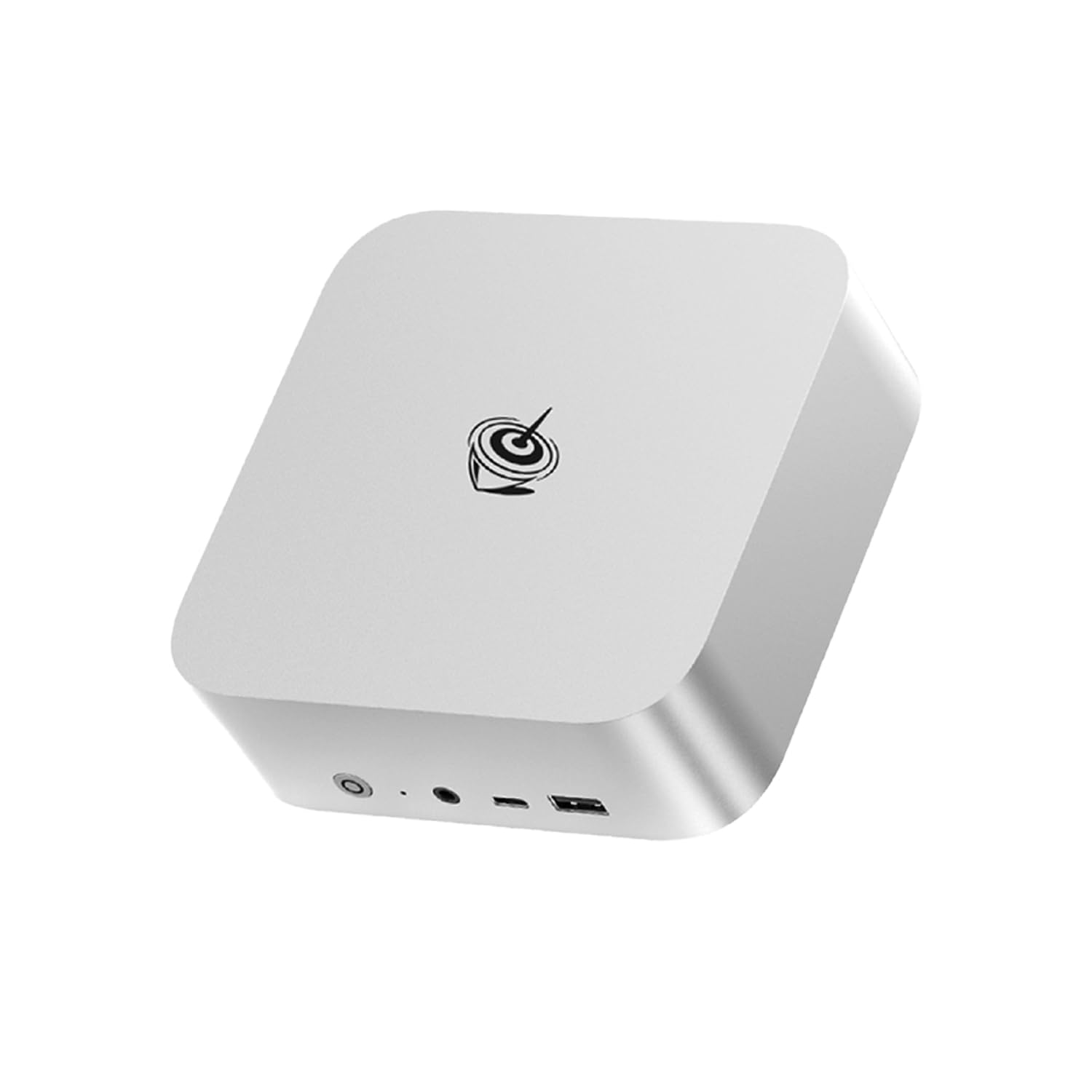
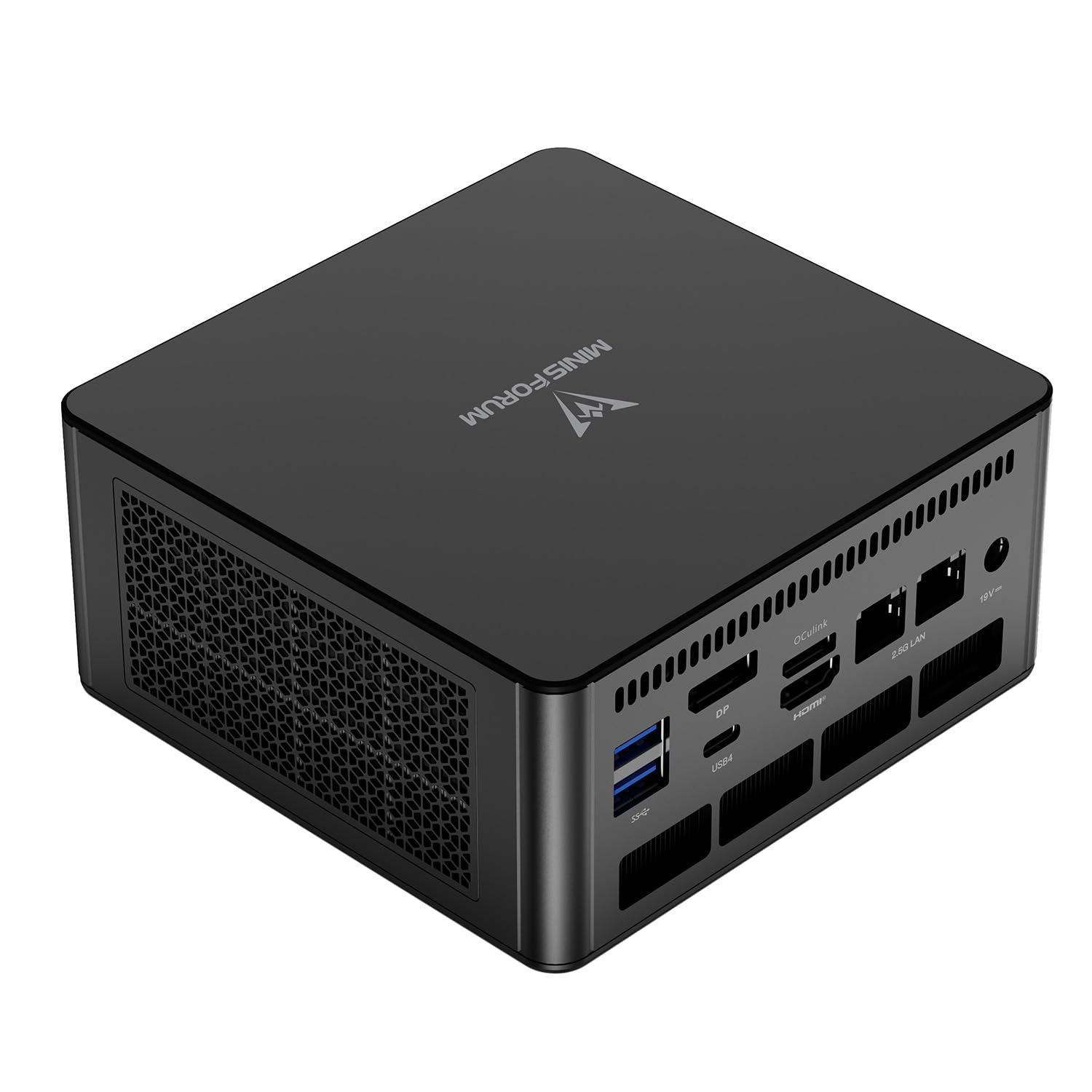
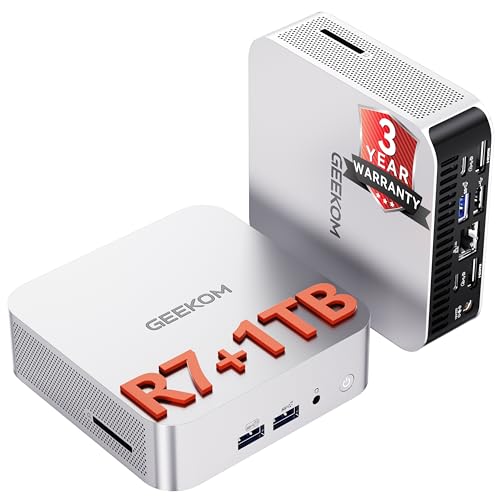


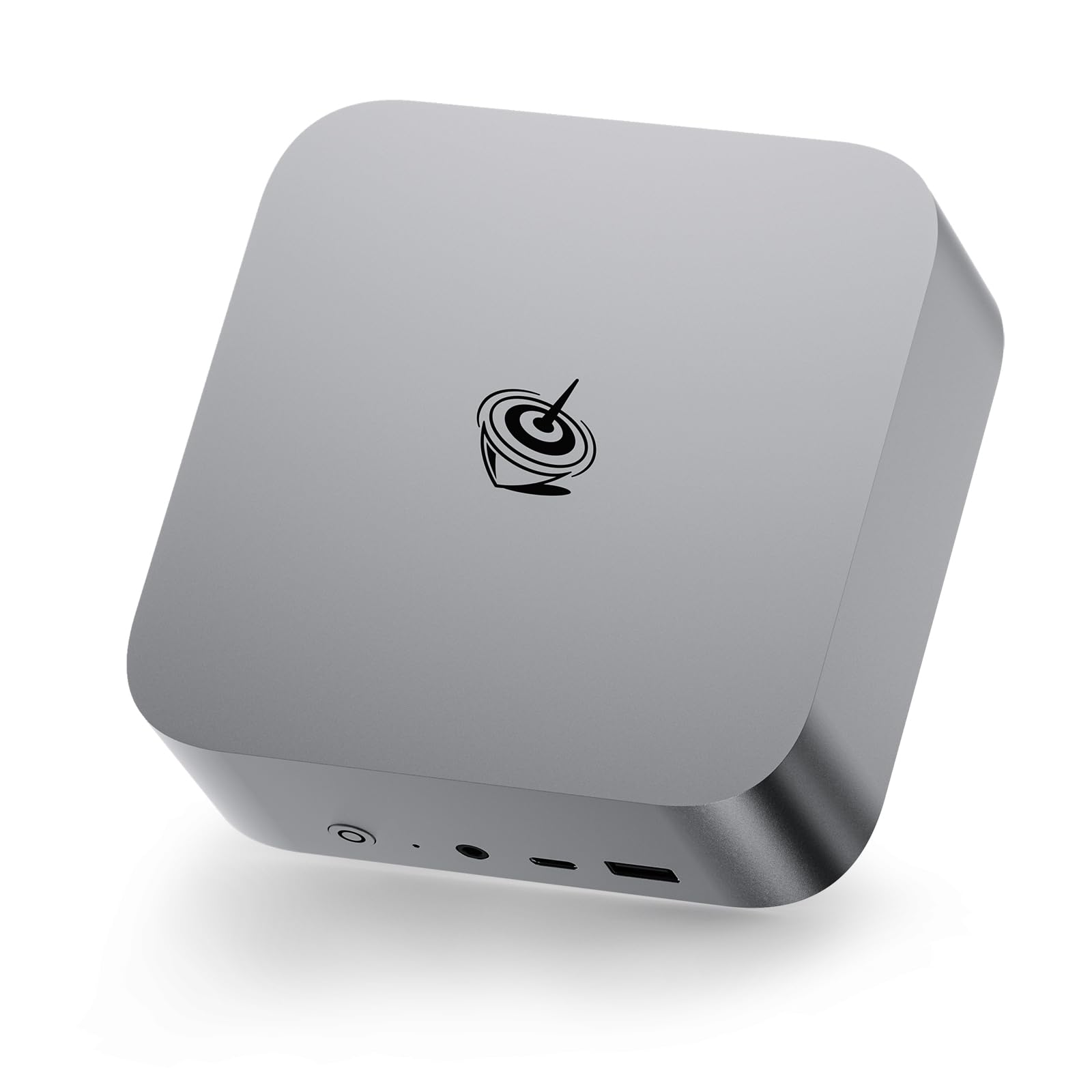
Beelink SER8 Review: Processor and Everyday Speed
Current listings show SER8 configurations with an AMD Ryzen 7 8745HS or 8845HS, each with 8 cores and 16 threads and boost clocks near 4.9GHz. Those chips come from the laptop family, which explains the strong performance per watt and the small fans that fit in a tiny case.
For daily work the SER8 feels fast. Large spreadsheets, dozens of browser tabs, photo editing, and light video editing all run comfortably. Compilers and virtual machines are fine as long as you give the machine enough memory, so look for 32GB if that is your plan.
Graphics and Gaming Expectations
The Ryzen 7 8745HS includes integrated Radeon graphics. That is enough for older and lighter games, esports titles at modest settings, and smooth video playback at high resolutions. It will not match a desktop with a separate graphics card, so set expectations around 1080p with lowered details.
If gaming is your main reason to buy, compare the SER8 with a mini PC that offers stronger graphics or an external graphics dock. If you mostly work and sometimes play, the integrated graphics are a pleasant bonus.
Memory, Storage, and Configuration Choices
Listings differ in memory size, storage size, and whether Windows is pre-installed. Most buyers should choose DDR5 memory in at least a 16GB size, and 32GB if you run virtual machines or large files. A PCIe 4.0 SSD in the 1TB class gives fast loading and enough space for most people.
Barebone versions skip memory, storage, or the operating system. They can save money, but you must add parts yourself, so choose one only if you are comfortable with an installation and a licence for Windows or a Linux install.
Ports, Cooling, and Noise
A mini PC lives or dies by its ports. Check the listing for USB-C or USB4 support, the number of video outputs, and the networking speed, because the exact mix varies between versions. A second display adds a lot of productivity, so confirm that the outputs match your monitors.
Under load the fan becomes audible, but it stays reasonable for an office. Keep the vents clear, avoid enclosing the box, and dust it out every few months. Leave a few inches of space on each side for airflow.
SER8 Against Its Neighbors
The SER9 family uses newer chips and is priced higher, while rivals like Minisforum offer stronger processors at similar money. Our direct comparison, the Beelink SER8 vs Minisforum UM890 Pro article, goes through those trade offs, and the Beelink SER8 alternatives guide lists models worth a look.
The best mini PC guide and the Framework Desktop review help you decide whether a small box or an upgradeable desktop makes more sense.
Who Should Buy the Beelink SER8
- Home office workers who want a fast, small desktop.
- Developers who need a quiet machine for builds and containers.
- Creators who edit photos and short videos on a desk with limited space.
- Light gamers who want an all in one system without a bulky tower.
Skip it if you want upgradeable graphics, if you need a very low price, or if you want the newest chip generation. Buyers in those groups should look at the SER9 family or a full size desktop.
Setup and Care
Install updates for Windows and the chipset drivers first. Then check that the BIOS is current and that memory runs at its rated speed. Keep the machine away from heat sources and avoid closing it into a cabinet without ventilation.
Back up your data to an external drive or a cloud service on a schedule. A small desktop is easy to move and, like any computer, can fail without warning.
Power Use, Running Costs, and Placement
Laptop class chips sip power compared with a tower, so a mini PC left on all day costs little to run. That makes the SER8 a sensible choice for a home office that works eight hours a day or a small server that never sleeps. Use the power plan in Windows to let the machine idle low when you step away.
Because the box is small, think about where it sits. A VESA bracket behind the monitor frees the desk, while a shelf next to the router suits a media setup. Avoid stacking it under books or on thick carpet, where dust and heat build up faster.
What to Expect From Updates and Support
Beelink ships updates through standard Windows and driver channels, so you rarely need special tools. Keep an eye on the BIOS version, since newer ones can improve memory compatibility and cooling. Register the warranty on day one and keep the invoice, because mini PCs are often covered through the seller instead of at a local store.
If something goes wrong in the first weeks, such as a noisy fan or unstable Wi-Fi, document it with a short video and contact the seller before the return window ends.
FAQs
Is the SER8 good for 4K video editing?
It can handle light 4K projects, especially with 32GB of memory, but long projects and heavy effects will be slower than on a desktop with a dedicated graphics card.
Does the SER8 come with Windows?
Many listings include it, and barebone versions do not. Read the listing carefully before ordering.
How many monitors can it drive?
It supports several displays through its video outputs. Count the outputs on your exact configuration and match them to your monitors.
Can I upgrade the memory later?
Many SER8 versions use replaceable memory and storage, but check the listing to confirm before you buy.
For speed in a small footprint, this beelink ser8 review finds a strong all round mini PC, and the table above helps you pick the right configuration. Prices and availability can change, so check the product page before ordering.


