
Best 10 Inch Android Tablets Under 200: Buying Guide for 2026
Disclosure: We may earn a commission when you buy through links on this page, at no extra cost to you. As an Amazon Associate I earn from qualifying purchases. Learn more

Best 10 inch android tablets under 200 explained: what a small budget buys, how to read memory claims, and how to compare prices.
Tablets in the 10 inch class suit streaming, reading, video calls, and light games, and the best 10 inch android tablets under 200 deliver a bright screen and a decent battery without a premium price. This guide explains which specifications matter at this budget and which marketing claims to ignore.
The product table near the top lists current Android tablets priced under the cap, from well known brands and lesser known makers. Compare them there, then use the sections below to decide.
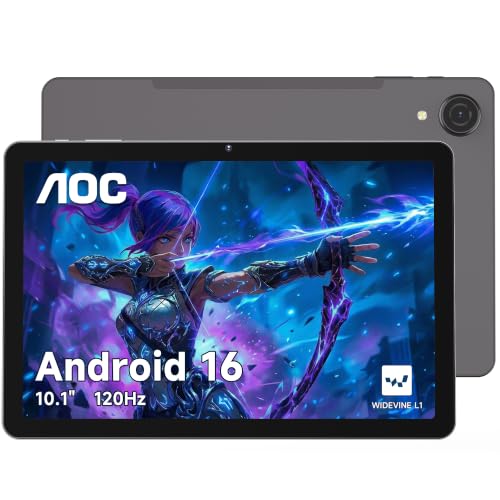
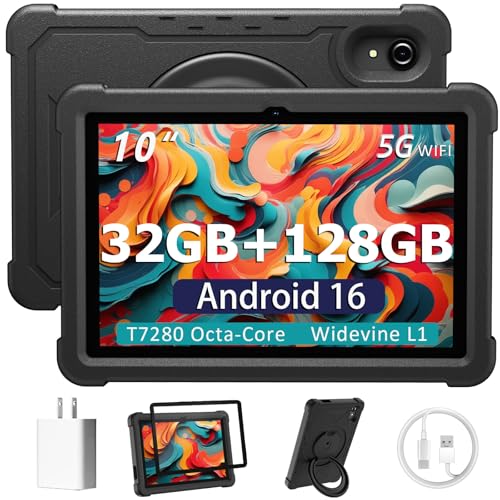
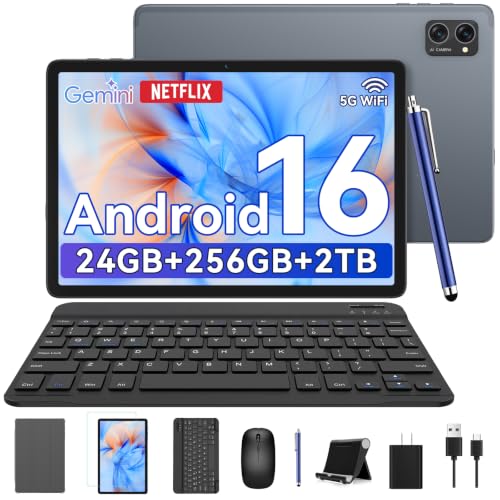

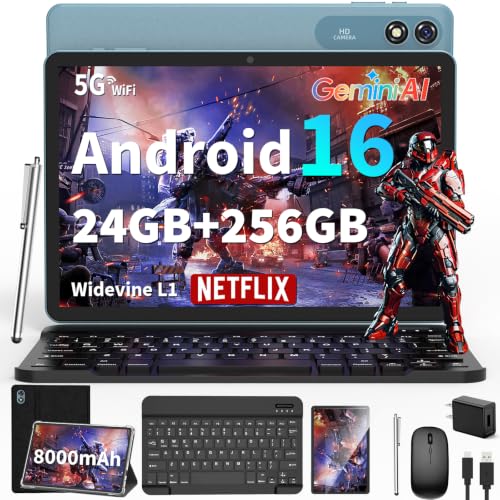

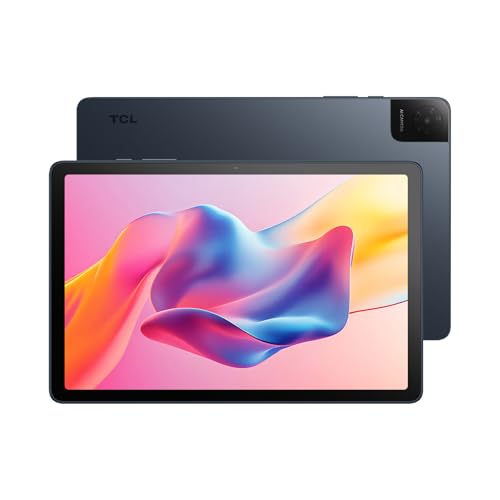

What You Can Expect Under 200 Dollars
At this price, a tablet gives you a good size screen, enough power for video and everyday apps, and basic cameras. You will not get the speed of a premium tablet, so expect longer app loading and limited gaming performance.
Still, a 10 inch tablet at this budget is a great screen for kids, reading, streaming, and a kitchen or bedside device.
Best 10 Inch Android Tablets Under 200: Screen and Display
Look at the resolution, the brightness, and the panel type. A full HD IPS screen looks sharp and has wide viewing angles. A low resolution panel looks grainy for text and video, and a dim panel is hard to use outdoors.
Some listings mention a 120Hz refresh rate, which makes scrolling smoother. It is a nice bonus but not essential.
Performance, RAM, and Storage
Many tablets in this range list large RAM numbers, sometimes including "virtual" memory that borrows from storage. Treat those figures with care. What matters is the processor and the real RAM, which is usually 4 to 8 gigabytes at this price.
Storage of 64 or 128 gigabytes is common, and a microSD slot lets you add more. Choose at least 64 gigabytes if you install many apps.
Android Version and Updates
Check the Android version and whether the maker promises updates. Cheaper tablets from lesser known brands may not get security updates, which matters for a device that stores accounts. Established brands tend to offer longer support.
Also check for Google Play support, which gives access to the full app store.
Battery Life and Charging
Battery capacity is quoted in milliamp hours, and larger is usually better. Real life depends on the screen and the use. Look for a tablet that lasts a full day of video, and check buyer comments for real battery life.
USB-C charging is standard now, and a fast charger helps. Confirm that a charger is included.
Kids, Keyboards, and Extras
Some tablets bundle a keyboard, a stylus, or a case. A bundle can be convenient, but the extras are often basic. A kids focused tablet includes a protective case and parental controls, which is useful for families.
Check what is included and decide whether you need it. A good case is worth buying for any tablet.
Price and Value
At this budget, small differences in price can mean a lot in quality. Compare the screen, the RAM, the storage, and the brand reputation, and watch for deals. A tablet near the cap often offers a noticeably better screen and processor than one half the price.
Read recent buyer comments, and check the return policy.
Who Should Choose Which
- Streamers and readers: a bright, sharp screen and a long battery.
- Families: a tablet with a sturdy case and parental controls.
- Students: a tablet with a keyboard and enough storage.
- Budget buyers: a tablet from an established brand with update support.
Related guides include the best 10 inch tablets under 200, best 10 inch tablets under 200 dollars, best Android tablets under 200, and best Android tablets 10 inch.
Checks to Run After It Arrives
Once the tablet arrives, check the screen for dead pixels with a plain white and a plain black image, and make sure the touch response is smooth across the whole panel. Run a video for an hour to see how the battery behaves, and try both the front and rear cameras. Use the return window if anything feels wrong, because early problems are much easier to fix than later ones.
Update the system and the apps first, set up a screen lock, and add a protective case. A tablet at this price takes knocks, and a case and a screen protector are cheap insurance.
Parental Controls and Family Use
Android includes tools to restrict apps and screen time, and you can set up a separate profile for a child on many tablets. Check that the tablet supports these features, and consider a kid friendly case with a stand and a handle. If the tablet will be shared, a separate account keeps your data private.
Set up the Play Store with a parent account, and review installed apps from time to time.
Accessories That Make a Difference
A simple stand or a case with a fold out stand turns the tablet into a handy screen for recipes and video calls. A Bluetooth keyboard turns it into a writing device, and a pair of wireless earbuds makes it a travel entertainer. A microSD card adds room for downloaded movies and books.
Common Mistakes
Do not trust giant memory claims in listing titles, and do not skip the Android version. Do not ignore the screen resolution, since a low resolution panel looks worse than a smaller, sharper one. And do not forget to check the return policy for a lesser known brand.
Questions to Ask Before You Order
Who will use the tablet most, and for what? Do you need a keyboard, or only a screen? Is a long battery more important than a fast processor? Matching your answers to the table above narrows the choice to a handful of tablets, and the return policy covers any mistakes.
Price Ladder at a Glance
Tablets near the cap often have brighter screens and faster processors than those at half the price. Spend as much of your budget as you comfortably can, because small increases buy noticeable quality at this price level.
FAQs
Are cheap tablets worth it?
For video, reading, and light use, yes. For heavy gaming or work, spend more.
Is more RAM always better?
Real RAM helps, but virtual RAM claims add little.
Do these tablets get updates?
It varies by brand, so check the listing.
Can I add storage?
Many include a microSD slot.
The right pick from the best 10 inch android tablets under 200 balances screen, battery, and brand support, so compare the options in the table above before ordering. Prices and availability can change, so check the product page before ordering.


