
Best 10 Inch Tablets under 200 Dollars: What Each Price Step Buys (2026)
Disclosure: We may earn a commission when you buy through links on this page, at no extra cost to you. As an Amazon Associate I earn from qualifying purchases. Learn more

What $60, $120 and $200 buy: a price-ladder guide to the best 10 inch tablets under 200 dollars, with real spec checks and refurbished tips.
Two hundred dollars is a useful dividing line in the 10 inch tablet market: below it you mostly choose between basic media tablets, and near it you start to get sharper screens, better build quality and software that keeps getting updates. The best 10 inch tablets under 200 dollars are the ones that put the money where you feel it every day.
This guide looks at the price ladder inside that budget, from about $60 to $200, and explains what each step buys. The product table lists tablets across those steps so you can find the right level.
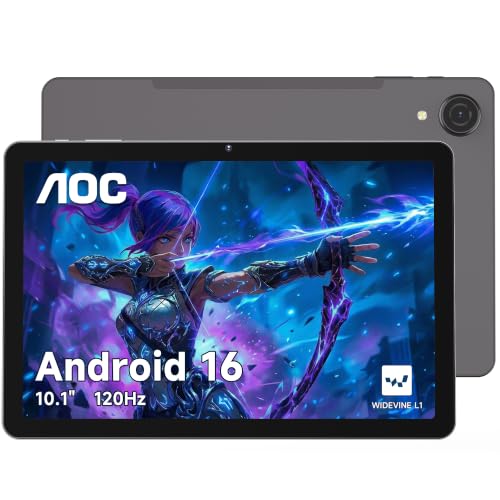
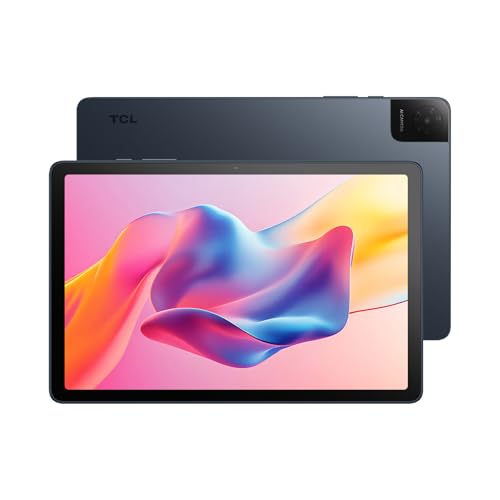


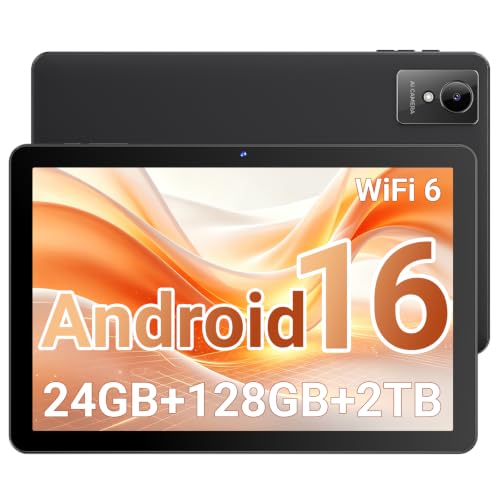
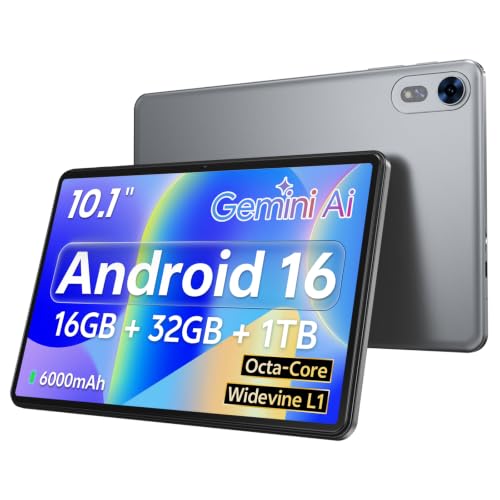
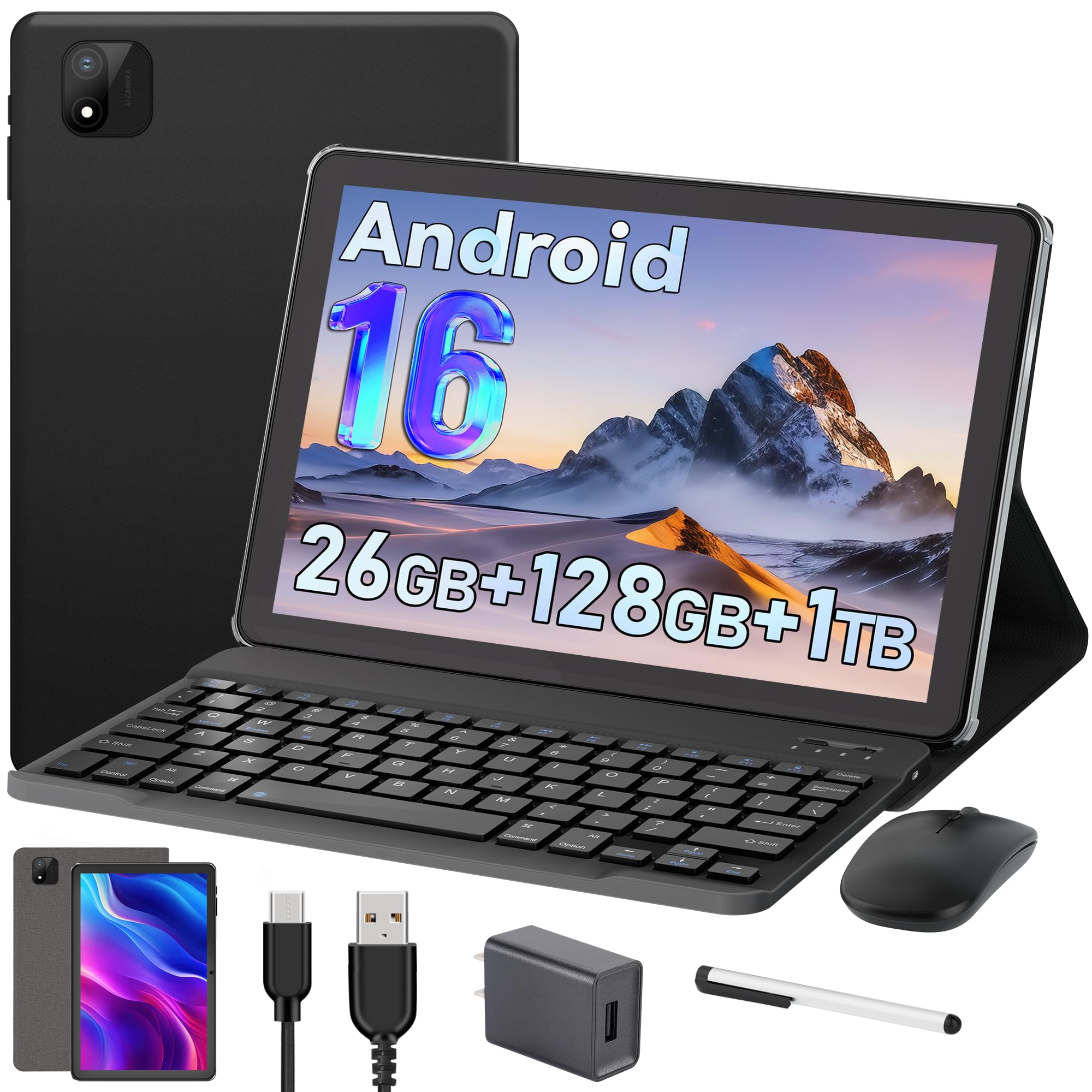
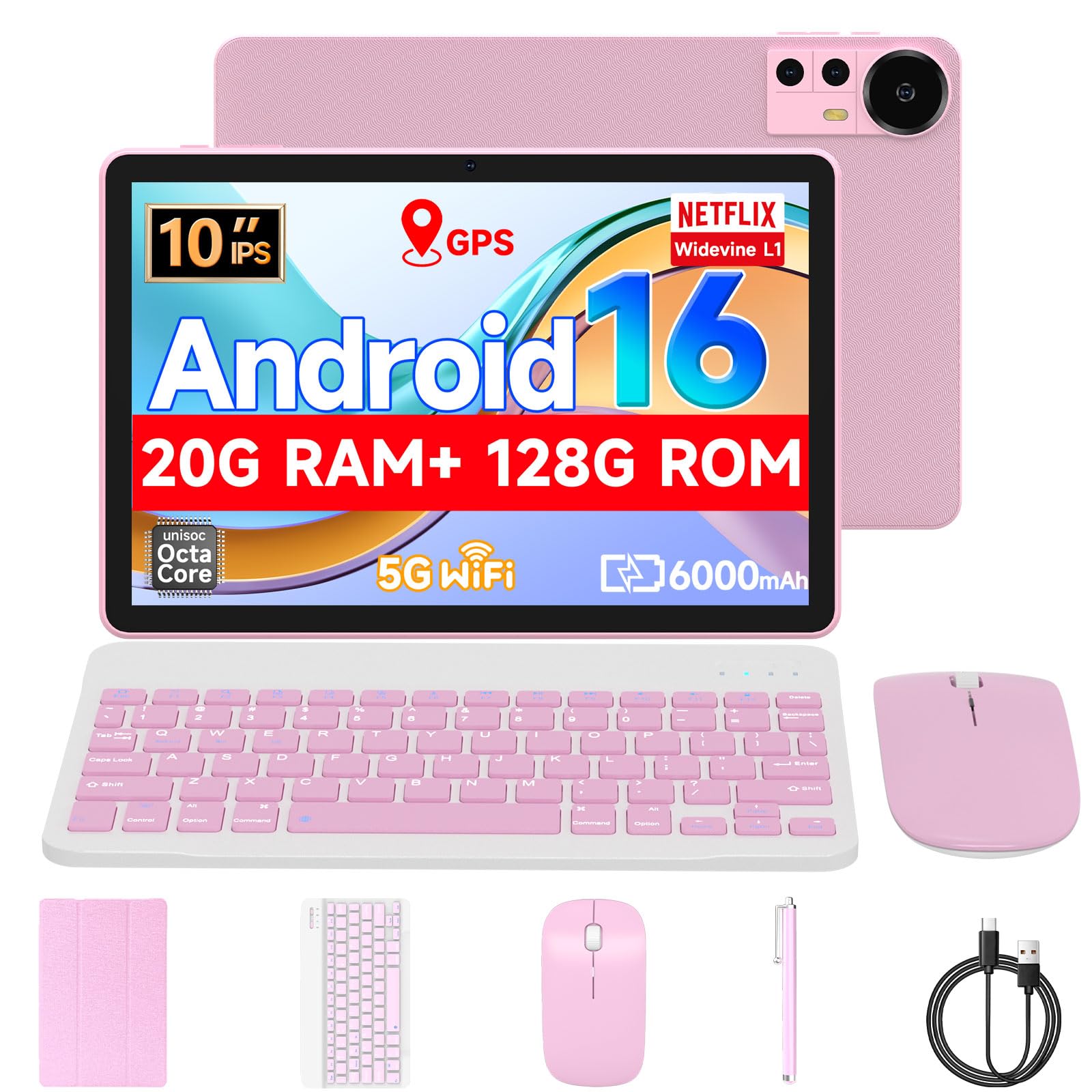

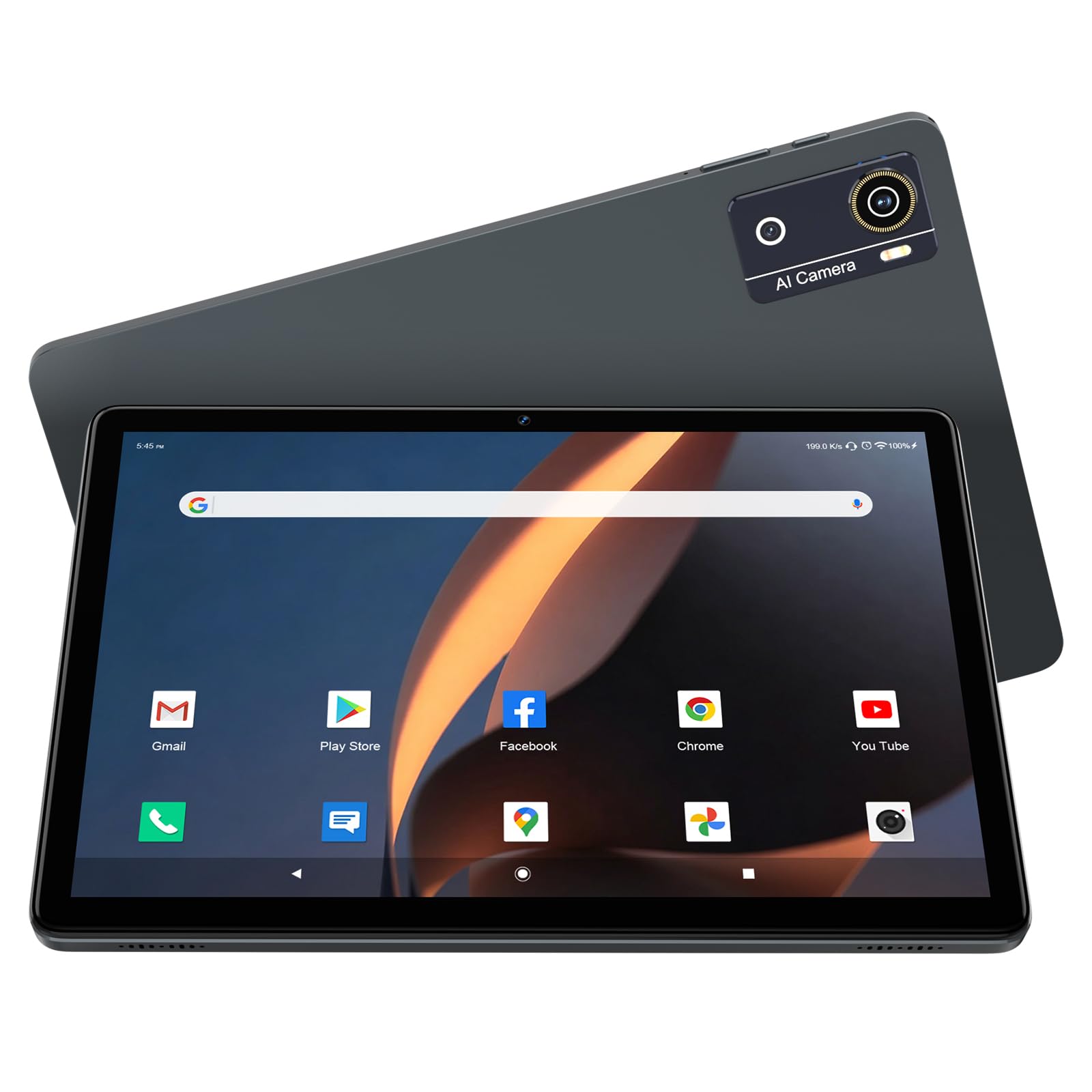
The $60 to $90 Step
At the lowest prices, you get a working Android tablet with a modest screen, plastic build and a basic camera. It suits video for the kids, a kitchen recipe screen or a travel device. Performance is slow when you open many apps, and software support is thin. Treat these tablets as inexpensive and replaceable.
The $90 to $130 Step
A little more money buys more real memory, better storage, a brighter screen and a more reliable touchscreen. Many tablets here come with a case or a keyboard. This is the sweet spot for casual users who want a bit of speed without paying for premium features.
The $130 to $200 Step
At the top of the budget you can reach tablets with a Full HD screen, a stronger processor and clearer update support. Some are made by well-known brands and some are Amazon's own tablets. These are the models to choose if the tablet will be your main device for reading, video and school.
Reading the Specs Honestly
- RAM: look for the real figure. Extra "virtual" memory does not behave like real memory.
- Storage: 64GB is a practical start, 128GB if you download video.
- Screen: Full HD is sharper than 1280 by 800, and brightness matters near windows.
- Battery: around 6000 mAh is common and lasts a day of mixed use.
- Cameras: modest at this price, fine for calls.
Who Should Spend Closer to $200
If the tablet is for a student, a frequent traveler or a family room, spending more brings a longer life and fewer frustrations. If it is a second device for casual use, the lower steps are fine. Think about how long you plan to keep it, since a tablet that lasts three years costs less per month than a cheap one you replace in one.
Accessories You Might Need
A case with a stand keeps the screen safe. A keyboard turns the tablet into a note-taker. A microSD card adds storage cheaply. A screen protector helps with kids. Keep the total cost in mind, since accessories add up.
Choosing the Best 10 Inch Tablets Under 200 Dollars
Choose a step in the ladder, then compare screen, real memory, storage and brand support. Check buyer comments for touch response and battery life. If you are unsure, pick a tablet from the upper steps, since the screen and update support matter every day.
For related reading, see best 10 inch android tablets under 200 and best tablets under 200 dollars.
Cost Per Year of Use
A $70 tablet that lasts one year costs more per month than a $190 tablet that lasts four. If you plan to keep the tablet for school years or for a long period, the upper steps of the budget make sense. If it is a travel tablet used a few weeks a year, the lower steps are fine. Think about use, not just the sticker price.
What to Look for in Buyer Photos
Buyer photos reveal what the listing does not: screen glare, thick bezels, the way the stand sits and how bright the screen looks in a normal room. Look for photos with the screen on, and for comments about touch response and speaker volume. A tablet with a washed-out screen in photos will feel disappointing no matter what the title promises.
Protecting Your Purchase
Keep the order record and the box for the return period. Update the tablet and set a screen lock the first day. If you buy a refurbished or open-box tablet, check the warranty terms and the battery condition. A short return window is a good reason to check the tablet thoroughly in the first week.
Fire Tablets and Kids' Models
Amazon's tablet line is a good choice if your household already uses Amazon video and books, and kids' models add a protective case and a replacement promise. Third-party kid tablets often include a case and parental controls too. Compare the actual cover quality, since flimsy foam covers are common in bundles.
Sound, Cameras and Everyday Details
Small speakers on cheap tablets sound thin, so a pair of headphones or a small Bluetooth speaker improves movie nights at once. Cameras are good enough for video calls and scanning documents, but they will not replace a phone camera. Look for a headphone jack or reliable Bluetooth, a microSD slot and a USB-C port, since these everyday details decide how convenient the tablet feels.
When you compare two similar tablets, pick the one with the better screen and the clearer support page. Spending a little more on those two points makes the whole experience better than any extra gigabyte of storage.
Refurbished and Last-Generation Tablets
Within this budget a refurbished or last-generation tablet from a well-known maker can beat a new generic one. Look for a seller that states the condition and offers a return window, and check the battery health and the software version. A well-supported older model often feels faster and lasts longer than a new tablet with no update plan.
Whichever route you choose, keep the receipt, try every port and the camera in the first week and store the box for easy returns.
Frequently Asked Questions
Is $200 enough for a good tablet?
Yes, for everyday tasks. You can get a sharp screen and decent performance.
Should I buy the cheapest tablet?
Only if you need a basic device. Spending a bit more brings better screens and support.
Do tablets come with chargers?
Most do, but check the charger type and charging speed in the listing.
Can I use a budget tablet for work?
For email and documents, yes. For heavy work, a laptop is better.
Final Thoughts
Pick the step that matches how long you want the tablet to last. The best 10 inch tablets under 200 dollars give you a sharp screen and reliable performance for daily use. Prices and availability can change, so check the product page before ordering.


