
Best 11 Inch Tablets: Big-Screen Tablets for Reading, Video and Light Work for 2026
Disclosure: We may earn a commission when you buy through links on this page, at no extra cost to you. As an Amazon Associate I earn from qualifying purchases. Learn more

An 11-inch screen suits video and reading. Learn how to read specs and claims when choosing the best 11 inch tablets, from a name-brand model to value picks.
Eleven inches is the size where a tablet starts to feel like a small laptop: big enough for split-screen apps, comfortable for video and roomy for reading. This guide to the best 11 inch tablets explains how to read the specifications on crowded listings, where bundles with keyboards make sense and which models suit rough use.
The table above lists current 11-inch Android tablets, from a name-brand model to value and rugged options. The sections below help you separate real features from marketing.



Why an 11-Inch Tablet
A larger display shows more of a web page, a comic or a spreadsheet and gives video more presence. In landscape mode with a keyboard case, an 11-inch tablet works well for email, notes and documents, and it travels better than a laptop. It is also big enough for two apps side by side.
The cost is weight, which grows with the screen, and a larger tablet is harder to hold one-handed for long reading sessions. If you read in bed, think about the weight of the model you choose.
How to Choose the Best 11 Inch Tablets
Read the Memory Claims Carefully
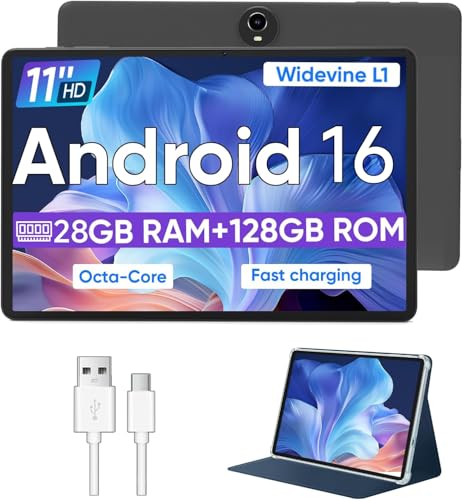
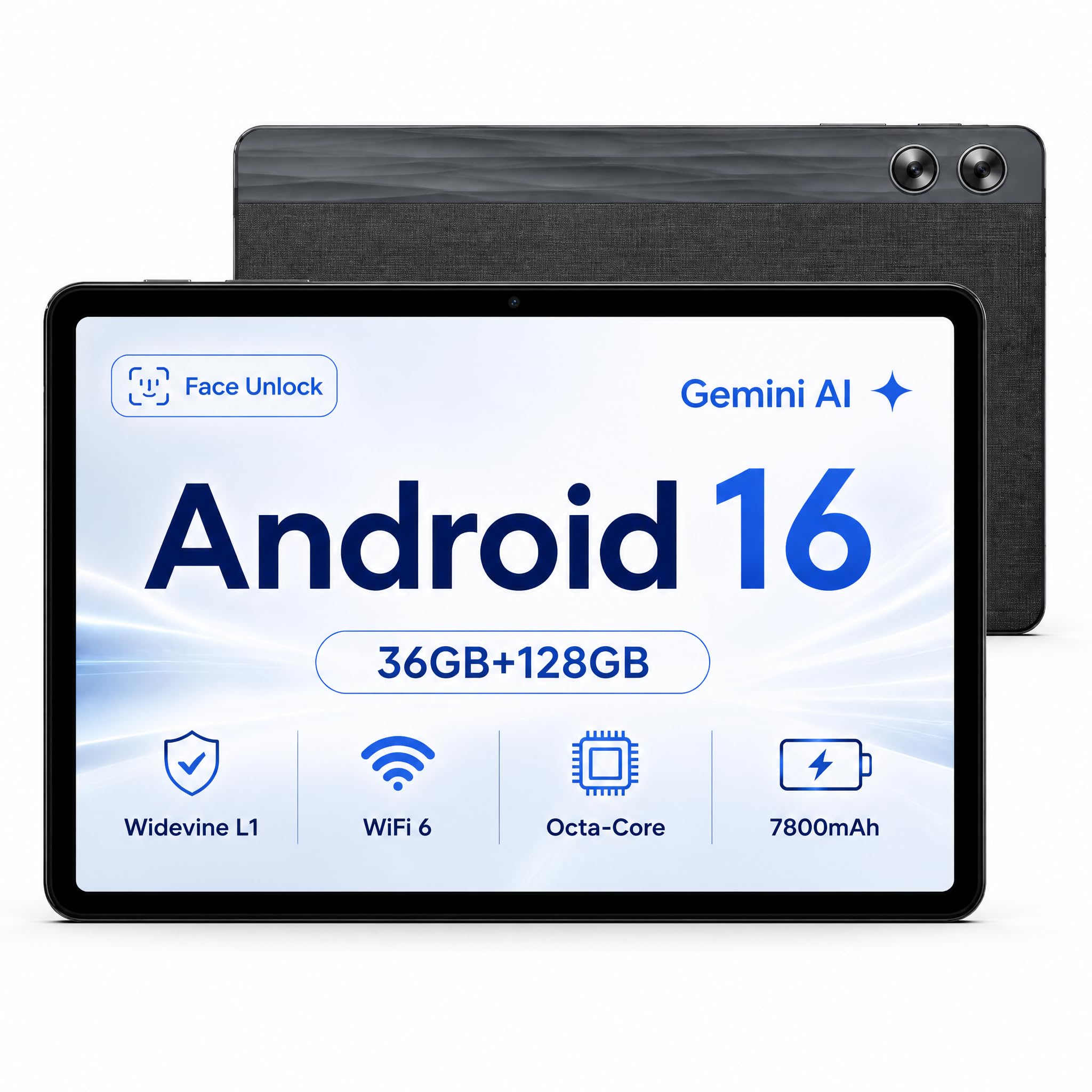
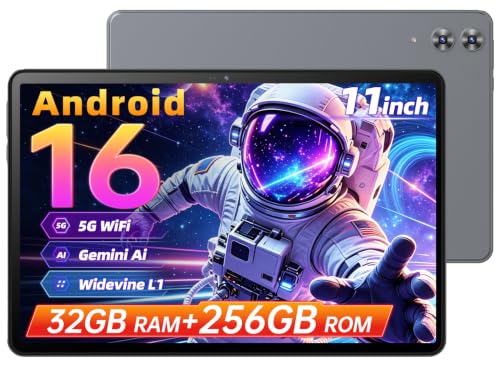
Many value listings add the physical memory and a virtual memory figure and show a large combined number. Virtual memory uses part of the storage to act as memory and is slower. Look for the physical memory figure, and be skeptical of totals that look too high for the price.
Storage and Expansion
Check the built-in storage and whether a memory card slot exists. Storage claims that include a maximum card size describe what the slot can accept, not what you get in the box.
Display Quality
Brightness, resolution and panel type decide how pleasant the screen is. Higher resolution gives crisper text. A brighter screen helps outdoors, and a laminated display feels more direct to the finger. If you read a lot, check eye comfort features, and watch for glare.
Processor and Speed
Entry processors handle video, reading and light games. Heavier games and multitasking benefit from stronger processors. Do not expect desktop performance from a budget tablet.
Software and Updates
Many value tablets ship with a recent Android version but promise few updates. A tablet from a larger maker usually gets longer support, which matters if you keep it for years. Look for the update period when it is stated.
Battery and Charging
Large screens need large batteries. Check the capacity and the charger type. USB-C charging is convenient. Slow charging on a big battery can take hours.
Keyboard and Stylus Bundles
Some listings include a keyboard case, a mouse and a stylus. They can be useful if you want laptop-like use, but check that the keyboard connects reliably and the layout is comfortable. A bundle with weak accessories is worse than a plain tablet with a separate good keyboard.
Rugged Models
Rugged tablets resist drops, dust and water and often have large batteries, making them useful for outdoor work, workshops and travel. They are heavier and thicker than slim consumer tablets.
Match the Tablet to Your Use
- Video and reading: a bright, sharp display and good speakers.
- Kids and classrooms: a sturdy case and parental controls.
- Travel and light work: a keyboard case and long battery life.
- Outdoor and job-site use: a rugged model with a protective body.
- Notes and drawing: a stylus-compatible model with a responsive screen.
Setting Up Safely
Create a separate profile for children, install updates and set a screen lock. Use a case and a screen protector from day one. Keep the tablet charged between twenty and eighty percent when you can, which is gentler on the battery. Back up photos and documents to cloud storage.
Video, Games and Reading: What to Expect
For streaming, an 11-inch screen is a pleasure, and dual speakers help when you watch without headphones. Check whether the tablet supports high-quality streaming in the apps you use. For reading, a matte screen or a reading mode reduces glare, and a lighter model is easier to hold. For games, casual titles run well on most entry processors, while demanding 3D games stutter and heat the tablet.
Many people use an 11-inch tablet for video calls as well. A decent front camera and microphone help, and a stand or a case that props the tablet up makes it a good kitchen or desk screen.
Common Buying Mistakes
The first is trusting the biggest numbers on the listing. Combined memory, huge storage claims and long lists of features rarely match the experience. The second is skipping the case: a larger tablet is easier to drop and a good case protects it.
The third is forgetting about updates, which affect security and app compatibility over the years. The fourth is buying a bundle where the accessories are poor, because a flimsy keyboard is frustrating and cannot be improved. Judge the tablet first and add accessories separately when you can.
Comparing Name-Brand and Value Models
A name-brand tablet usually offers a better screen, steadier software and longer support, at a higher price. A value tablet from a lesser-known maker offers lots of features for less money but with more variation in quality, so read recent feedback about screen brightness, touch response and customer service. A rugged tablet is a different category: it trades slimness for protection. Pick the category first, then compare within it.
11 Inch Tablets: Your Questions Answered
Can an 11-inch tablet replace a laptop?
For browsing, email, notes and video, yes. For desktop programs and heavy multitasking, a laptop is better.
Is virtual RAM real?
It uses part of the storage as extra working memory. It helps a little but is slower than physical memory, so judge the tablet by its real memory.
Do I need a stylus?
Only for drawing and handwritten notes. Check that the tablet supports a stylus before you buy one.
How long will a value tablet last?
Often a few years with light use, but updates may stop sooner. A name-brand tablet usually receives longer support.
Final Thoughts
Look past the headline numbers and judge the display, the real memory and the update promise. The best 11 inch tablets match their size and strength to how you will use them, with a case and a good keyboard if you plan to work. Compare the models in the table above and keep the return window in mind.


