
Asus Ascent GX10 Review for 2026: Personal AI Computer
Disclosure: We may earn a commission when you buy through links on this page, at no extra cost to you. As an Amazon Associate I earn from qualifying purchases. Learn more
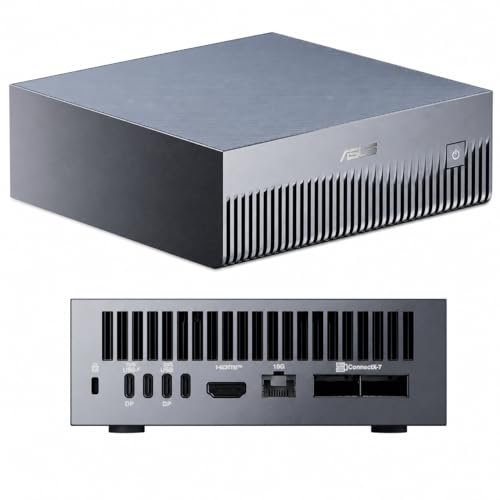
This asus ascent gx10 review covers the GB10 Grace Blackwell machine, its 128 GB unified memory, DGX OS and which buyers should pick it or skip it.
A desktop box the size of a small router that claims to run large language models locally sounds like marketing, yet the ASUS Ascent GX10 is a real product with real trade offs. This asus ascent gx10 review explains what the machine is, who benefits from it and where a cheaper or more familiar computer makes more sense. It is aimed at AI developers, researchers and small teams, not at the average home user.
The GX10 sells for roughly $6,200, so the decision deserves a careful look at what you actually plan to run on it.

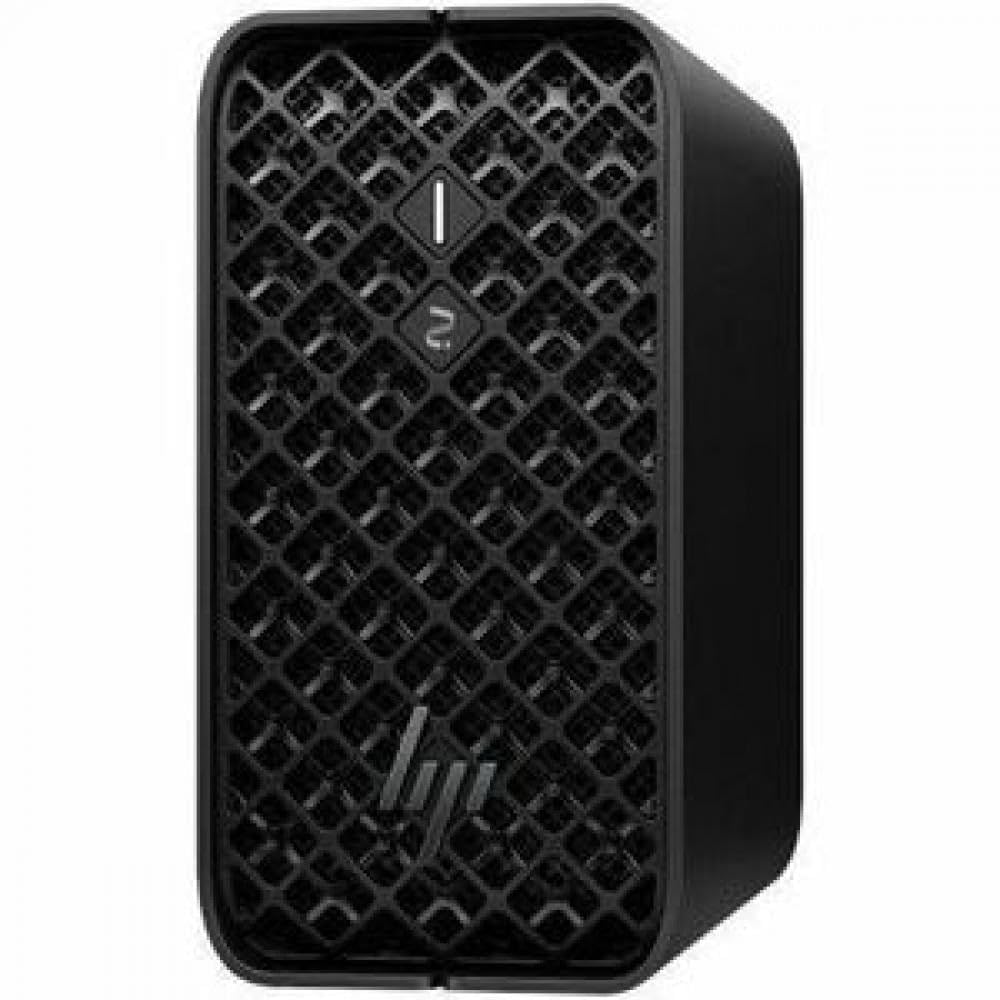
Asus Ascent GX10 Review: What the Machine Is
The GX10 is a compact personal AI computer built around the NVIDIA GB10 Grace Blackwell Superchip. The listing describes a 20 core Arm processor paired with a Blackwell graphics architecture on one package, and it quotes up to 1 petaflop of FP4 AI performance. That figure is a peak number for a specific low precision format, so real workloads will vary.
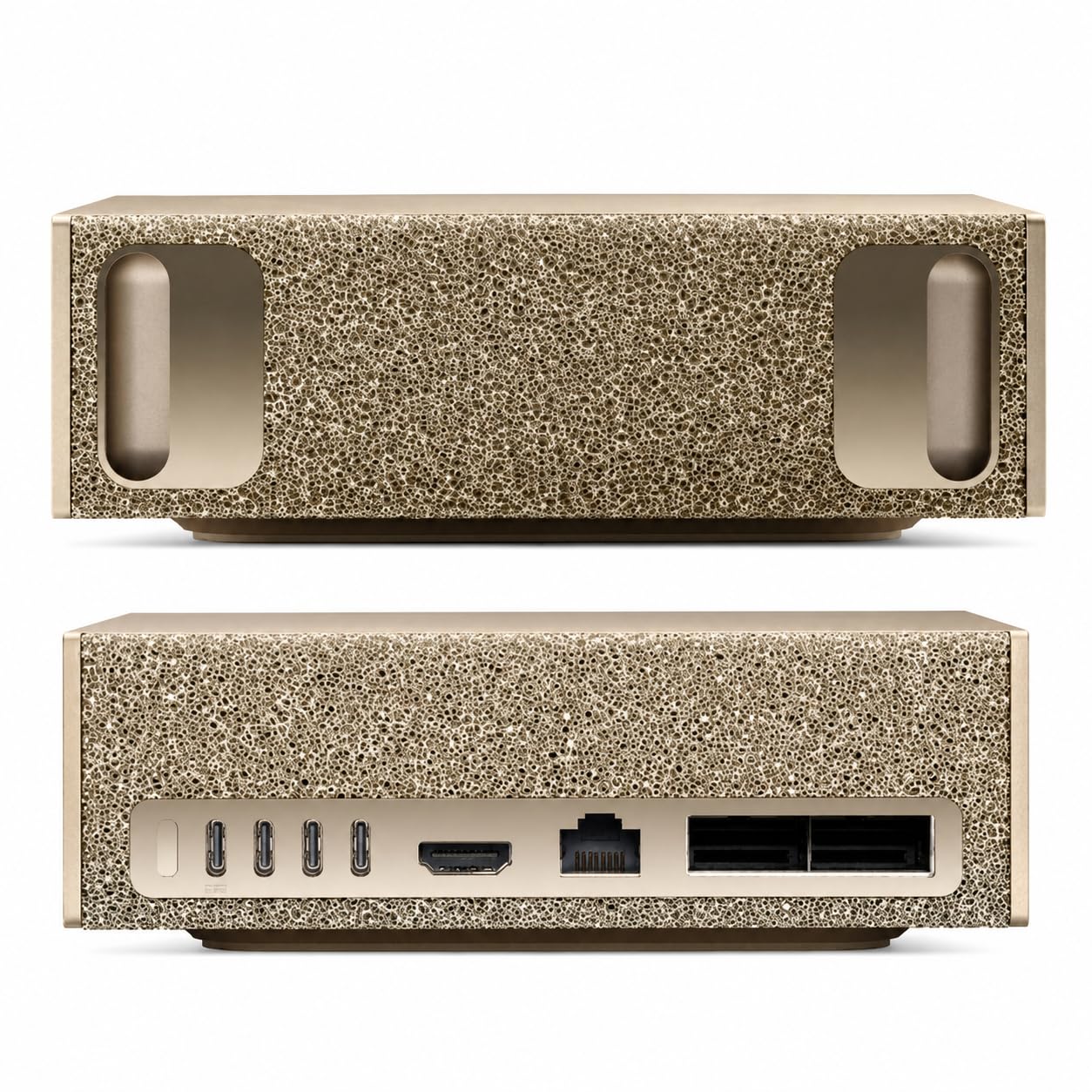
It includes 128 GB of LPDDR5x unified memory, shared between the processor and the graphics side, and a 2 TB M.2 2242 NVMe drive. The ports include Wi-Fi 7, 10 gigabit Ethernet, USB C and HDMI, along with an NVIDIA ConnectX-7 network interface for fast links between machines.
Why 128 GB of Unified Memory Matters
Large models need memory more than anything else. A typical gaming graphics card holds a fraction of what this box offers, which limits the size of the model you can load. With 128 GB shared by the whole system, you can load models that would not fit on a consumer card.
Unified memory is slower than the memory on a high end graphics card, so speed per token can be lower than a big discrete GPU. The advantage is capacity, not raw speed. For developers who want to experiment with big models on a desk, that trade is often worthwhile.
Clustering two units
ASUS also sells a 400G QSFP112 cable for linking two GX10 machines. Clustering doubles the memory pool for even larger models. It is a niche feature for labs, and it adds cost.
Software and Operating System
The GX10 ships with DGX OS and the NVIDIA AI software stack, which brings CUDA, PyTorch, TensorFlow, TensorRT and NVIDIA NIM tools. This is a Linux environment designed for development, and it is not a Windows gaming machine. If your tools run on Linux and CUDA, setup is straightforward.
Because the processor uses an Arm architecture, some software needs Arm builds. Most popular AI libraries support it, but verify any niche tools you depend on. Check the listing and NVIDIA's documentation before you commit.
Who Should Consider It
Developers building local AI applications, researchers trying open models and teams that must keep data on site are the target audience. A student or hobbyist who only wants to chat with a model can use a cloud service for far less. Gamers should look elsewhere, because this machine is not built for games.
Think about privacy as well. Running a model locally keeps documents and prompts on your own hardware, which matters for confidential material. That benefit is often the strongest reason to buy a box like this.
Alternatives to Compare
Several different machines can run local models. Mini workstations with large unified memory, such as the one in the HP Z2 Mini G1a review, offer similar capacity on a different platform. Apple's high memory desktops, covered in the Apple Mac Studio M4 Max review, are another route with a macOS environment.
A desktop PC with a high end graphics card offers more raw speed for smaller models but less memory. The best AI PC guide compares these approaches by use case.
Power, Noise and Placement
A compact AI machine draws substantial power under load and produces heat, so place it where air can move around it. Keep it off carpets and away from enclosed shelves. Fan noise under heavy work can be noticeable, which matters if it sits on your desk.
Plan network access as well. Many people run the GX10 headless and connect from a laptop, which keeps the desk quiet and uses the 10 gigabit port for fast file transfers.
Typical Projects for a Box Like This
Common uses include running an open model behind a private chat interface, building a retrieval system over company documents and fine tuning a smaller model on a custom dataset. The listing also mentions agentic AI experiments, where a model calls tools and runs multi step tasks. All of these benefit from large memory and a stable Linux environment.
Developers also use the machine as a local proving ground before moving work to a data center. Code written for the NVIDIA software stack on the GX10 moves to larger systems with fewer changes, which shortens the path from prototype to production.
Questions to Answer Before Buying
Which models do you want to run, and at what precision? Write down the largest model you expect to use and check how much memory it needs. If it fits comfortably into a cheaper machine, you do not need this one.
Who will set it up and maintain it? A Linux AI workstation expects some command line comfort. If nobody on your team has it, add time and support cost to your budget. Finally, compare the price against a few months of cloud compute for the same jobs, because for light use the cloud can be cheaper.
Frequently Asked Questions
Is the ASUS Ascent GX10 good for gaming?
No. It is built for AI development on Linux, and it is not designed for gaming.
How much memory does it have?
The listing gives 128 GB of unified LPDDR5x memory and a 2 TB NVMe drive.
What operating system does it use?
DGX OS, a Linux based system with the NVIDIA AI software stack.
Can I run large language models locally?
Yes, that is its main purpose. The size you can run depends on the model and its precision.
Can two units be linked?
Yes, ASUS sells a QSFP112 cable for clustering two GX10 machines.
Final Verdict
This asus ascent gx10 review comes to a simple conclusion: the GX10 is a specialist machine for people who need large local models and know the software stack. Everyone else is better served by a normal PC or a cloud service. Weigh the price against your actual workload, and consider alternative mini workstations before you commit.
Prices and availability can change, so check the product page before ordering.


