
1440p vs 4K Gaming: Which Is Better in 2026?
Disclosure: We may earn a commission when you buy through links on this page, at no extra cost to you. As an Amazon Associate I earn from qualifying purchases. Learn more

1440p vs 4k gaming: how much graphics power each resolution needs, what you gain in detail, and who should stay at QHD.
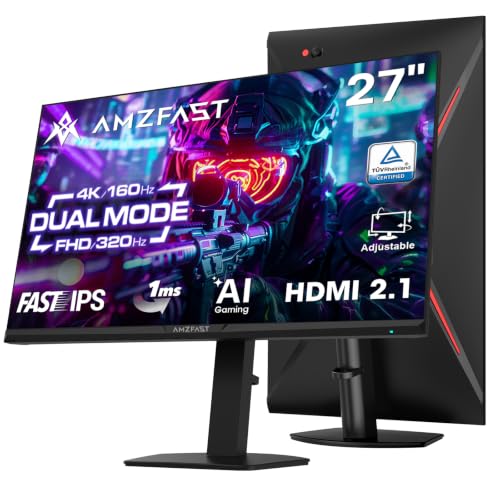
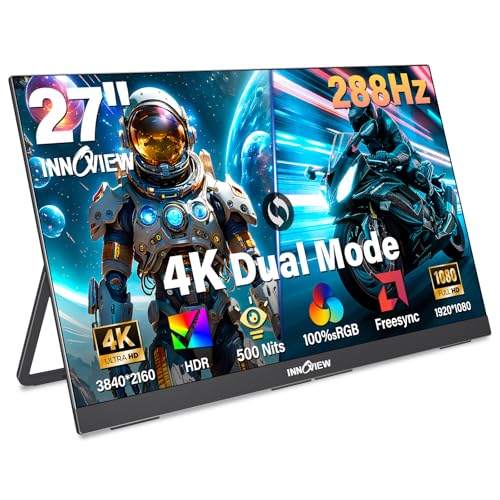
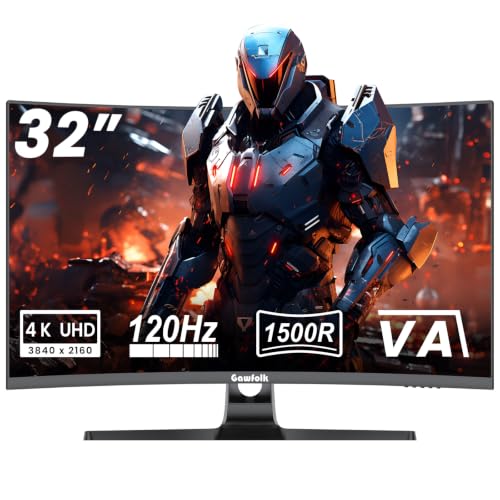
The choice of 1440p vs 4k gaming sets the shape of your whole setup, from the graphics card you need to the refresh rate you can afford. 4K delivers the sharper picture, but it asks for much more from your hardware, while 1440p is the practical middle ground for most players. The product table right after this introduction gathers monitors of both kinds.
This guide covers the pixel math, the graphics power each resolution demands, and which one makes sense at your screen size and budget.

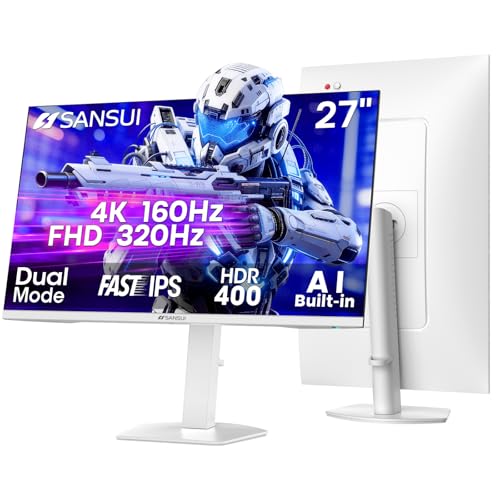
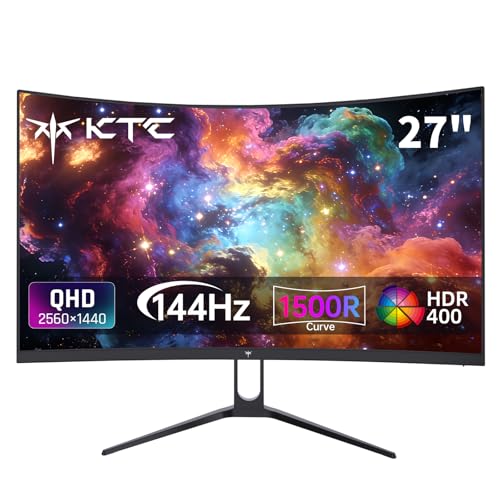
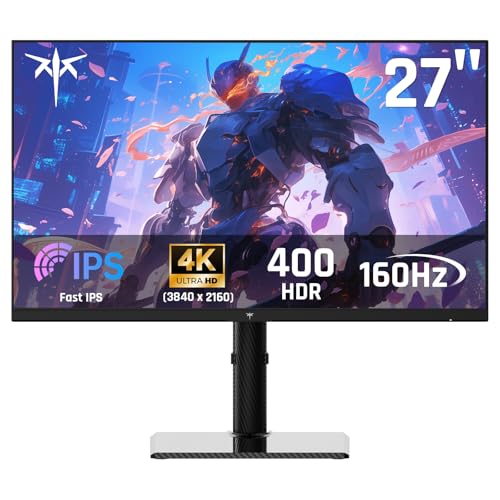

The Pixel Gap in Plain Numbers
1440p is 2560 by 1440 pixels, around 3.7 million. 4K is 3840 by 2160, about 8.3 million, which is 2.25 times as many. Every frame in a 4K game means drawing more than double the pixels of the same frame at 1440p, so the workload for the graphics card grows in step.
That is why a card that runs a game comfortably at 1440p with high settings can struggle at 4K. As a rough guide, expect to give up a large share of your frame rate when stepping up, unless you lean on upscaling or lower some settings.
Sharpness and Screen Size
A 27-inch 1440p monitor has about 109 pixels per inch and a 27-inch 4K monitor reaches about 163. At 32 inches, 4K still holds roughly 138, while 1440p falls to about 92. The bigger the screen, the more resolution you need to keep the picture crisp.
- 27 inches: 1440p already looks sharp. 4K adds finer detail you notice in text and distant scenery.
- 32 inches: 4K shines, and 1440p can look slightly soft at close range.
- Ultrawide screens: 3440 by 1440 is a different, increasingly popular compromise that sits between the two in GPU load.
What Hardware Each Resolution Needs
For 1440p at high refresh rates, a solid mid-range graphics card is typically enough for most titles. For 4K at high settings with smooth frame rates, you generally need one of the strongest cards available, plus a processor that can keep up and a monitor connection with enough bandwidth.
Upscaling has changed the picture. Tools built into many current games render at a lower internal resolution and reconstruct a clean 4K image. With these enabled, a mid-high card can handle 4K in many games, and the cost is a little softness or occasional artifacts rather than a crash in frame rate.
Refresh rate trade-off
Monitors give you speed or sharpness for the money. A 4K panel with a very high refresh rate costs far more than a 1440p panel with the same speed, and your PC must actually generate those frames. Many 4K monitors now offer a second, lower resolution mode that boosts refresh rate for competitive play, which is handy if you want both.
Cost: The Whole System Counts
Do not compare monitor prices alone. The graphics card is the bigger gap. A setup for smooth 4K gaming usually costs much more than one for 1440p once the card, power supply and cooling are included. If a limited budget forces you to choose, a 1440p monitor with a stronger card often gives a better overall experience than a 4K monitor with a struggling one.
Think too about what else you do on the screen. Movies, photo editing and text benefit directly from 4K. If you only game, extra sharpness is a luxury, while smooth motion is a necessity.
Settings That Make 4K Easier
You do not need to pick maximum quality on every slider to enjoy 4K. A few settings cost a large share of performance for a small visual gain, such as ultra shadows, heavy ray tracing and extreme draw distances. Dropping those from ultra to high often brings back a good chunk of frame rate with a picture most people cannot tell apart.
Frame generation, offered in a growing number of games, inserts extra frames for smoother motion. It can help at 4K, but it adds a little latency and works best when the base frame rate is already reasonable. Use it for single-player titles rather than for competitive shooters.
Keep the drivers current, close background programs that hog the graphics card, and watch the temperatures. A card that overheats lowers its own speed, and 4K workloads push cooling harder than 1440p.
Monitor Features That Matter Alongside Resolution
Resolution is not everything. Look at HDR quality, which varies widely and is meaningless on cheap panels, plus color coverage, adaptive sync support and the types of ports. A 4K monitor at high refresh rates needs a modern DisplayPort or an HDMI port that supports the bandwidth, or it will fall back to a lower rate.
Panel type shapes the experience too. IPS panels give wide viewing angles and good color, VA panels offer deep contrast, and OLED gives near-instant response and perfect blacks at a premium. Choose based on the room and the games you play, not just on the pixel count.
1440p vs 4k gaming: Who Should Choose Which
Pick 1440p if you
- Want high frame rates without buying a top graphics card.
- Game on a 24 to 27 inch monitor.
- Play competitive titles where responsiveness matters most.
Pick 4K if you
- Own or plan to buy a high-end graphics card.
- Prefer a 32-inch screen or a big display near a couch.
- Value cinematic detail in single-player games and also use the screen for work or video.
If you are still undecided, our best gaming monitor guide lists models for each resolution.
FAQ
Is 4K gaming worth it?
It is worth it if you have the hardware to run it smoothly and you value image detail. Otherwise 1440p is the better balance of cost and performance.
Can I run 1440p on a 4K monitor?
You can, but non-native resolutions look softer than native ones. Upscaling inside the game is usually a cleaner way to ease the load.
Does a 4K monitor look better for work?
Yes, text is noticeably crisper, especially on larger screens, though you will use display scaling to keep it readable.
What size is best for 1440p?
Twenty-seven inches is the most common and balanced choice, with plenty of high refresh options.
When weighing 1440p vs 4k gaming, count the graphics card in the price: 1440p keeps frame rates high and costs less, while 4K rewards a powerful PC and a bigger screen with a clearly sharper picture.


