
144hz vs 240hz: Which Is Better in 2026?
Disclosure: We may earn a commission when you buy through links on this page, at no extra cost to you. As an Amazon Associate I earn from qualifying purchases. Learn more

144hz vs 240hz gaming monitors: what the extra frames really change, what your PC must deliver, and when 144Hz is plenty.
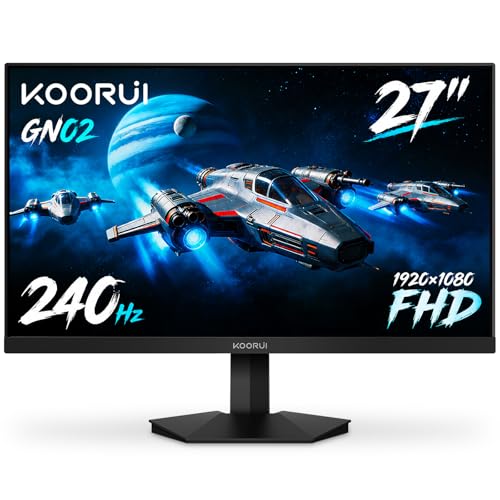
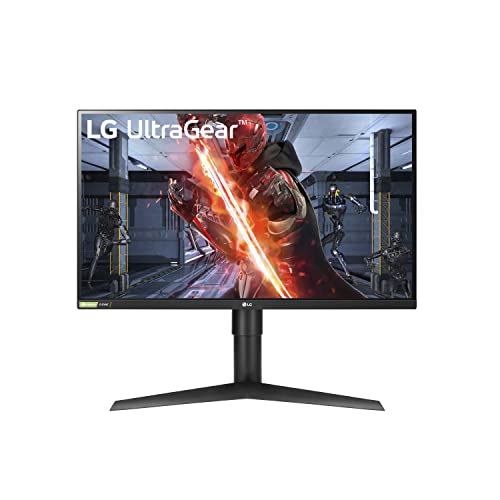
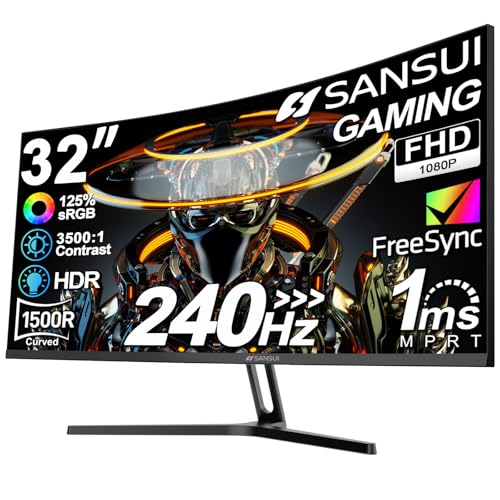
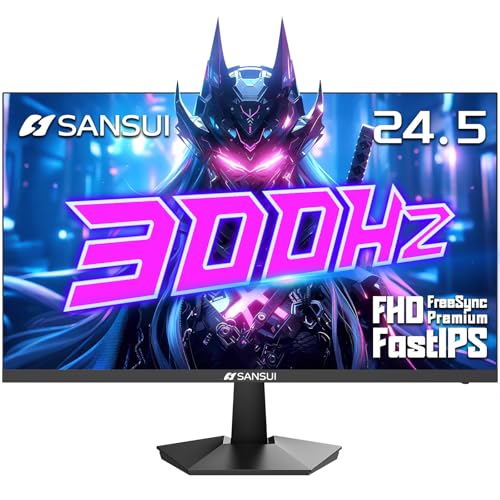
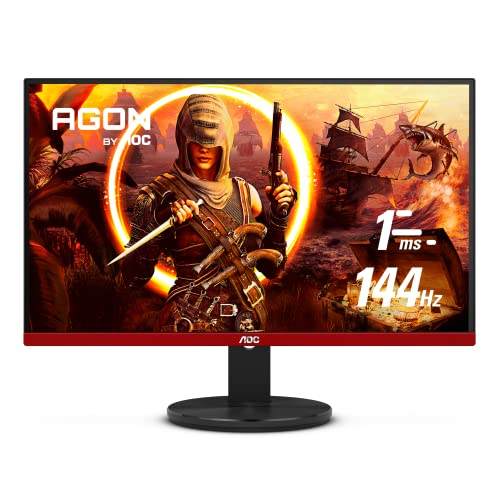
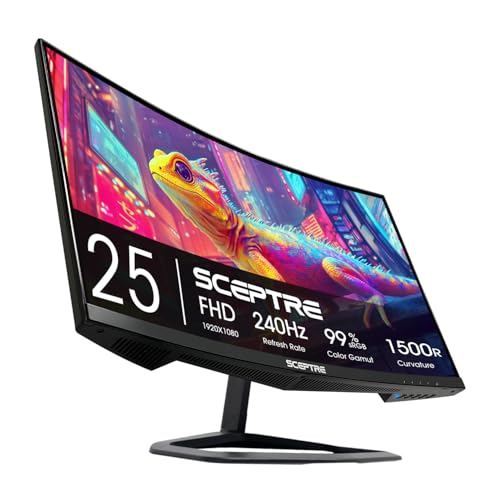
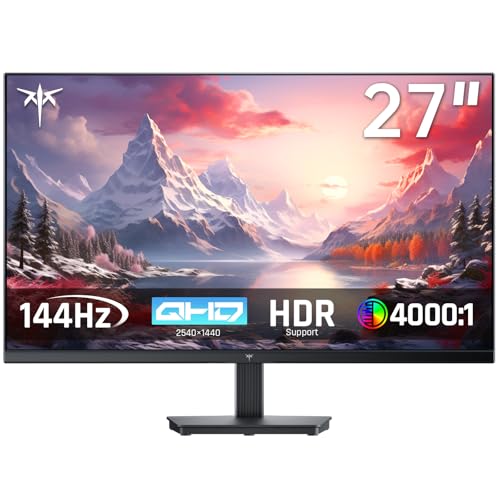
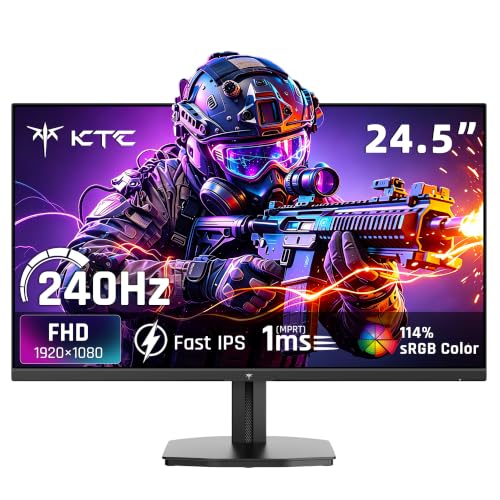
The question of 144hz vs 240hz comes up whenever a gamer shops for a fast monitor, and the honest answer depends on the games you play and the PC you own. 240Hz refreshes the picture 240 times per second against 144 for the older standard, which gives smoother motion, but only if your system can feed it. The product table right after this introduction lists monitors in both speeds.
Here is what the numbers change in practice, what you need to benefit, and who can safely stay at 144Hz.
What Refresh Rate Actually Does
Refresh rate is how many times per second the screen draws a new image. At 144Hz each frame lasts about 6.9 milliseconds. At 240Hz it lasts about 4.2 milliseconds. The difference is 2.8 milliseconds per frame, and the gain from every step up gets smaller than the last one.
Going from 60Hz to 144Hz is a huge, obvious change. Going from 144Hz to 240Hz is a refinement. Motion looks a bit clearer, mouse movement feels slightly more immediate, and fast camera turns blur less, but most people need a side-by-side comparison to see it.
Your PC Must Keep Up
A monitor only displays what your graphics card sends. To use 240Hz properly you need games running at close to 240 frames per second, which is realistic in lighter competitive titles on a capable card but unlikely in demanding single-player games at high settings.
If your game averages 100 frames, a 240Hz screen offers no advantage over a 144Hz screen. Check the typical frame rate in your favorite games before paying for speed you cannot use. A processor that can keep frames steady matters too, because stutter hurts more than a lower, steady rate.
- Under 100 frames in your main games: 144Hz is plenty.
- 150 to 200 frames: 165Hz or 180Hz panels are a sweet spot.
- Consistently above 200 frames: 240Hz starts to make real sense.
Who Notices the Difference
Competitive players in fast shooters are the group most likely to feel the benefit. Tracking a moving target and reacting to small changes on screen is easier when each frame arrives sooner. For these players, the extra smoothness can translate into a small but real edge.
Casual players, and those who mostly play slower adventures, strategy or story games, rarely notice. For them, money is better spent on a larger screen, better color or a higher resolution. Pixel response time and motion handling also matter as much as the headline number, and a quick panel at 144Hz can look better than a sluggish 240Hz one.
Resolution, Panel Type and Price
Most 240Hz monitors are 1080p or 1440p, because higher resolutions at that speed need very expensive hardware. If you want sharper images, a 1440p 144Hz or 165Hz screen may please you more than 1080p at 240Hz. OLED and fast IPS panels deliver excellent motion clarity, and on those, the refresh jump feels more tangible than on slow panels.
Prices have dropped. Entry-level 240Hz monitors now cost only a little more than good 144Hz models, which has made the question less about budget and more about what you really need. For help choosing a panel, our best gaming monitor guide covers each category.
Connections and settings
To reach the advertised speed you need the right cable and port. A DisplayPort connection is the safest choice for high refresh rates. After connecting, open your operating system's display settings and select the top refresh rate manually, since many monitors default to a lower one.
Motion Clarity Beyond the Refresh Number
Refresh rate is only one part of how smooth a monitor looks in motion. Pixel response time, the speed at which each pixel changes color, decides how much ghosting trails behind moving objects. A fast IPS or OLED screen at 144Hz can look cleaner than a slow panel at 240Hz, so read about the panel as well as the headline figure.
Some monitors add backlight strobing, which reduces blur at the cost of brightness and sometimes a visible flicker. It works at fixed refresh rates and not alongside adaptive sync on most models, so it suits competitive players who hold steady frame rates rather than casual users.
Variable refresh technology matters more for most people than the top speed. It matches the monitor to your frame rate so that dips do not cause tearing, and nearly every current gaming monitor supports it. Make sure it is turned on in both the monitor menu and your graphics driver.
Input Lag and Everyday Feel
Total input lag is the time from clicking a mouse to seeing the result. The monitor contributes a small part, your frame rate a larger one, and your mouse, game and network the rest. Raising the refresh rate trims the display part slightly, but a stable frame rate and a good mouse make a bigger difference.
Outside games, a higher refresh rate also makes the desktop feel smoother. Scrolling and moving windows look more fluid even at 144Hz, and that benefit is already there, so 240Hz adds little for daily work.
144hz vs 240hz: Which Should You Choose?
Stay at 144Hz if you
- Play a mix of games at high settings and average fewer than 150 frames.
- Would rather spend on resolution, size or color quality.
- Do not play fast competitive shooters.
Choose 240Hz if you
- Play competitive games and hit very high frame rates.
- Have a strong graphics card and processor.
- Care about the smoothest motion and are willing to pay a small premium.
FAQ
Is 240Hz worth it over 144Hz?
Only if your hardware reaches very high frame rates and you value responsiveness. Otherwise the benefit is small.
Can the human eye see 240Hz?
The eye does not see frames the way a camera does, but motion clarity and input feel do improve at higher rates, even if the change is subtle.
Will 240Hz make me a better player?
It can help with tracking and reaction time, but practice and settings matter far more.
Do I need a special cable?
Use DisplayPort or a high speed HDMI cable that supports the refresh rate and resolution you want.
To sum up, 144hz vs 240hz is a small step for casual players and a meaningful one for competitive ones: pick 144Hz for value and resolution, and 240Hz when your frame rates and your games can use it.


