
240hz vs 480hz: Which Is Better in 2026?
Disclosure: We may earn a commission when you buy through links on this page, at no extra cost to you. As an Amazon Associate I earn from qualifying purchases. Learn more

240hz vs 480hz monitors: what the extra refresh rate brings, why OLED matters here, and who should skip the premium.
If you are weighing 240hz vs 480hz, you are looking at the fastest consumer monitors made, and at a price premium that is hard to justify for most players. A 480Hz panel shows an image every 2.1 milliseconds, against 4.2 at 240Hz, a gain of about two milliseconds per frame. The product table right after this introduction lists monitors from both speeds, with a focus on OLED.
The sections below cover what that extra speed changes, what your PC must deliver, and who should skip it.

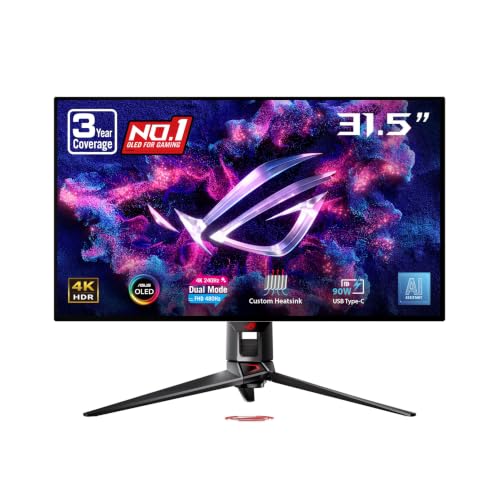
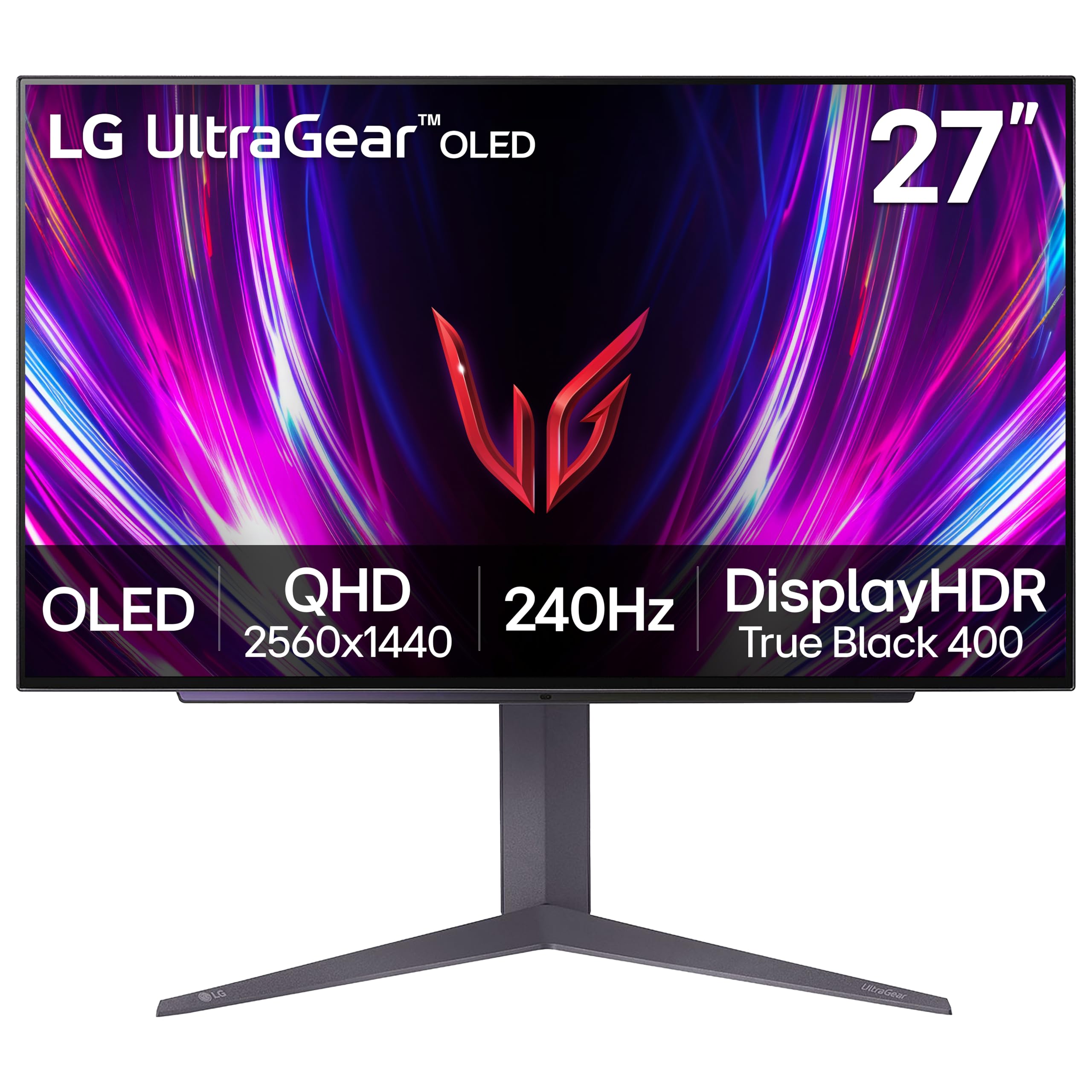
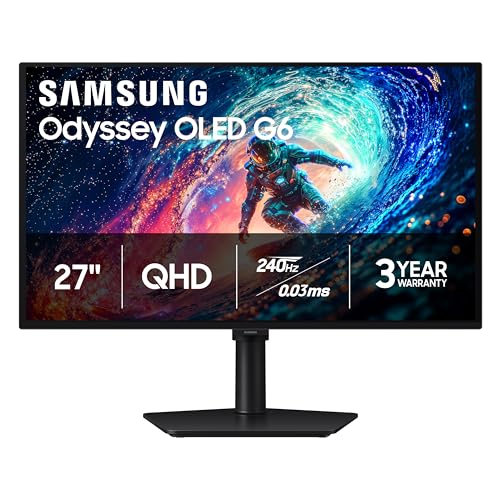
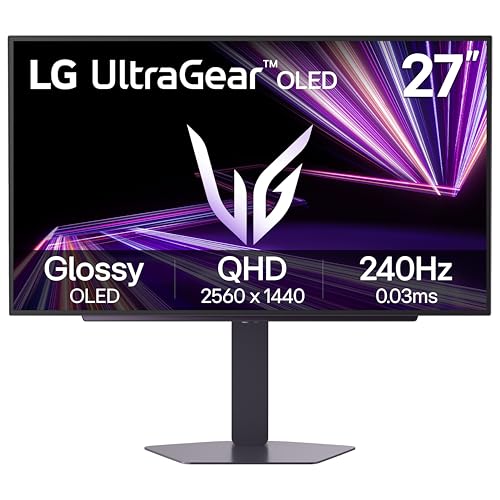
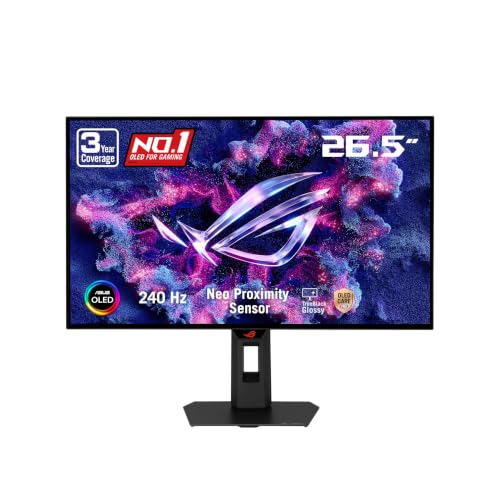

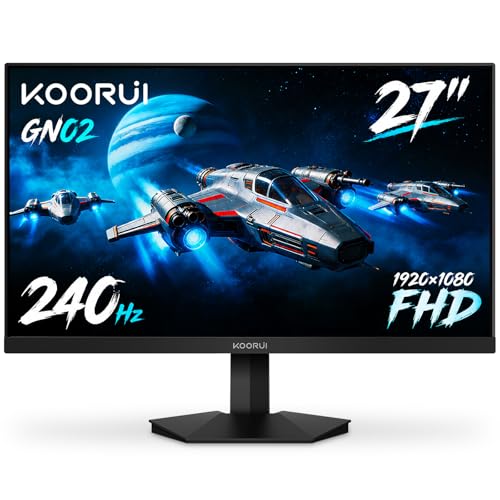
What 480Hz Offers
Doubling the refresh rate halves the time each frame stays on screen. That reduces motion blur caused by your eyes tracking moving objects, an effect known as sample-and-hold blur. A 480Hz screen tracks a fast-moving target more clearly than a 240Hz one, particularly when the panel itself responds instantly.
The improvement is real but modest. Going from 60Hz to 240Hz is dramatic, and 240Hz to 480Hz is subtle. Some players describe it as motion looking sharper rather than faster, an effect that is easy to miss unless you compare two screens side by side.
Why OLED Changes the Picture
Many 480Hz monitors use OLED panels, and this is not a coincidence. OLED pixels switch from one color to another almost instantly, so the screen can keep up with a very high refresh rate. A slow LCD panel at 480Hz still smears, wasting the speed. This is why fast OLED monitors show a bigger benefit from high refresh than older panel types.
OLED comes with trade-offs. Prices are higher, brightness for large bright areas can be lower than a good LCD, and some models risk burn-in with static images left for very long periods. Many makers offer protective features and warranty cover, so read the terms.
- OLED strengths: near-instant response, deep blacks, excellent motion clarity.
- OLED cautions: price, brightness limits on large bright scenes, image retention care.
Dual Mode and Resolution
Not every fast monitor is a plain 1080p panel. Some models are dual mode: they run at 4K at one refresh rate and drop to a lower resolution such as 1080p at a much higher one. That lets you enjoy sharp visuals for general use and switch to the fast mode for competitive games. This flexibility is attractive if you want one monitor for everything.
At true 480Hz, expect 1080p or 1440p. 4K at 480 frames is beyond any current hardware in demanding titles, so resolution is the compromise for extreme speed.
Your PC Has to Keep Up
This is the hardest part. To use 480Hz, a game must run at around 480 frames per second, steadily. That is achievable only in the lightest competitive titles at low settings on top-end processors and graphics cards. In most games, even strong systems fall far short, and the monitor's headroom goes unused.
If your frames average 200, a 480Hz screen delivers 200 frames, no better than a 240Hz screen. So the question is not which screen is faster on paper but which refresh rate matches the frames your system can produce. Check your results in the games you play before buying.
Price and Value
480Hz monitors sit at the top of the price range, and OLED versions even more so. Compared with a good 240Hz OLED, which already delivers excellent motion clarity, the extra cost buys only a small improvement. Most people get more from spending on a better graphics card, a bigger screen or a sharper resolution.
For a view of what is out there, our best gaming monitor guide lists options at several price points, including fast OLED models.
Who Should Buy Which
Choose 240Hz if you
- Want excellent motion clarity at a more sensible price.
- Play a mix of competitive and single-player games.
- Prefer to spend the savings on a stronger PC.
Choose 480Hz if you
- Play competitive shooters seriously and run very high frame rates.
- Own a top-tier processor and graphics card.
- Want the smoothest possible motion and accept the price.
Practical Setup Tips
Cables matter at these speeds. Use a certified DisplayPort cable for the highest refresh rates, and check the monitor's port versions, since not all ports carry the full bandwidth. Set the refresh rate manually in the operating system, and confirm it in the monitor's own on-screen display.
Keep your expectations realistic. The first day on a very fast monitor feels special, but after a week most people adapt. A properly configured 240Hz OLED can feel nearly as good in everyday play.
Support the display with the rest of the system
A fast monitor needs a fast mouse and a stable system. A mouse with a high polling rate keeps the cursor smooth. Disable background tasks, keep drivers updated and watch temperatures, because thermal throttling lowers frame rates exactly when you need them.
Reading Specifications Carefully
Marketing around very fast monitors can mislead. Look closely at whether the stated refresh rate applies at the native resolution or only in a reduced mode, since some panels reach their top speed only at a lower resolution. Check which ports carry the full rate, and whether the monitor supports adaptive sync across the whole range.
Response time claims need caution too. A figure measured at the fastest pixel transition may not reflect typical motion, so independent measurements are more reliable. Check the warranty terms for burn-in on OLED models, and read how the maker defines coverage, since terms vary.
240hz vs 480hz: Which Should You Choose?
For most people the answer is 240Hz, particularly an OLED model, which offers the best mix of price, clarity and flexibility. Choose 480Hz only if your games and PC can feed it and you value the smallest possible edge. The performance gains at this level are tiny, so be sure the extra cost fits your budget and priorities.
FAQ
Is 480Hz worth it?
Only for serious competitive players with powerful hardware. For others the gain is small.
Can I tell the difference between 240Hz and 480Hz?
Some can, particularly in fast motion on an OLED panel, but many people struggle to see it.
Does 480Hz need a special cable?
You need a modern DisplayPort connection or an HDMI port with enough bandwidth for the resolution and refresh rate.
Is OLED safe to use for gaming?
Yes, with normal care. Avoid leaving static images for long periods, and use the protective features the monitor offers.
In short, 240hz vs 480hz favors 240Hz OLED for value and clarity, and 480Hz for the few competitors whose systems and games can truly use every frame.


