
27 Inch 4K vs 32 Inch 4K: Which Is Better in 2026?
Disclosure: We may earn a commission when you buy through links on this page, at no extra cost to you. As an Amazon Associate I earn from qualifying purchases. Learn more

27 inch 4k vs 32 inch 4k monitors: how size changes sharpness and scaling, what your desk can hold, and which fits work or play.
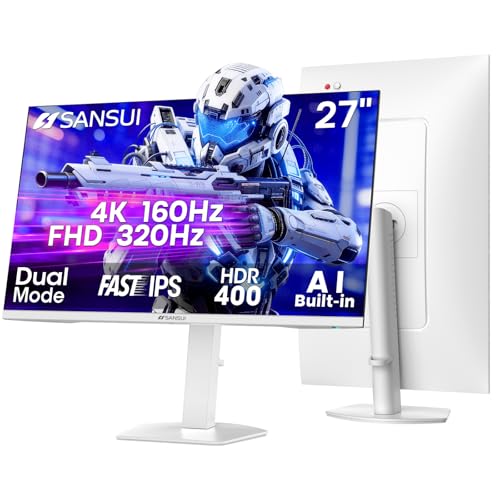
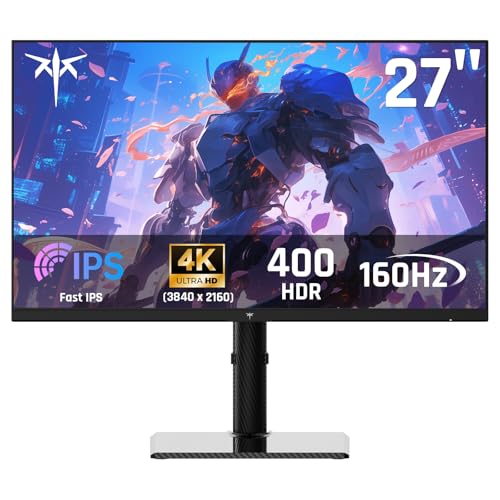
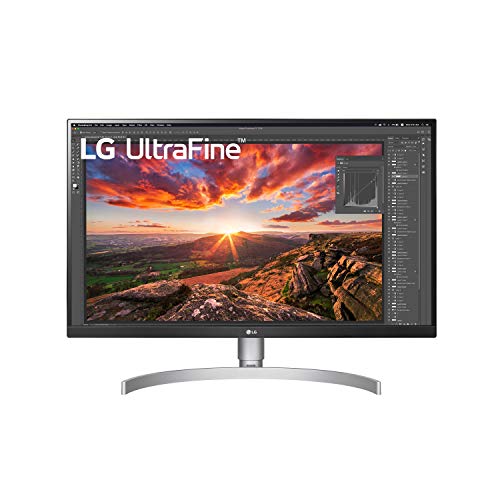
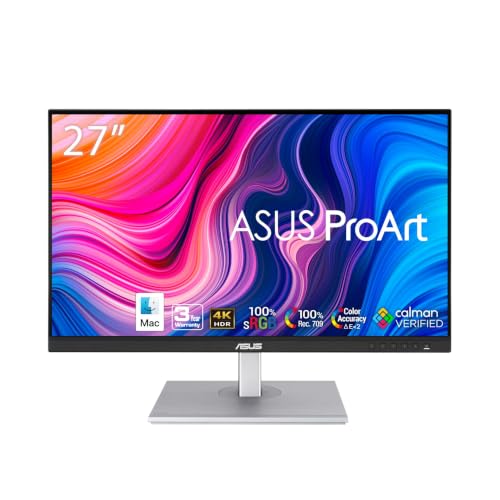
When both screens share the same resolution, 27 inch 4k vs 32 inch 4k is purely a question of size: how sharp you want text to look, how much desk you have and how close you sit. A 27-inch 4K panel is extremely sharp, while a 32-inch 4K gives a larger, more immersive picture at a lower pixel density. The product table right after this introduction lists 4K monitors in both sizes.
The sections below explain the math behind sharpness, how scaling works, and which size suits gaming, office work and creative use.



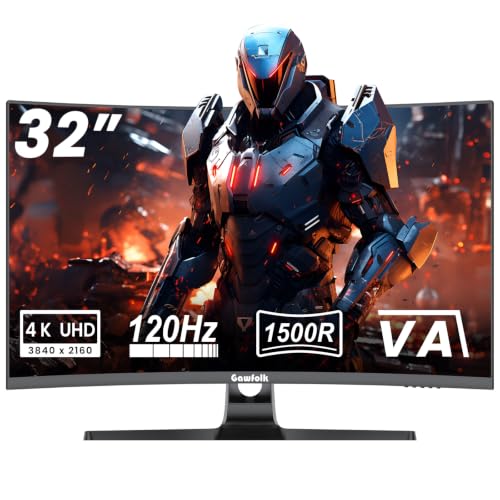
Pixel Density Compared
4K means 3840 by 2160 pixels on either screen, so the same number of pixels is stretched over a larger area on the 32-inch model. A 27-inch 4K panel works out to about 163 pixels per inch. A 32-inch 4K panel comes to about 138. Both are far above the density of a typical 1440p or 1080p monitor, so text and images look crisp either way.
The smaller screen is sharper in a measurable way, and some people notice the extra fineness in small text and fine detail. At a normal desk distance, both look smooth, and the difference is subtle. The larger screen simply gives you more space to work with.
Scaling and Usable Space
At full native size, text on a 4K monitor is tiny, so operating systems apply scaling. A 27-inch 4K screen is usually set to 150 percent, which gives an effective workspace similar to a 2560 by 1440 monitor, only sharper. A 32-inch 4K is often used at 125 or 150 percent, giving more room for windows at a similar sharpness.
That is the big practical difference: the 32-inch screen at 125 percent scaling provides a much larger workspace. Programs and documents sit side by side comfortably, and timelines and spreadsheets have room to breathe. Scaling in Windows is good today, but a few older programs look fuzzy, so check the ones you use.
- 27 inch: sharper text, more compact, effective workspace like 1440p.
- 32 inch: bigger picture, more workspace at moderate scaling, slightly lower sharpness.
Desk Space and Viewing Distance
A 32-inch monitor is wide and tall, and it needs a deep desk. You should sit about an arm's length or more away, so you can see the whole screen without turning your head. On a shallow desk, the corners can feel too far away and the screen may dominate the room.
A 27-inch monitor fits most desks and suits close viewing. It is also easier to place two side by side. Measure your desk before you decide, and note the stand's footprint, since some stands take a lot of space. A monitor arm frees desk space and lets you set the distance precisely.
Gaming on Each Size
Gaming at 4K is demanding at either size, since the pixel count is the same. The 32-inch screen feels more immersive for single-player games and cinematic titles, while 27 inches is easier for fast competitive games where you want to see everything at once. Many 4K gaming monitors come in both sizes, often with high refresh rate modes.
Because 4K takes a strong graphics card, check what refresh rates the monitors in the table offer and whether they include a dual-mode setting with lower resolution for faster play.
Work, Creative Use and Media
For office work, a 32-inch 4K is attractive for people who like many windows open. For photo and video editing, the larger screen shows more of the picture and the timeline, and the extra sharpness of 27 inches helps with fine detail at 100 percent zoom. Color accuracy matters more than size for creative work, so look at the panel's color coverage and factory calibration.
For a broader guide to monitors, read our best computer monitor list. The Dell S2725QC review covers a popular 27-inch 4K model, and the Apple Studio Display review looks at a premium option for creative users.
Price and Value
Larger panels cost more, but 32-inch 4K monitors have become very affordable, and in some cases cost about the same as 27-inch models with similar features. The cheapest 32-inch screens often use VA panels with strong contrast but narrower viewing angles, while many 27-inch models use IPS for broader viewing angles and color.
Compare the features that matter to you: refresh rate, color coverage, brightness, connections such as USB-C with power delivery, and the stand's adjustability. Those details often matter more than the size itself.
Panel Types and Picture Quality
Size often comes with a panel type choice. Many 27-inch 4K monitors use IPS panels, which offer wide viewing angles and accurate colors. Many 32-inch 4K models, especially budget ones, use VA panels with deeper contrast and lower cost, though colors shift more when viewed from the side. OLED and mini-LED options exist in both sizes at higher prices.
Brightness and HDR support differ widely, so read what the maker offers rather than trusting a logo. A bright panel with local dimming makes HDR content look good, while a basic panel with an HDR label simply looks dim. If you work in a bright room, brightness is more important than HDR.
Connections and Daily Convenience
Look at the ports. USB-C with power delivery lets one cable carry video, data and charging to a laptop, which keeps a desk tidy. A built-in USB hub saves plugging devices into the computer, and a KVM switch lets one keyboard and mouse control two computers.
Think about the stand too. Height adjustment and the ability to rotate into portrait mode matter if you read code or documents. If the stand is limited, the standard VESA mount lets you attach an arm, which helps with a larger 32-inch panel in particular.
27 inch 4k vs 32 inch 4k: Which Should You Choose?
Choose 27 inch if you
- Sit close and value maximum sharpness.
- Have a shallower desk or want two monitors side by side.
- Play fast competitive games.
Choose 32 inch if you
- Want more workspace or a more immersive picture.
- Have a deep desk or sit a little farther back.
- Watch a lot of video or play cinematic games.
FAQ
Is 4K too big at 32 inches?
For most desks it is fine, as long as you sit far enough back. Many people prefer the extra size.
Is text sharper on 27 inch 4K?
Slightly, because the pixels are packed tighter. Both look sharp in normal use.
What scaling should I use?
Try 150 percent on 27 inches and 125 to 150 percent on 32 inches, and adjust to taste.
Is a 32-inch 4K good for gaming?
Yes, if your graphics card can drive 4K. The larger screen is immersive.
In the end, 27 inch 4k vs 32 inch 4k is a choice between the sharper, more compact screen and the bigger, roomier one, so match it to your desk depth and viewing distance.


