
27 vs 32 Inch Monitor: Which Is Better in 2026?
Disclosure: We may earn a commission when you buy through links on this page, at no extra cost to you. As an Amazon Associate I earn from qualifying purchases. Learn more

27 vs 32 inch monitor: how screen size interacts with resolution, desk depth and viewing distance, and who should pick which.
Picking 27 vs 32 inch monitor screens is mostly about desk depth, resolution and how you plan to use the display. A 27-inch monitor is the common all-rounder that suits most desks, while a 32-inch model gives a bigger picture that rewards a deeper desk and a higher resolution. The product table right after this introduction lists monitors of both sizes.
This guide explains how size interacts with resolution, how far to sit and which size fits gaming, office and mixed use.
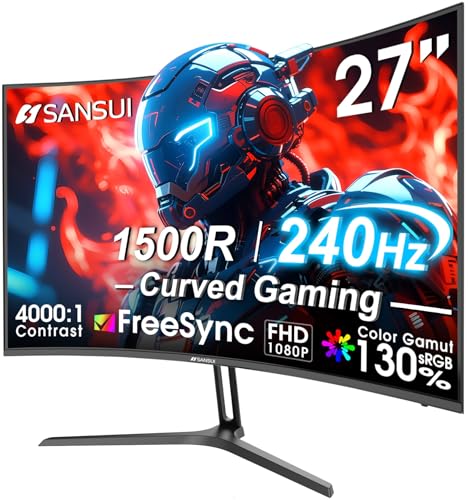
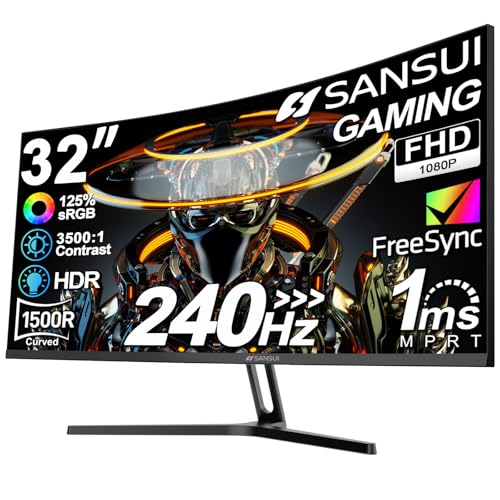

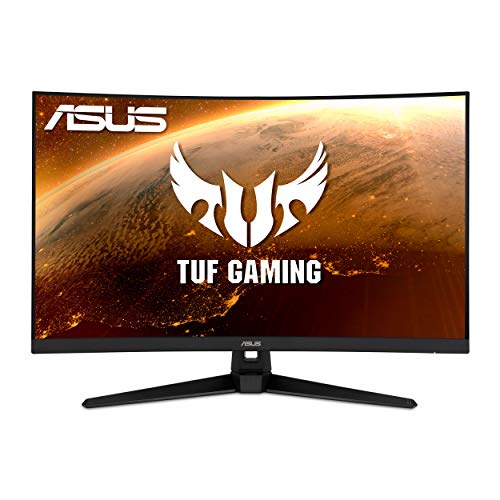


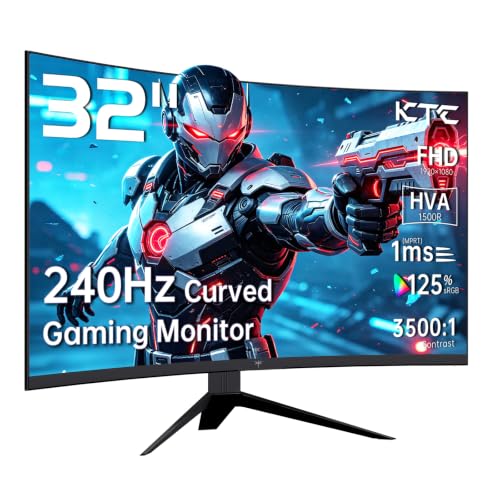


How Size and Resolution Work Together
A bigger screen needs more pixels to stay sharp. On a 27-inch panel, 1440p gives about 109 pixels per inch and looks crisp. On a 32-inch panel, the same 1440p resolution falls to about 92 pixels per inch, which is fine for gaming but slightly softer for text. A 32-inch 4K screen gets back to about 138, which looks very sharp.
At 1080p, a 27-inch screen has about 82 pixels per inch and a 32-inch has just 69, where pixels become visible. If you buy a 32-inch monitor, choose 1440p at least, and 4K if your graphics card allows it. For 27 inches, 1440p is the sweet spot and 4K is a premium option.
- 27 inch: 1440p is the balanced choice, 4K is extra sharp.
- 32 inch: 1440p is acceptable, 4K is the better match.
Desk Depth and Viewing Distance
A 27-inch monitor works well at a normal desk depth, with the screen about two feet away. A 32-inch monitor is about 18 percent larger across the diagonal, and has noticeably more surface area. It wants more distance, around an arm's length or a little more, so you can take in the whole picture without moving your head.
On a shallow desk, a 32-inch screen can feel overwhelming, with the edges drifting into peripheral vision. Measure the depth of the desk and consider a monitor arm that pushes the screen back. A wall mount can free space too.
Gaming on 27 and 32 Inches
For competitive games, 27 inches is the standard because you can see the entire screen at once and keep your eyes on the action. For single-player and cinematic games, 32 inches feels more immersive, and a curved panel can help with that. Many 32-inch gaming monitors are curved, which wraps the picture around your view.
Frame rates matter more than size for responsiveness, so check the refresh rate and the resolution together. A larger screen at a higher resolution asks more of the graphics card. Our best gaming monitor list covers both sizes, and the AOC Q27G3XMN review shows a typical 27-inch gaming screen.
Office, Study and Creative Work
For productivity, a 32-inch monitor at 4K can replace a dual-monitor setup by giving you enough room for two or three windows side by side. A 27-inch 1440p screen holds two windows comfortably, and many people run two of them together for even more space.
Creative users often prefer larger screens for editing, though color quality matters more than size. Look at color coverage, brightness and how well the panel is calibrated. For writing and reading, a 27-inch screen is easier to scan, with less head movement.
Watching Video and Media
Larger screens add to movies and shows, especially from a bed or couch. If the monitor doubles as a small TV, 32 inches is a clear step up. Speakers built into monitors are weak, so plan to add speakers or headphones either way.
Check HDR claims with caution. Many monitors list HDR support without the brightness to make it worthwhile, so read independent measurements if HDR matters to you.
Price and Value
Prices for 27-inch monitors cover the widest range, from budget models to high-end gaming panels. 32-inch monitors cost a little more at the same resolution and features, but good value options exist, particularly curved VA models. Compare the specifications that matter: resolution, refresh rate, panel type and connections.
The stand deserves attention. Bigger monitors need a stable base with height and tilt adjustment, and many cheap ones have limited adjustment. A VESA mount lets you add an arm later.
Curved or Flat
Many 32-inch monitors are curved, while most 27-inch ones are flat. A curve wraps the screen toward your eyes, which keeps the edges at a similar distance and adds to immersion in games and films. It can distort straight lines slightly, which some designers and spreadsheet users dislike, so flat panels remain popular for precision work.
Curvature is shown as a number such as 1000R or 1500R, where a smaller number is a tighter curve. On a large screen a gentle curve feels natural, and a deep one suits a close view. Try to view one in person if you can.
Ergonomics and Eye Comfort
Place the top of the screen at or slightly below eye level and keep it about an arm's length away. A bigger screen needs more care with height, since the top edge can end up too high and strain your neck. Use an adjustable stand or an arm, and turn the brightness down to match the room.
Features such as flicker-free backlights and low blue light modes can help during long sessions. They do not replace breaks, so follow the simple habit of looking away from the screen every so often.
27 vs 32 inch monitor: Which Should You Choose?
Choose 27 inch if you
- Have an average or shallow desk.
- Play competitive games or sit close to the screen.
- Want a sharp picture at 1440p without a high-end graphics card.
Choose 32 inch if you
- Have a deep desk and sit further back.
- Want more workspace or a more immersive picture.
- Can use 4K, or accept 1440p at lower sharpness.
FAQ
Is 32 inch too big for a desk?
It depends on depth. With a deep desk and a proper viewing distance, it is comfortable.
Is 1440p good on a 32-inch monitor?
It is acceptable for gaming, but text looks softer than on a 27-inch 1440p screen.
Which is better for gaming?
27 inches suits competitive play, and 32 inches suits immersive play.
Can I use two 27-inch monitors instead?
Yes, a dual setup gives plenty of space, though it needs more desk width.
The takeaway on 27 vs 32 inch monitor: choose 27 inches for most desks and competitive play, and 32 inches when you have the depth and resolution to make the bigger screen shine.


