
4K vs 1440p Monitor: Which Is Better in 2026?
Disclosure: We may earn a commission when you buy through links on this page, at no extra cost to you. As an Amazon Associate I earn from qualifying purchases. Learn more

4k vs 1440p monitor: how sharpness, frame rates and cost compare, what size suits each, and which resolution is right for you.
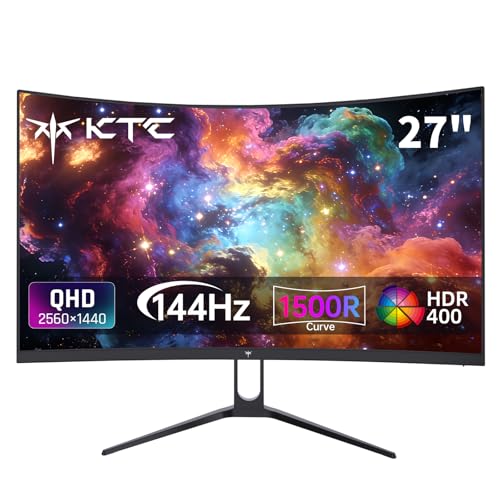
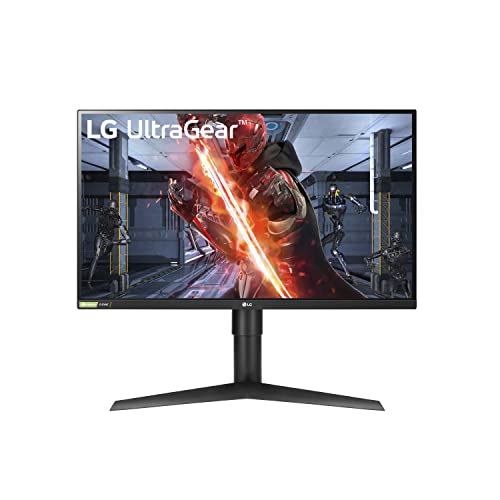
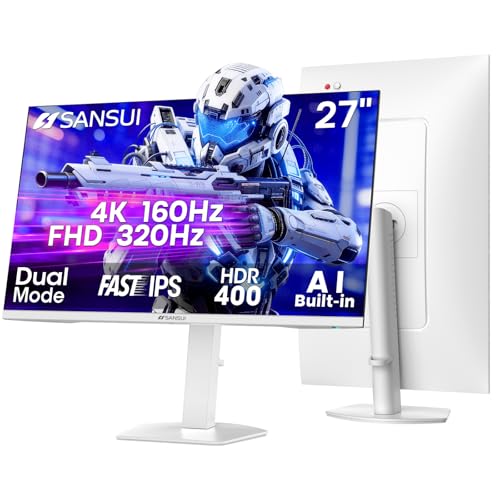
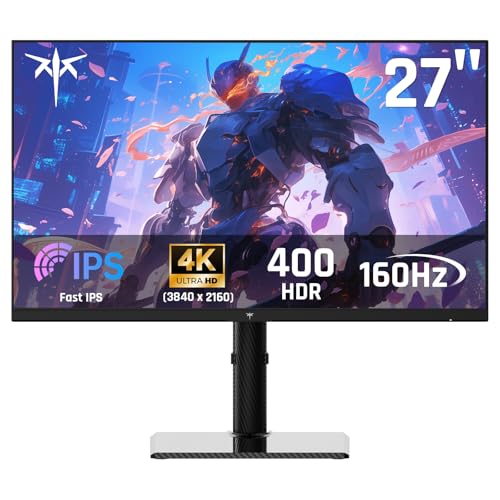
Most buyers asking 4k vs 1440p monitor are really asking whether sharper pixels are worth a higher price and a more demanding PC. 4K delivers the finest image at a given size and shines on larger screens, while 1440p is cheaper, easier to run and has the widest choice of fast, affordable panels. The product table right after this introduction lists monitors at both resolutions.
This guide compares the two for gaming, work and media, covers what your computer needs, and helps you pick the right one for your desk.



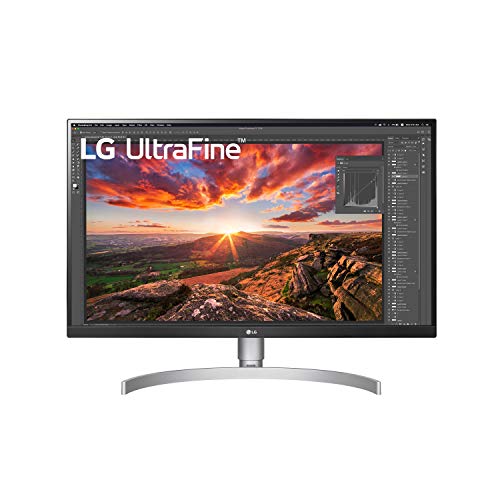


The Resolution Difference
1440p is 2560 by 1440 pixels, which is about 3.7 million in all. 4K is 3840 by 2160, about 8.3 million, or 2.25 times as many. Four times as many pixels as 1080p at 4K is why the picture looks so detailed, and why it asks so much from your graphics hardware.
What you see depends on screen size. A 27-inch 1440p monitor has about 109 pixels per inch, while a 27-inch 4K reaches about 163. At 32 inches, 4K holds about 138 and 1440p drops to about 92. The larger the screen, the more 4K matters.
Gaming Performance
For gaming, 1440p is the sweet spot for most players. Mid-range and better graphics cards produce smooth frame rates at high settings, and high refresh rate panels are common and affordable. You can enjoy 144Hz or more without a flagship card.
4K asks far more of the graphics card, so reaching high frame rates needs a strong, expensive model, or you rely on upscaling features in games. When it works, 4K looks stunning, especially on large screens and in detailed single-player games. If you cannot reach a stable 60 frames or more, the picture quality gain is offset by choppy motion.
- 1440p: balanced, high refresh rates, lower hardware cost.
- 4K: top image detail, needs a powerful graphics card or upscaling.
Everyday Use and Productivity
Outside games, 4K gives crisp text and plenty of working room when scaled properly. Reading, coding and photo editing look noticeably sharper than on 1440p, and many people feel less eye strain. With scaling at 150 percent on a 27-inch screen, the layout resembles 1440p, only crisper.
1440p is excellent for general use too. Text is clear, there is no need for scaling, and the cost is low. For a deeper look at office use, see our best computer monitor guide, or the Dell S2725QC review for a popular 27-inch 4K model.
Movies, Streaming and Consoles
Streaming and discs often come in 4K with HDR, and a 4K monitor shows them at native detail. The benefit depends on the monitor's HDR ability, since a basic panel with an HDR label looks no better. Consoles can output 4K, and some support 1440p, so check your console's supported resolutions before choosing.
At typical sitting distances, a 4K movie on a 27-inch screen looks very sharp, and the difference from 1440p is visible mostly in fine textures. Larger screens make the gap easier to notice.
Refresh Rates, Panels and Connections
High refresh rates are easier to find at 1440p, with 165Hz and 240Hz models widespread. 4K monitors with 144Hz or more exist and have become more common, but they cost more and need a modern connection. DisplayPort and HDMI 2.1 ports carry the bandwidth for high refresh at 4K, so check the ports on both the monitor and your graphics card.
Panel type matters too. IPS gives accurate color and wide viewing angles, VA offers strong contrast, and OLED gives near-instant response and perfect blacks. Look at the panel along with the resolution, since a good 1440p OLED can look better than a mediocre 4K LCD.
Price and Total Cost
1440p monitors cost less, and so does the PC to run them. A 4K setup often needs a stronger graphics card, which can be the larger part of the extra bill. Compare the whole package, not only the monitor price tag.
If you plan to upgrade your graphics card soon, a 4K monitor is a good long-term investment, since the screen will still look great after the card improves. If your card is older, put money into it first and keep the monitor at 1440p.
Upscaling, Scaling and Image Quality Tricks
Resolution is no longer a hard choice thanks to upscalers. Many games can render at a lower resolution and rebuild the image at 4K, which lets mid-range hardware reach smooth frame rates and keeps most of the sharpness. Using these features on a 4K monitor is often better than running a native 1440p image on the same screen.
Desktop scaling also matters for daily use. Windows and macOS handle 4K scaling well, and the occasional older program may look blurry until you adjust its compatibility settings. Try the programs you use most when you first set up the monitor.
Longevity of Your Purchase
Monitors outlast most PC parts. A display you buy now can stay with you through several graphics card upgrades, so think about where your setup is going. A 4K panel stays relevant for many years, and a 1440p panel remains a good fit if you value frame rate. Warranty length and the maker's policy on dead pixels matter too.
4k vs 1440p monitor: Which Should You Choose?
Choose 1440p if you
- Want high refresh rates at a reasonable price.
- Have a mid-range graphics card.
- Use a monitor of 27 inches or smaller.
Choose 4K if you
- Own a powerful graphics card, or mostly work and watch media.
- Prefer a 32-inch screen or larger.
- Value text sharpness and image detail above frame rate.
Practical Setup Advice
After you plug in a new monitor, set the correct resolution and refresh rate in the operating system, and turn on adaptive sync in the graphics driver for gaming. Use the right cable, and keep the monitor's firmware current if the maker offers updates. Adjust scaling until text feels natural, which usually means 125 to 150 percent at 4K.
Calibrate brightness to your room. A screen that is too bright strains your eyes in a dim room, and one that is too dim washes out in daylight. Many monitors have presets for office, movie and gaming use that help as a starting point.
For high-end alternatives and creative displays, take a look at our Apple Studio Display review and Apple Pro Display XDR review to see where premium panels sit.
FAQ
Is 4K worth it on a 27-inch monitor?
For sharp text and photos, yes, though the benefit is smaller than on 32 inches. For gaming, 1440p is often the better balance.
Can a mid-range graphics card run 4K?
It can in many games with upscaling or lowered settings, but high frame rates need a stronger card.
Is 1440p still a good choice?
Yes. It remains the practical sweet spot for gaming monitors, with wide choice and prices.
Do I need a special cable for 4K?
Use a quality DisplayPort or HDMI cable that supports the refresh rate you want at 4K.
The simple verdict on 4k vs 1440p monitor: choose 1440p for value and speed, and 4K when you have the hardware and want the sharpest picture.


