
Acer Chromebook Plus 515 Review for 2026: Is It Worth It?
Disclosure: We may earn a commission when you buy through links on this page, at no extra cost to you. As an Amazon Associate I earn from qualifying purchases. Learn more

Acer Chromebook Plus 515 review covering the 15.6-inch display, Core i3 chips, storage options and who benefits most from this big Chromebook.
The Acer Chromebook Plus 515 is a large-screen Chrome OS laptop aimed at students and home users, and this acer chromebook plus 515 review looks at what the hardware offers and where the many listings differ. It is a good fit if most of your work happens in a browser, Google Docs and Android apps and you want a 15.6-inch display for the money.
Chromebook Plus is a Google badge that sets a minimum hardware level, with a faster processor, more memory and a better camera than basic Chromebooks. The 515 delivers that in a full-size body, so the right model number and memory are the main things to check.
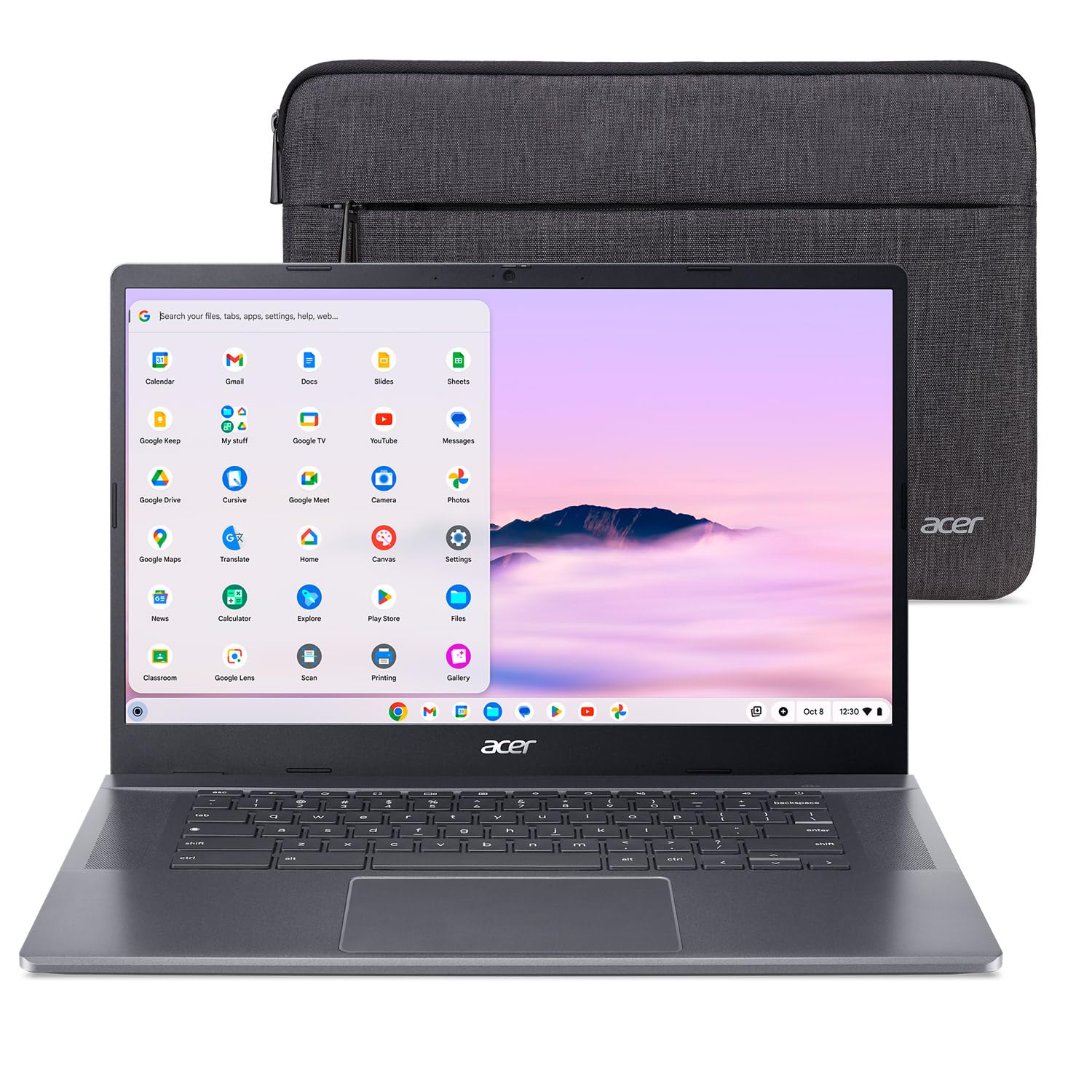

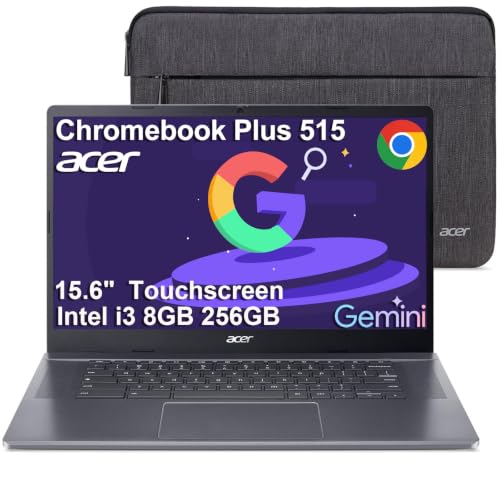


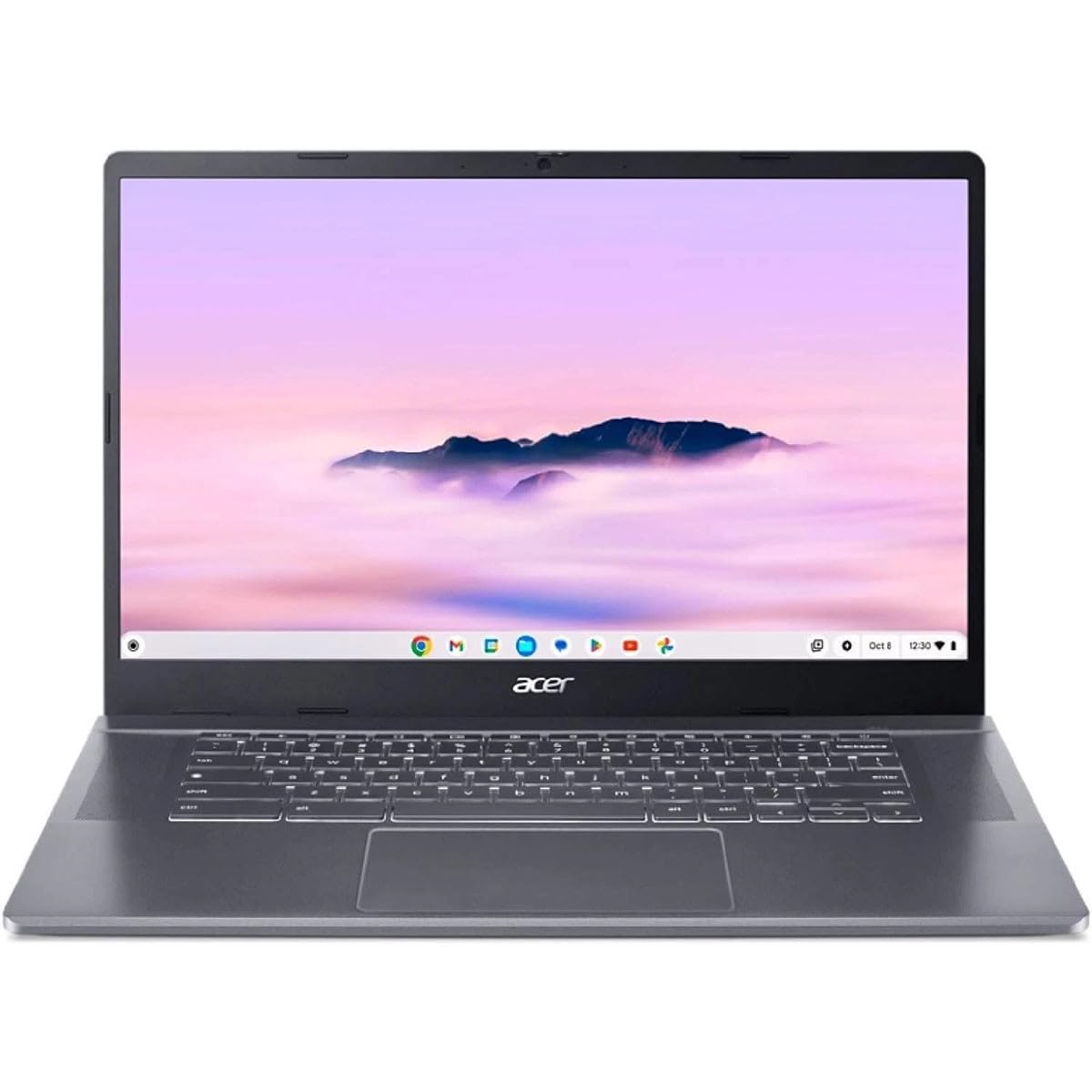
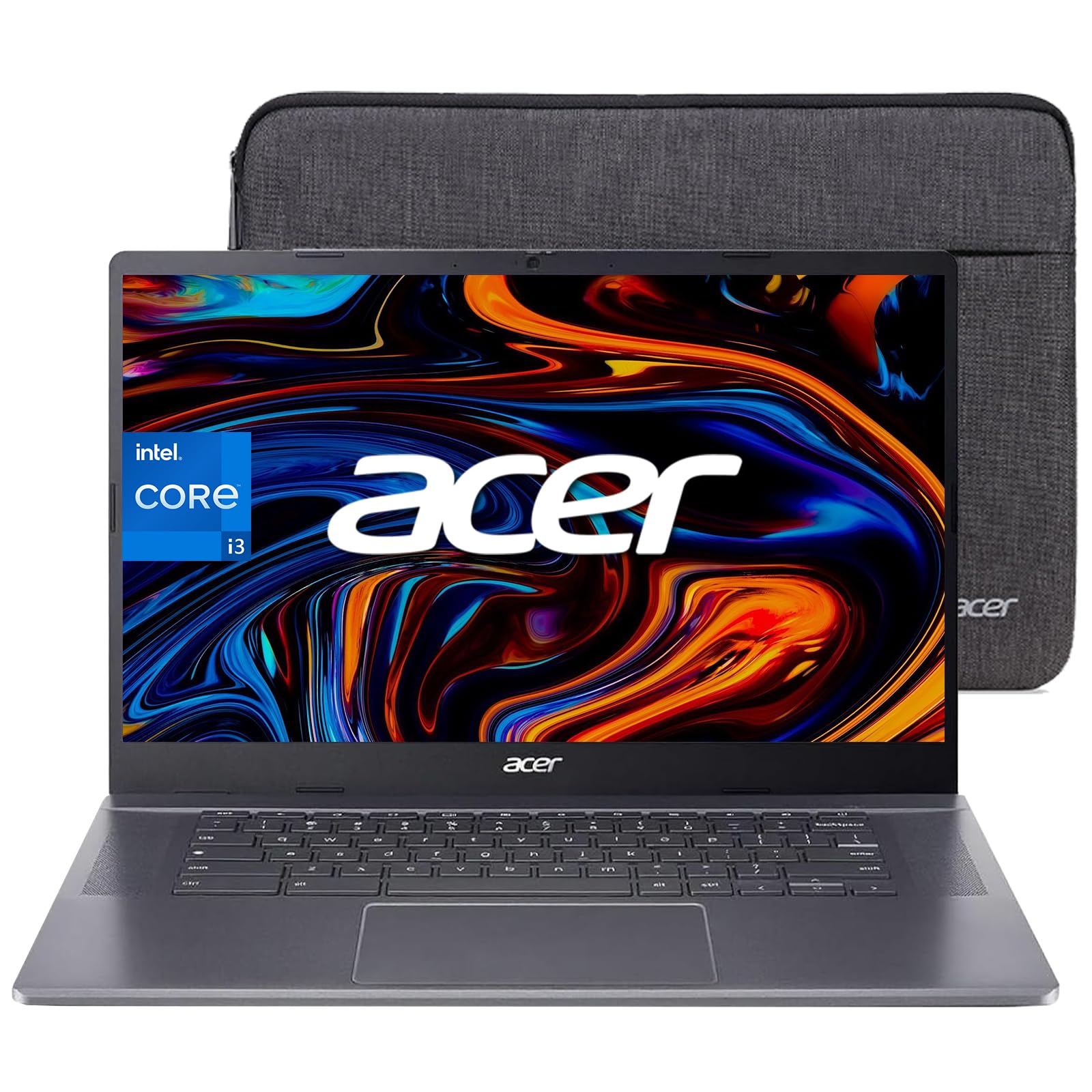
Acer Chromebook Plus 515 Review: Key Specs
Listings on our hub show two main versions. One uses an Intel Core i3-1215U with 8GB of LPDDR5X memory and 128GB of UFS storage, Wi-Fi 6E and a 15.6-inch Full HD anti-glare display with narrow bezels. The other uses an i3-1305U with 8GB of LPDDR5X, a 256GB SSD and a Full HD IPS touch display, with the model name CB515-2HT-33M4 in its title.
Both run Chrome OS, which includes built-in virus protection and cloud backups. A few higher priced listings add more storage or an Enterprise edition, so compare the storage and touch screen line before you pay extra.
Performance on Chrome OS
Chrome OS needs less power than Windows, so an i3 chip with 8GB of memory feels quick for browsing, video calls, documents and streaming. The extra memory over older Chromebooks helps with a heavy tab load and with Android apps running side by side.
Expect smooth schoolwork and office tasks. Heavy video editing, large local files and demanding games are outside its range, though cloud gaming services run well in Chrome with a good connection.
Display and Keyboard
A 15.6-inch Full HD IPS panel gives you more room for two windows side by side than a 14-inch laptop. The anti-glare coating mentioned in the listing helps in bright rooms, and the touch versions let you tap and scroll, useful with Android apps.
The large body leaves room for a comfortable keyboard and a roomy touchpad, which makes the 515 feel closer to a traditional laptop than a small Chromebook does. Check the listing photos if a number pad matters for your work.
Storage, Memory and Connectivity
Most Chromebook Plus 515 listings carry 8GB of memory, and that is enough for typical use on Chrome OS. Storage matters more: 128GB UFS is acceptable if you keep files in the cloud, but 256GB gives space for downloads and offline files.
Wi-Fi 6E is listed on the i3-1215U model, which pays off if your router supports it. Confirm the port selection on the exact listing before buying, especially if you need an HDMI output or a card reader.
Battery and Portability
A 15.6-inch Chromebook is a desk and backpack laptop, not an ultralight. The upside is room for a bigger battery than a small device, and Chrome OS is efficient, so a day of classes or meetings is a realistic expectation, though real life depends on brightness and workload. Check the weight in the product details if you commute every day.
Chromebook Plus Versus a Basic Chromebook
A basic Chromebook can cost half as much, and it is fine for light browsing. The Plus tier raises the floor: the listings here carry an Intel Core i3 chip, 8GB of memory, a Full HD display and a better camera, which keeps the laptop responsive when you have many tabs and a video call open together. If you only check email and watch videos, a basic model is enough. If you study, work in spreadsheets or share the laptop in the family, the Plus 515 is the safer choice.
Chrome OS also gets automatic updates from Google, so the laptop stays current without manual work. Check the listing or the Google support page for the end date of updates for your exact model, since that sets how many years the laptop remains supported.
Everyday Setups That Suit the 515
A big Chromebook shines in a few situations. For a student, the screen fits a lecture video and a notes document side by side. For a home office, a USB-C or HDMI dock and an external keyboard turn it into a basic desktop. For a family, separate Google accounts keep each person's files and settings apart without much setup.
For travel, the size is less convenient, so consider the 14-inch Chromebook Plus models instead if you carry the laptop every day.
Who Should Buy the Acer Chromebook Plus 515
Choose it if you want a large screen and a simple, secure system for school or home. It suits shared family computers, since Chrome OS accounts are easy to manage. Look at a Windows laptop if you need desktop software such as full Adobe apps or specialized engineering tools.
For alternatives, read our Lenovo Chromebook Plus 14 review, the ASUS Chromebook Plus CX34 review and the best chromebook guide.
Buying Tips for the 515
- Pick the i3-1305U with 256GB storage if your budget allows, since the extra storage is the most useful upgrade.
- Check whether the listing says touchscreen, because both touch and non-touch versions exist.
- Look for the Chromebook Plus badge or Google AI wording in the title, which confirms the higher hardware tier.
- Read the listing for the seller and warranty, as several resellers offer the same laptop.
FAQ
Is the Acer Chromebook Plus 515 good for students?
Yes. It handles Google Workspace, video classes and web research well, and the big screen helps when you keep a document and a source open together.
Can it run Windows programs?
No. It runs Chrome OS, so you use web apps, Android apps and Linux apps. Choose a Windows laptop if you need specific Windows-only software.
How much storage do I need?
128GB works if you store files online. Choose 256GB if you download media or keep many offline files.
Does it have a touchscreen?
Some versions do. The listing title says Touch when it is included.
Final Verdict
This acer chromebook plus 515 review points to a roomy, simple laptop that suits school and home work at a modest price. Compare the models in the table above and favor the 256GB version with a touch display if the extra cost is small.


