
Acer Nitro V 15 Review for 2026: Is It Worth It?
Disclosure: We may earn a commission when you buy through links on this page, at no extra cost to you. As an Amazon Associate I earn from qualifying purchases. Learn more

Acer Nitro V 15 review covering RTX 4050 and RTX 5050 graphics, the 144Hz and 165Hz screens, memory, cooling and who it suits.
The Acer Nitro V 15 is a 15.6-inch gaming laptop built for 1080p play at a price well below Acer's Predator line, and this acer nitro v 15 review explains what the specs mean in practice and which configuration is worth buying. It suits students and first-time gaming laptop buyers who want modern graphics, a fast screen and decent cooling without paying for premium extras.
Listings for the Nitro V 15 vary mostly by graphics card, memory and storage. The product table lists several of those versions, from older RTX 4050 builds to newer RTX 5050 models.


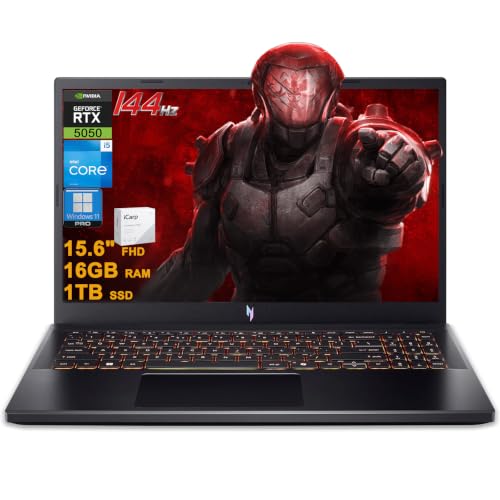
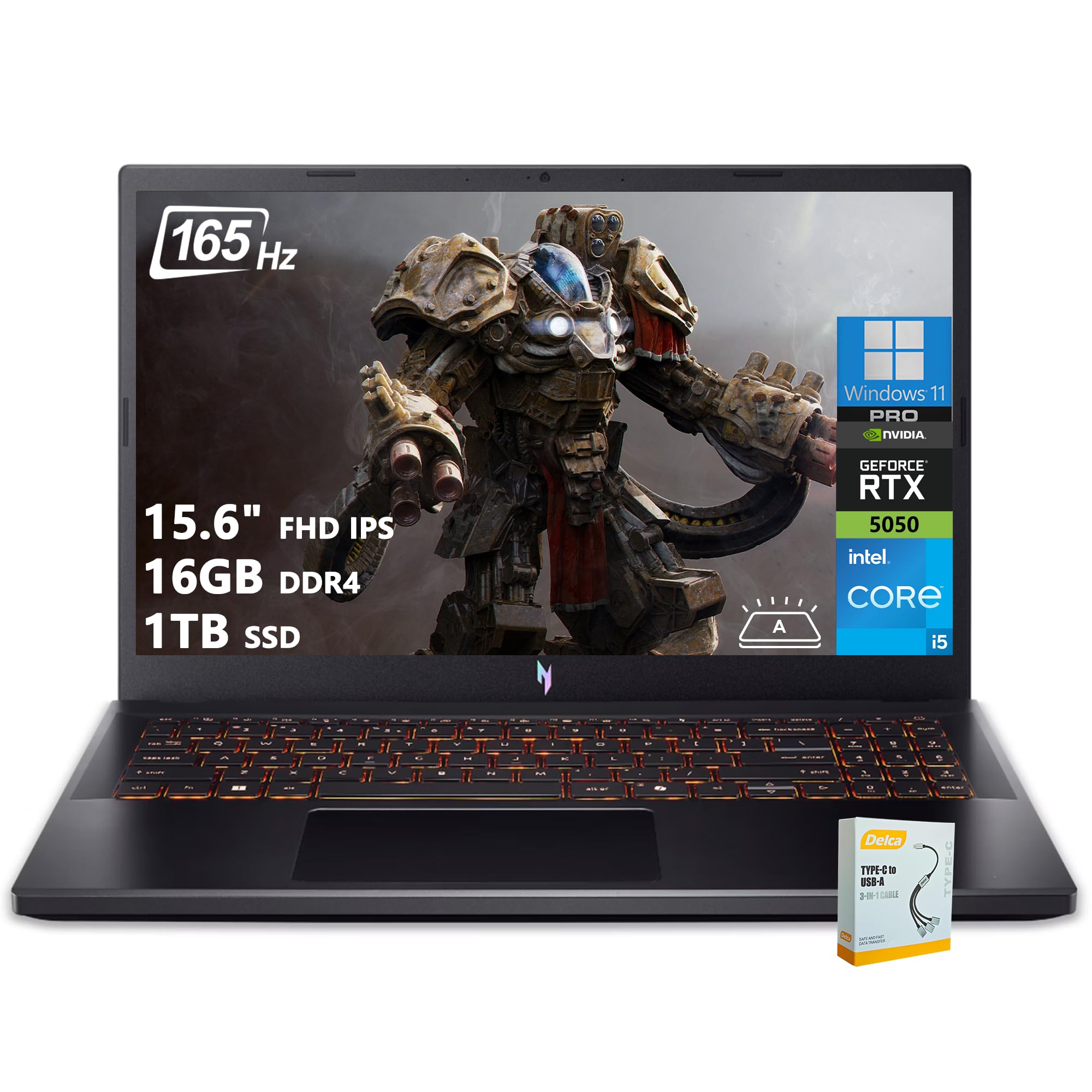
Acer Nitro V 15 Review: Specs by Configuration
The base listing, model ANV15-51-51H9, pairs a 13th generation Intel Core i5-13420H with an NVIDIA GeForce RTX 4050 Laptop GPU, 8GB of DDR5 memory, a 512GB Gen 4 SSD and a 15.6-inch Full HD IPS display at 144Hz. A higher end version uses the Core i7-13620H with the same RTX 4050 class graphics.
Newer listings move to the GeForce RTX 5050 with 8GB of GDDR7 video memory, a 165Hz screen, 16GB of DDR4 memory and a 512GB or 1TB SSD. The processor stays the Core i5-13420H, which lists 8 cores, 12 threads and boost speeds up to 4.6GHz. The graphics upgrade is the main reason to choose the newer version.
Gaming Performance
An RTX 4050 or RTX 5050 laptop GPU is aimed at 1080p gaming. Most current games run well at high settings at that resolution, and DLSS upscaling and frame generation, which the listings highlight, add extra frames in supported titles. Expect strong results in esports games and a good experience in big modern games with some settings tuned.
Do not expect 1440p or 4K at high settings from this class. If you plan to connect a high resolution monitor, step up to a more powerful laptop such as one from the Predator range.
Display and Refresh Rate
The IPS screen is a 1920 x 1080 panel with a 144Hz or 165Hz refresh rate depending on the version. Higher refresh rates make motion look smoother when your graphics card can supply enough frames, which suits shooters and racing games. Color is decent for gaming and general use, but not for professional photo work.
The narrow bezels give a screen-to-body ratio of about 82 percent on the 144Hz listing, so the laptop is more compact than the screen size suggests.
Cooling, Ports and Memory
Acer lists dual fans and an exhaust system on the Nitro V 15, which is what keeps clock speeds steady during long sessions. Fan noise under load is normal for any gaming laptop, so a headset helps.
The Thunderbolt 4 port on the 144Hz model handles charging, data and video over one cable, while the RTX 5050 listing mentions a USB-C port with DisplayPort and charging up to 65W. Memory is where the entry versions cut corners: 8GB of DDR5 is a minimum, and 16GB is the better target for modern games and multitasking.
- 8GB of memory works, but 16GB gives better frame time stability in recent games.
- A 512GB drive fills quickly with big games, so 1TB is a worthwhile upgrade.
- Choose the 165Hz version if you play fast competitive titles.
Strengths and Weaknesses
What it does well
The Nitro V 15 delivers current-generation NVIDIA graphics, a quick display, upgradeable memory and storage on some versions and a lower price than most gaming laptops with similar graphics. DLSS support makes the GPU feel faster than its size suggests.
Where it falls short
The screen is built for gaming, not color accurate photo work, and the entry 8GB memory configuration is limiting. Battery life on any gaming laptop is short under load, so plan to keep the charger close when you play.
Getting the Most From the Nitro V 15
A few settings make a visible difference. Turn on DLSS in games that support it, since it raises frame rates with little visible loss, and set the display to its highest refresh rate in Windows. Use the performance mode in Acer's NitroSense software when you play, and switch back to a quieter mode for schoolwork or browsing, which also saves battery.
Keep the vents clear. A flat desk or a cooling stand helps the fans do their work, and a quick dust clean once or twice a year keeps temperatures in check. Use the Thunderbolt 4 or USB-C port to connect an external monitor if you want a bigger picture at your desk.
Nitro V 15 Versus Stepping Up
The cost of moving from a Nitro V 15 to a stronger laptop adds up quickly. A Nitro V 16 with an RTX 5060 costs a few hundred dollars more, and the Predator Helios line costs well over double. Unless you play at a resolution above 1080p or need heavy creative performance, the Nitro V 15 offers the better value per dollar, and money saved can go toward a good headset, mouse or an external monitor.
Who Should Buy the Acer Nitro V 15
Choose it if you want a capable 1080p gaming laptop that also works for school or work. It is a good first gaming laptop and a smart pick for anyone who wants to spend as little as possible on a modern GPU. If you want higher resolution, a better screen or more power, look at the Predator Helios models instead.
For similar options, read our ASUS ROG Strix G16 review, the ASUS ROG Zephyrus G14 review and the best gaming laptop guide.
How to Choose a Nitro V 15 Listing
Read the full title, because it carries the GPU, memory and storage. The same laptop appears from Acer and from third party sellers, sometimes with more memory or a bigger drive installed. If you buy from a reseller, confirm the warranty, since upgrades may change who supports the laptop.
Check that the charger rating matches your needs and that the listing says Windows 11 Home. The cheapest listing is not always the best, since a version with 16GB of memory often costs only a little more.
FAQ
Is the Acer Nitro V 15 good for gaming?
Yes, for 1080p gaming. It handles current games at medium to high settings, and DLSS adds extra smoothness in supported titles.
Which Nitro V 15 graphics card should I pick?
The RTX 5050 version is the newer card with 8GB of GDDR7 memory. The RTX 4050 versions still play modern games well and often cost less.
Can I upgrade the memory?
Some versions use removable memory modules, but check the listing for slots. Buying a 16GB version is simpler.
Is it good for school?
Yes, though it is heavier and has shorter battery life than a regular student laptop.
Final Verdict
This acer nitro v 15 review lands on a simple conclusion: it is one of the better ways to get modern gaming graphics on a budget. Compare the versions in the table above, aim for 16GB of memory and a 1TB drive if you can, and move up to a Predator only if you need more power.


