
Acer Predator Helios 18 Review for 2026: Is It Worth It?
Disclosure: We may earn a commission when you buy through links on this page, at no extra cost to you. As an Amazon Associate I earn from qualifying purchases. Learn more
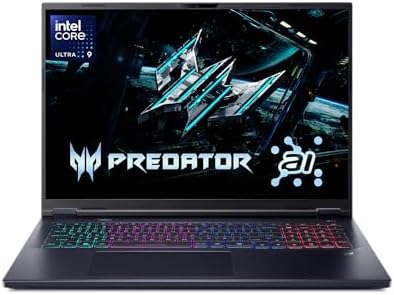
Acer Predator Helios 18 review covering the Core Ultra 9 275HX, RTX 5070 Ti, 240Hz display and cooling, and who benefits from this big laptop.
The Acer Predator Helios Neo 18 is an 18-inch gaming laptop with an Intel Core Ultra 9 275HX processor and an RTX 5070 Ti graphics card, and this acer predator helios 18 review covers what you get, how the configurations differ and who should pay for it. It suits players who want a big screen and desktop-class power in a laptop that sits on a desk most of the time.
Acer sells the current 18-inch model as the Predator Helios Neo 18, and listings differ by memory, storage and seller. The product table shows the available versions.
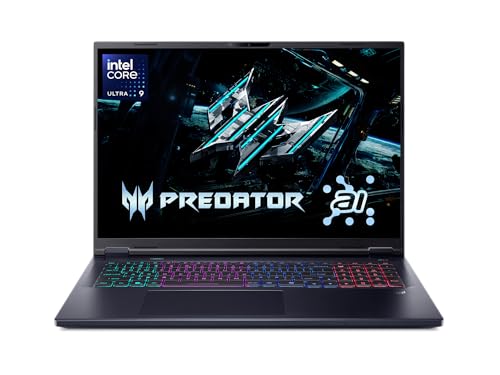
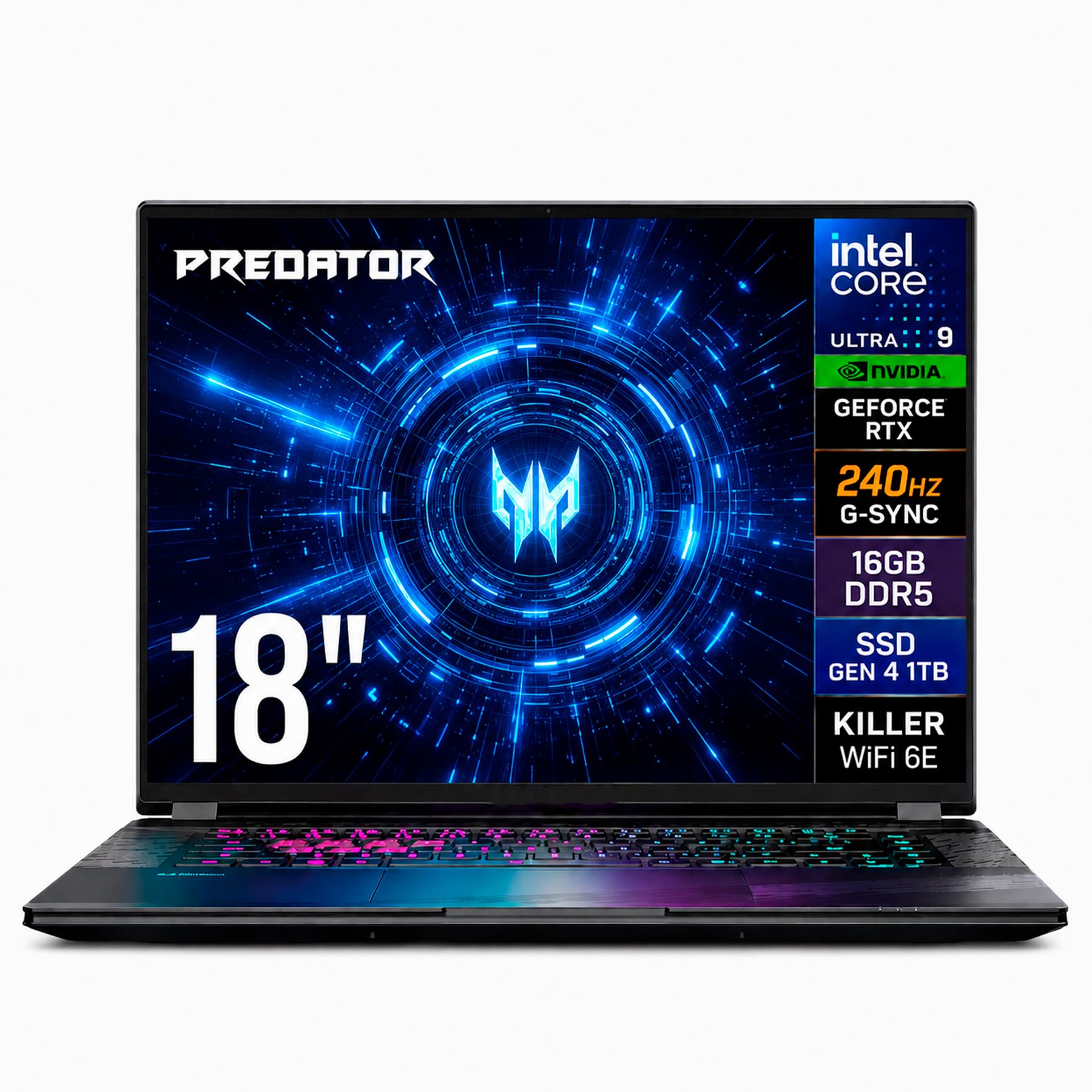
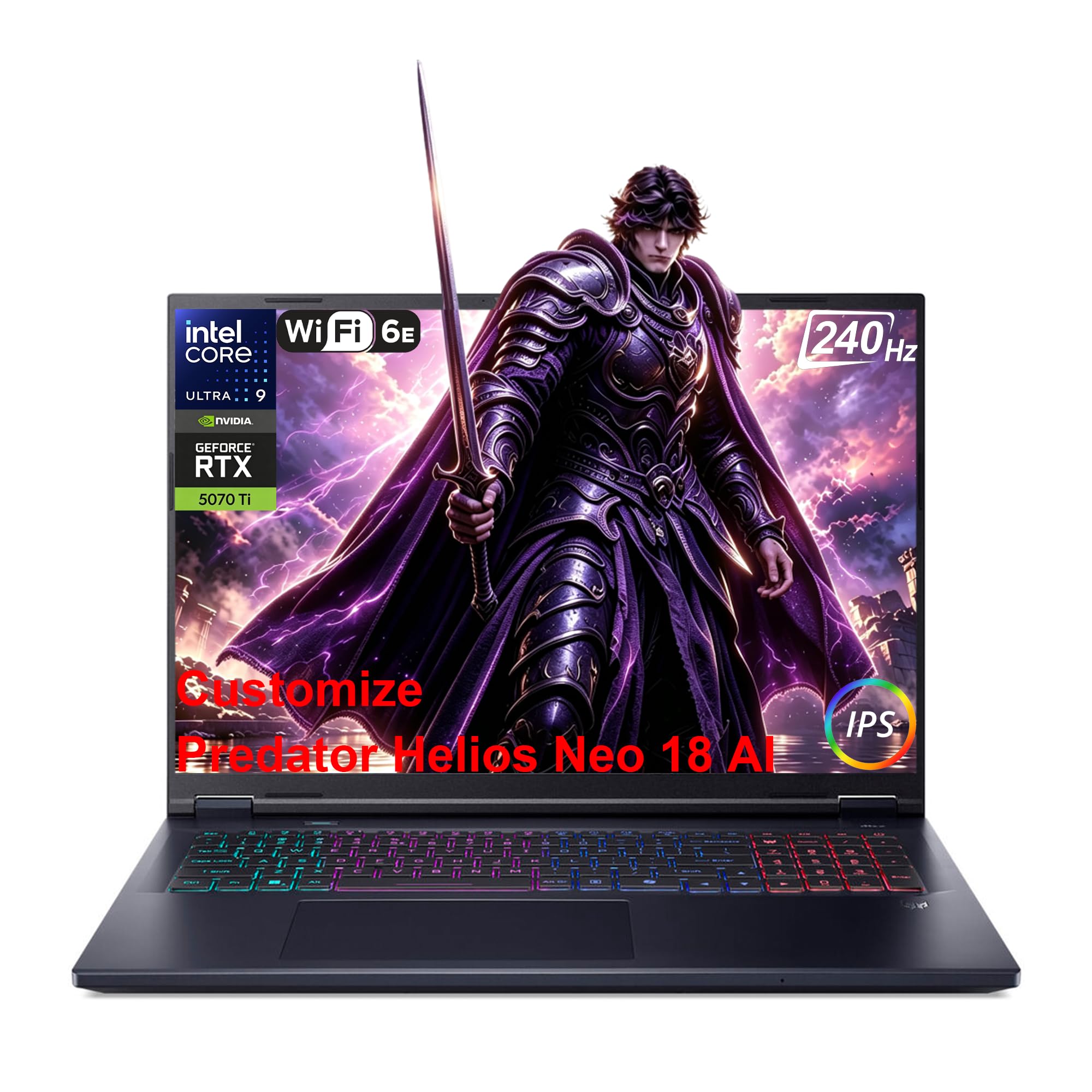

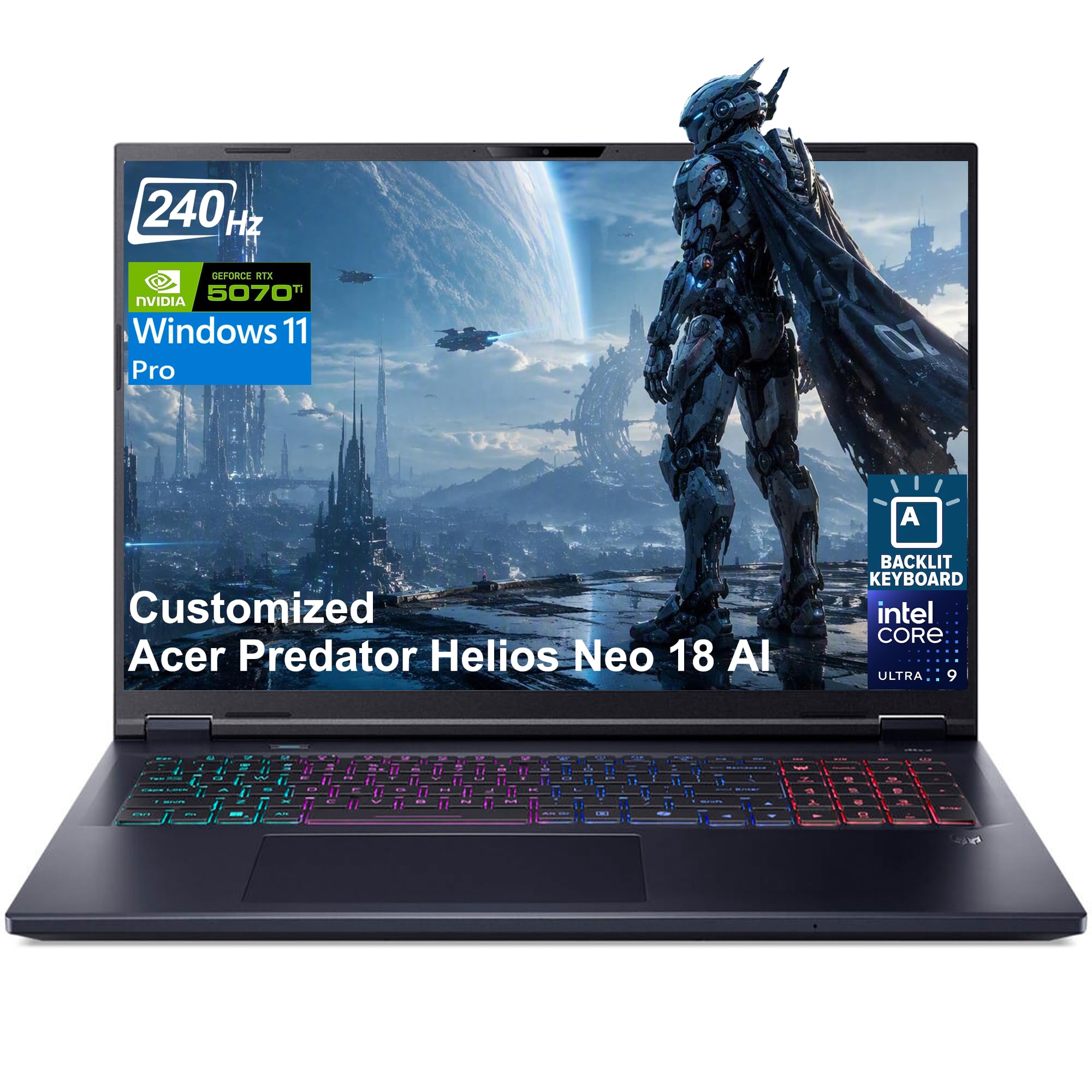
Acer Predator Helios 18 Review: Core Specs
The main listing, model PHN18-72-9474, combines the Intel Core Ultra 9 275HX with the NVIDIA GeForce RTX 5070 Ti laptop GPU, 32GB of DDR5 memory and a 2TB PCIe Gen 4 SSD. A lower priced version (PHN18-72-92Y3) uses 16GB of memory and a 1TB drive. Reseller listings also offer 64GB of memory and up to 4TB of storage.
Acer describes the processor as desktop-level, with 24 cores and a small neural processing unit for background tasks like noise removal. The RTX 5070 Ti brings DLSS 4 with multi frame generation and ray tracing, so modern games run smoothly at high settings.
The 18-Inch Display
The screen is an 18-inch WQXGA (2560 x 1600) panel in 16:10, running at 240Hz with G-SYNC, a 3ms overdrive response time and up to 100% DCI-P3 color. The 16:10 shape gives extra vertical room, which helps in games, browsing and creative apps alike.
At 2560 x 1600, the RTX 5070 Ti has no trouble reaching high frame rates in most games, and the 240Hz refresh shows its value in fast shooters. A big panel also makes the laptop feel closer to a small desktop monitor than a typical 15-inch machine.
Cooling and Thermals
The listing highlights dual fans, one of them a 5th generation AeroBlade 3D metal fan, along with precision-applied liquid metal thermal compound. These parts help the high power chip and GPU hold their speeds in long sessions. Expect noticeable fan noise under load, as with any laptop of this class, so a headset or open back speakers help.
Keep the intake and exhaust vents clear and use the laptop on a hard surface. A cooling stand can add a little extra margin in a warm room.
Memory, Storage and Connectivity
The 32GB configuration uses DDR5 memory at 6400MHz in two slots with a maximum of 64GB, so you can upgrade later. The 2TB drive fills both M.2 slots in the listed version, which means no free slot for another SSD, so choose the storage size you need at purchase.
Connectivity is generous: Killer Ethernet that runs up to 2.5 gigabit, Killer Wi-Fi 6E, a microSD card reader and a full range of USB 3.2 ports. These details matter for online play and for moving large files.
Performance in Games and Creative Work
A top-tier mobile processor and RTX 5070 Ti make this a strong machine for demanding games at high settings, video editing, 3D work and streaming while gaming. The 18-inch chassis gives the parts room to run faster than they would in a thin 14-inch body.
It is not a pocket gaming laptop. A big chassis, a large power adapter and a short unplugged runtime are part of the deal, so treat it as a desk machine that can move between rooms.
Strengths and Weaknesses
Strengths
Strong graphics and processor, a big 240Hz QHD+ screen with G-SYNC, upgradeable memory and strong cooling. The Gen 4 SSD and fast networking round out a well balanced package.
Weaknesses
High price, large size and weight, and loud fans in heavy use. The 32GB and 2TB version leaves no spare SSD slot, and some listings come from resellers who customize the laptop, so warranty terms differ.
Helios Neo 18 Versus Helios Neo 16
The Neo 16 uses the same processor and graphics family in a smaller body with a 16-inch 240Hz screen, and it usually costs a few hundred dollars less. The 18-inch model adds screen area and, in the listed version, more memory and storage. If you want a laptop you can still carry easily, the 16-inch version is the better trade. If the laptop will stay on a desk and replace a desktop PC, the extra screen real estate of the 18-inch is the whole point.
Accessories Worth Adding
A large laptop benefits from a few extras. An 18-inch compatible backpack or sleeve protects it in transit, since standard 15-inch cases do not fit. A cooling pad or laptop stand helps airflow, a gaming mouse and headset round out the setup, and an external monitor is optional because the built-in screen is already large.
Check the size listed on any case, because 17-inch cases are not always wide enough for an 18-inch body.
Who Should Buy the Acer Predator Helios 18
Choose it if you want maximum performance and a large screen in a laptop, and you game or create at your desk. Look at the Predator Helios Neo 16 or a Nitro model if you want something smaller or cheaper. For alternatives, see the ASUS ROG Strix G16 review, the ASUS ROG Zephyrus G14 review and the best gaming laptop guide.
FAQ
Is the Acer Predator Helios 18 worth it?
It is worth it if you need top graphics, a big screen and strong cooling in a laptop. A smaller laptop is the better buy if you travel often.
What graphics card does it use?
The current Helios Neo 18 listings use the NVIDIA GeForce RTX 5070 Ti laptop GPU.
Can I upgrade the memory?
The listed 32GB model has two DDR5 slots with a maximum of 64GB.
Is it good for video editing?
Yes. The 24-core processor, fast memory and wide color screen suit editing and rendering work.
Final Verdict
This acer predator helios 18 review comes down to a powerful, large, expensive gaming laptop for desk use. Compare the versions in the table above, check the memory and storage on each listing and the seller's warranty, and choose a smaller model if you need to carry it daily.


