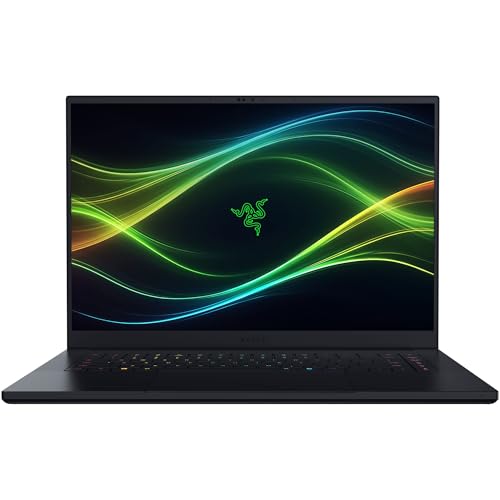
Alienware 16 Area-51 Review for 2026: Is It Worth It?
Disclosure: We may earn a commission when you buy through links on this page, at no extra cost to you. As an Amazon Associate I earn from qualifying purchases. Learn more

Alienware 16 Area-51 review covering Cryo-Chamber cooling, the 240Hz display, RTX 5070 Ti to 5090 options and who should buy it.
The Alienware 16 Area-51 is Dell's flagship 16-inch gaming laptop, built to run its processor and graphics card at higher power limits than a typical thin laptop, and this alienware 16 area-51 review covers the design, performance, cooling, display and who should pay the high price. It suits players who want desktop-class power in a laptop that still fits on a desk or a backpack, and who do not mind spending several thousand dollars.
Prices on our hub run from around $3,300 for the RTX 5070 Ti version sold by Alienware up to well over $5,000 for configurations with the RTX 5090 or an OLED screen, so the exact configuration matters.
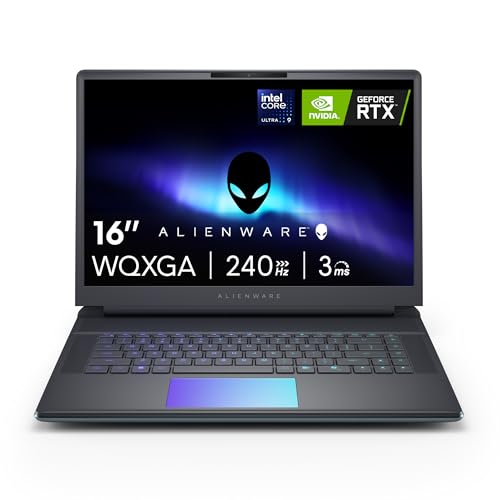


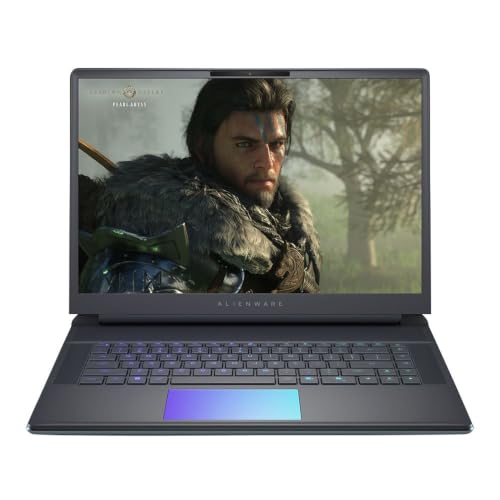
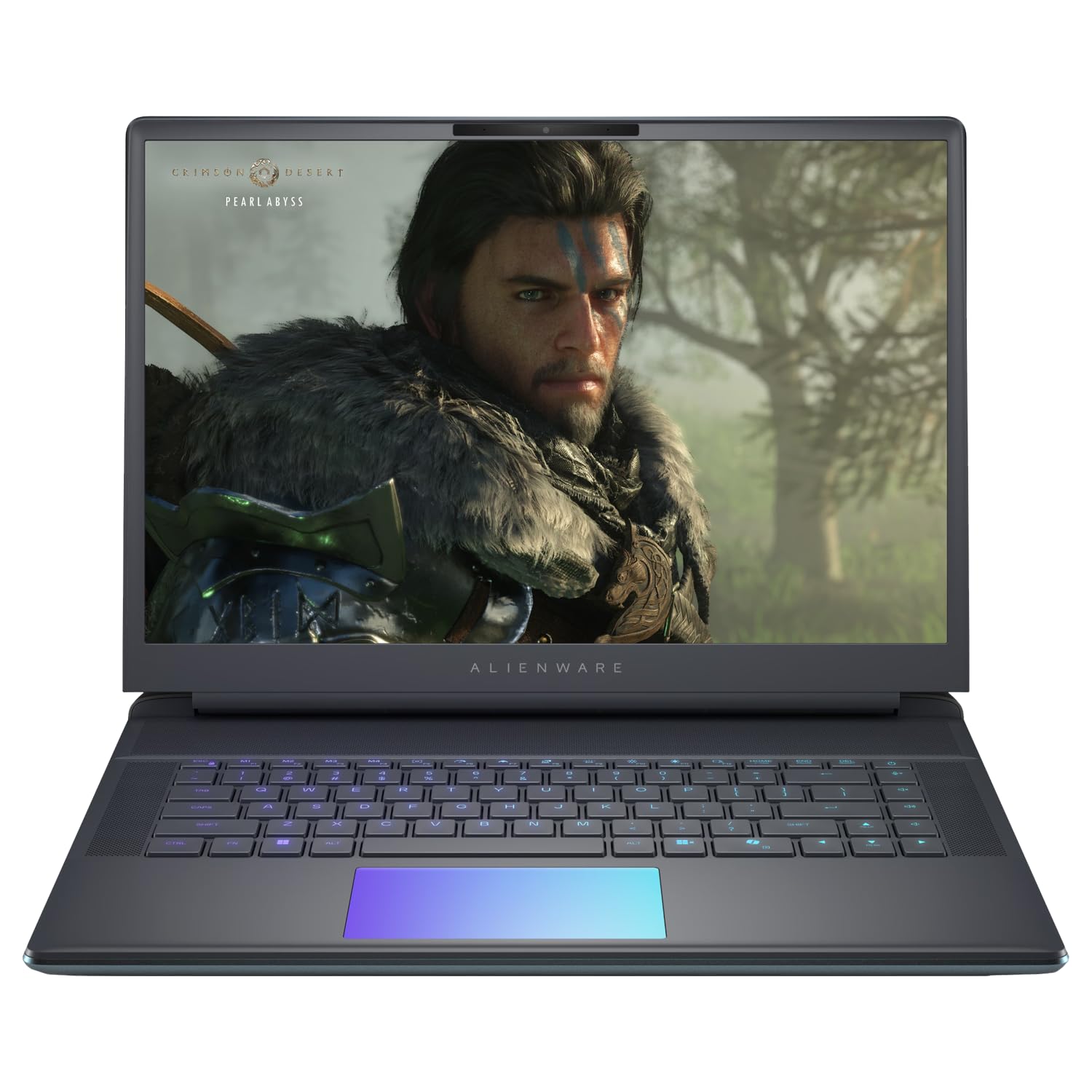
Alienware 16 Area-51 Review: Core Specs
The main listing, model AA16250, pairs an Intel Core Ultra 9 275HX processor with an NVIDIA GeForce RTX 5070 Ti, 32GB of DDR5 memory, a 1TB SSD and a 2560 x 1600 display at 240Hz, running Windows 11 Home. Reseller listings add 64GB of memory and 2TB of storage at around $4,200 to $4,400, an RTX 5090 version near $7,000 and an OLED model with an Intel Core Ultra 9 290HX near $5,000.
Dell describes the Area-51 as designed to reach new performance horizons by enabling higher graphics and processor power limits. In practice that means the laptop is allowed to draw more power than slimmer machines, which is what lets the 275HX and RTX 5070 Ti run closer to their full speeds.
The Cryo-Chamber Cooling Design
The most distinctive part of the Area-51 is the Cryo-Chamber. The structure props up the laptop and creates a much larger air intake at the bottom, with a clear Gorilla Glass panel that shows the AlienFX fans. More airflow lets the processor and graphics card hold higher clocks for longer before they slow down for heat.
The trade-off is size. The Cryo-Chamber adds thickness at the rear, so the laptop takes more desk and bag space than a thin gaming laptop. Think of it as a portable desktop replacement that you carry from room to room.
Display and Lighting
The base display is a 16-inch 2560 x 1600 panel at 240Hz, with a 3ms response time on listed versions, and G-SYNC on some configurations. The 16:10 shape gives extra vertical room for games, browsing and creative apps, and 240Hz suits fast shooters. OLED versions exist in reseller listings if color depth matters more than price.
Alienware also adds AlienFX ambient lighting inspired by the aurora borealis, which casts colored light across the desk and walls. You can turn the lighting off or tone it down in the software.
Performance in Games and Creative Work
The Core Ultra 9 275HX has 24 cores and is a top-end mobile chip. Paired with the RTX 5070 Ti, it runs current games at high settings at 2560 x 1600, and DLSS 4 with frame generation raises frame rates further in supported titles. The RTX 5080 and RTX 5090 options push further, for high refresh rates at maximum settings.
For video editing, 3D rendering and AI work, the HX processor and fast memory shorten render times noticeably compared with thin laptops. Choose 32GB of memory for gaming and 64GB for heavy creative projects.
Service, Warranty and Reseller Listings
Alienware listings include one year of onsite service, where Dell comes to your home or office for issues covered by the limited hardware warranty that cannot be fixed remotely. Reseller listings from third parties may not carry the same service terms, so read the seller notes before buying.
Because configurations vary so much, match the listing title to the specs you want: the graphics card, memory, storage size and display type.
Who Should Buy the Alienware 16 Area-51
Choose it if you want one of the most powerful 16-inch gaming laptops, value strong cooling and can afford the price. It also suits creators who need GPU power for rendering. Skip it if you want a thin travel laptop, since the cooling design adds bulk, or if you play at 1080p, where cheaper laptops are enough.
For alternatives, see our ASUS ROG Strix G16 review, the ASUS ROG Zephyrus G14 review and the best gaming laptop guide.
Which Graphics Card Should You Pick
The RTX 5070 Ti at around $3,300 is the sweet spot for most buyers. It runs current games at 2560 x 1600 with high settings and leaves the budget for a good headset and a monitor. Stepping to the RTX 5080 or RTX 5090 adds frame rate and ray tracing quality, but each step adds well over a thousand dollars, and the extra performance is hard to notice unless you play the heaviest titles at maximum settings.
If your goal is 4K gaming on an external monitor, the higher cards make more sense, since the laptop screen is not 4K. For the built-in screen, the 5070 Ti is hard to beat on value.
Everyday Use and Living With It
Treat the Area-51 as a desk machine. Keep it plugged in for games, since the laptop is built to draw high power, and use a profile that lowers fan noise for browsing and documents. The clear panel on the underside and the lighting look good on a desk, and the AlienFX software lets you tone down the colors if you prefer a calmer setup.
Keep the intake clear. The bigger air intake works best on a hard, flat surface, and a soft bed or couch blocks it and raises temperatures.
Strengths and Weaknesses
Strengths
Very high performance, high power limits, strong cooling, a fast 240Hz screen and onsite service on Alienware-sold models.
Weaknesses
High price, large size, shorter battery life under load and varied reseller configurations that can confuse the choice.
Buying Tips
- Read the graphics card in the title, since RTX 5070 Ti, 5080 and 5090 versions differ greatly in price.
- Choose 32GB of memory or more, and a 1TB drive at minimum.
- Compare Alienware-sold listings with resellers for warranty differences.
- Buy a protective case or backpack sized for a 16-inch laptop with a rear thermal structure.
FAQ
Is the Alienware 16 Area-51 worth it?
It is worth it if you need top graphics and cooling in a laptop and can afford the cost. Otherwise a cheaper gaming laptop is enough.
What graphics card does it use?
Listings range from the RTX 5070 Ti up to the RTX 5090, depending on configuration.
Does it have a 240Hz screen?
Yes. The listed 16-inch display runs at 240Hz at 2560 x 1600.
Is it good for video editing?
Yes. The 24-core processor and strong graphics speed up editing and rendering.
Final Verdict
This alienware 16 area-51 review describes a powerful, large gaming laptop with strong cooling and a high price. Compare the configurations in the table above, check the warranty and choose the graphics card that matches your games.