Alienware 16 Aurora Review for 2026: Is It Worth It?
Disclosure: We may earn a commission when you buy through links on this page, at no extra cost to you. As an Amazon Associate I earn from qualifying purchases. Learn more

Alienware 16 Aurora review covering the 16:10 WQXGA screen, RTX 5050 to 5070 options, cooling and who the mid-priced laptop suits.
The Alienware 16 Aurora is the more affordable 16-inch Alienware gaming laptop, with RTX 50 series graphics and a 16:10 display at a price well below the Area-51, and this alienware 16 aurora review explains what the specs mean, how the configurations differ and who should buy it. It suits players who want the Alienware look and a capable 1200p or 1600p gaming laptop without paying flagship prices.
Listings run from around $1,300 for an RTX 5050 version to around $2,200 for an RTX 5070 version, with resellers offering extra memory and storage.


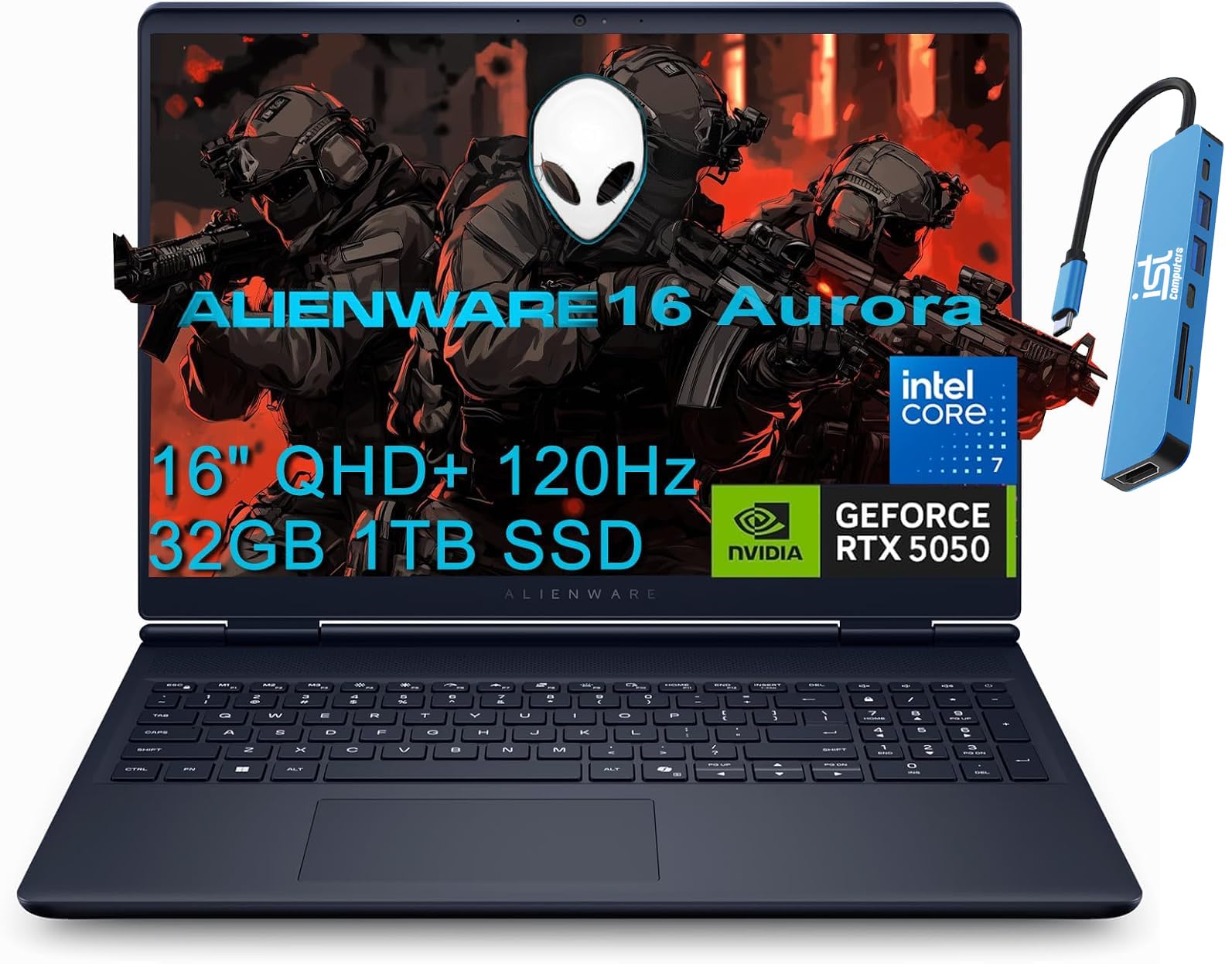
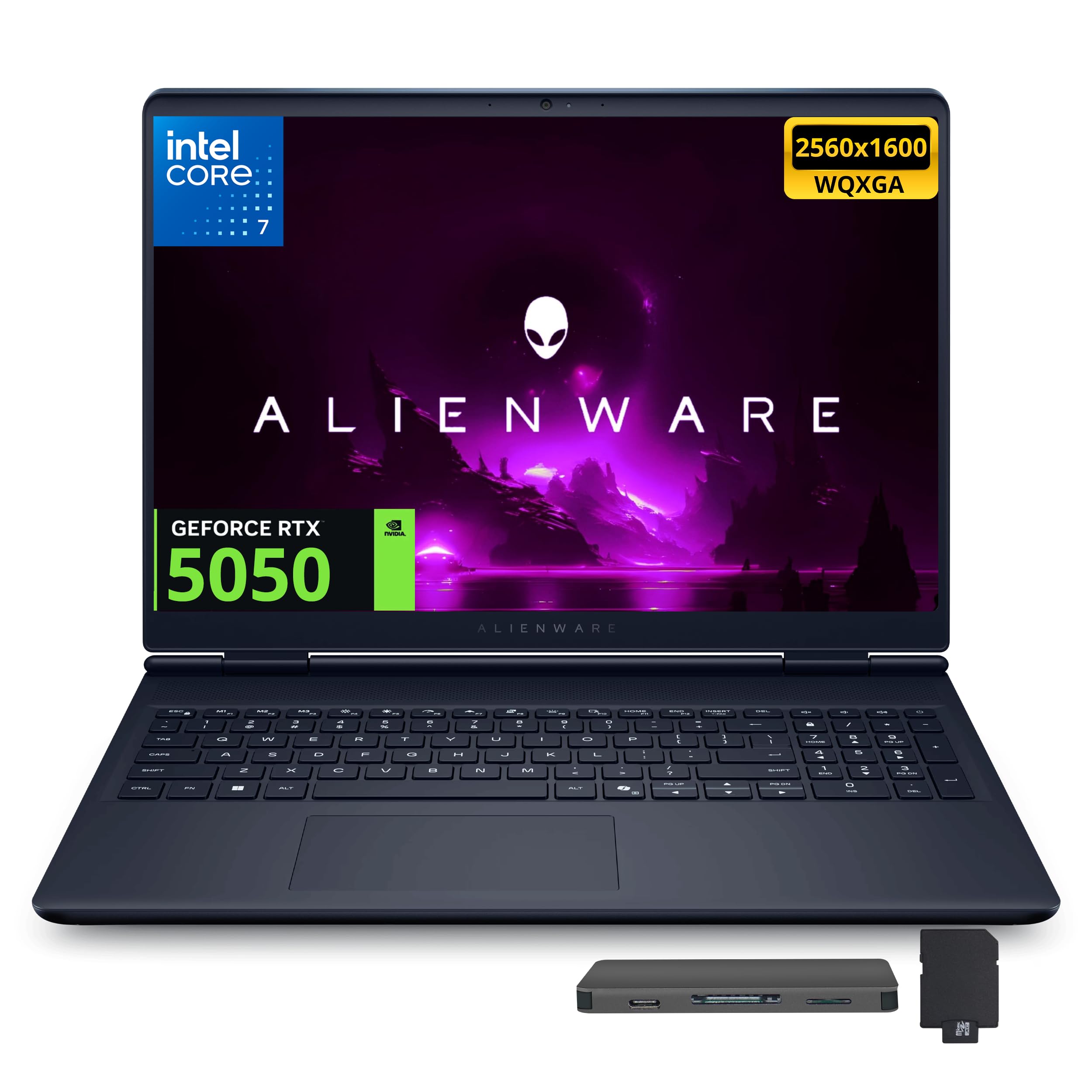
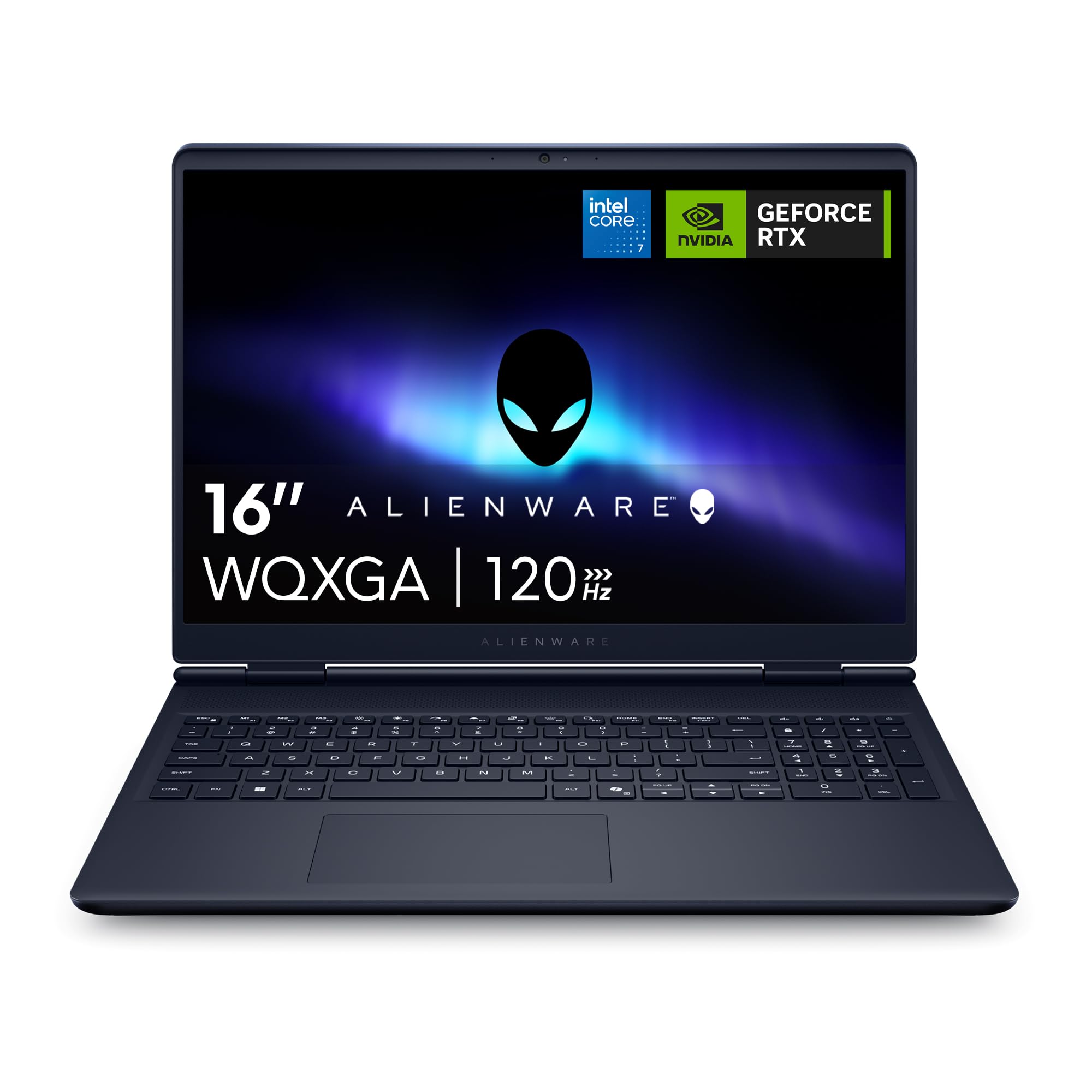

Alienware 16 Aurora Review: Configurations
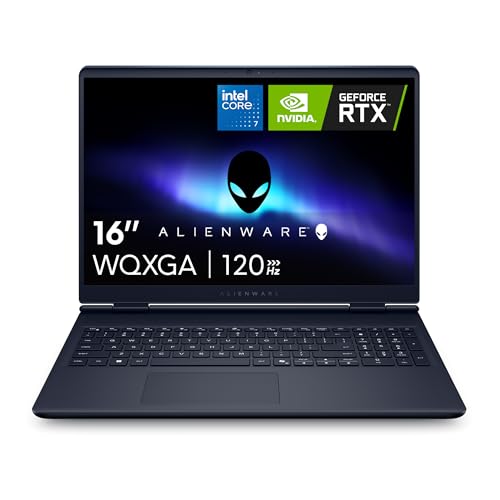
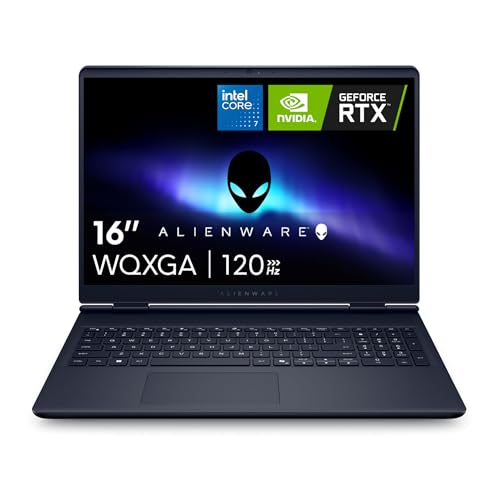
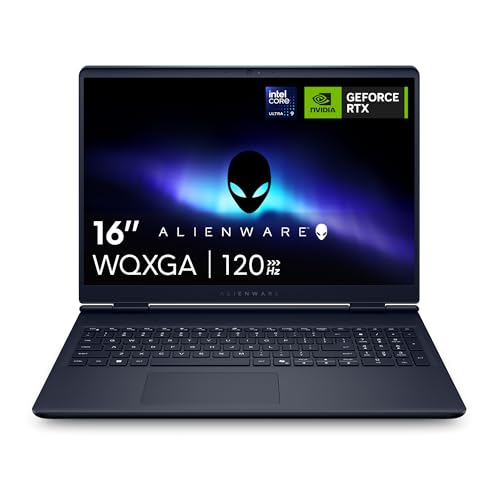
The entry model lists an Intel Core 7 240H, an RTX 5050 laptop GPU, 16GB of DDR5 memory, a 1TB SSD, Wi-Fi 7 and a 16-inch WQXGA (2560 x 1600) display at 120Hz with 300 nits. The next step lists an RTX 5060 and the same 16:10 display. The top listing uses an Intel Core 9 270H with an RTX 5070.
Reseller versions often upgrade to 32GB of memory, and some list 2TB of storage. The Alienware 16X Aurora, which uses an Intel Core Ultra 9 275HX and costs more, is a different model with a faster processor, so check the name.
Display
The 16-inch 16:10 WQXGA panel is a clear strength for the price. At 2560 x 1600, text and games look sharper than on a 1080p laptop, and the 16:10 shape gives extra vertical space for browsing and work. The 120Hz refresh rate is fast enough for smooth play, but it is lower than the 240Hz panels on pricier models, and the 300 nits of brightness is typical rather than bright.
For competitive shooters, the lower refresh rate is the main trade-off. For single player and mixed gaming, it is a strong match.
Performance by Graphics Card
The RTX 5050 is an entry card that handles esports titles at high frame rates and recent games at medium to high settings at 1080p, and at lower settings at the native 2560 x 1600. The RTX 5060 adds headroom for high settings, and the RTX 5070 version pushes the native resolution in most games with DLSS. Use upscaling to keep frame rates smooth at the native resolution.
The Core 7 240H and Core 9 270H processors are mid-range gaming chips that pair well with these graphics cards for gaming and everyday work.
Cooling and Design
Alienware lists a newly designed Cryo-Chamber structure that focuses airflow to the core components. The Aurora's streamlined design offers advanced thermal support without the rear thermal shelf found on the Area-51, which makes it slimmer and easier to carry.
That makes the Aurora a better match for someone who takes the laptop to class or work. It still gets warm and loud in long gaming sessions, as most gaming laptops do.
Memory, Storage and Connectivity
Memory and storage are the places to spend a little extra. 16GB of DDR5 works for gaming but limits multitasking, so a 32GB reseller version is a better long term choice if the price gap is small. A 1TB SSD is a good base, and a 2TB version helps if you install many games. The entry model lists Wi-Fi 7, which helps if your router supports it.
Who Should Buy the Alienware 16 Aurora
Choose it if you want a modern 16-inch gaming laptop with a sharp screen and a distinctive design, at a lower price than the Area-51. It suits students and gamers who also use the laptop for work. Skip it if you want a 240Hz screen or top-tier graphics, and look at the Area-51 or the ASUS ROG Strix G16.
See also the ASUS ROG Zephyrus G14 review and the best gaming laptop guide.
Aurora Versus Area-51 Versus 16X Aurora
Alienware's lineup has three similar names. The Area-51 is the flagship with the highest power limits and the Cryo-Chamber thermal shelf. The 16 Aurora is the slimmer, cheaper model with Core 7 and Core 9 processors. The 16X Aurora sits between them, with a Core Ultra 9 275HX processor and a 240Hz screen at a higher price. If you want to spend around $1,300 to $1,600, the standard Aurora is the model to look at. If you can reach $2,500 to $3,000, the 16X Aurora or the Area-51 give a clear jump in processor power.
Everyday Use and Battery
Because the Aurora uses a mid-range processor and a smaller graphics card than the flagship models, it runs cooler and quieter in everyday tasks. It handles browsing, office work and streaming comfortably, and the 16:10 display shows more of a document than a 16:9 laptop does. Battery life is better than on the Area-51 in light use, but gaming drains it quickly, so keep the charger handy.
The Wi-Fi 7 support on the entry listing is a nice future-proofing detail if you plan to upgrade your router.
Strengths and Weaknesses
Strengths
A sharp 16:10 display, current RTX 50 graphics, a lower price than other Alienware laptops, and a design that is easier to carry than the Area-51.
Weaknesses
A 120Hz refresh rate, 300 nits of brightness, 16GB of memory in many listings and processor choices that sit below the flagship class.
Buying Tips
- Choose RTX 5060 or higher if you play recent games at the native resolution.
- Look for a 32GB version if you multitask or stream.
- Check the listing for the Alienware 16 Aurora name, not the 16X Aurora.
- Confirm the warranty and service terms from the seller.
FAQ
Is the Alienware 16 Aurora good for gaming?
Yes. It uses RTX 50 series graphics and a sharp 16:10 display, which handle current games well at suitable settings.
What is the difference between Aurora and Area-51?
The Area-51 is the high power flagship with stronger cooling, while the Aurora is slimmer, cheaper and uses mid-range processors.
Is it good for school?
Yes, but it is larger and heavier than a typical student laptop.
What refresh rate does it have?
The listed screens run at 120Hz.
Final Verdict
This alienware 16 aurora review shows a well-balanced gaming laptop with a sharp screen and a moderate price. Compare the configurations in the table above, aim for 32GB of memory if you can, and choose the RTX 5060 or higher for the best results.