
Alienware AW2725QF Review for 2026: 27-Inch Dual-Resolution 4K Monitor
Disclosure: We may earn a commission when you buy through links on this page, at no extra cost to you. As an Amazon Associate I earn from qualifying purchases. Learn more

Alienware AW2725QF review covering 4K at 180Hz, the 360Hz FHD mode, G-SYNC Compatible support, ports and who should buy.
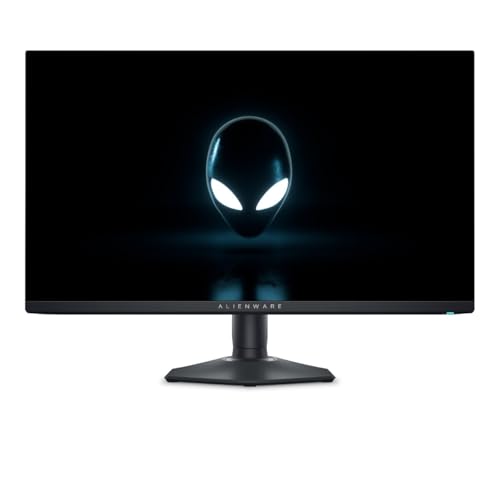
This Alienware AW2725QF review covers the 27-inch 4K gaming monitor from Alienware that you can still buy new. The 4K QD-OLED AW2725Q is no longer available new, so this model is the one to look at if you want a sharp 27-inch Alienware screen that also switches to a very fast 1080p mode.
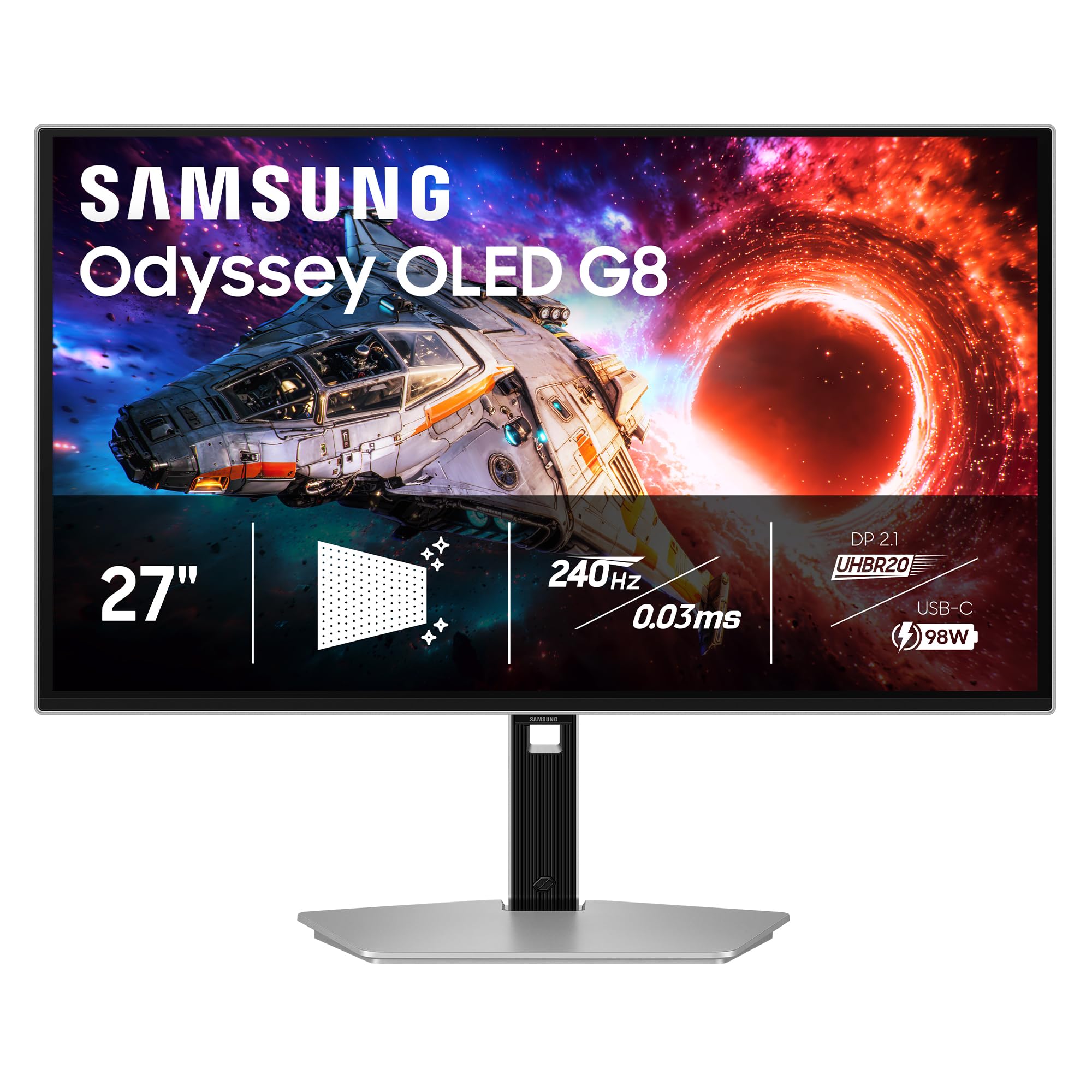
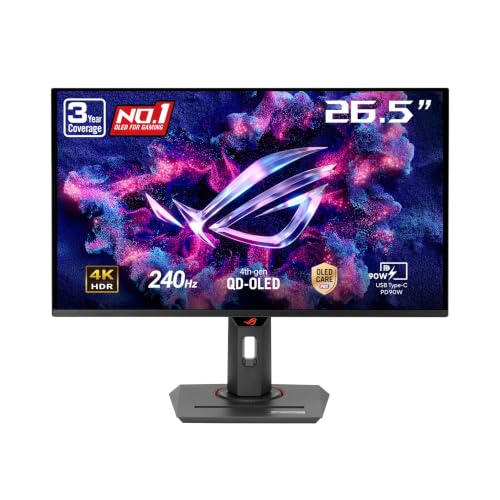
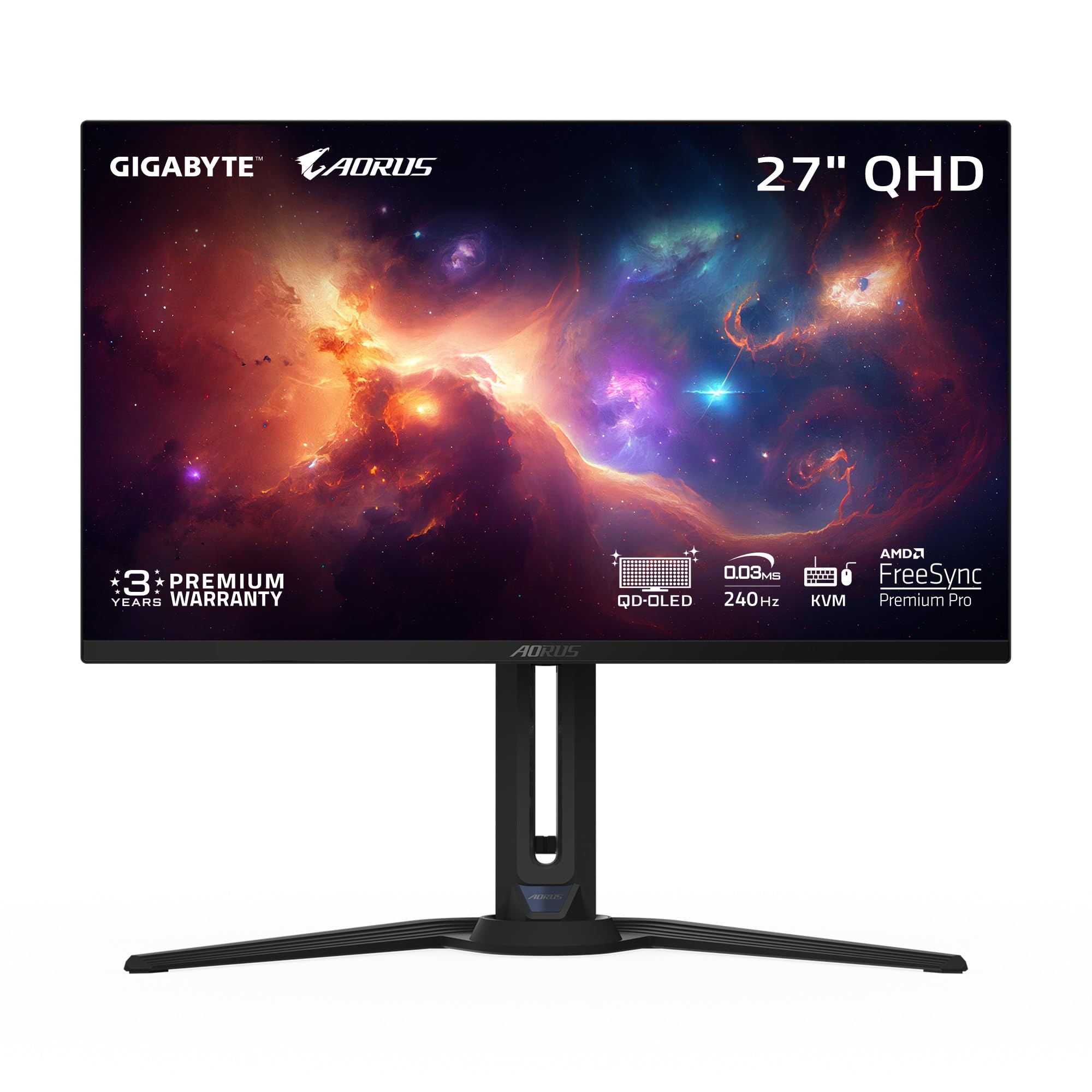
The product table above lists it beside other 27-inch and 34-inch gaming monitors, which helps you judge whether the dual-resolution idea is worth the price.



What Makes the AW2725QF Different
The key idea is dual resolution. The listing describes 4K at 180Hz for sharp everyday use and games, and an FHD mode at 360Hz for players who want speed in competitive titles. You pick the mode that fits the game, instead of buying two monitors or settling on one resolution for everything.
The same listing gives a 0.5ms GTG response time, with 1ms GTG in Extreme Mode, plus VESA AdaptiveSync and NVIDIA G-SYNC Compatible support. Inputs are HDMI, DisplayPort and USB 3.2 Gen1, which cover a PC, a console and a few accessories. The monitor uses a fast IPS style panel, so colors and viewing angles are good, though blacks look gray compared with the OLED models in the table.
Using the 4K Mode
For desktop work, 4K on a 27-inch screen gives crisp text and plenty of room for windows. For games, it gives detail, but only if your graphics card can keep up. A mid-range card will often need upscaling to hold a high frame rate at this resolution, and you should check that your card has a DisplayPort output that can carry 4K at 180Hz.
- Single-player games and creative work are the best fit for the 4K mode.
- Reading text, coding and spreadsheets also look cleaner than on a 1440p monitor of the same size.
- Streaming and video watching benefit from the extra sharpness too.
Using the FHD Mode
The FHD mode trades sharpness for speed. At 1920 x 1080 the monitor can reach 360Hz, and a card that struggles with 4K can feed it more easily. Competitive shooters often prefer low resolution and a high refresh rate, since smooth motion helps tracking and aim.
Switching between modes takes a short moment and the picture is scaled to fit the panel. If you rarely play fast competitive games, you may never use it, and a standard 4K monitor would cost less.
Design and Comfort
Alienware monitors have a distinctive look, with a rear light and a sturdy stand. Check the stand for height and tilt adjustment on the product page, and look at the VESA mount option if you plan to use a monitor arm. A 27-inch screen sits comfortably on most desks, which is a point in its favor against larger displays.
Where It Falls Short
The listing has a modest rating from a small number of reviews, so read recent buyer comments before you order and look for notes on panel quality and stand wobble. Compared with the OLED monitors in the table, contrast is lower and dark scenes look flatter. Compared with a cheap 1440p monitor, you pay more for a feature that only helps if you use both modes.
Who Should Buy It
This monitor suits a player who splits time between demanding single-player games in 4K and fast shooters in 1080p. It also suits someone who wants an Alienware monitor with 4K for work. It does not suit a buyer who wants true black levels or an ultrawide image, and a QHD monitor with a high refresh rate will be better value for most competitive players.
Our best gaming monitor guide and the Samsung Odyssey G5 review show other ways to get high refresh rates at lower prices.
What to Check Before You Buy
Confirm that your graphics card can output the modes you want, check the cable you plan to use, and think about whether you will really switch modes. Look at the return policy too, because stand quality and panel uniformity are easy to judge once the monitor is on your desk. If you want an OLED panel instead, compare the QD-OLED models in the table, which cost more but look better in dark rooms.
Alienware AW2725QF Review: Our Take
The dual-resolution design is clever, and it is a good fit for a flexible PC rig. It is the Alienware 4K option you can buy new, so it replaces the older QD-OLED model for shoppers who still want that size. Pair it with a strong graphics card and it will serve both work and play.
Settings Worth Changing on Day One
Out of the box, many gaming monitors run at the wrong refresh rate or with overdrive set too high. Set the 4K mode to its top refresh rate in the operating system, then try the middle overdrive level first. If you see bright trails behind moving objects, lower it one step, and if the image looks soft, raise it one step.
Turn on AdaptiveSync or G-SYNC Compatible in the graphics driver and cap your frame rate a few frames below the refresh rate for the smoothest result. When you switch to the FHD mode, check that the refresh rate changed as well, because the display may keep the lower value from the previous mode.
Finally, adjust brightness for your room. Many IPS panels look best at moderate brightness, and a lower setting is easier on the eyes during long sessions.
FAQs
Is the AW2725QF a 4K monitor?
Yes. It runs 4K at 180Hz and also offers an FHD mode at 360Hz.
Does it support G-SYNC?
The listing shows NVIDIA G-SYNC Compatible and VESA AdaptiveSync, so it works with both major graphics card makers.
Is it an OLED?
No. It is a fast IPS style monitor, so the OLED models in the table look better in dark scenes but cost more.
Which ports does it have?
HDMI, DisplayPort and USB 3.2 Gen1, as shown in the listing.
Final Verdict
Take this Alienware AW2725QF review as a guide for buyers who want both sharpness and speed from one 27-inch panel. Compare the table alternatives before you buy, and read recent customer comments to confirm the unit quality.
Specifications and prices can change, so read the product page once more before you order.


