
Amazon Fire TV Omni Mini LED Review for 2026: Mini-LED Picture, Gaming and Sizes
Disclosure: We may earn a commission when you buy through links on this page, at no extra cost to you. As an Amazon Associate I earn from qualifying purchases. Learn more

Amazon Fire TV Omni Mini LED Review: dimming zones, 144Hz gaming, Alexa and sizes compared, so you can choose the right Fire TV set for your room.
A Fire TV with a Mini-LED panel promises deeper blacks and brighter highlights than a basic LED TV, usually without a jump to premium pricing. This amazon fire tv omni mini led review explains what the Omni and Mini-LED labels mean in practice, which features deserve your attention, and where the trade-offs hide before you choose a size and brand.
The product table below lists current Fire TV sets with Mini-LED backlights from several makers. Use the sections that follow to decide how bright, how large and how gaming-ready your next TV needs to be.
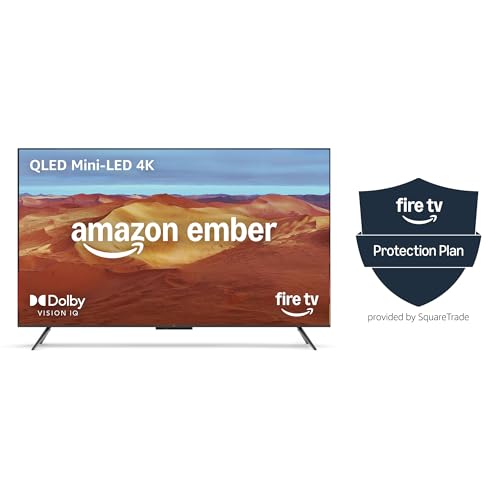
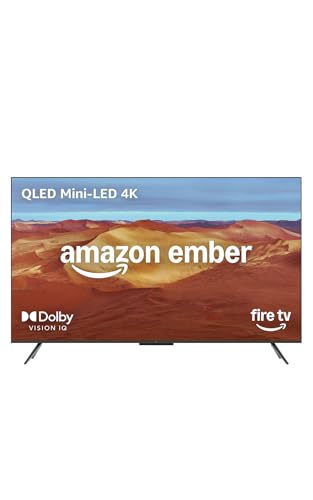
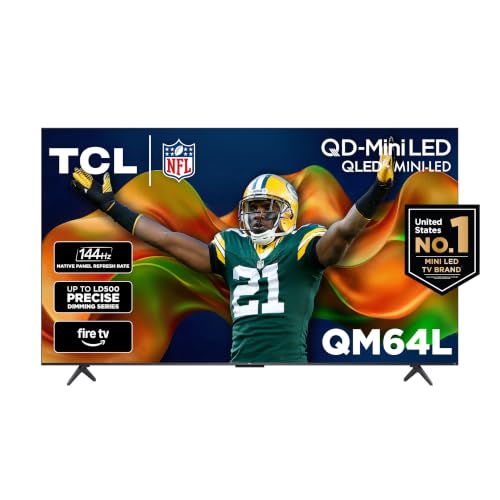
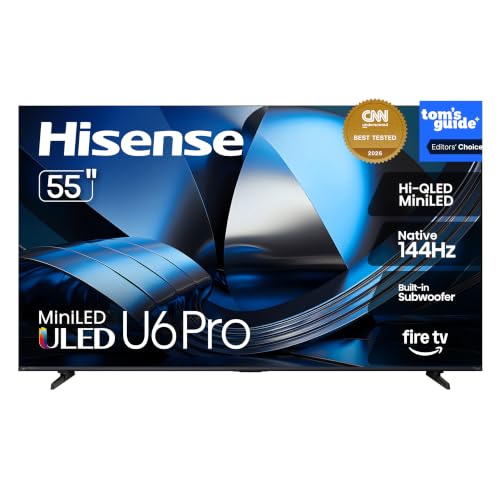
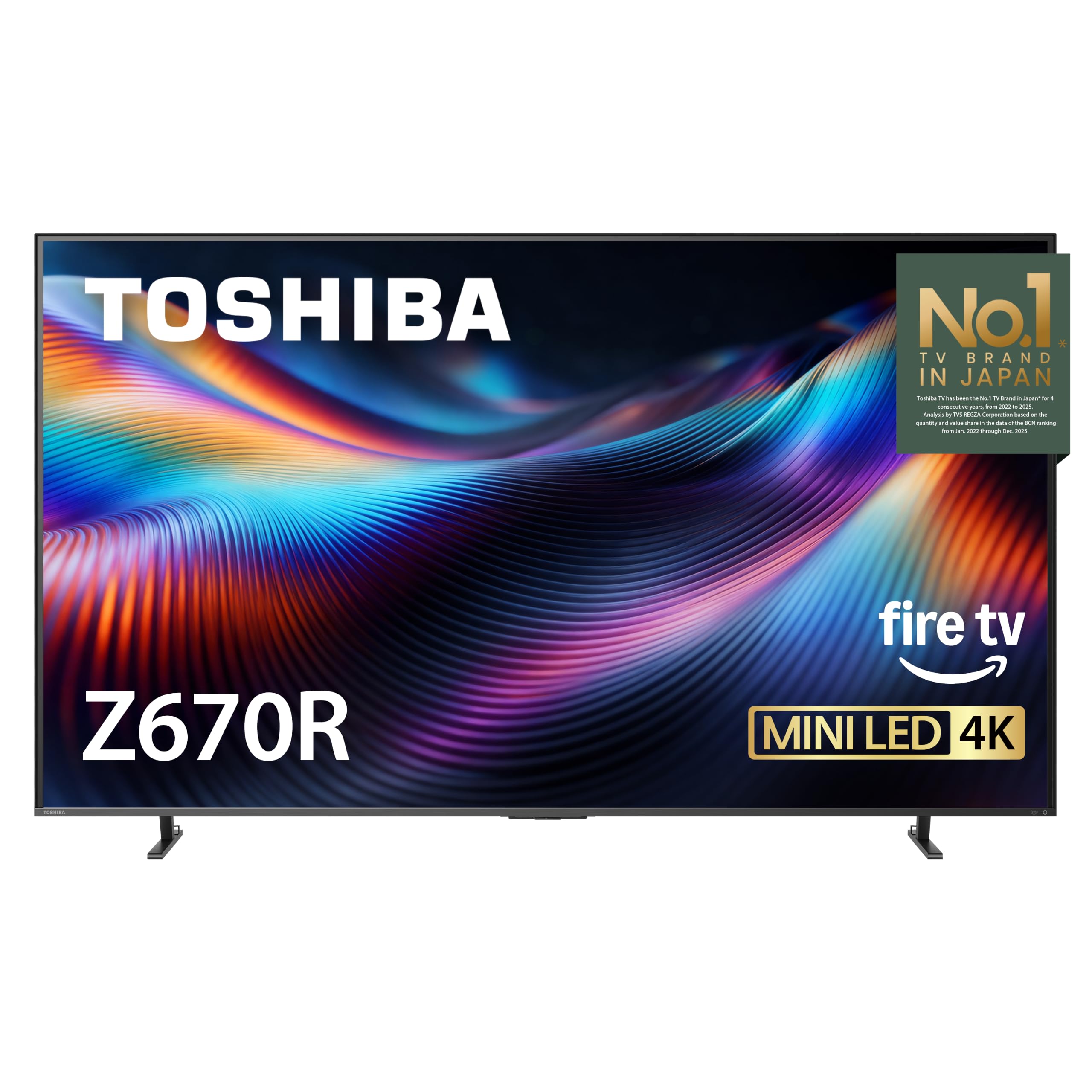
What Mini-LED Changes on a Fire TV
A Mini-LED TV replaces the few large backlight lamps of older LED sets with a dense grid of tiny ones, grouped into dimming zones. Each zone can brighten or dim on its own, so a starfield stays dark while the stars stay bright. Listings in the catalog quote anything from several hundred up to roughly five hundred zones, and more zones usually mean less glow around subtitles and bright objects.
Peak brightness matters just as much. One Amazon-built model in the catalog advertises up to 1,400 nits of peak brightness with 512 dimming zones, which is the kind of headroom that makes HDR highlights stand out in a lit living room. Compare the zone count and peak figure on the listing, not just the word Mini-LED in the title.
Amazon Fire TV Omni Mini LED Review: Picture Quality
Picture quality on these sets comes from three things working together: the backlight, the panel and the processing. Look for Dolby Vision IQ or HDR10+ Adaptive, which let the TV adjust HDR to the light in your room. A QLED or quantum-dot layer widens the color range, which helps sports and animated content look natural rather than washed out.
Anti-glare treatment is worth checking if the TV faces a window. A glossy screen with strong highlights looks superb at night and tiring at noon. Brands that advertise an anti-reflection or glare-free finish are speaking to exactly this problem.
Gaming Features Worth Checking
Several current Fire TV Mini-LED models advertise a native 144Hz panel, variable refresh rate and an auto low latency mode. If you game on a PC, a PlayStation or an Xbox, those three items decide how smooth and responsive the TV feels. A 144Hz label only helps when your console or graphics card can feed it, so check the HDMI port support in the listing too.
- Native 144Hz refresh rate, not an interpolated motion rate.
- Variable refresh rate support such as AMD FreeSync Premium Pro.
- Auto low latency mode so the TV switches to game settings on its own.
- At least one HDMI port that carries the full gaming feature set.
Fire TV Software, Alexa and Sound
Every set in the table runs Fire TV, so streaming apps, the home screen and the voice remote behave much the same across brands. Newer listings mention Alexa+, which lets you ask for shows in plain language and control smart home devices. If you already use Echo speakers, the integration feels familiar from the first day.
Sound is where makers differ. Some models add a built-in subwoofer and a 2.1 speaker layout with Dolby Atmos, while others rely on thin stereo speakers. Even a good built-in system rarely replaces a soundbar for movies, so budget for one if dialogue and bass matter to you.
Choosing the Right Size and Setup
Measure your viewing distance first. As a rough guide, a 55 inch TV suits a seat about seven feet away, a 65 inch set works well around nine feet, and larger screens reward a deeper room. A bigger Mini-LED panel often brings more dimming zones, but it also costs far more per inch at the top end.
Think about mounting too. Check the VESA pattern and the weight in the listing before you buy a wall bracket, and leave room behind the TV for the HDMI cables. If the TV sits on a stand, confirm that the feet fit your furniture, because some slim sets use wide feet at the outer edges.
Omni Models and Protection Plans
Some Omni Mini-LED listings in the catalog are bundles that add a multi-year protection plan to the same TV. That can be a fair deal if you want coverage, but compare the total against the plain model and read what the plan includes. Do not assume that a bundle means a better panel.
Who Should Buy and Who Should Wait
A Mini-LED Fire TV suits people who watch movies in dim rooms, game on the same screen, or want a bright picture in a sunny space without paying for a flagship. It also suits anyone who likes the Fire TV home screen and wants one remote for streaming and smart home control.
If you mostly watch daytime TV in a small bedroom, a standard 4K Fire TV costs much less and shows little difference at that size. If you want the best black levels in a fully dark room, an OLED TV is the stronger choice, though it costs more and can be dimmer in bright rooms.
Setup Tips After Unboxing
Start in the movie or filmmaker picture mode, then lower any motion smoothing you find distracting. Turn on the game mode only for consoles and PCs, since it can reduce picture processing. Update the software on first boot, because makers often fix HDMI and picture issues through updates.
See also the best TV guide and the Tcl QM6K Review.
FAQs
Is a Mini-LED Fire TV better than a regular 4K Fire TV?
For contrast and brightness, yes. The dense backlight zones give deeper blacks and stronger HDR highlights than a standard edge-lit set. In a small room used mostly for daytime viewing, the gain is smaller.
Do all Mini-LED Fire TVs support 144Hz gaming?
No. Many current models do, but the listing must say native 144Hz and mention variable refresh rate. Older or cheaper models stop at 60Hz.
What does the Omni name mean on a listing?
It refers to a Fire TV line that includes the voice and smart home features of the Omni series. Check the individual listing for the exact panel type, because the same family can include several backlight designs.
Should I buy a protection plan?
It depends on your comfort with repair costs. A large Mini-LED TV is a big purchase, so a plan can make sense, but read the terms and compare the bundle price with the TV alone.
Final Thoughts
The right amazon fire tv omni mini led review takeaway is simple: pick the size your room supports, confirm the dimming zone count, peak brightness and 144Hz support on the listing, and compare brands in the table before you order.


