
AMD Radeon RX 9070 Review for 2026: 16GB Value Between Two Tiers
Disclosure: We may earn a commission when you buy through links on this page, at no extra cost to you. As an Amazon Associate I earn from qualifying purchases. Learn more

AMD Radeon RX 9070 Review: how the non-XT card compares with its neighbors, what 16GB gets you and how to size your case and power supply.
The Radeon RX 9070 sits in a useful spot in AMD's RDNA 4 range: it carries 16GB of GDDR6 like its XT sibling, but it costs less and usually asks for a little less from your power supply. This amd radeon rx 9070 review explains who the non-XT card suits, how it compares with the cards on either side, and what to check before you buy.
Only a handful of partner models of this exact card are in stock at any time, and the product table shows the current ones. Read on to judge whether the plain 9070 is the right step for your build.



Where the RX 9070 Sits in the Range
AMD's current stack runs from the RX 9060 XT up through the RX 9070, the RX 9070 XT, and a 12GB RX 9070 GRE variant that appears in some listings. The plain RX 9070 shares its 16GB memory size with the XT, which is a real advantage over the 8GB versions of the cheaper card. The XT adds more shader power on top, and it costs more for that extra speed.
That makes the RX 9070 a value choice for people who want the 16GB memory size and strong 1440p speed but do not need the last increment of frame rate. Compare the price gap in the table: when the XT is only a little more expensive, it can be the better buy, and when the gap is large, the plain card shines.
Amd Radeon RX 9070 Review: Gaming Performance
Expect smooth high refresh gaming at 1440p in most games, and playable 4K with upscaling in many of them. The RDNA 4 design adds improved ray tracing hardware compared with the previous generation, so ray traced games are a more comfortable experience than they were on older Radeon cards. Upscaling and frame generation in AMD's driver extend the range further.
Because the card has a generous memory pool, it holds up well in games that load large textures. It is a good match for a 1440p monitor at 144Hz or higher, or an ultrawide screen with a similar resolution.
Interfaces and Display Connections
Partner cards in the catalog list PCIe 5.0 and a mix of one HDMI and three DisplayPort outputs. If you run multiple monitors, count the ports before you order, because some models carry a different mix. The PCIe 5.0 interface is backward compatible, so the card works in an older PCIe 4.0 slot with little loss.
Cooling, Noise and Size
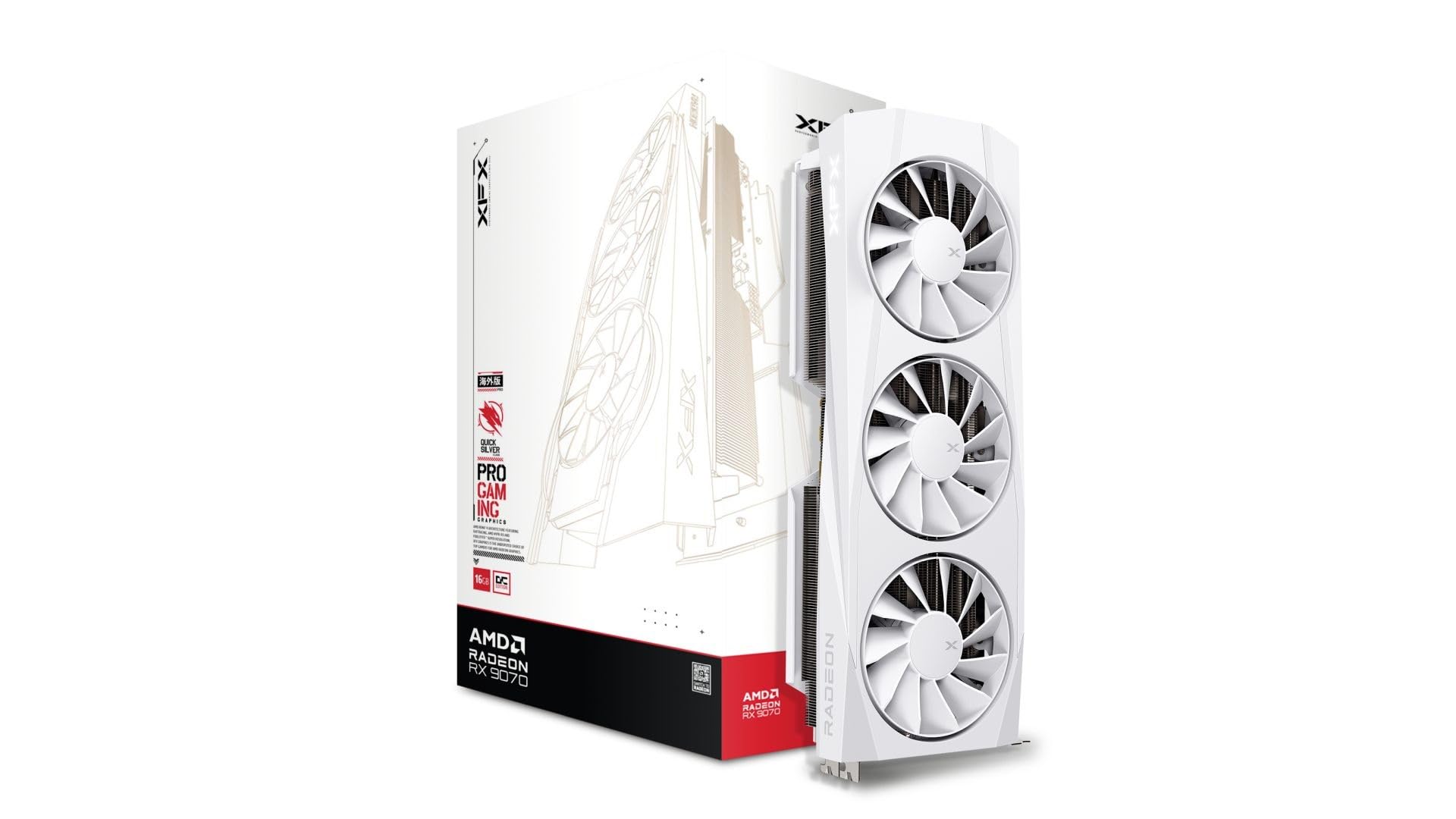
The listed cards come with triple fan coolers or a 2.5 slot design. A triple fan cooler runs quieter at the same load but is long, so check your case. Look for a fan stop feature at light loads and for sturdy backplates that stop the card from sagging.
- Measure case clearance in millimeters.
- Check that your power supply has the cable count the card needs.
- Choose a white edition only if it matches the rest of your build.
- Keep a fan curve in the driver software for long sessions.
Power Supply and Platform
Look up the power recommendation printed for the exact partner card. As a rule, a good quality supply with comfortable headroom keeps the system stable, and it matters more than the nominal wattage. If you are upgrading from an older GPU, confirm that your supply has the right connectors and consider a new cable rather than an adapter.
A current six or eight core desktop processor keeps this GPU busy at 1440p. An older quad core CPU will hold the card back, so budget for a balanced upgrade if your processor is several generations old.
Who Should Buy the RX 9070
It is a strong fit for 1440p gamers who want a long lived card with 16GB of memory, and for players moving up from a card with 8GB. It also suits creators who want a card with ample memory for video work and who do not need top end speed.
Skip it if you want the highest frame rates at 4K or if your budget stops at the RX 9060 XT. Skip it too if your case is very small, since the models in the table are large.
Tuning for Quiet and Efficient Play
The driver software lets you cap the frame rate, adjust the fan curve and trim the power limit. A modest cap just under your monitor's refresh rate cuts heat and fan noise with almost no visible loss. If your case has limited airflow, lowering the power limit by a small step can keep temperatures steady during long sessions.
Keep the case fans working with the card. A front intake and a rear or top exhaust fan keep the heatsink fed with cool air, and clean dust filters help over time. A card that stays cool also holds its boost clocks more consistently.
Alternatives Worth Comparing
The RX 9070 XT is the obvious step up for more speed, and the RX 9060 XT 16GB is the step down for less money. If you prefer another brand, look at cards in the same price band and compare memory size and ray tracing support. Do not compare only on clock numbers.
You may also want the AMD Radeon RX 9070 XT Review and the best graphics card guide.
FAQs
Is the RX 9070 better than the RX 9060 XT?
Yes. It sits a tier above, with more speed and the same or larger memory pool depending on the model. It also costs more and needs a roomier case and supply.
How is the RX 9070 different from the RX 9070 XT?
The XT is the faster version of the same family. Both carry 16GB of GDDR6, so the decision comes down to price and how much extra speed you want.
Is 16GB enough for the next few years?
For 1440p and most 4K gaming it should be. Memory size is rarely the first limit on this card.
Does it support ray tracing?
Yes, with improved hardware compared with older Radeon generations. Upscaling helps in the heaviest titles.
Final Thoughts
For buyers who want a quiet, efficient 1440p card, this amd radeon rx 9070 review points to 16GB, a cooler that fits your case and a supply with room to spare. Compare the models in the table and pick the one that fits your price and your case.


