
AOC Q27G3XMN Review for 2026: Is the Mini-LED Value Real?
Disclosure: We may earn a commission when you buy through links on this page, at no extra cost to you. As an Amazon Associate I earn from qualifying purchases. Learn more

Our aoc q27g3xmn review looks at Mini-LED contrast, QHD detail, 180Hz motion, HDR brightness and how it compares with rivals.
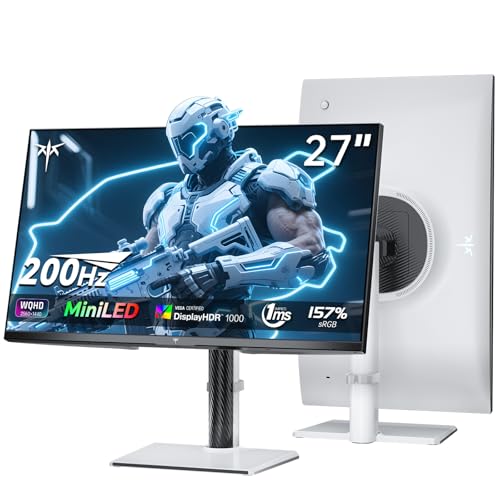
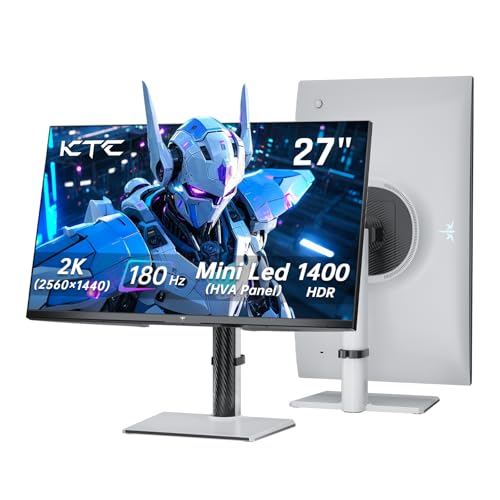
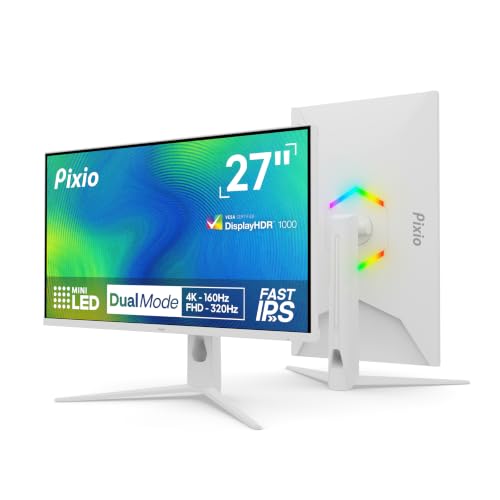
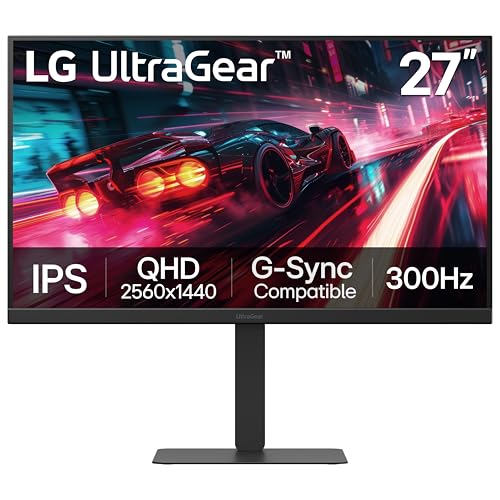
Mini-LED backlights used to be a feature of expensive monitors, and the AOC Q27G3XMN is the screen that brought the technology down to a mainstream price. This AOC Q27G3XMN review covers what the monitor does well, where it struggles, and how it stacks up against the other 27-inch QHD gaming monitors in the table above.
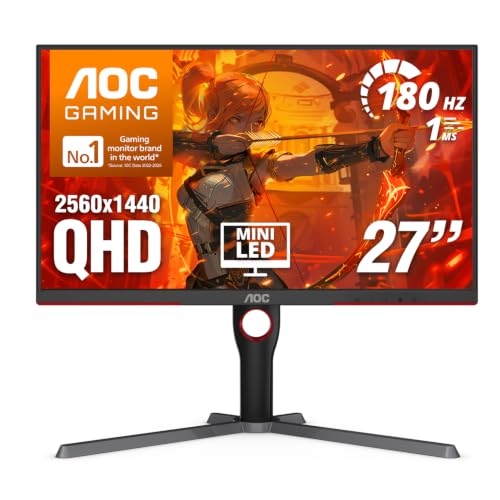
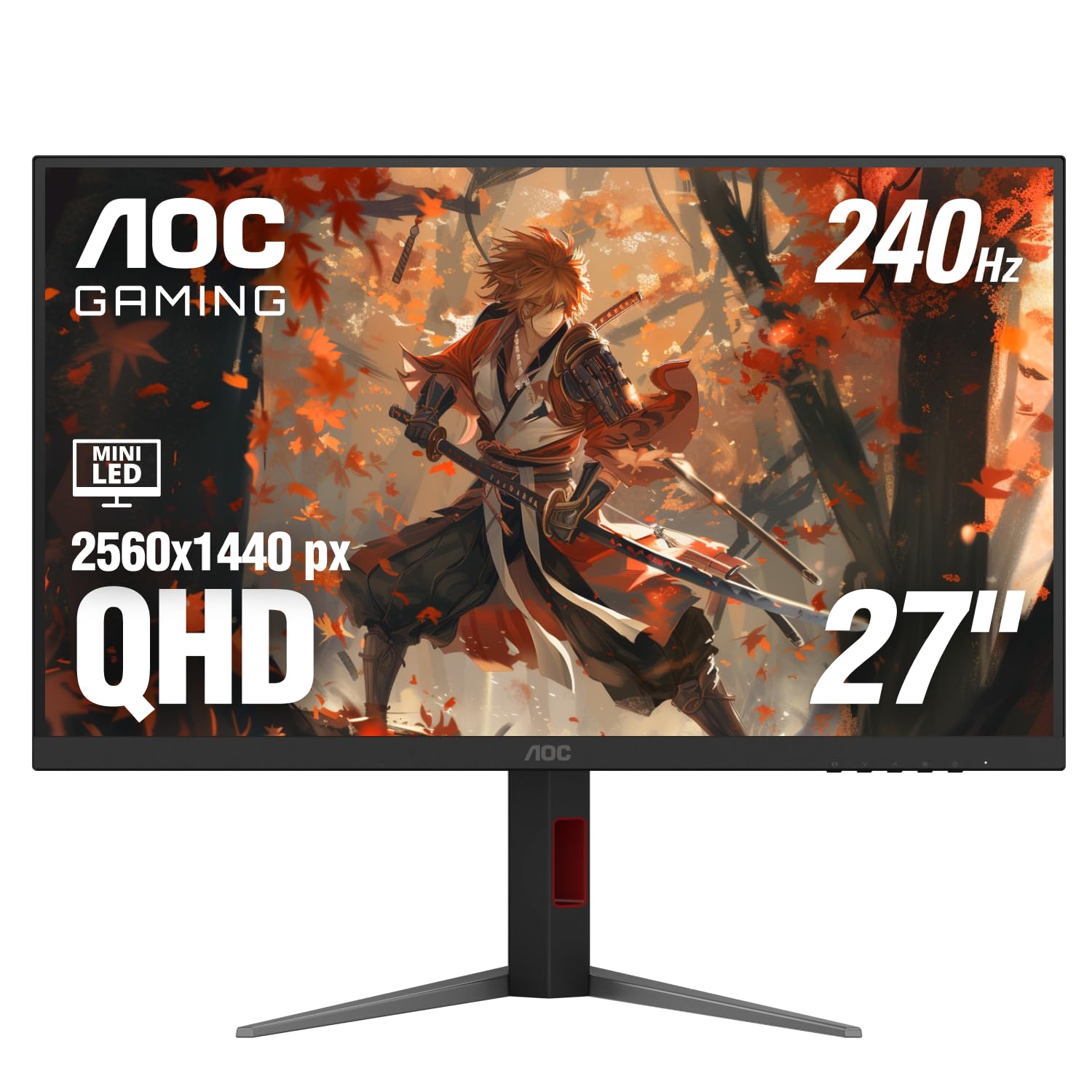
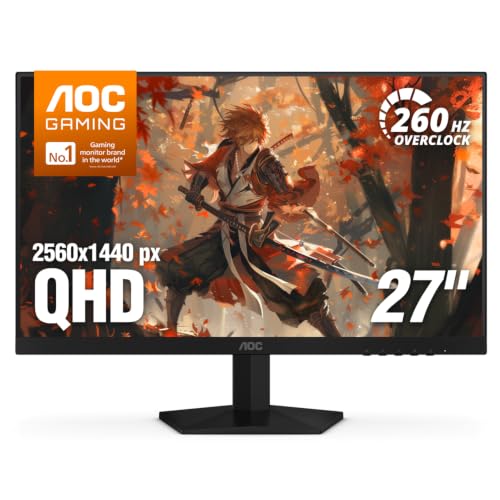
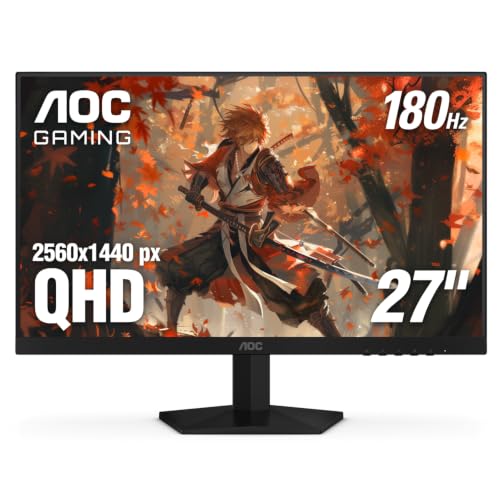
The listing describes a 27-inch QHD monitor with a 180Hz refresh rate and HDR1000 certification built on a Mini-LED backlight. That combination of sharpness, speed and bright HDR for a moderate price is the whole story.

Why Mini-LED Matters
An ordinary LCD uses a few edge lights, so dark scenes look gray and bright highlights lack punch. A Mini-LED backlight uses many small zones that dim independently, which lifts contrast and makes HDR content look more convincing. The result is closer to an OLED than a normal IPS or VA monitor, at a lower price.
The trade-off is blooming: a bright cursor on a black background can show a faint halo, because each zone is larger than a single pixel. Most people notice it only in specific scenes, such as starfields or white text on black.
QHD at 27 Inches
1440p on a 27-inch panel gives a sharper image than 1080p without the heavy graphics demand of 4K. Text is clearer, game worlds have more detail and a mid-range graphics card can still reach high frame rates.
For competitive shooters, the high refresh rate matters more than resolution. For single-player adventures and productivity, the extra sharpness is the main attraction.
HDR Performance
HDR1000 means the screen can reach very high brightness in small areas, which is what makes explosions, lamps and sunlight look dramatic. Games and videos need to support HDR, and you must switch it on in both the operating system and the monitor.
In Windows, SDR content can look washed out when HDR is enabled, so many owners turn HDR on only for games and film. Take a little time to calibrate brightness in each title.
Refresh Rate and Motion
A 180Hz refresh rate keeps motion smooth in fast games, and adaptive sync reduces tearing. Mini-LED monitors can show slight trailing in some dark scenes, so check recent buyer comments for any firmware updates that improved response.
Design and Connections
AOC's design is plain and practical, with slim bezels, tilt and height adjustment on many versions, and VESA mounting. Check which ports are included, since you want DisplayPort for high refresh rates on a PC and HDMI for consoles.
Settings That Make the Most of It
Out of the box, Mini-LED monitors usually need a few adjustments. Set the local dimming option to a medium or high level for movies and games, and keep it off or low for spreadsheets, where blooming around text can be distracting. Use the monitor's HDR mode only when the content is HDR, and calibrate the Windows HDR brightness slider so SDR content does not look dull.
Update the monitor firmware if AOC offers an update, and make sure your cable is a certified DisplayPort cable. A poor cable is a common cause of blank screens and dropped signals at high refresh rates.
Gaming, Movies and Work
In games, the combination of QHD sharpness and a fast refresh rate gives the screen an edge over 1080p panels. In films, local dimming and high brightness bring depth to dark scenes, though letterbox bars may show a gentle glow. For office work, the screen is crisp and comfortable, and the high peak brightness makes it usable in bright rooms.
If you are sensitive to blooming, try a lower dimming level or switch to a standard mode for desktop use. Many owners keep a profile for gaming and another for everyday work.
Is It Worth Upgrading From a 1080p Monitor?
If your current monitor is a 24-inch 1080p panel at 144Hz, the jump to QHD and Mini-LED HDR is clearly visible, especially in single-player games. If you play mostly esports titles at very high frame rates, a cheaper fast 1080p screen may serve you equally well. Decide based on the games you play most.
AOC Q27G3XMN Pros and Cons
Pros: strong HDR for the price, sharp QHD picture, smooth refresh rate, adaptive sync and a competitive cost. Cons: blooming in high-contrast scenes, a basic stand on some versions, and limited creator-grade color accuracy out of the box.
Alternatives
Newer AOC models such as the Q27G4ZMN offer a higher refresh rate at a similar price, while KTC and KOORUI sell Mini-LED monitors with comparable features. If you want the deepest blacks, a QD-OLED monitor wins but costs more. Our best gaming monitor guide covers the full range, and the Alienware AW3225QF review shows a premium OLED option. For a cheaper curved choice, see the Samsung Odyssey G5 review.
Who Should Buy It
This monitor is a strong choice for PC gamers who want HDR without paying OLED prices, and for people who split time between games, films and work. It is less suitable if you want perfect black uniformity or work in a very dark room all day.
Common Questions From Buyers
Buyers ask whether the screen is too bright for a dark room. Brightness can be lowered, and local dimming helps at night. They ask about text clarity, which is excellent at this resolution. Others ask about warranty and dead pixels, and AOC publishes its policy, so check it before buying.
FAQs
Is it good for console gaming?
Yes, though the refresh rate you get depends on the console and the HDMI version on the monitor. Check the listing for the exact ports.
Does it need a powerful graphics card?
For high frame rates at 1440p, a mid-range or better card is wise. Lowering settings or using upscaling helps if you are near the limit.
Is HDR on by default?
You usually turn it on in Windows display settings and in the monitor menu. Try it with a game you know, and keep SDR for office work.
Will blooming bother me?
It depends on your content. Gamers who play bright, colorful titles rarely notice it, while night-sky and subtitle scenes can show it.
Final Verdict
The AOC Q27G3XMN review comes down to a sharp, fast and bright monitor for far less than traditional HDR screens. Accept a little blooming, enable HDR thoughtfully, and it delivers excellent value. Compare it with the other 27-inch screens in the product table, and pick the one that suits your graphics card and budget. If anything in this aoc q27g3xmn review still leaves you unsure, the return window is your safety net.
Prices and availability can change, so check the product page before ordering.


