Apple MacBook Pro M4 Max Review for 2026: Is the Max Overkill?
Disclosure: We may earn a commission when you buy through links on this page, at no extra cost to you. As an Amazon Associate I earn from qualifying purchases. Learn more

Our apple macbook pro m4 max review explains what the Max chip delivers and who should pay for it.
The MacBook Pro with an M4 Max chip is a laptop designed for people who would otherwise buy a desktop: video editors, 3D artists, developers and researchers who need serious power on the move. This Apple MacBook Pro M4 Max review explains what the chip delivers, who really needs it and what to compare before spending a lot on a laptop.
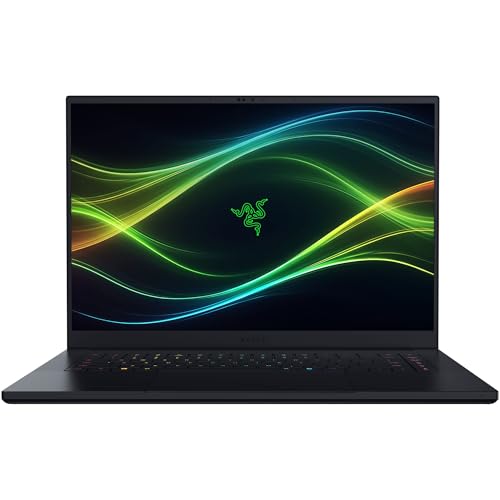
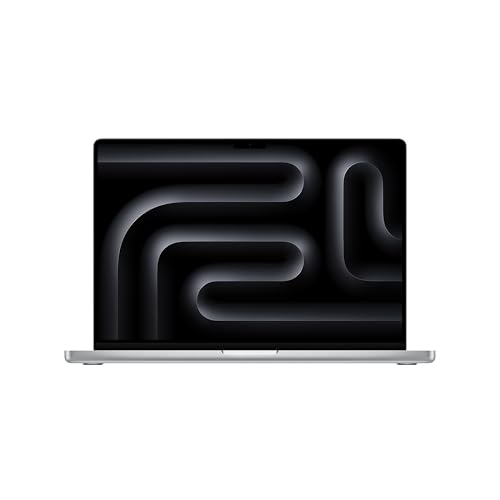
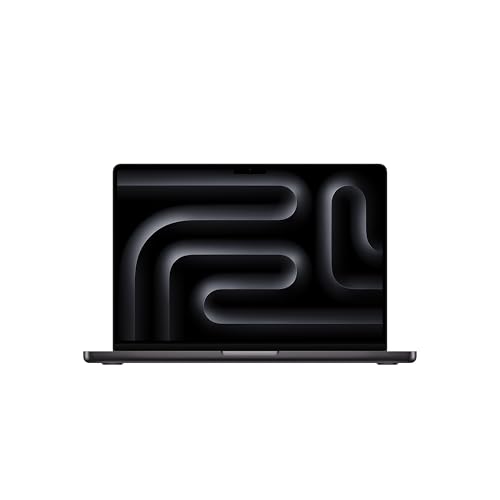
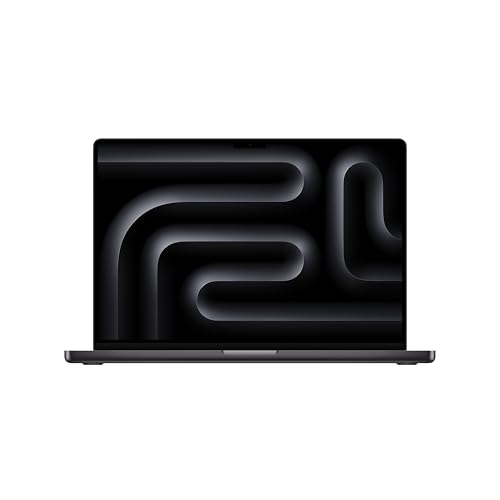
The product table above lists MacBook Pro models with Max and Pro chips, including an M4 Max and newer M5 versions. Compare current prices there, because chip generations overlap and discounts are common on older models.


What the M4 Max Delivers
The M4 Max has more processor cores, a much larger graphics section and far more memory bandwidth than the M4 or M4 Pro. The listing in the table shows a 14-core CPU with a 32-core GPU configuration. In practice, that means smooth 4K and 6K editing, quick renders, large photo libraries and enough headroom for local AI experiments.
Display and Design
The Liquid Retina XDR display remains one of the best laptop screens, with high brightness, deep contrast and excellent color for HDR work. Narrow bezels, a notch for the camera and a sturdy aluminum body give a premium look. The keyboard and the oversized trackpad are comfortable for long sessions.
Battery Life and Efficiency
Even with the Max chip, battery life is long for light and medium tasks, though heavy rendering drains it quickly. The laptop runs cool and quiet most of the day and ramps up fans only under sustained load. Performance on battery stays high, unlike many Windows laptops.
Ports and Charging
You get Thunderbolt ports, an HDMI port, an SD card slot and a MagSafe charging connector. This means photographers and video editors can offload cards and connect a display without a dongle. Fast charging helps between sessions.
Who Should Buy It
Buy it if you edit video, work in 3D, compose with large sessions or build software that makes the CPU sweat, and you want one machine for the desk and the road. Choose the M4 Pro or a Mac Studio if you mostly work at a desk and want to save money.
Who Really Needs a Max
The typical buyer is a video editor cutting multi-camera 4K or 6K projects, a 3D artist working on dense scenes, a developer running virtual machines and heavy builds, or a researcher experimenting with machine-learning models on the laptop. These people measure time in renders and compile cycles, and saving minutes each hour pays for the machine.
If you mostly browse, write, edit photos and cut short videos, the Pro chip or even the standard M4 is plenty. Paying for a Max when your work never stresses the chip is the most common mistake in this category.
Memory, Storage and Budget
Max configurations tempt buyers to over-specify. Choose memory based on your largest project: 48GB is a sensible entry point for professional video and 3D, and 64GB or more helps with big models. Storage is easier to extend with Thunderbolt drives, though many editors prefer a large internal drive for speed. Remember that these upgrades are not possible after purchase.
Budget for accessories too. A good monitor, a fast SSD, AppleCare and a reliable backup system make the laptop a complete tool.
Heat, Noise and Sustained Work
The Max runs hotter than the Pro under long renders, and the fans will be audible. The 16-inch chassis cools better than the 14-inch, which is why heavy users prefer it. Place the laptop on a hard surface, keep the vents clear and avoid heavy renders on a blanket or bed. If you work at a desk, a vertical stand improves airflow.
Buying Tips and Seller Checks
Confirm that the listing is for a new machine, confirm the chip and screen size in the title, and check the warranty and return window. Compare against buying directly from Apple, which can include education discounts and trade-in credit.
Apple MacBook Pro M4 Max Pros and Cons
Pros: desktop-class performance, a brilliant display, long battery life, excellent speakers and ports. Cons: a very high price, a heavy body, fixed memory and storage and a notch that some people dislike.
Comparing the Options
The table includes newer M5 Max and M5 Pro models, which offer fresh hardware at various prices. A lower-cost M4 Pro often delivers most of the performance for far less, as our Apple MacBook Pro M4 Pro review explains. Windows alternatives are covered in the ASUS Zenbook A14 review, the HP OmniBook 5 review and the best laptop guide.
Portability and Daily Carry
The 16-inch Max is a heavy laptop, and carrying it every day in a backpack is noticeable after a few weeks. The 14-inch version is lighter but runs a little warmer under sustained work. Think about your commute and whether you will mostly work at a desk, because a heavy laptop that never leaves the house is a poor use of a portable chassis.
Pack the charger and a USB-C cable in a small pouch, and consider a second charger for the desk so that you never pull the first one out of its socket. A padded sleeve or a hard-shell case protects the aluminum from scratches and the display from pressure in a crowded bag.
Common Questions From Buyers
Buyers ask whether a MacBook Pro can replace a desktop. For most creative work it can, provided you add a good monitor and an SSD. They ask about battery life during renders, which drops quickly under heavy load, so keep the charger nearby. They ask about the notch, which hides in the menu bar. And they ask about warranty, where AppleCare is worth considering on a machine this valuable.
FAQs
Is the M4 Max overkill?
For most people, yes. It is for people with heavy creative or technical workloads.
How much memory do I need?
For professional video and 3D, 48GB or more is common. Choose based on your largest project.
Can I upgrade it later?
No. Memory and storage are fixed.
Is it good for gaming?
Some games run well, but the Mac library is smaller than on Windows.
Final Verdict
This Apple MacBook Pro M4 Max review ends with a simple message: it is a superb portable workstation that most people do not need. Choose it if your work demands it, consider the M4 Pro or the newer M5 models in the product table, and keep the savings for storage and backups. If anything in this apple macbook pro m4 max review still leaves you unsure, the return window is your safety net.
Prices and availability can change, so check the product page before ordering.