
Apple Studio Display Alternative for 2026: 5K and 4K Monitors
Disclosure: We may earn a commission when you buy through links on this page, at no extra cost to you. As an Amazon Associate I earn from qualifying purchases. Learn more

A practical apple studio display alternative guide to 5K and 4K Mac monitors, covering ports, color accuracy and webcam trade-offs.
The Studio Display is a lovely screen, but it costs more than many entire computer setups and it comes with a built-in camera and speakers you may not need. A good apple studio display alternative keeps the sharp text and Mac friendly connection and drops the premium, leaving you with money for a better chair or an arm.
The product table right after this intro lists 5K and 4K monitors made for Mac users, with USB-C power delivery and calibrated color, so you can compare price and features before reading the guide.

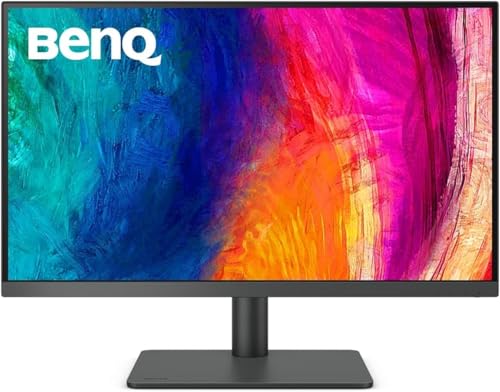


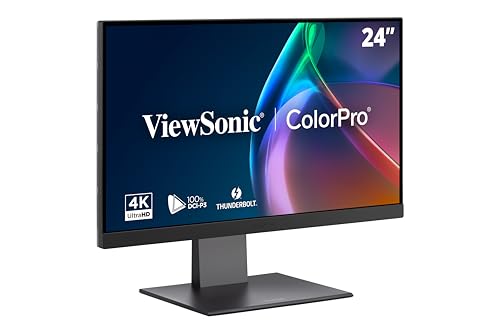
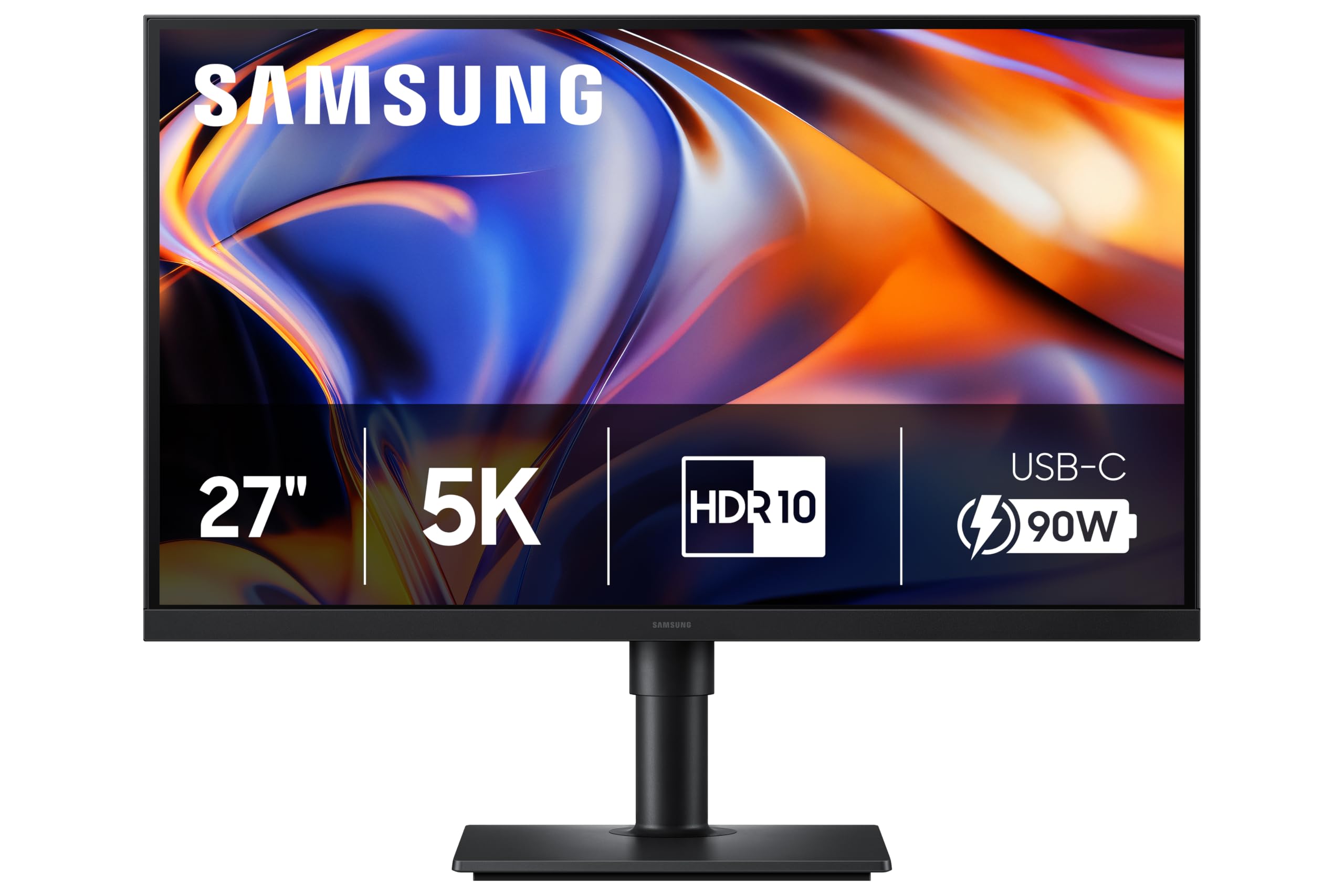
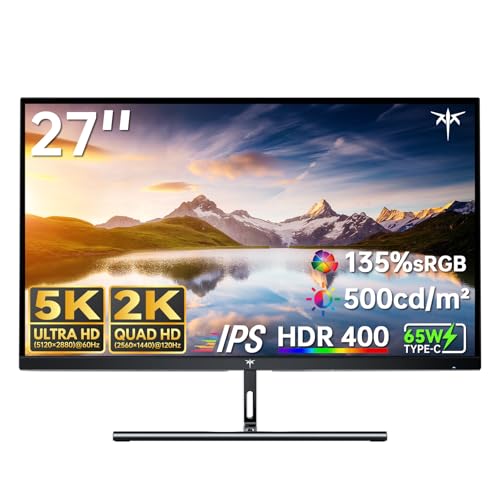


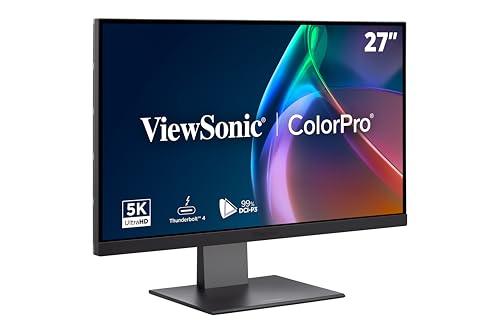
What You Pay For in the Studio Display
The Studio Display is a 27 inch 5K panel with a camera that keeps you centered in video calls, a six speaker sound system and Thunderbolt ports that charge a MacBook. It is a complete desk centerpiece: screen, webcam and speakers in one clean body.
That is great if you want fewer cables and gadgets. It is poor value if you already own a webcam and speakers, or if you care mostly about the picture.
Finding the Right Apple Studio Display Alternative
5K Monitors
A 5K monitor at 27 inches has the same pixel density as the Apple screen, so text looks equally crisp under macOS. Several makers now sell them with USB-C or Thunderbolt connections, wide color and a built-in hub. They usually cost noticeably less than the Apple model and skip the webcam.
4K Monitors Made for Mac
Some 27 inch 4K monitors are tuned for Mac use, with color profiles that match a MacBook screen and brightness or volume controls that follow the keyboard. They are the budget path and still look sharp at normal viewing distance, with a bit less text crispness than 5K.
Size Choices
If 27 inches feels small, a 32 inch 4K display gives more room and costs about the same as a 27 inch 5K. If your desk is shallow, a 24 inch 4K model is an easy fit and still very sharp.
What to Check Before Buying
- Resolution and size, since text sharpness depends on both.
- USB-C or Thunderbolt power delivery strong enough to charge your Mac.
- Built-in USB ports for a keyboard, drive and camera.
- Color coverage and calibration if you edit photos or design.
- Stand options: height adjustment, tilt, pivot or VESA mounting.
Webcam and Speakers
Most alternatives do not include a good webcam, and built-in speakers are basic when they exist. Budget for a separate camera and a small desktop speaker or headphones, and the cost difference is still usually in your favor.
Mac Specific Features
Some monitors add shortcuts for brightness and volume that work from the Mac keyboard, and a few include a color mode that mimics the MacBook display. These are small touches, but they make a third-party monitor feel closer to a native one.
Common Mistakes
The most frequent mistake is buying by size alone. A large 4K screen set to a scaled resolution on macOS can look soft, while a smaller 5K screen looks crisp. Check the pixel density and the size together.
Another is ignoring the stand. A fixed, short stand puts the screen too low and strains the neck. Look for height adjustment, or plan on a monitor arm, which costs little compared with the display.
Finally, check the port. Some monitors list USB-C but only for data, not for video, so confirm that the port carries a display signal and enough charging power for your laptop.
Matching the Monitor to Your Work
For photo and design work, put color accuracy first and pick a monitor with a factory calibration report. For coding and writing, sharpness and a matte finish matter more, and a 5K screen is a delight. For general use and video calls, a 4K model with a decent webcam added on top is enough.
Setting Up a Replacement Monitor
Use the cable in the box, plug it into a port on the Mac that supports video, and open the Displays settings. Set the scaled resolution to the middle option for a good balance of space and sharpness, or the highest option if you prefer smaller text and more room.
If the monitor offers a Mac color mode, try it first. Then calibrate with the built-in tool or a colorimeter if your work depends on color. Turn off any aggressive sharpening or motion options in the on-screen menu, since they can make text look harsh.
Cable Management
A monitor with a built-in hub lets you plug the keyboard, drive and camera into the display, so only one cable runs to the laptop. Route that cable through a stand clip or an arm channel to keep the desk clear.
Two Monitor Setups
If you want two screens, a pair of 4K monitors usually costs less than one 5K model. Keep them at the same size and finish so windows can move between them without a change in scale. Some monitors support daisy-chaining over Thunderbolt, which leaves the laptop with a single cable for both.
Longevity and Warranty
Monitors last for years, and the warranty is your protection against a dead pixel or a failing backlight. Check how many bright or dark pixels the policy allows, and note whether the maker pays shipping for a replacement.
FAQs
Does a 4K monitor look worse than the Studio Display?
It looks slightly softer in text because it has fewer pixels, but at a normal desk distance most people are happy with it.
Can I charge my MacBook through the monitor?
Yes, if the monitor supports USB-C power delivery at enough wattage. Check the number against your laptop's charger.
Do I need the Apple webcam feature?
Only if you take many video calls. A separate webcam is cheaper and often just as good.
Are cheaper 5K monitors reliable?
Many are, but read recent feedback and check the warranty, because the category is newer and quality varies between makers.
Final Verdict
The best apple studio display alternative is a monitor that matches the sharpness you want at a price that leaves room for the extras you need. Use the table to compare 5K and 4K options, check ports and the stand, and read the product page for current pricing.


