
Apple vs Dell Laptop for 2026: MacBook or Dell Windows?
Disclosure: We may earn a commission when you buy through links on this page, at no extra cost to you. As an Amazon Associate I earn from qualifying purchases. Learn more

Apple vs dell laptop compared on battery, screens, range, business support and software for work and school.
MacBooks and Dell notebooks appeal to different buyers. An apple vs dell laptop comparison usually comes down to whether you want a single streamlined platform with excellent battery life or a wide Windows range with business features, touchscreens and bargain prices.
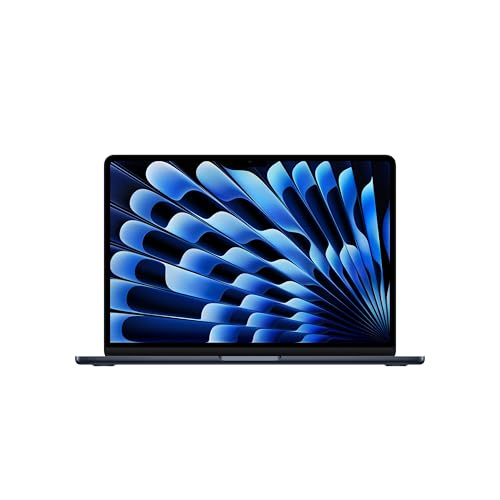
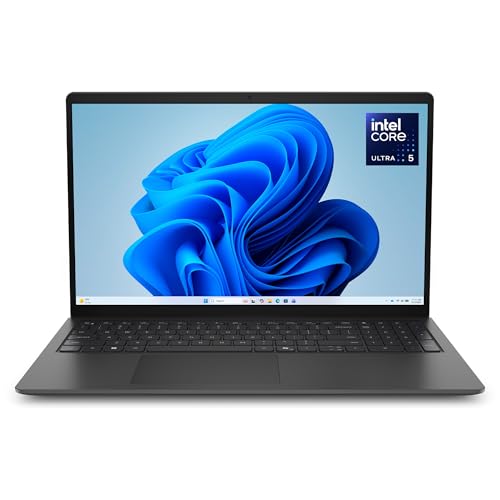
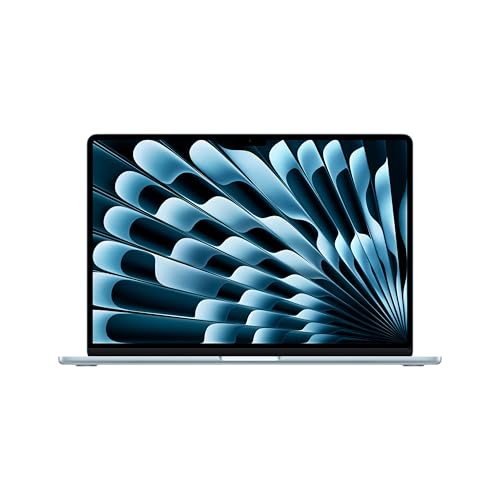
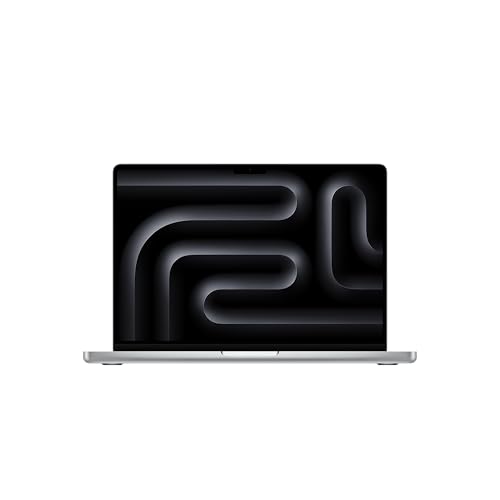
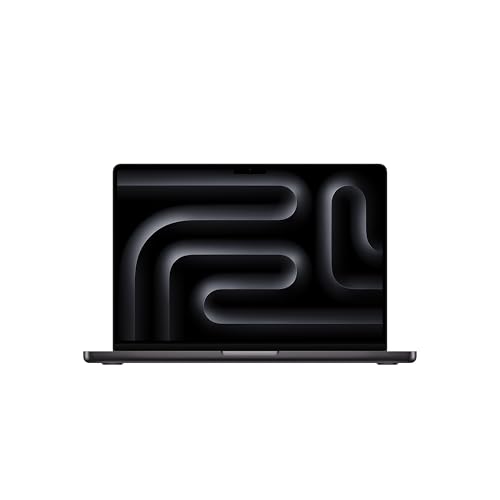
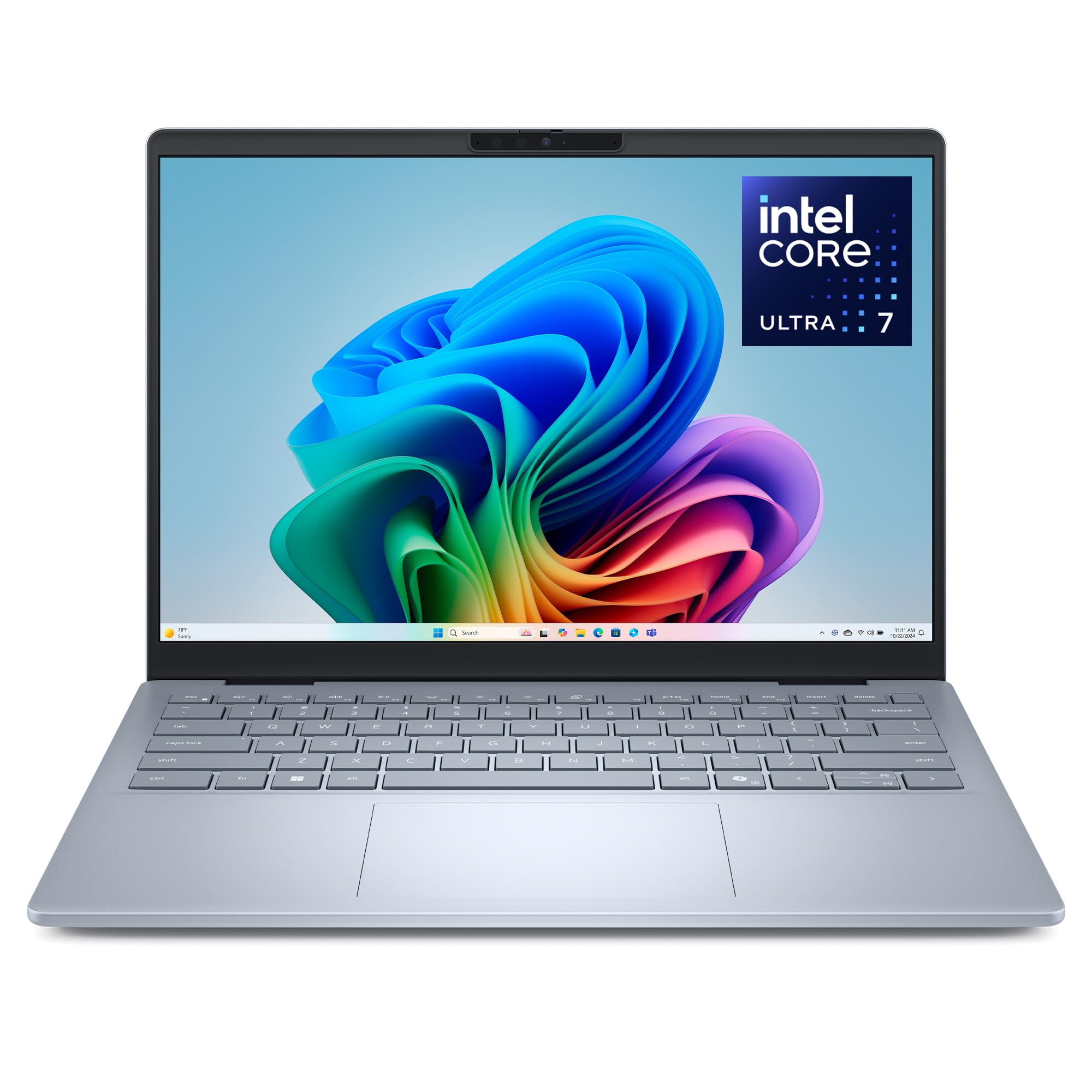
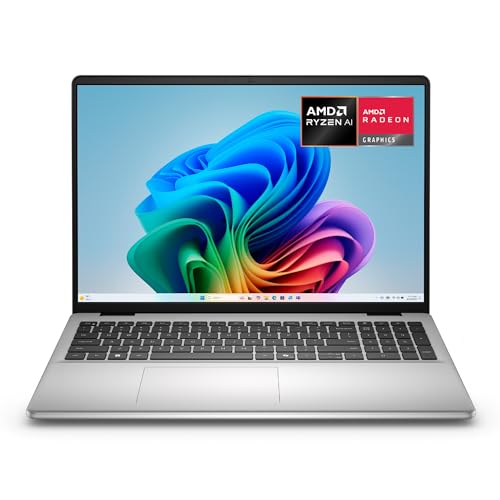
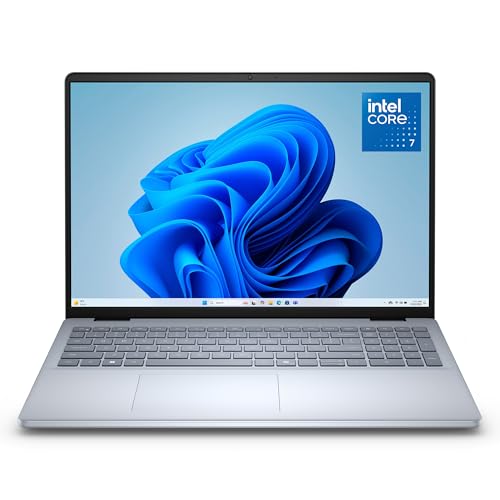
The product table right after this intro lists current MacBooks next to Dell laptops at several price points, so you can compare screen size and cost before you read the differences.


How Apple and Dell Approach Laptops
Apple sells a few laptops, and every one is built around its own processors and macOS. Dell sells dozens of models under lines for home, creators, gamers and businesses, all running Windows. The choice you make here shapes your software, your accessories and your support experience for years.
Where the MacBook Is Stronger
Battery and Quiet Operation
A MacBook is efficient enough that many models stay cool and quiet under everyday loads, and the battery lasts through a long day. Windows laptops, including Dell models, often run warmer and give up more battery under the same work.
Screen and Speakers
MacBook displays are bright and color accurate out of the box, and the speakers are among the best in a laptop. A comparable Dell display often costs extra, and the sound is usually weaker.
Ecosystem
If you own an iPhone or iPad, the MacBook works with them seamlessly: shared clipboards, quick file transfer and messages on the big screen. Dell laptops work with phones too, but the connection feels less integrated.
Where Dell Is Stronger
Range and Price
Dell sells laptops from a basic everyday model with a plain screen to a premium creator machine, and many of them cost well below the cheapest MacBook. If budget is the main concern, Dell has more options to choose from.
Business and Service
Dell is strong in business laptops, with on-site service plans, docking stations and management tools that office IT teams already know. If your employer provides Windows tools, a Dell laptop slots in easily.
Touchscreens and Ports
Many Dell models offer touchscreens, more USB-A ports, HDMI and a card reader. A MacBook often needs a dongle for these.
Upgrade Choices
Some Dell laptops allow memory and storage to be upgraded, which extends their useful life. MacBook memory is fixed at purchase.
Software and Work Fit
macOS is excellent for creative software, design, video and music. Windows is the standard for most business and engineering programs and the widest range of games. Confirm that your key software runs well on the system you pick.
Education and Everyday Use
Students find MacBooks easy to use and long lasting. Dell's everyday laptops cost less and run the same Office and browser software, which suits tight budgets.
Which Should You Buy?
- Creative work and long battery needs: MacBook.
- Business use with office IT: Dell.
- Lowest price: Dell's budget laptops.
- Large screens and touch: Dell's 16 inch and touchscreen models.
See also the best laptop overview and the apple vs hp laptop comparison.
Buying Checklist
Match the processor, memory and storage to your work, since those numbers decide how long the laptop stays useful. Look at the screen brightness and resolution on the listing, because many cheap laptops have dim screens. Check the port list, the weight and the warranty, and note the return window in case the keyboard or trackpad does not suit you.
For Dell models, compare the lines carefully. A plain everyday model, a Plus model and a Pro business model differ in build and support more than in name.
Understanding Dell's Lines
Dell has simplified its naming in recent years. The plain Dell line covers everyday home and school laptops. Plus models add better screens and faster processors for people who work on the machine all day. Pro models target business buyers with sturdier builds, better support options and security features. A separate gaming brand covers powerful graphics machines.
Reading the exact line on the listing prevents a common mistake: buying a basic model expecting premium build quality. If you want a screen that is bright and sharp, check the display line for brightness and resolution, because the cheapest models often use dim panels.
Keyboards and Trackpads
Dell keyboards are generally comfortable for long typing, with a full layout and a number pad on larger models. The trackpad is fine on most, but it does not match the MacBook glass trackpad for precision and gestures. If you rely on a trackpad, try both in a store if possible, or keep the return window in mind.
Webcam and Meetings
Newer MacBooks have good cameras and microphones. Dell's cameras vary by model, with some good ones on Plus and Pro lines and basic ones on cheaper laptops. If you take many calls, check the camera details and consider a separate webcam.
Costs Over Time
A MacBook costs more up front, but it often holds value and gets updates for many years. A budget Dell can cost far less but may need replacing sooner. A mid-range Dell with a better screen and more memory is often the best value for people who want Windows.
Do not forget accessories. A MacBook may need a dongle or a hub, while a Dell may need nothing extra. Add that cost when you compare totals.
Security and Updates
Both platforms receive regular security updates. On Windows, keep updates enabled and use the built-in protection. On a Mac, update the system when prompted and use the built-in privacy settings.
FAQs
Is a MacBook worth more than a Dell?
It depends on use. MacBooks lead on battery and build, and Dell leads on choice and price.
Can I run Windows on a MacBook?
Some software can run Windows apps on a Mac, but it is not the same as a native Windows laptop.
Which is better for students?
MacBooks last well and need little maintenance. Dell offers cheaper choices for tight budgets.
Are Dell laptops durable?
Business models are built for durability, and many consumer models are solid, but read feedback for the exact model.
Final Verdict
In the apple vs dell laptop decision, the MacBook is the better choice for long battery life and creative work, and Dell is the better choice for price, range and business features. Compare the table, match the software you need, and check the product page for current pricing.


