
Apple vs HP Laptop for 2026: Premium MacBook or Budget HP?
Disclosure: We may earn a commission when you buy through links on this page, at no extra cost to you. As an Amazon Associate I earn from qualifying purchases. Learn more

Apple vs hp laptop compared on price, battery, screens, range and how long each notebook stays useful.
HP sells a huge range of laptops at every price, while Apple sells a handful of very consistent MacBooks. This apple vs hp laptop guide helps you decide whether the extra spend on a MacBook buys things you will actually notice, or whether an HP laptop gives you the same daily experience for less.
The product table right after this intro lists popular MacBooks next to a range of HP laptops, from budget models to larger business machines, so you can compare price and size before reading on.
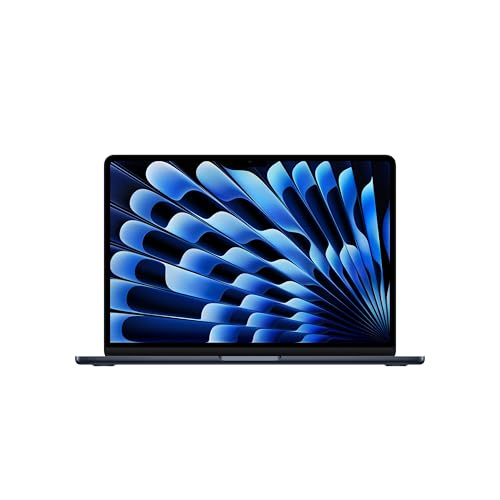
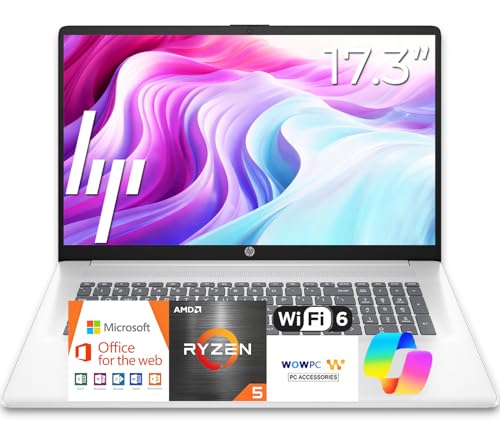
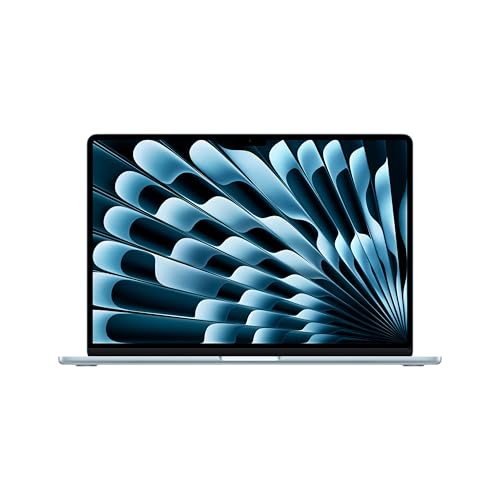
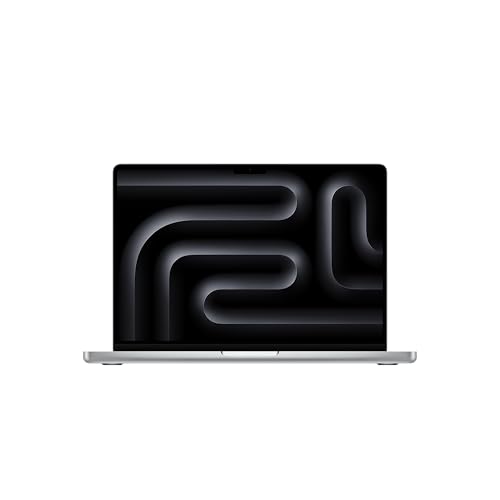
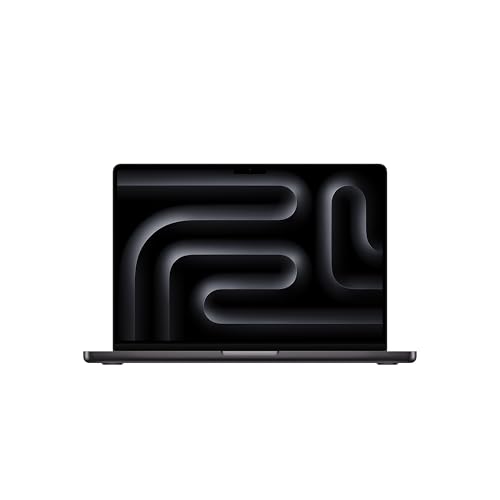
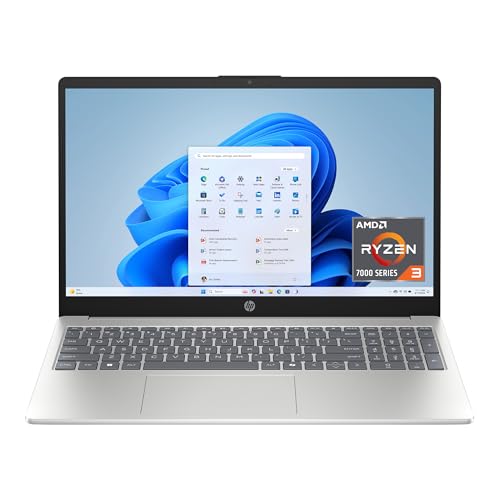
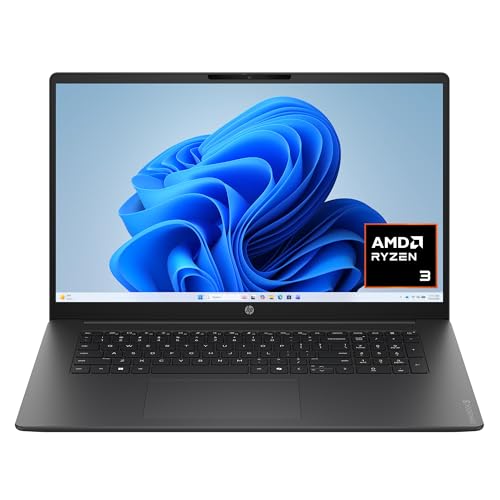
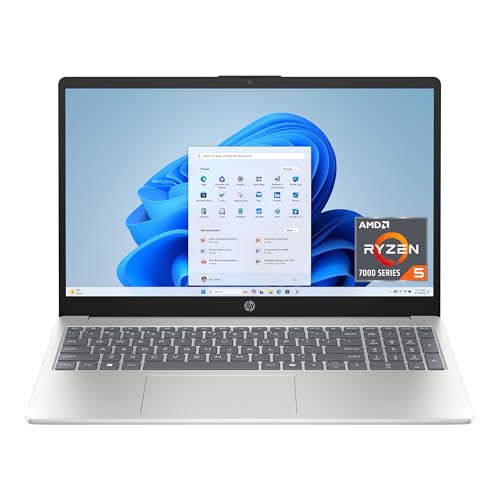
Two Very Different Ranges
A MacBook purchase involves a few choices: size, chip tier, memory and storage. An HP purchase involves a maze of names, from basic everyday laptops to business notebooks and compact Chromebooks. That difference in range is the first thing to understand in the Apple vs HP decision.
What MacBooks Do Better
Consistent Quality
Every MacBook has a good screen, a quality keyboard, a large trackpad and strong speakers. You do not need to read a long spec list to avoid a bad one. With HP, quality swings widely between a bargain model and a premium one.
Battery and Heat
Efficient chips let a MacBook run all day and stay cool on the lap. HP laptops with standard processors often last through a work shift on a good day but fall behind under heavier tasks.
Longevity and Resale
MacBooks get years of software support, and many keep a high resale value. Budget HP laptops lose value faster and sometimes feel slow after a couple of years.
What HP Does Better
Price
HP sells laptops at prices Apple cannot match. A basic HP is enough for web browsing, documents and streaming, which is all many people need. If you need a second laptop for the kitchen or a child, HP is the sensible choice.
Variety of Shapes
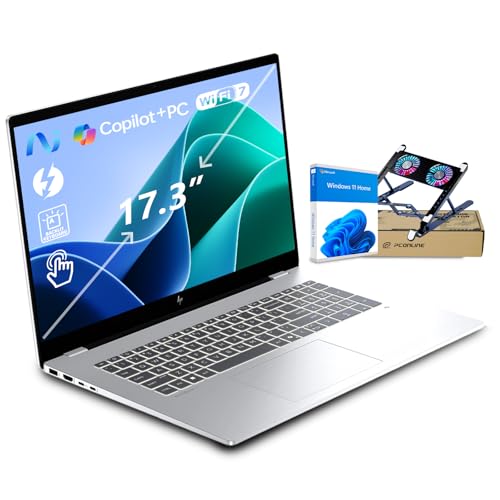
HP sells large 17 inch laptops for people who want a big screen, touchscreen models, compact Chromebooks for students and convertible designs. A MacBook comes in a few sizes and no touchscreen.
Windows Flexibility
If you need software that only runs on Windows, such as certain accounting or engineering programs, an HP laptop saves you from workarounds.
What to Look at on an HP Listing
Check the processor family, the amount of memory, the storage type and the screen quality. A laptop with plenty of memory and a solid state drive feels faster than one with a slower drive, even if the processor sounds impressive. Avoid models with very little storage unless you plan to use the cloud for most files.
Chromebooks
HP Chromebooks are inexpensive and simple, and they suit web-based work and school. They do not run full Windows or Mac programs, so check that the tools you need work in a browser or Android apps.
Which Should You Buy?
- A main laptop for years of use: MacBook.
- A low cost laptop for browsing and documents: HP.
- A large screen on a budget: HP 17 inch models.
- Students on a tight budget: an HP laptop or Chromebook.
Compare more options in the best laptop guide, or see how Apple stacks up against another rival in our apple vs lenovo laptop comparison.
How HP Names Its Laptops
HP uses families rather than a simple ladder. OmniBook is the current mainstream notebook family, aimed at work and home. Older Pavilion and HP laptop names still appear on everyday models, and the plain HP laptop label is often a budget option. Business lines are sold with better build and security features.
Because the names change, trust the details inside the listing: processor, memory, storage, screen resolution and weight. A seller listing with a crowded title and a very low price often points to older components, so read carefully before you order.
Storage and Memory Traps
Watch for laptops that list a large total storage figure made of a tiny solid state drive plus an external disk, or that add cloud storage to the headline. Real internal solid state storage matters most, and memory should be enough for your browser and apps. A MacBook lists a simple amount for each, so it is easier to compare.
Screens and Brightness
Budget HP laptops often use dim screens and lower resolution. If you work near a window, a brighter screen with a good resolution makes the biggest daily difference, and it is one area where a MacBook is clearly better than a cheap laptop.
Upgrades and Repairs
Some HP models open easily for memory or storage upgrades, which extends their life and lowers the effective price. A MacBook is sealed, so you must choose the right configuration at purchase. If you like to upgrade, check that the HP model you pick has accessible parts.
Warranty and service differ as well. Apple has its own service network and clear repair pricing. HP offers standard warranties and optional extended plans, so compare the terms before you pay.
Practical Advice Before You Buy
Open the listing and read the details on memory, storage and screen. Look at the weight if you will carry the laptop. Consider your accessories, since a MacBook may need adapters and HP models usually include the ports you need. Decide on a budget, then choose the best machine within it rather than the cheapest.
FAQs
Is HP cheaper than Apple?
Yes, HP offers many laptops at lower prices than the cheapest MacBook.
Which lasts longer?
MacBooks generally last longer and keep their value, though a good HP can last years too.
Can I edit video on an HP laptop?
Yes, with a strong processor, plenty of memory and a good graphics option. MacBooks are particularly efficient for video work.
Are HP laptops good for school?
Yes. Simple models and Chromebooks are popular for students.
Final Verdict
The apple vs hp laptop choice is about budget and consistency. A MacBook delivers a reliable, long lasting experience, and HP delivers the lowest prices and the widest range. Compare the table, check the details on each listing, and read the product page for current pricing.


