
Arctic MX-4 Review for 2026: Safe, Cheap Thermal Paste
Disclosure: We may earn a commission when you buy through links on this page, at no extra cost to you. As an Amazon Associate I earn from qualifying purchases. Learn more

An arctic mx-4 review on safety, sizes, cooling, application and newer pastes in the same family.
Few PC parts have a following like this small tube of grey paste. This arctic mx-4 review looks at why MX-4 has stayed a default recommendation for years: low price, easy handling, safe electrical properties and performance that is close to far costlier compounds.
The product table right after this intro lists MX-4 in several sizes plus other pastes you might compare, so you can see price per tube before reading the details.


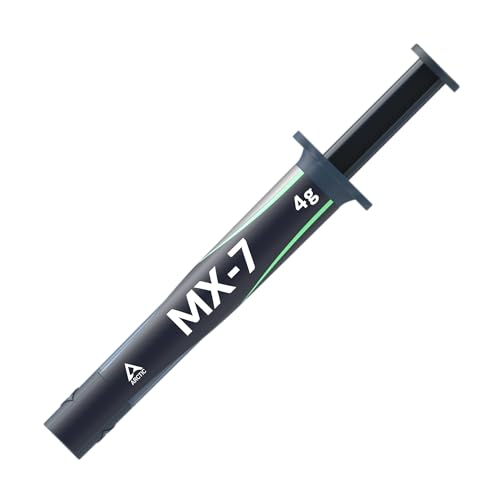
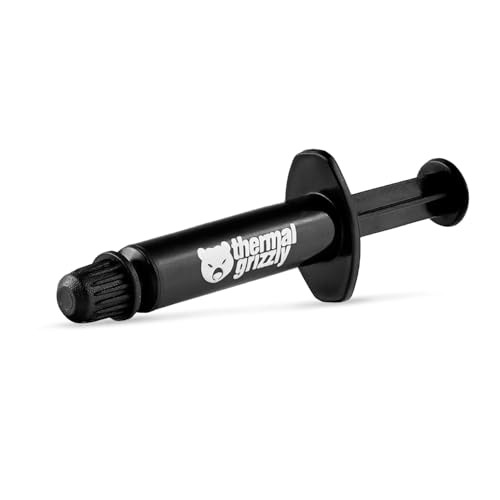
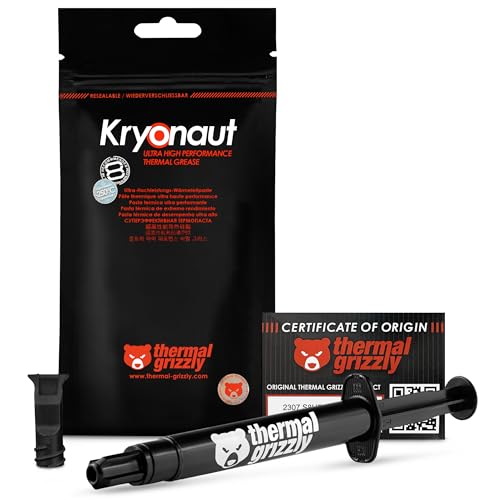
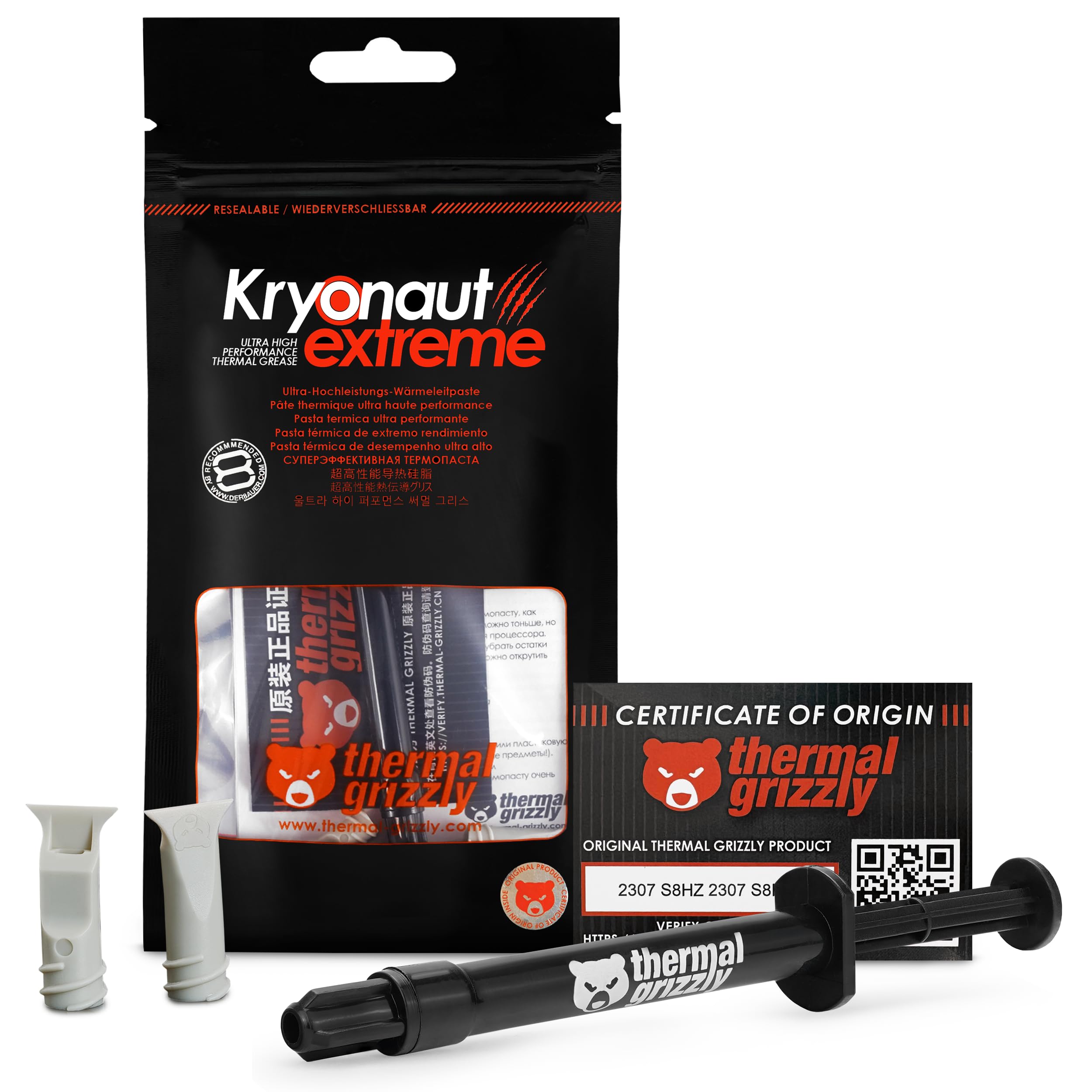

What MX-4 Is Made Of
The listing says the paste uses carbon microparticles for very high thermal conductivity, and that it is metal-free and non-electrically conductive. That second point matters in practice. If a little paste squeezes out onto the board, it will not short a circuit, which is why beginners are told to start with a non-conductive paste.
The maker also says that the packaging has changed over the years while the formula stayed the same, so the paste you buy today behaves like the one reviewers praised in the past. That consistency is part of the appeal.
Sizes and Value
MX-4 comes in small tubes for one or two builds and larger ones for people who build or repair many PCs. The small tube usually costs only a few dollars and covers several applications of a processor, while the 20 gram and 45 gram tubes lower the price per application for shops and tinkerers. Some tubes include a spreader, which helps if you prefer to spread the paste rather than use the dot method.
Which Size to Buy
- One build: the smallest tube is plenty.
- Several builds or a laptop repair: choose the middle size.
- A shop or a big household of PCs: the large tube is cheapest per use.
Performance in Real Use
MX-4 holds a processor a few degrees cooler than the cheap paste that comes preapplied on many coolers, and it performs within a small margin of expensive premium compounds. For most gaming and work PCs, that tiny gap is invisible. Where it matters is on a hot processor with an extreme overclock, where a high end paste or liquid metal may give another couple of degrees.
Newer Pastes in the Family
The maker later released MX-6 and MX-7, with improved formulas. MX-6 reports lower thermal resistance than MX-4, and MX-7 is designed for long durability. If you want the newest, they are worth a look, but MX-4 still sits at a lower price and remains an easy pick. Our arctic mx-6 review covers the step up.
Applying It Well
Clean both surfaces with isopropyl alcohol and a lint-free cloth. Place a pea sized dot in the center of the processor, then lower the cooler straight down and tighten the screws in a cross pattern. Do not slide the cooler around, since air bubbles can trap under the base.
How Much Is Enough
Too little leaves gaps and too much just squeezes out and makes a mess. A small dot, around the size of a grain of rice or a pea depending on the processor size, works well. Larger processors can use an X or line pattern.
Using It on Graphics Cards and Consoles
MX-4 is also popular for repasting graphics cards and game consoles, where old paste has dried out. Take care with thermal pads on a graphics card, because they are a different material and must be replaced with the same thickness.
How Long Does It Last
MX-4 lasts for years, but it slowly dries. Many users repaste every few years or when temperatures climb for no clear reason. A fresh application can drop temperatures by several degrees on an old system.
When to Repaste
You should reapply paste when you remove a cooler, when temperatures climb under the same workload, or when a laptop or console runs hotter and louder than it used to. Clean old paste off completely before adding new paste, and never stack a new layer on top of the old one. Keep the PC off the table and the cooler off the processor while you work, so dust does not land on the clean surface.
Laptops and Consoles
A laptop often runs a lot cooler after a repaste, because factory paste dries out within a few years. Check a guide for your model, use a small amount and protect the board from any spill. Consoles are similar, though some have delicate parts that deserve extra care.
Common Mistakes
- Using too much paste, which can ooze out and attract dust.
- Leaving the plastic film on a cooler base.
- Not cleaning off old paste with alcohol.
- Removing a cooler when the PC is warm, which can pull the processor out of its socket.
Why It Became a Standard Recommendation
The combination of low price, safe handling and steady performance made MX-4 an easy answer to a common question. Builders on a budget did not need to read reviews of a dozen compounds to find one that worked. Over many years the paste gained a very large base of satisfied users, which helped it remain a staple even as newer pastes appeared.
Who Should Buy It
It suits first-time builders, budget builds, repair jobs and anyone who wants a safe, cheap and reliable paste. If you chase the last few degrees, look at premium pastes or newer family members. For other options, see the best thermal paste guide and the arctic mx-4 vs thermal grizzly kryonaut comparison.
FAQs
Is MX-4 safe for beginners?
Yes. It is non-conductive and metal-free, so small spills are not a risk.
Can I use it on a graphics card?
Yes, many people use it for repasting graphics cards and consoles.
How much do I need?
A pea sized dot is enough for most processors.
Do I need to let it cure?
No special curing is needed. Performance settles in normal use.
Final Verdict
Our arctic mx-4 review finds a safe, low cost paste with proven results that still makes sense for most builds. Compare the sizes and rival pastes in the table, and check the product page for current pricing.


