
Arctic MX-6 Review for 2026: Easy Thermal Paste Upgrade
Disclosure: We may earn a commission when you buy through links on this page, at no extra cost to you. As an Amazon Associate I earn from qualifying purchases. Learn more

An arctic mx-6 review on performance, safety, sizes, application and where it beats cheaper or pricier pastes.
MX-6 is the paste many builders reach for when they want something newer than MX-4 without paying premium prices. This arctic mx-6 review covers what changed in the formula, how safe it is on a bare board, which tube size to pick and where it fits against pastes from other makers.
The product table right after this intro lists MX-6 along with several rival pastes, so you can compare price per tube before reading on.



What Is New in MX-6
The listing says the improved composition gives a measurably lower thermal resistance than MX-4, and it calls the paste very high thermal conductivity with long durability. It is non-conductive and non-capacitive, which the maker says removes the risk of short circuits or discharges. In plain terms, you can use it on a processor, a graphics card chip or a console without worrying about a little spill on the board.
The consistency was also tuned to be easier to apply, with a smooth texture that spreads under cooler pressure without being runny.
Sizes and Packages
MX-6 comes in small tubes for a single processor, mid size tubes for several builds and a larger tube for heavy users. Some packages include MX cleaner wipes, which remove old paste, and some include a spatula. If you do not already own isopropyl alcohol and lint-free wipes, a package with the cleaners saves a trip to the store.
Choosing a Size
- A single PC build: the smallest tube covers several applications.
- A build plus a laptop or console repaste: take the middle size.
- A workshop or a family of gamers: the large tube lowers the price per use.
Performance Compared With Other Pastes
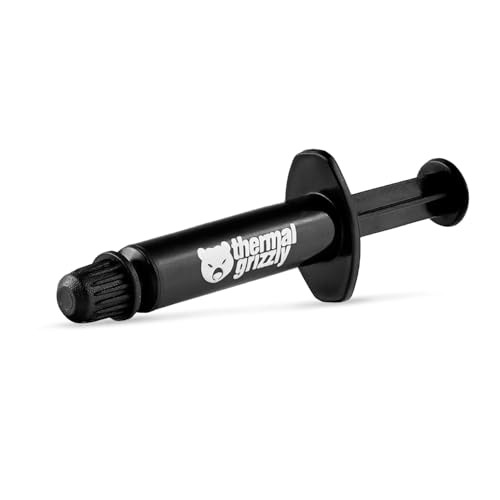
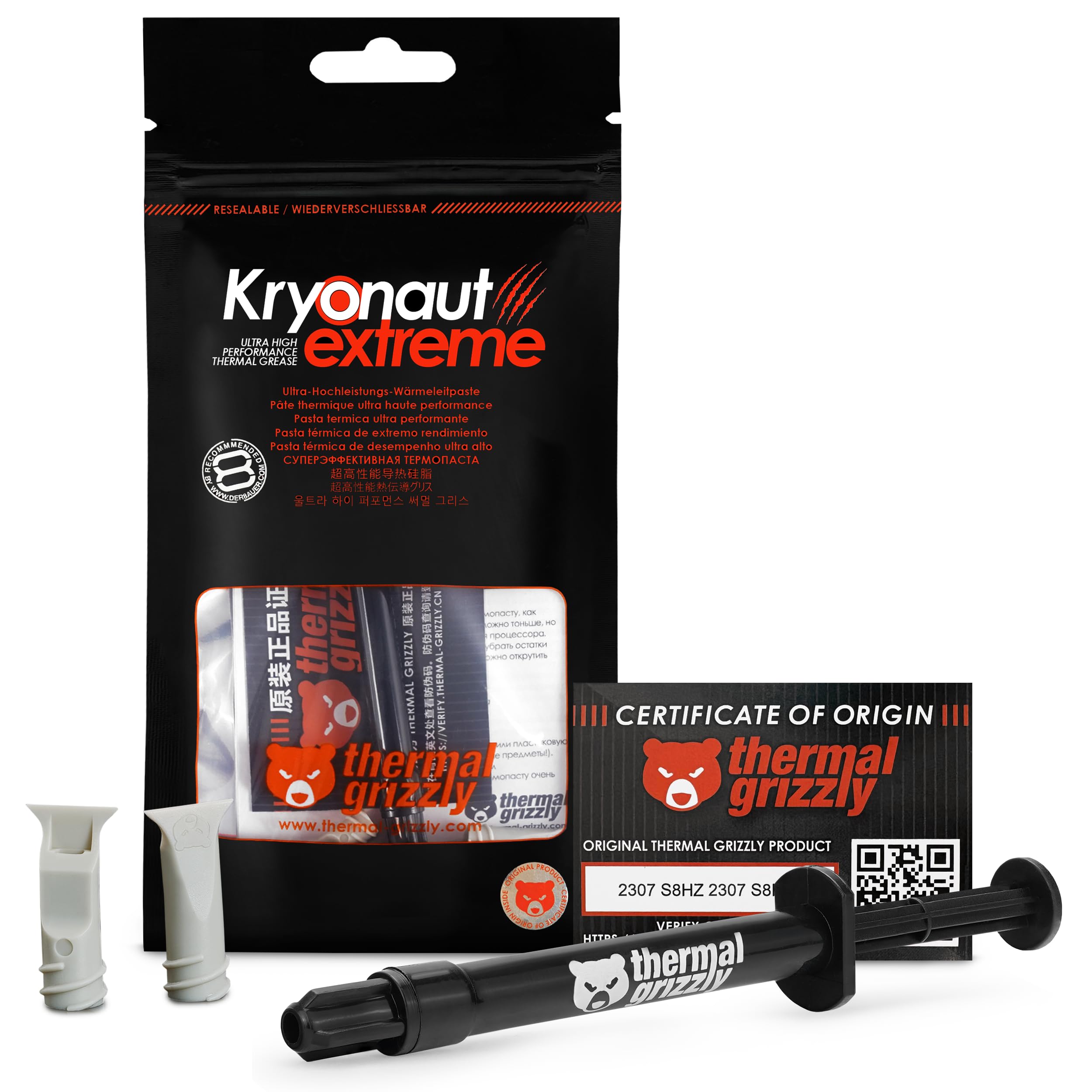
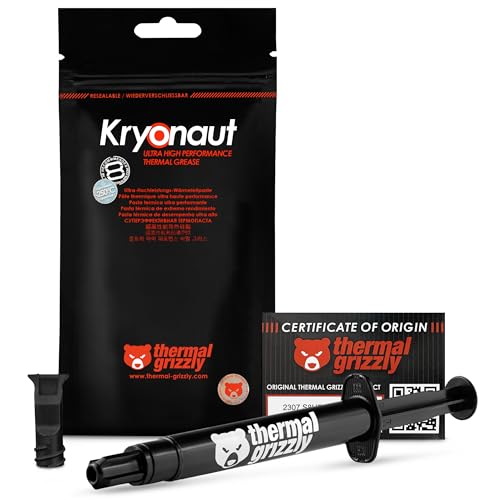
The difference between MX-6 and a good midrange paste is usually a degree or two on a typical air cooled processor. Against premium compounds such as Thermal Grizzly Kryonaut, the gap is also small on many systems, with the premium paste sometimes ahead at high power loads. For nearly every gaming or office PC, MX-6 keeps temperatures well within safe limits.
Versus MX-4
MX-6 improves on MX-4 in thermal resistance and durability, and it costs more per gram. MX-4 is still a bargain for a basic build, so decide whether the extra is worth it for you. The comparison guide for arctic mx-6 vs arctic mx-4 goes into the details.
Versus MX-7
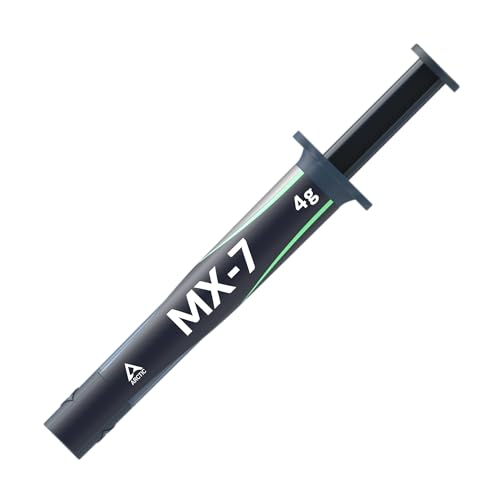
The newer MX-7 is designed with a dense, high viscosity formula that cannot be spread by hand and instead settles under the pressure of the cooler. If you like an easy, spread-by-hand approach, MX-6 is more flexible.
How to Apply MX-6
Clean the processor and the cooler base with isopropyl alcohol, wait until they are dry and place a pea sized dot in the center of the processor. Mount the cooler straight down, avoid twisting, and tighten the screws evenly. For a larger processor, a short line or an X also works.
Graphics Cards and Laptops
MX-6 is also sold for graphics cards, laptops and consoles. Use only a small amount, since there is less room around a laptop processor, and keep paste away from nearby components. Replace thermal pads with the same thickness, and never use paste where a pad belongs.
Durability and Reapplication
The maker advertises long durability, and many users report that temperatures stay stable for years. Still, thermal paste is a consumable. If your processor runs hotter than it did when new, reapplying fresh paste is an inexpensive fix.
Where MX-6 Makes the Biggest Difference
The gains are largest on compact systems with small coolers, such as small form factor PCs, laptops and consoles. Those machines have little spare cooling capacity, so a better paste can lower fan speed and noise. On a large tower with a big cooler, the benefit is smaller but still welcome.
It is also a good choice for an old PC that has started to throttle. Fresh paste often brings temperatures back down, and a quiet fan curve follows. For a system more than three or four years old, a repaste is among the cheapest upgrades you can make.
Cleaning Before You Start
Use a lint-free cloth and isopropyl alcohol to remove the old paste. Wipe in one direction rather than back and forth, so you do not push paste into the socket area. Let the alcohol evaporate for a minute before applying the new paste.
What Not to Do
- Do not use a credit card to spread paste across the processor unless the instructions say so.
- Do not apply paste to the pins of a processor socket.
- Do not reuse an old thermal pad on a graphics card.
Storing a Tube
Keep an opened tube capped and upright in a cool, dry drawer. Wipe the nozzle before closing it, since dried paste in the tip can clog it. Paste stored well stays usable for a couple of years.
Buying Advice
Choose a seller with a good return record, since small tubes are easy to counterfeit. Look for the maker's packaging, and check that the tube includes the amount advertised. If a price looks far below the usual range, be careful, because fakes dry out quickly and perform badly.
Who Should Buy It
It suits builders who want a safe, simple paste with better performance than the cheapest tubes, people repasting a laptop or console and anyone who prefers easy application. If you want the best possible performance for an overclocked chip, look at premium compounds, and if you want the lowest cost, MX-4 is hard to beat.
For more choices, see the best thermal paste guide and our arctic mx-6 vs thermal grizzly kryonaut comparison.
FAQs
Is MX-6 electrically conductive?
No. The maker describes it as neither conductive nor capacitive.
Do I need to spread it?
No. A small dot is enough, and pressure from the cooler spreads it.
Can I mix it with old paste?
No. Clean the old paste off first for best results.
How much should I buy?
A small tube is plenty for most single builds.
Final Verdict
Our arctic mx-6 review finds an easy, safe paste with improved performance over its predecessor at a still modest price. Compare the sizes and rivals in the table, and check the product page for current pricing.


