
Arzopa A1 Review for 2026: Budget Portable Monitor
Disclosure: We may earn a commission when you buy through links on this page, at no extra cost to you. As an Amazon Associate I earn from qualifying purchases. Learn more

This arzopa a1 review covers the 15.6 inch 1080p portable monitor: IPS panel, USB C and HDMI, kickstand, weight and console use.
A second screen that fits in a laptop bag changes how you work on the road, and this arzopa a1 review looks at the budget model in Arzopa's portable monitor range. The A1 is a 15.6 inch, 1080p IPS panel with a built in kickstand, aimed at people who want extra screen space without paying for a premium display. Here is what the listing promises and how to decide if it fits your needs.
The product table compares the A1 with larger and faster Arzopa models and a few rivals, so you can see where each price lands.

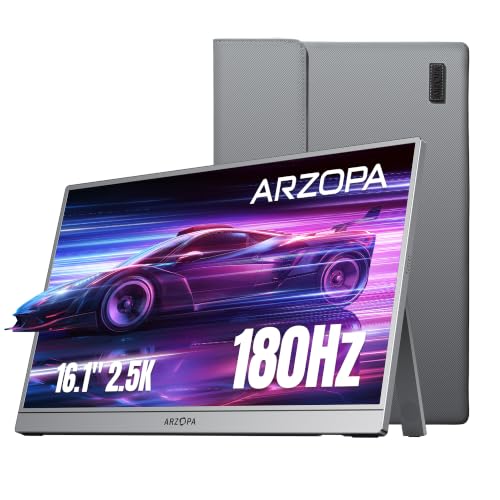
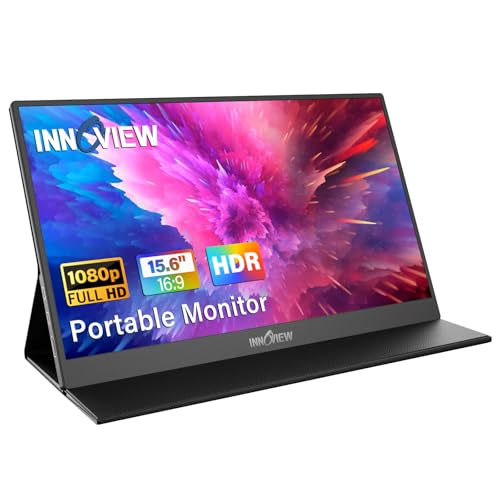
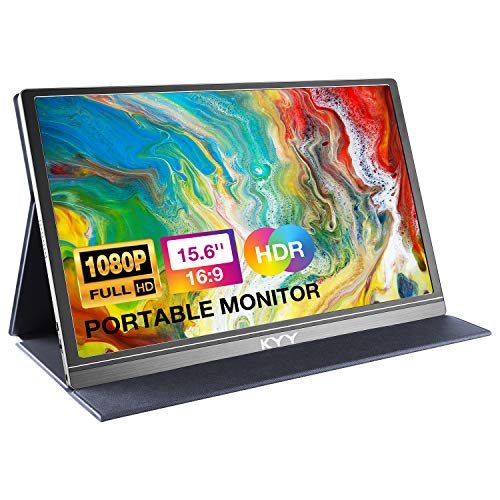
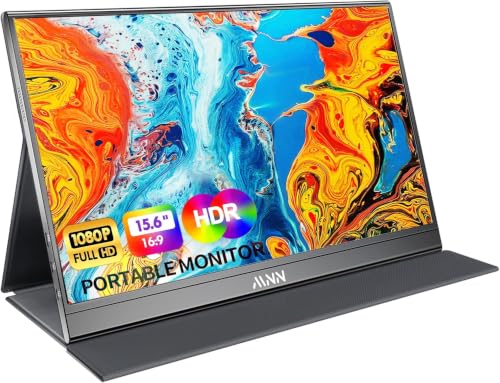

Arzopa A1 Review: What the Monitor Offers
The A1 is described as a 15.6 inch Full HD display with a 1920 by 1080 IPS panel and a wide viewing angle of 178 degrees. The body is made of metal, and the kickstand is built in, so you do not need a separate stand. Weight is listed at 1.6 lb and thickness at 0.35 inches, which makes it thin enough to slide into most laptop sleeves.
Connectivity is through USB C and HDMI. The listing says it works with laptops, PCs, Macs, phones, Xbox, PlayStation consoles and Switch, with plug and play setup and no app or driver required.
Display Modes and Everyday Use
The A1 supports duplicate, extend and second screen modes. Extend mode is what most people want, because it adds screen space for a spreadsheet, a chat window or a reference document next to the main app. Duplicate mode is useful for presentations, when you need to show the same image on two screens.
A phone mode lets you connect a smartphone and use the monitor as a larger screen. That is handy for video, but remember that a phone must support video output over USB C for this to work.
Resolution and picture
1080p on a 15.6 inch panel is sharp enough for text and video at normal viewing distance. The IPS panel keeps colors consistent from side angles, which matters when you tilt the screen. If you edit photos, a model with a higher sRGB figure is a better fit.
Portability and Build
A metal body gives the A1 a sturdier feel than plastic portables. The kickstand folds flat and adjusts the tilt angle, so it works on a desk, a hotel table or a coffee shop counter. At 1.6 lb it adds little weight to a bag.
Because the stand is built in, the monitor stays put on a flat surface but is less stable on a soft one like a bed. Use a table whenever you can, and carry a sleeve to protect the screen.
Gaming and Console Use
The A1 works with Xbox, PlayStation and Switch according to the listing, which makes it a pocketable screen for travel. The listing does not advertise a high refresh rate, so fast shooters will look better on a high refresh model such as the Z1FC. For casual games and streaming, it is more than enough.
Check the ports on your device. A Switch or console needs HDMI and a power source, and a phone needs USB C with video output. A short, good quality cable avoids flickering problems.
How It Compares With Other Arzopa Models
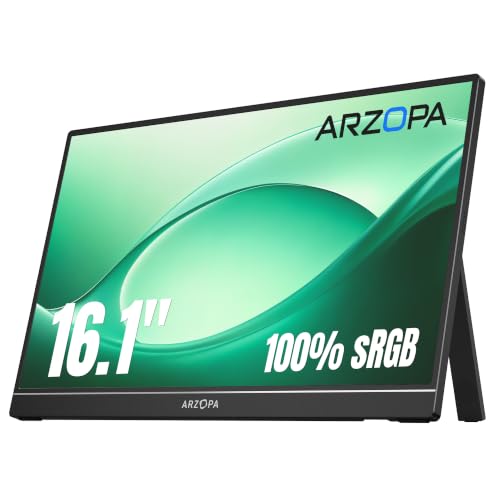
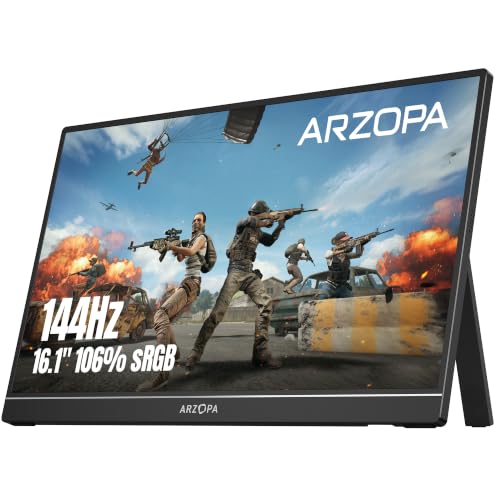
The A1 is the entry model. The Z1C offers a larger 16.1 inch screen with 100 percent sRGB, and the Z1FC adds a 144 Hz refresh rate. Our Arzopa Z1FC review covers the gaming version.
For a wider view of the category, the guide to the best portable monitor compares models across brands. If you want a premium option, the ASUS ZenScreen MB16AHG review shows what a higher priced portable adds.
Setting Up the A1 With a Laptop
Connect one USB C cable to a port that supports video output, then open the display settings and choose extend. Place the monitor to the side of the laptop at the same height, so your eyes move level between screens. A small riser under the laptop can help match the heights.
If the screen stays black, try another USB C port or the HDMI input with a separate power cable. Some laptop ports only carry data or charge, and the manual or the laptop maker's page lists which ports carry video.
Power draw and battery life
A portable monitor draws power from the device it connects to. On a laptop that means shorter battery life, so plug the laptop in for long sessions. A power bank can feed the monitor when you are away from a socket.
Who Should Buy the A1
Students, remote workers and travelers who need extra space on a budget will like the A1. It is also a good second screen for a small desk where a full monitor will not fit. If you only need a larger display at home, a desktop monitor delivers more for the same money.
It is less suited to color critical work or competitive gaming. For those, step up to a model with a higher color gamut or a faster refresh rate.
Frequently Asked Questions
Is the Arzopa A1 good for work?
Yes, the 1080p IPS screen is sharp enough for documents, email and spreadsheets, and the extend mode adds useful space.
Does it need a driver?
No, the listing says it is plug and play with no app or driver required.
Can I use it with a console?
Yes, the listing names Xbox, PlayStation and Switch. Make sure you have the right cable and a power source.
How heavy is it?
The listing gives 1.6 lb, and the body is 0.35 inches thick.
Should I buy the Z1FC instead?
Choose the Z1FC if you want a higher refresh rate for games. For work and video, the A1 saves money.
Final Verdict
This arzopa a1 review sums up a simple, affordable portable monitor with solid basics: a sharp IPS panel, metal build, built in stand and USB C plus HDMI. Pick it for travel and work, and compare it with the higher models in the product table before you buy. If you game on the road, consider the faster Z1FC.
Prices and availability can change, so check the product page before ordering.


