Asus ROG Ally Review for 2026: Windows Handheld Guide
Disclosure: We may earn a commission when you buy through links on this page, at no extra cost to you. As an Amazon Associate I earn from qualifying purchases. Learn more

This asus rog ally review explains the Windows handheld idea, performance and battery trade offs, the newer Ally models and current rival handhelds.
When the ROG Ally arrived, it showed that a full Windows gaming PC could fit in two hands, and this asus rog ally review looks at what that idea means today. The original Ally is a 7 inch Windows handheld that plays PC games from Steam, Epic, Game Pass and more. It has since been followed by the Ally X and the Xbox branded ROG Ally, so the real question is how the first model fits among current options.
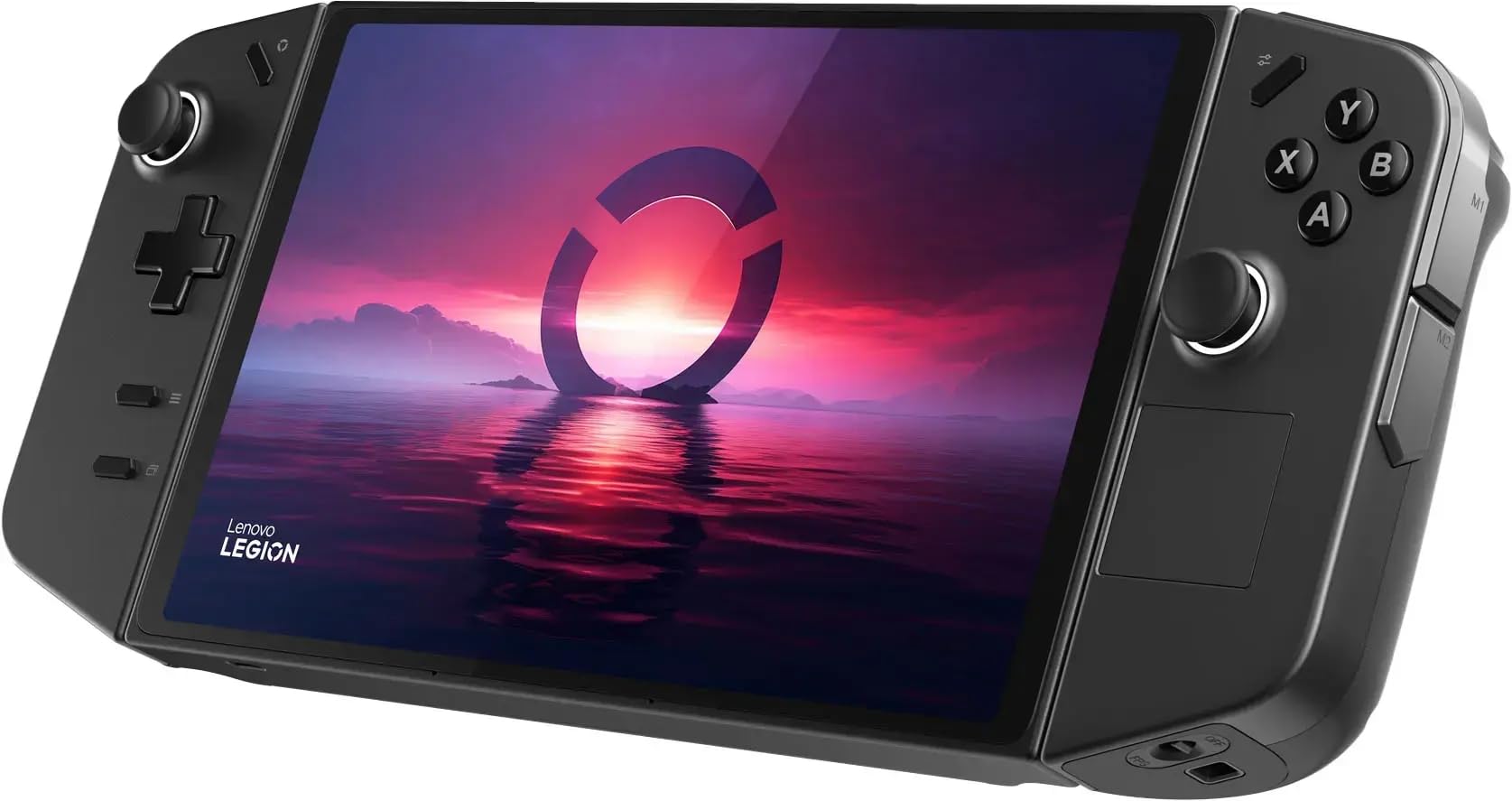
The product table lists handhelds that are on sale now, including the newest ROG Xbox Ally and its main rivals, so you can compare price and hardware.


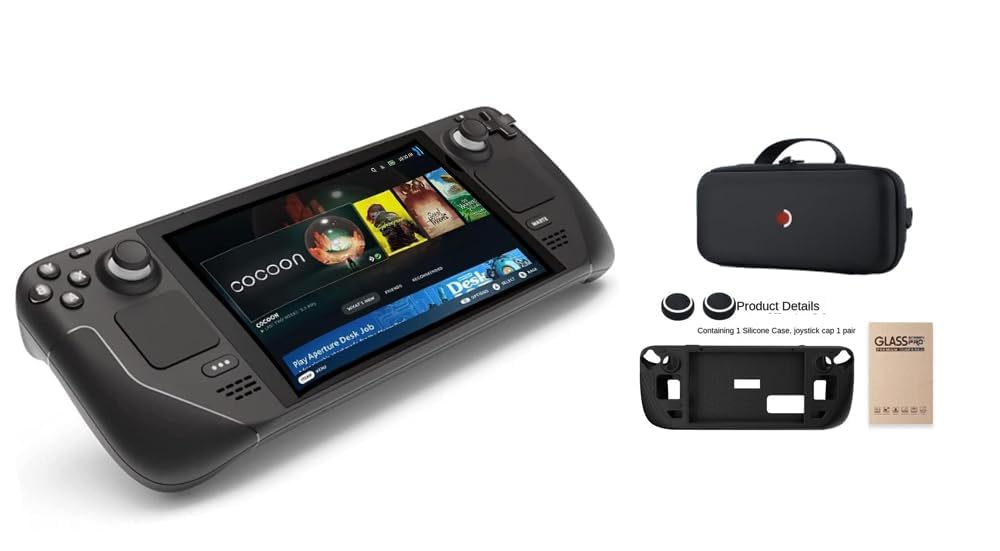


Asus Rog Ally Review: The Windows Handheld Idea
A Windows handheld is a small PC with built in controls, not a console with a locked library. You install the stores you already use, keep your saves and tweak settings to balance speed and battery. That freedom is the main attraction, and it is why the Ally became a reference point for the category.
The trade off is complexity. Windows was designed for a keyboard and mouse, so you will sometimes tap the touchscreen, plug in a keyboard or fight a launcher. ASUS softens this with a control app, but it still feels like a PC.
Performance and Battery in Real Use
Handheld processors share power between the chip and the graphics, so performance depends heavily on the power mode you choose. A low power mode saves battery and suits simple or older games. A high power mode raises frame rates, but the battery drains quickly and the fan becomes audible.
Most players settle on a medium profile and a frame cap. Capping the frame rate near the screen's refresh rate saves power and keeps the device cooler. Plug in for demanding games, and play lighter titles on the move.
Display and controls
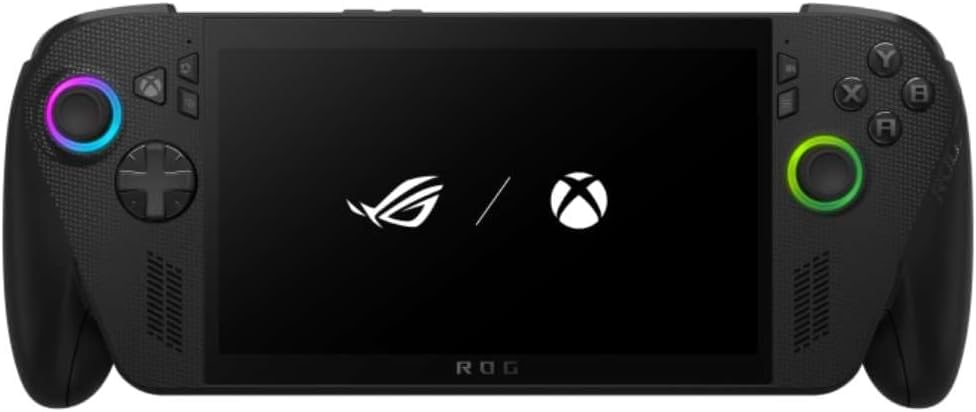
The Ally uses a 7 inch touchscreen with a high refresh rate. Controls include full size sticks, triggers and a button layout familiar from console controllers. The size is comfortable for short sessions, though the device is heavier than a phone.
The Newer Versions
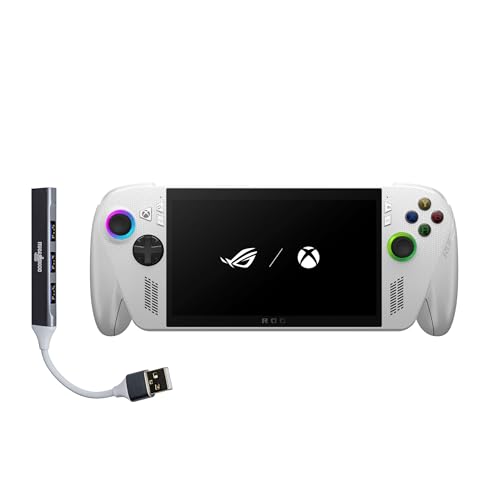
ASUS followed the original with the Ally X, which improved battery capacity and ergonomics, and then with the ROG Xbox Ally, which boots into an Xbox style interface. The listing for the Xbox Ally shows a 7 inch 120 Hz IPS touchscreen, a Ryzen Z2 A processor, 16 GB of memory and a 512 GB drive. It weighs about 1.47 lbs and has a 60 Wh battery with fast charging.
If you are buying today, the newer versions are the sensible target. Our ASUS ROG Ally X review and the Ally X versus Ally comparison explain the differences, and the ASUS ROG Xbox Ally X review covers the latest generation.
Who the Ally Line Suits
Players who want access to every PC store and enjoy tweaking settings will love it. It also suits people who already own a large Steam or Game Pass library and want to play it on a couch or bed. If you want a plug and play experience, a SteamOS device is simpler.
Parents and casual gamers should think about repairs and updates too. A handheld PC needs Windows updates and driver patches, which are small chores but real ones.
Windows Quirks and How to Handle Them
A few habits make a Windows handheld far more pleasant. Set up your game stores in a controller friendly mode, such as full screen launcher layouts, so you rarely need the touchscreen. Turn off apps that start with Windows, and keep the storage tidy so that updates do not fill the drive.
Pause automatic updates before a trip, since a surprise download on hotel Wi-Fi can drain the battery and lock the device for a while. Keep a recovery USB stick and a basic backup of your save files in the cloud.
Sleep and resume are the other weak spots. Some games resume smoothly, while others crash after a long sleep. Close demanding games fully before you put the handheld away, and restart weekly to clear leftover background processes.
Storage and Game Library Planning
Modern games are large, and a 512 GB drive fills quickly. Decide which games you want on the handheld and keep the rest on a desktop or in the cloud. Many players rotate a few current titles and install others only when needed.
A fast microSD card helps for older or smaller games, though it loads slower than the internal drive. If the model you buy has an upgradeable internal drive, a larger drive is the better upgrade, but check the warranty terms first.
Accessories Worth Buying
A protective case and a screen protector are the first purchases. Many cases add grips for comfort and a stand for desk play. A fast charger and a good microSD card help if you use more storage than the built in drive gives you.
A dock or a USB C hub lets you connect the Ally to a monitor and use a controller or a keyboard. That turns it into a small desktop PC when you want one.
Frequently Asked Questions
Is the ROG Ally still worth buying?
The newer Ally X and Xbox Ally are better choices if the price is close. The original is worth it only at a clear discount.
What games can it play?
Any Windows game that runs on its hardware, from Steam, Epic, Game Pass and other stores.
How is the battery life?
It depends on the game and power mode. Lower power settings and a frame cap extend it significantly.
Can I use it as a desktop?
Yes, with a dock, a monitor and a keyboard, it works as a small Windows PC.
Is it better than a Steam Deck?
It is more flexible and runs Windows, while the Steam Deck is simpler and tuned around SteamOS.
Final Verdict
This asus rog ally review concludes that the Ally proved the Windows handheld idea, but newer models do it better. Compare current handhelds in the product table, decide whether you want Windows freedom or a simpler system and pick the version that fits your budget. For most buyers, the newest ASUS model or a close rival is the smarter purchase.
Prices and availability can change, so check the product page before ordering.