Asus ROG Ally X Alternative for 2026: Handhelds by Use Case
Disclosure: We may earn a commission when you buy through links on this page, at no extra cost to you. As an Amazon Associate I earn from qualifying purchases. Learn more

An asus rog ally x alternative guide sorted by use case: couch play, travel, SteamOS simplicity, desk docking and budget or high end tiers.
Anyone shopping for an asus rog ally x alternative usually has a specific problem to solve, such as price, simplicity, screen size or stock. The Ally X is a strong handheld, but it is not the only way to play PC games away from a desk. This guide sorts the options by the situation you are in.
The product table shows handhelds that can be bought now, so you can see how the different approaches compare on price and hardware.



Asus Rog Ally X Alternative for Couch and Bed Play
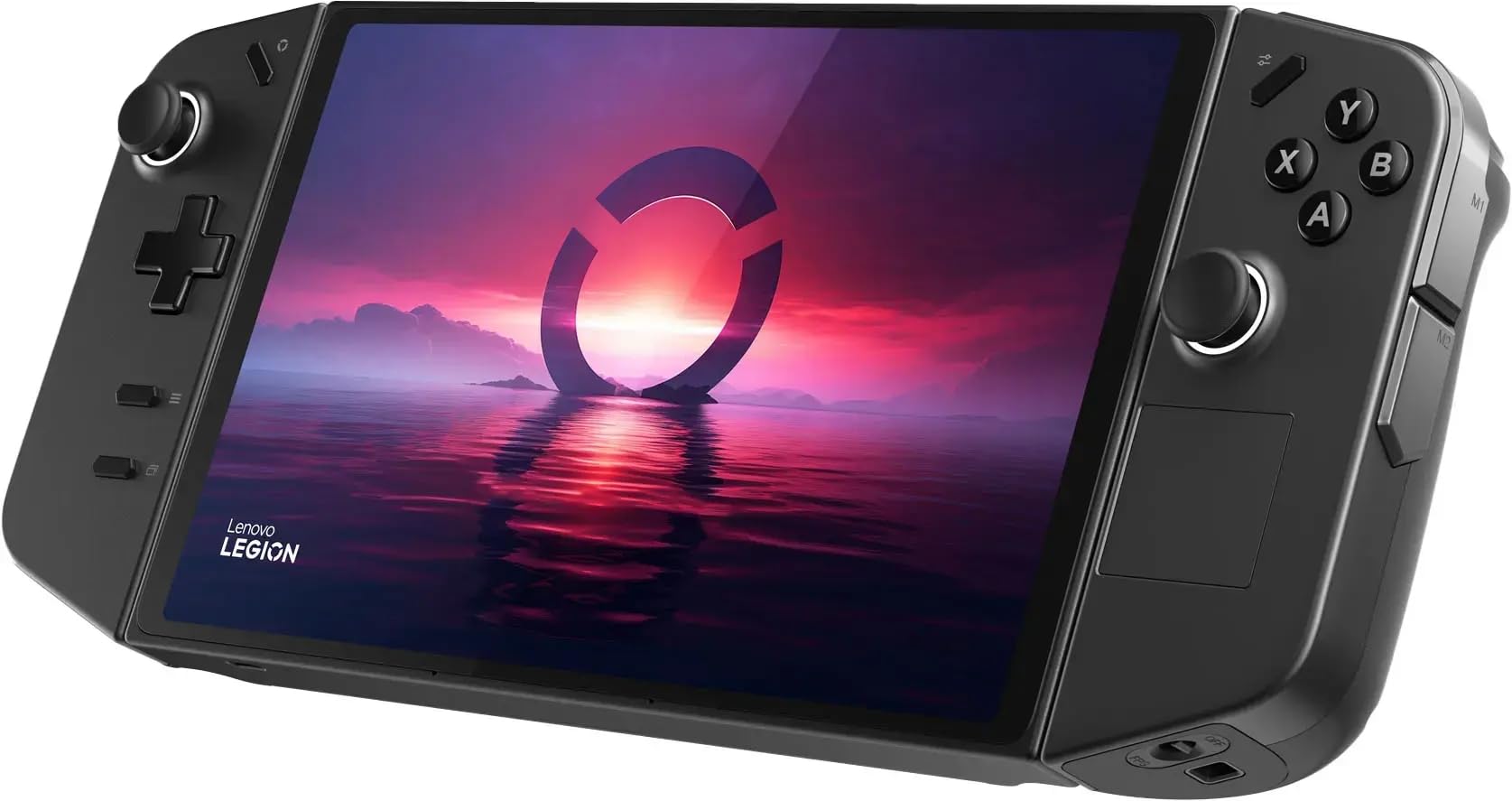
If most of your play happens in a comfortable chair, weight and grip matter more than top speed. Look for a body with contoured handles, because a light but slippery device tires the hands. Detachable controller models also let you rest the screen on a stand while you sit back.
A larger screen helps here, since you hold the device at a longer distance than you would on a train. Check the resolution and refresh rate in the listing, and confirm that the fan noise is acceptable in a quiet room.
Alternatives for Travel
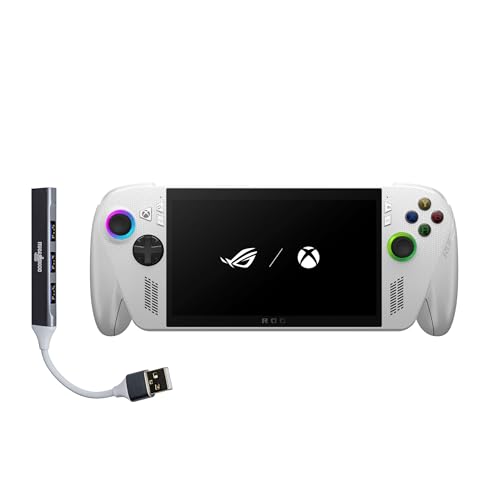
For trips, battery life and size win. A compact handheld with a fast charging feature fills the gaps between stops, and a power bank covers the long ones. The ROG Xbox Ally in the table lists a 60 Wh battery and a charge from empty to half in thirty minutes.
Pack a case with a hard shell, because screens are the most fragile part. Also pack a charger that supports the wattage the device needs, since a weak charger can leave the battery draining during play.
Airplane and hotel tips
Download games and updates before you leave. Hotel and airplane networks are slow, and large downloads can drain the battery. Use airplane mode to save power during offline games.
A Simpler System for Less Tinkering
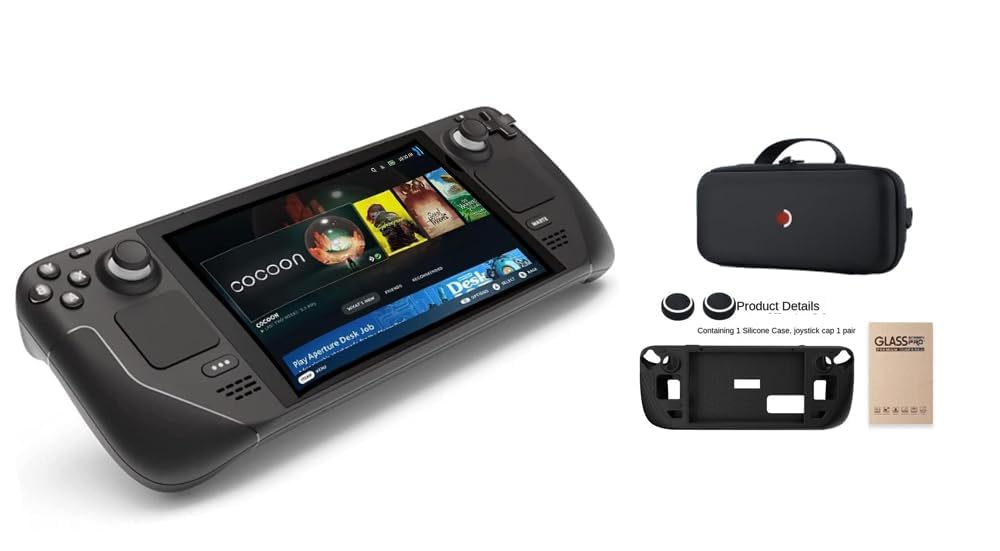
Windows handhelds ask for maintenance. If you would rather skip updates and driver fixes, a SteamOS handheld is the better path. It boots into the Steam library, marks games for compatibility and handles most settings for you.
The limit is flexibility. Games from other stores need extra steps, and some anti cheat games do not run. Check your favorite games before you decide.
Alternatives for Desk Docking
Some players use a handheld as a small desktop. In that case, ports and docking support matter more than the grips. Look for Thunderbolt or USB4 ports in the listing, since they allow fast external storage and docks.
A dock with video output, power delivery and a few USB ports turns the handheld into a PC. Add a keyboard and mouse, and you can work in the day and game in the evening on the same device.
Budget and Performance Tiers
Prices in the table run from about $700 to more than $2,600. The lower tier covers most games at medium settings, which is what most people need. The upper tier brings laptop class graphics, which is only worth the cost if you play demanding titles at high settings.
Think about how often you will play on the go. If it is rare, a cheaper model or a used one is plenty. If you play daily, spend a little more for a longer battery and better ergonomics.
A Short Checklist Before You Buy
Read the title for the processor, memory, storage and screen, since sellers put the key figures there. Confirm the operating system, because a SteamOS device and a Windows device behave very differently. Check who sells the device and what the return window is.
Look at the ports. A handheld with only one USB C port is awkward when you want to charge and dock at the same time. A microSD slot is a small but useful extra if you plan to carry many games.
Finally, scan recent buyer feedback for software issues. Handhelds depend on drivers and firmware updates, and a device with poor support can feel worse than a slower one that works smoothly.
Common Mistakes When Switching
The first mistake is paying for power you will not use. Many players run games at medium settings and a frame cap, where a mainstream handheld performs almost as well as a premium one. The second is ignoring weight, which matters after an hour of play.
The third mistake is forgetting accessories. A case, a screen protector and a charger can add a noticeable amount to the final cost, and the cheapest listing may not include them. Compare bundles with the price of the device alone.
Staying Inside the Family
The newer ROG Xbox Ally is the most direct alternative within the brand, and our ASUS ROG Xbox Ally X review covers it. The ASUS ROG Ally X review explains what the original X offers. For a wider look, see the best handheld gaming PC guide.
Resale and Long Term Value
Handhelds lose value as new generations arrive, so think about how long you plan to keep the device. A model with good software support and a loved ecosystem holds its resale price better. Keep the box and the receipt, which helps both a warranty claim and a later sale.
Frequently Asked Questions
What is the best alternative to the Ally X?
The newer Xbox branded model is the closest. A SteamOS handheld is the simplest.
Which alternative has the longest battery life?
Check each listing for capacity. A larger battery and a lower power mode give the longest runtime.
Is a cheaper handheld enough?
For most games at medium settings, yes.
Can I dock these handhelds?
Windows models with USB C or Thunderbolt ports can use a dock for video and power.
Are there handhelds that need less maintenance?
SteamOS handhelds need the least, because the system handles most settings.
Final Verdict
The best asus rog ally x alternative depends on your situation: a comfortable body for couch play, a big battery for travel, SteamOS for simplicity or a dock friendly model for desk use. Compare the options in the product table and match them to the way you play.
Prices and availability can change, so check the product page before ordering.