
ASUS TUF Gaming F16 Review for 2026: Affordable Intel Gaming Laptop
Disclosure: We may earn a commission when you buy through links on this page, at no extra cost to you. As an Amazon Associate I earn from qualifying purchases. Learn more

This asus tuf gaming f16 review covers the 16:10 165Hz display, Intel Core i5 and i7 options, RTX 5050 and 5060 graphics, cooling and who should buy this laptop.
The ASUS TUF Gaming F16 is the Intel counterpart to the AMD-based A16: a 16-inch gaming laptop with a rugged build and a friendly price. This asus tuf gaming f16 review explains what the laptop does well, how its versions differ and which players it fits best.
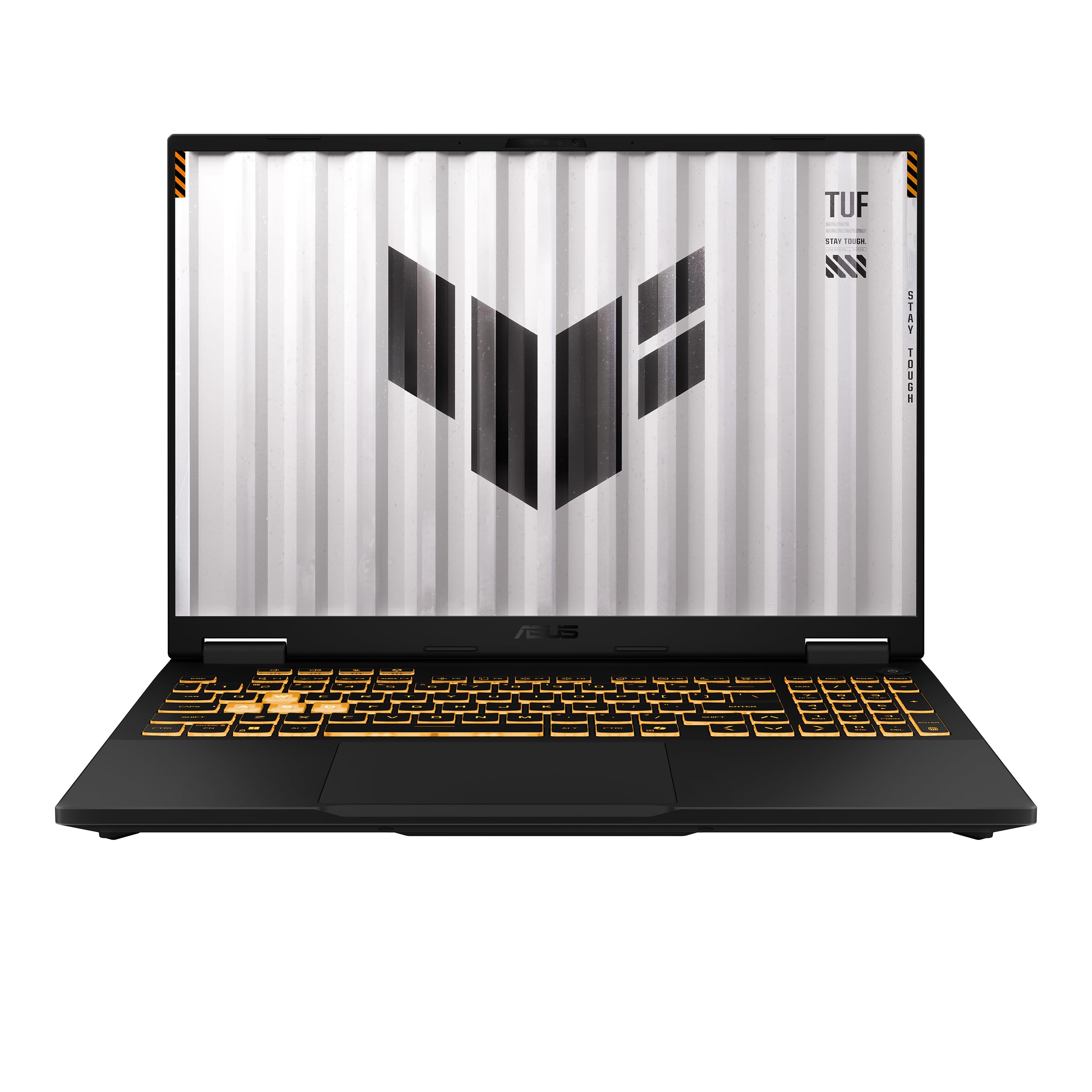
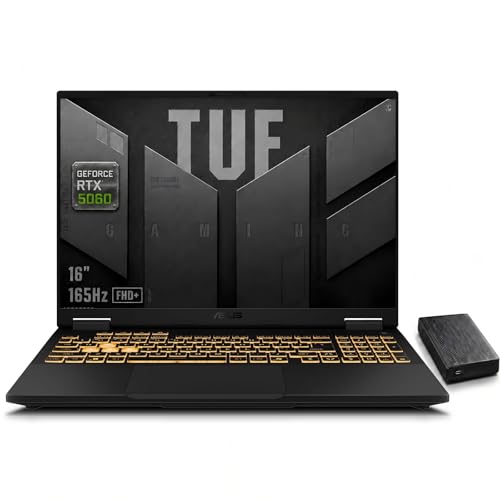
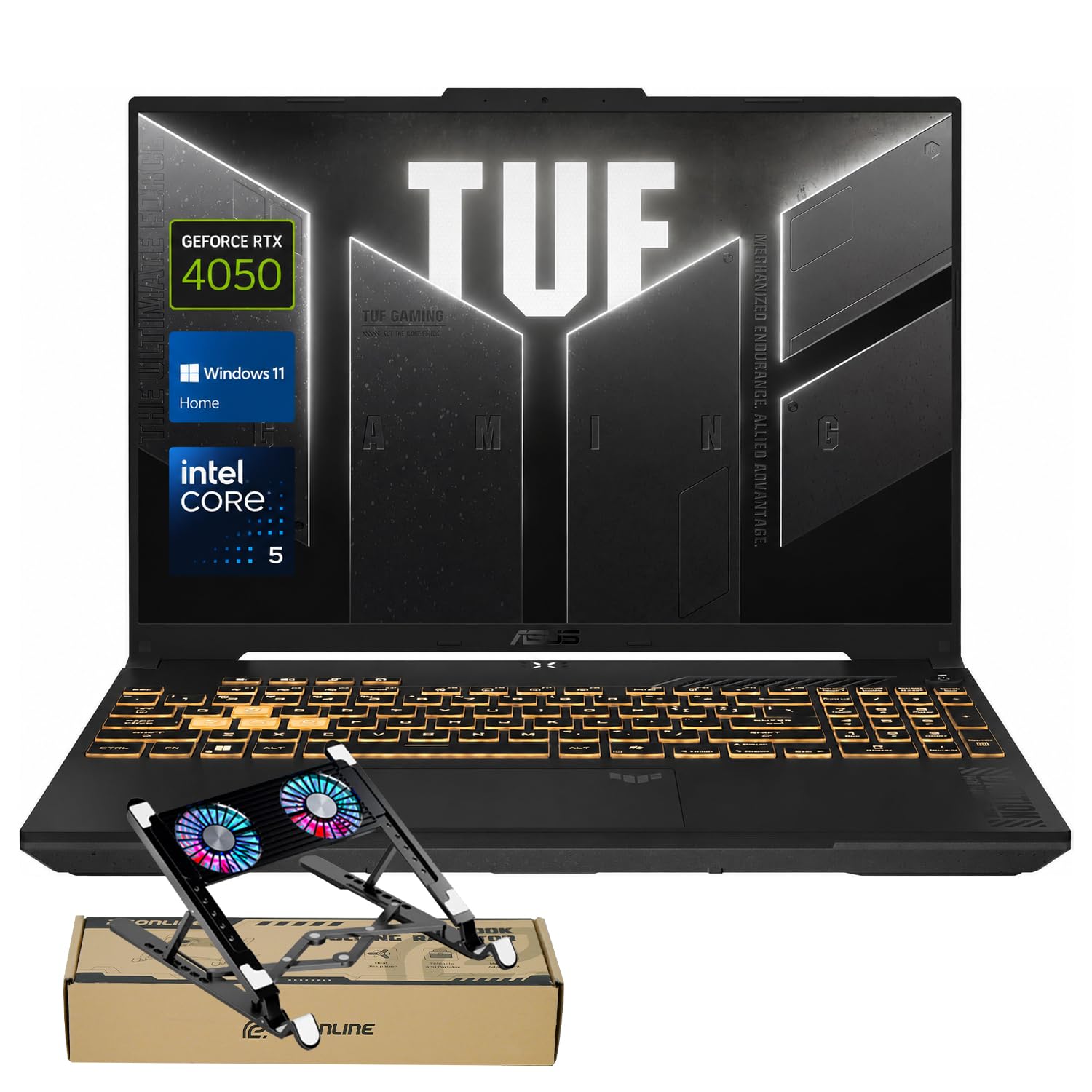
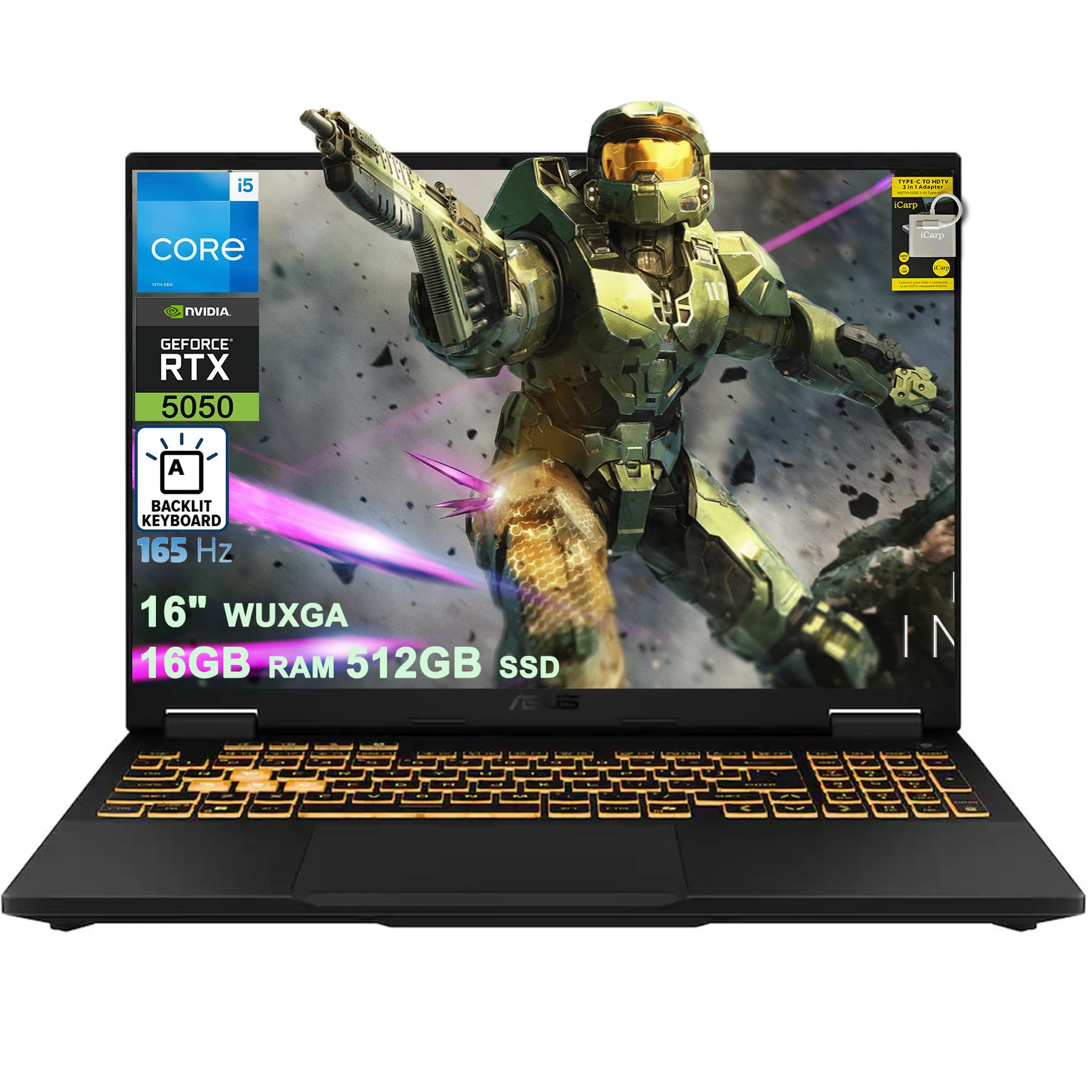
The F in the name points to the Intel platform. The product table shows versions from an RTX 4050 model to RTX 5050 and RTX 5060 machines with Intel Core i5 and i7 processors.



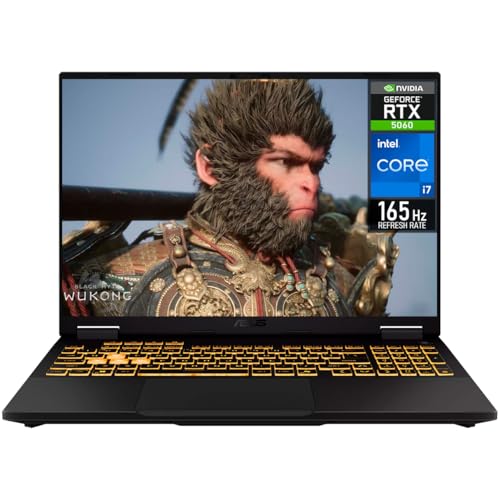
Build and Durability
The F16 keeps the classic TUF look with a subtle embossed logo on the lid. ASUS lists the laptop as meeting the MIL-STD-810H durability standard, a sign that the body is built to handle the knocks of daily carry. The styling is plain next to ROG, but that restraint suits school, work and travel.
Display
The newer versions use a 16-inch FHD+ display with a 16:10 shape, a 165Hz refresh rate and 100 percent sRGB coverage, with Adaptive-Sync. Older versions use a 144Hz IPS-level panel. At 1920 x 1200, the screen is a good match for the graphics power and gives smooth results in competitive games.
The extra vertical space of 16:10 helps with browsing and documents. Color is solid for everyday use, though it does not match an OLED panel.
Processors and Graphics
Entry versions list an Intel Core 5 210H or Core i5 13450HX. Higher versions list the Core i7-14650HX with 32GB of memory. Graphics range from the RTX 4050 through the RTX 5050 to the RTX 5060, and ASUS lists a maximum graphics power of 115W on the newer versions, along with NVIDIA Advanced Optimus.
That 115W figure matters because graphics cards in laptops can run at different power limits, and a higher limit gives better performance in the same GPU name. The F16 gets a healthy limit for its class.
Cooling and Noise
Listings mention second-generation Arc Flow fans, a full-width heatsink and full-width vent on newer models, and Arc Flow fans with four exhaust vents, five heat pipes and an anti-dust filter on the RTX 4050 version. That is a strong cooling design for the price, and it helps the laptop hold its performance. The fans are audible during demanding games, as with most gaming laptops.
Memory, Storage and Wireless
Memory is 16GB on most budget versions and 32GB on the i7 versions, and storage is typically 512GB or 1TB of PCIe Gen 4 SSD. Wireless is Wi-Fi 6 or 6E depending on the model. Buying 32GB and 1TB is a good investment if you have the budget, because games and apps take space quickly.
- Core i5 with RTX 5050: the sensible value pick.
- Core i7 with RTX 5060: the performance pick.
- RTX 4050 versions: the lowest price for 1080p gaming.
Weak Points
The F16 uses a plain plastic-heavy design, a 1920 x 1200 screen rather than QHD, and Wi-Fi 6 on some versions. Battery life under load is short. If you want a better display or a premium body, step up to ROG. If you want the same idea with an AMD chip, see our TUF Gaming A16 review.
Who Should Buy the TUF Gaming F16
This laptop is for players who want strong 1080p-class gaming, solid durability and a manageable price. Read our Strix G16 review if you want a step up, and see the best gaming laptop guide for a wider comparison.
What Gaming Performance to Expect
An RTX 5050 or RTX 5060 at 115W is well matched to a 1920 x 1200 panel. Recent games run at high settings with upscaling, and competitive games run at very high frame rates that suit the 165Hz screen. The RTX 4050 versions are fine for popular titles at medium to high settings. If you want to future-proof, put more of the budget into the graphics card and memory rather than into storage, which you can add cheaply later.
Intel Platform Notes
The Core i7-14650HX is a high-power mobile processor with many cores, and it helps in streaming, video editing and games that rely on the processor. The Core 5 210H and Core i5 13450HX are more modest, though they are more than enough for most gaming. Intel laptops with HX chips draw more power, so battery life is short, and heat rises in long sessions. A flat surface and clear vents keep temperatures in check.
Seller and Version Checks
The F16 appears under several listings with different processors and graphics. Look at the full title, including the processor name and the graphics card, and compare it with the price. Some listings are older versions still on sale, and some come from resellers who change storage or memory. Choose a listing with new condition and a clear warranty. Keep the box for the first weeks so a return is simple if the screen or fans do not meet your expectations.
Setup Tips for New Owners
Update Windows and the graphics driver first. Open ASUS's control software and choose a balanced profile for everyday use and a performance profile for gaming. Turn on adaptive sync in the graphics control panel, and cap the frame rate slightly under the refresh rate for smooth play. Finally, run a storage cleanup after installing games, and keep an eye on the dust filter if your model has one.
Frequently Asked Questions
Is the TUF Gaming F16 good for gaming?
Yes. With RTX 4050 to 5060 graphics and a 165Hz display, it plays most games well at 1080p-class settings.
What does the F stand for?
The F signals the Intel platform, in contrast to the A models that use AMD processors.
Is it durable?
ASUS lists the F16 as meeting the MIL-STD-810H durability standard.
Which version is best?
The Core i5 with RTX 5050 is the value pick, while the Core i7 with RTX 5060 and 32GB suits more demanding use.
Final Verdict
The F16 is a durable, affordable gaming laptop with a good screen for the price. This asus tuf gaming f16 review recommends it for budget-minded buyers. Confirm the version, seller and warranty before you order.


