
ASUS Zenbook A14 Review for 2026: Who It Suits and What to Check
Disclosure: We may earn a commission when you buy through links on this page, at no extra cost to you. As an Amazon Associate I earn from qualifying purchases. Learn more
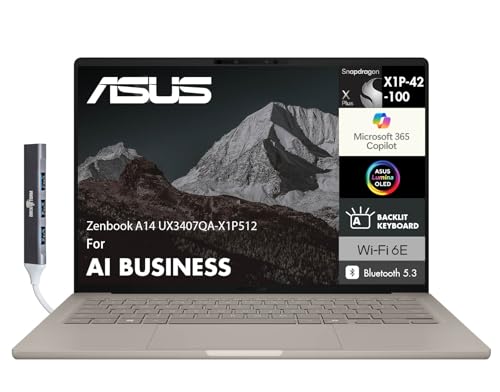
ASUS Zenbook A14 Review: a featherweight Snapdragon OLED laptop with long battery life and a few Windows on Arm trade-offs.
The asus zenbook a14 review comes down to one idea: this is an extremely light 14 inch OLED laptop that trades the usual Intel or AMD chip for a Qualcomm Snapdragon X processor. That choice buys long battery life and a cool, quiet body, and it also brings the compatibility questions that come with Windows on Arm.
Below you will find who the A14 suits, how its Snapdragon chip behaves in daily use, and what to check before ordering. The product table lists current Zenbook A14 configurations, so you can match the checklist to real listings.


ASUS Zenbook A14 at a Glance
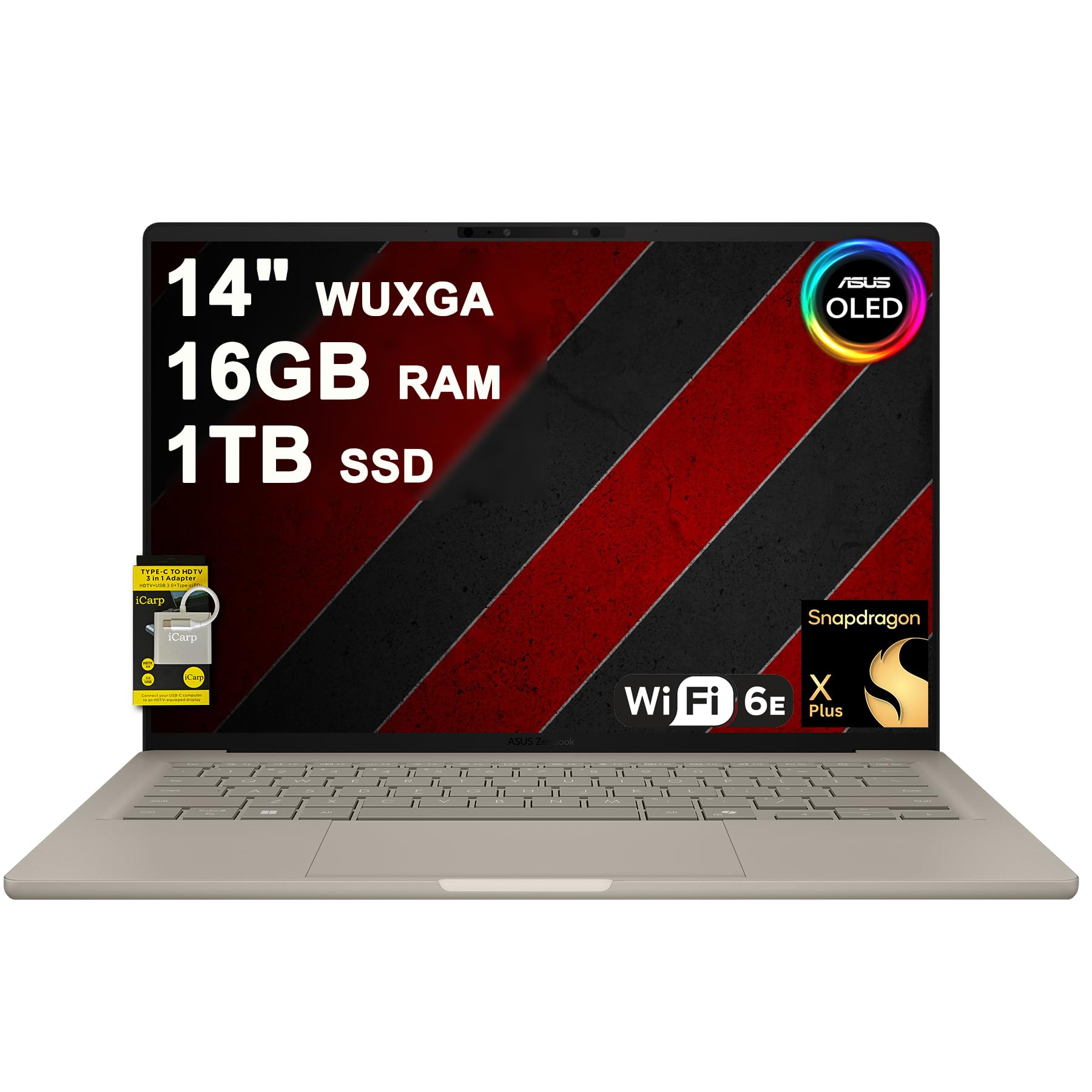
The Zenbook A14 is a Copilot+ PC with a 14 inch WUXGA OLED display, a Snapdragon X or Snapdragon X Plus processor and 16GB of LPDDR5X memory. Listings show 512GB or larger SSDs, a backlit keyboard, Wi-Fi 6E, Bluetooth 5.3, HDMI 2.1 and two USB-C ports.
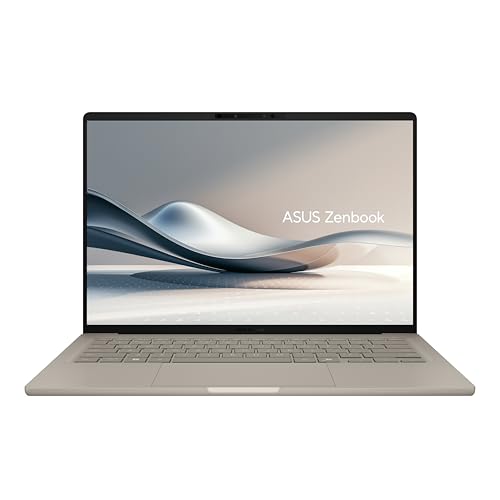
ASUS markets the body as the lightest 14 inch Copilot+ laptop, at about 980 grams, built from a ceramic and aluminum blend called Ceraluminum that resists scratches. If you carry a laptop every day, that weight is the headline reason to buy.
Design and Build Quality
The A14 feels more like a tablet in the hand than a typical laptop. The Ceraluminum lid has a smooth, matte feel and resists fingerprints better than glossy metal. Because the body is so light, a firm lid and a stable hinge matter, so check how the laptop sits on your lap before you decide it is flimsy.
The keyboard has a backlight and enough travel for long typing sessions. Slim laptops always give up some key depth, so if you write all day, try a few models in a store when you can.
Display
The 14 inch WUXGA OLED panel is the second reason to consider the A14. Contrast is deep, colors look rich, and video looks excellent for a thin laptop at this price. Several listings advertise wide color coverage, which is a bonus for photo work.
As with every OLED, the screen is glossy and best in a controlled room. Dark mode and sensible screen timeouts keep the panel in good shape over years of use.
Snapdragon X Performance and Battery
The Snapdragon X Plus chip is an 8-core design with a 45 TOPS neural engine for Copilot+ features. In everyday tasks such as browsing, email, documents, video calls and streaming it feels quick, and the fan stays quiet because the chip runs cool. ASUS claims a very long video playback time on a single charge, and real mixed-use battery life is excellent for a laptop this light.
Battery life varies with brightness and workload, so read any hour claim as a best case. Still, Snapdragon laptops are known for lasting through a long day away from the charger, and the A14 fits that pattern.
Windows on Arm: What to Check First
Snapdragon laptops run Windows on a different processor design than most PCs. Modern apps from Microsoft, browsers and many popular tools run natively, and older apps run through emulation that is often good but not perfect.
Before buying, list the programs you cannot live without. Check that your work apps, printer drivers and any specialized software have Arm support. Games with anti-cheat systems and some older drivers are the usual trouble spots, and a gaming-first buyer should look at an Intel or AMD laptop instead.
Ports, Memory and Storage
You get two USB-C ports that handle charging, data and external displays, plus an HDMI output for a TV or projector. There is no large selection of legacy ports, so a small USB-C hub is a smart accessory.
The 16GB of memory is soldered, so it cannot be upgraded later. The listing sizes range from 512GB upward, and a larger drive is worth the extra if you keep photos or video on the laptop.
Pros and Cons
- Very light body with a durable ceramic and aluminum finish.
- Bright, sharp OLED display with deep contrast.
- Long battery life and a cool, quiet chip.
- Some older apps and games struggle on Arm.
- Only two USB-C ports.
- Soldered memory, so choose enough at purchase.
Who Should Buy the Zenbook A14
It is best for travelers, students and office workers whose daily tools are web apps, Microsoft 365, video calls and media. If your software list is Arm friendly and you value weight and battery above raw speed, the A14 is one of the nicest ways to get there.
Buying Tips and Useful Accessories
Several sellers list the A14 with different storage sizes and slightly different processor names, so compare the full title rather than the first line. Look for a clear mention of the processor model, 16GB of memory and the storage size, and be careful with listings that bundle unrelated extras to raise the price.
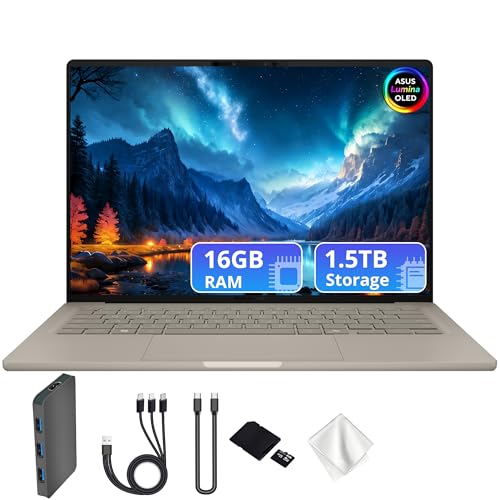
A small USB-C hub adds a full-size USB-A port and an SD card slot, which the slim body lacks. A padded sleeve protects the lightweight lid in a crowded bag, and a compact USB-C charger keeps the travel kit small.
If you are replacing an older laptop, back up your files first and sign in with your Microsoft account so that settings and documents move across. Run the apps you rely on during the return window so that any compatibility surprise shows up while you can still send the laptop back.
Related Laptop Guides
Compare similar thin laptops in the hp omnibook 5 review and the dell 14 plus review, or see the best laptop guide for the whole field.
FAQ
Is the Zenbook A14 good for everyday work?
Yes. Documents, spreadsheets, browsing and video meetings run smoothly, and the quiet fan makes it pleasant in a shared space.
Can the Zenbook A14 play PC games?
Light and casual games can run, but the A14 is not a gaming laptop. Some titles and anti-cheat systems do not support Arm, so check before you buy for gaming.
Does the Zenbook A14 have a touchscreen?
Some configurations do and some do not, so read the listing. Touch is a feature to confirm if you want it for notes or quick scrolling.
How much memory should I choose?
Sixteen gigabytes is the standard on the A14 and a good amount for work. Because the memory cannot be added later, avoid any listing with less.
Final Verdict
If you want an ultra-light OLED laptop that lasts all day and your apps run on Arm, this asus zenbook a14 review points to a strong buy. If you depend on older Windows software or play demanding games, choose an Intel or AMD laptop instead. Compare the current listings in the product table and pick the storage size that fits your files.
Prices and availability can change, so check the product page before ordering.


