
Best 1080p Computer Monitors: Comfort and Value for Your Desk (2026)
Disclosure: We may earn a commission when you buy through links on this page, at no extra cost to you. As an Amazon Associate I earn from qualifying purchases. Learn more

Home offices, students and everyday users: how to pick the best 1080p computer monitor by desk size, panel, refresh rate, ports and eye comfort.
When you shop for a computer monitor, 1080p is the resolution that gives the most screen for the least money. The best 1080p computer monitor for your desk is a comfortable, sharp, well-built screen that fits your workspace, whether you answer email, edit documents, study or relax with video.
This guide approaches the choice from the desk outward: where the monitor sits, how long you use it and which features reduce strain. The product table includes standard office screens, curved models and a couple of touch and webcam-equipped options.
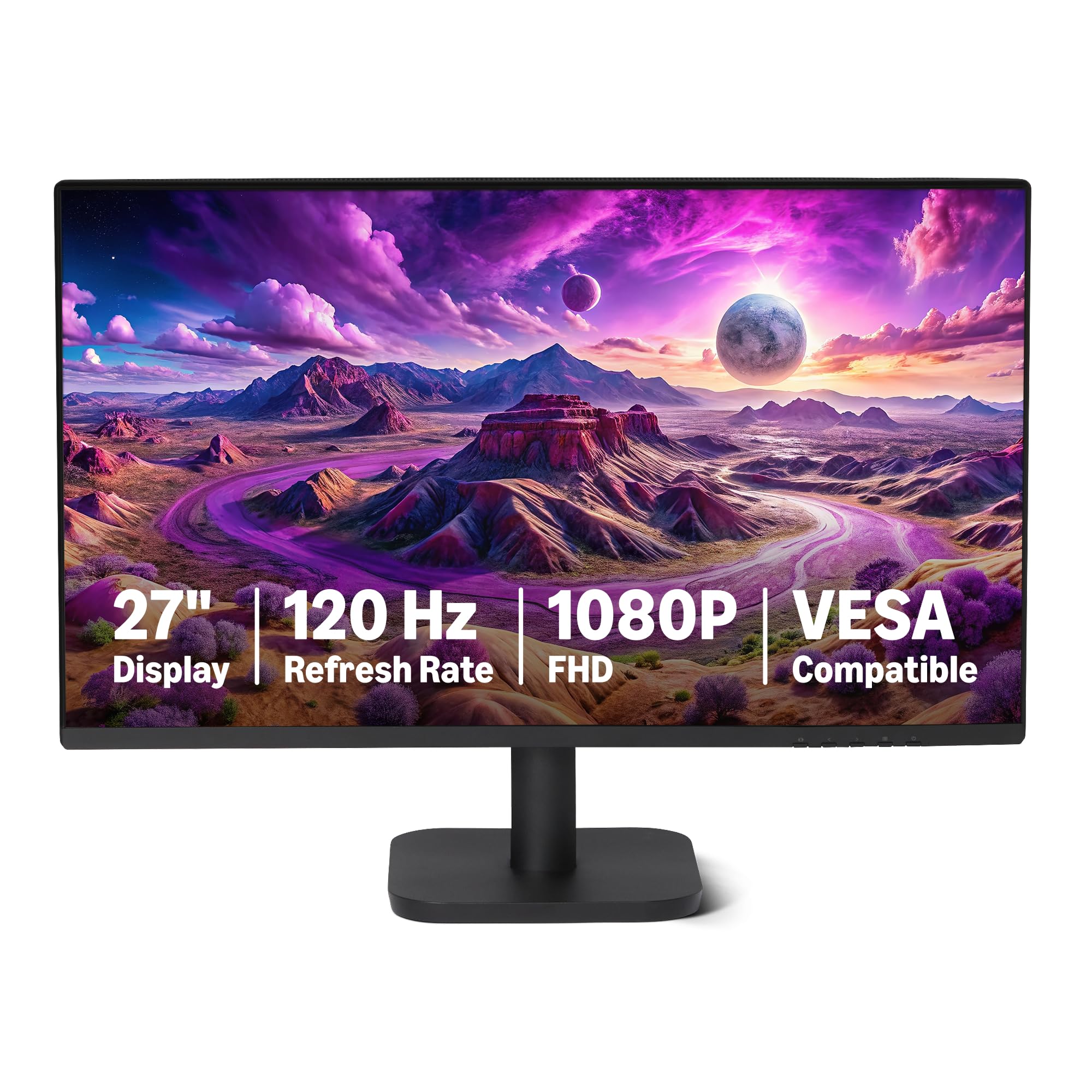

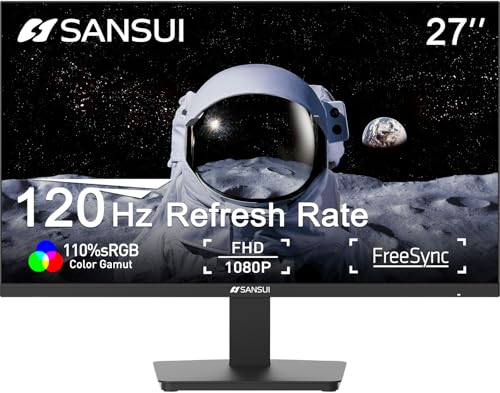


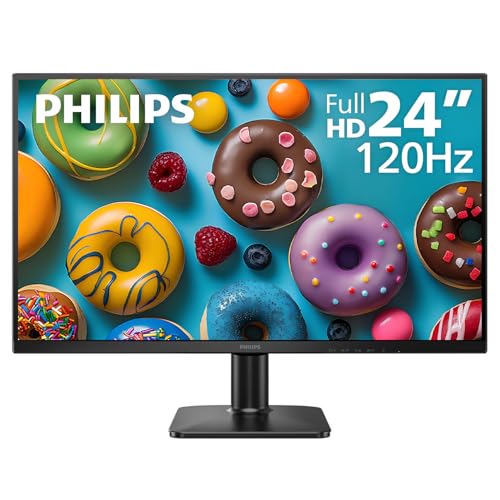

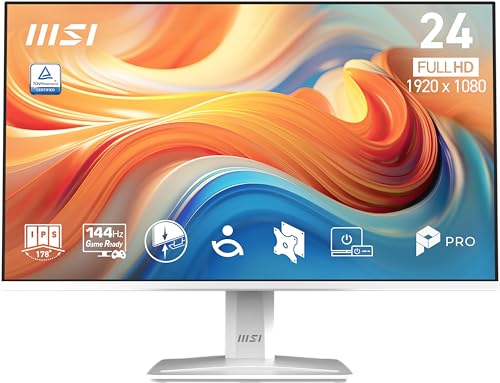
Start With Your Desk
Measure the depth and width of your desk, and the distance from your eyes to the screen. A 24 inch monitor suits a standard desk and a normal viewing distance of an arm's length. A 27 inch monitor needs a deeper desk and is more comfortable if you sit a little farther back. If space is tight, a smaller screen on an adjustable arm often beats a larger one that crowds the keyboard.
Office, Study or Entertainment?
For long documents and spreadsheets, choose a flat IPS panel with a matte coating and a stand that adjusts. For study, a pivoting stand that rotates into portrait mode shows more of a page. For films and shows, a curved VA panel with strong contrast looks immersive. If you do all three, a flat IPS panel is the safest all-rounder.
Refresh Rate for Everyday Use
Basic monitors run at 60Hz, which suits reading and watching. Many newer 1080p screens offer 100 or 120Hz, which makes cursor movement and scrolling feel smoother. The difference is small in a spreadsheet and clear in a browser. If the price gap is small, take the faster panel.
Built-in Features Worth Having
- Speakers: handy for calls and casual video, though modest in sound.
- A webcam: some monitors include one, which helps on a small desk but locks you into that camera's quality.
- A USB hub: saves reaching around the back for a flash drive or a mouse receiver.
- Touch: useful for presentations and note-taking, but most users do not need it.
- VESA mounting: lets you add an arm to free desk space.
Eye Comfort
A flicker-free backlight and a low blue light setting help during long days. Keep the screen at a comfortable brightness for the room, avoid putting a window directly behind or in front of it and take regular breaks. A matte coating reduces reflections from lamps. Position the top of the screen at or just below eye level and tilt it slightly back.
Connections
HDMI works with almost everything. DisplayPort suits desktop PCs and daisy-chaining on some models. VGA appears on older or budget screens for aging computers. A USB-C input with power delivery is excellent for a laptop because one cable carries video and charging. Make sure your computer has the matching port, or buy an adapter.
Choosing the Best 1080p Computer Monitor
Narrow the choice by size, then by panel type and stand quality. Prices run from about $75 for a basic 24 inch model to around $230 for a premium business screen with an excellent stand and extras. Spending more on a stand and panel quality usually pays back during daily use, while extra gaming features add little for office work.
For budget guidance, read best budget computer monitor. If you later want more pixels, compare higher-resolution models in our other guides.
Setting Up for Comfort
Set the monitor to its native 1920 by 1080 resolution and the highest refresh rate it offers. Adjust brightness so the screen is not much brighter than the room. In Windows or macOS, enable night mode for the evening. Use the cable management clip and keep the cables tidy so the stand can move freely.
Work From Home Setups
If your monitor doubles as a screen for video meetings, check the position of the camera. A monitor with a built-in webcam saves desk space, but the camera sits at a fixed height and angle, and its quality is usually modest. A separate webcam on a clip gives better framing. Add a small light and a headset, and your calls will look and sound far better than most built-in options allow.
If you use a laptop, connect it with a single USB-C cable when the monitor supports power delivery. That keeps the desk clear, charges the laptop and lets you move between home and the office quickly.
Two Screens or One Big One?
Two 24 inch monitors give you more usable workspace than a single 27 inch model, and they cost about the same. The downside is the gap between them and the extra cables. A single 27 inch screen is neater and suits people who work in one large window at a time. Whichever you pick, match the stands and heights so your neck stays in a neutral position.
Buying Checks
Look for notes about backlight bleed, dead pixels and wobbly stands in buyer comments. Check the warranty length and the return window. If the monitor arrives with a stuck pixel or visible light bleed, return it quickly. Keep the box until you are sure the unit is good.
Quick Return Checks
Open a white page and a dark page to look for dead pixels and uneven backlight, and try every input you plan to use. Adjust the stand through its full range and see whether it holds steady. If anything seems wrong, return it while the window is open.
Frequently Asked Questions
Is 1080p enough for a work monitor?
Yes, for most tasks. Sharper screens help if you work with many small windows, but 1080p remains a fine choice at 24 inches.
Should I get an IPS panel?
For general work and shared viewing, IPS is a good choice. VA suits movies, and TN suits fast, cheap panels.
Can I use a TV as a monitor?
You can, but a monitor has a sharper picture at close range and a better stand for desk use.
What about two monitors?
Two matching 24 inch screens make a comfortable workstation. Check that your computer has two outputs.
Final Thoughts
Choose the size and panel type for your desk, then check the stand and ports. The best 1080p computer monitor is the one that stays comfortable after hours of use and costs less than you expect. Prices and availability can change, so check the product page before ordering.


