Best 1080p Video Cameras: Camcorders for Home Video and Vlogging for 2026
Disclosure: We may earn a commission when you buy through links on this page, at no extra cost to you. As an Amazon Associate I earn from qualifying purchases. Learn more

A plain guide to the best 1080p video cameras for family clips, vlogs and travel, covering frame rate, zoom, stabilization, battery and memory cards.
Full HD video is still the sweet spot for most people who simply want to record birthdays, school events, trips and a weekly vlog without filling a hard drive in a month. This guide to the best 1080p video cameras explains which features change the footage you get and which are only printed on the box to look impressive.
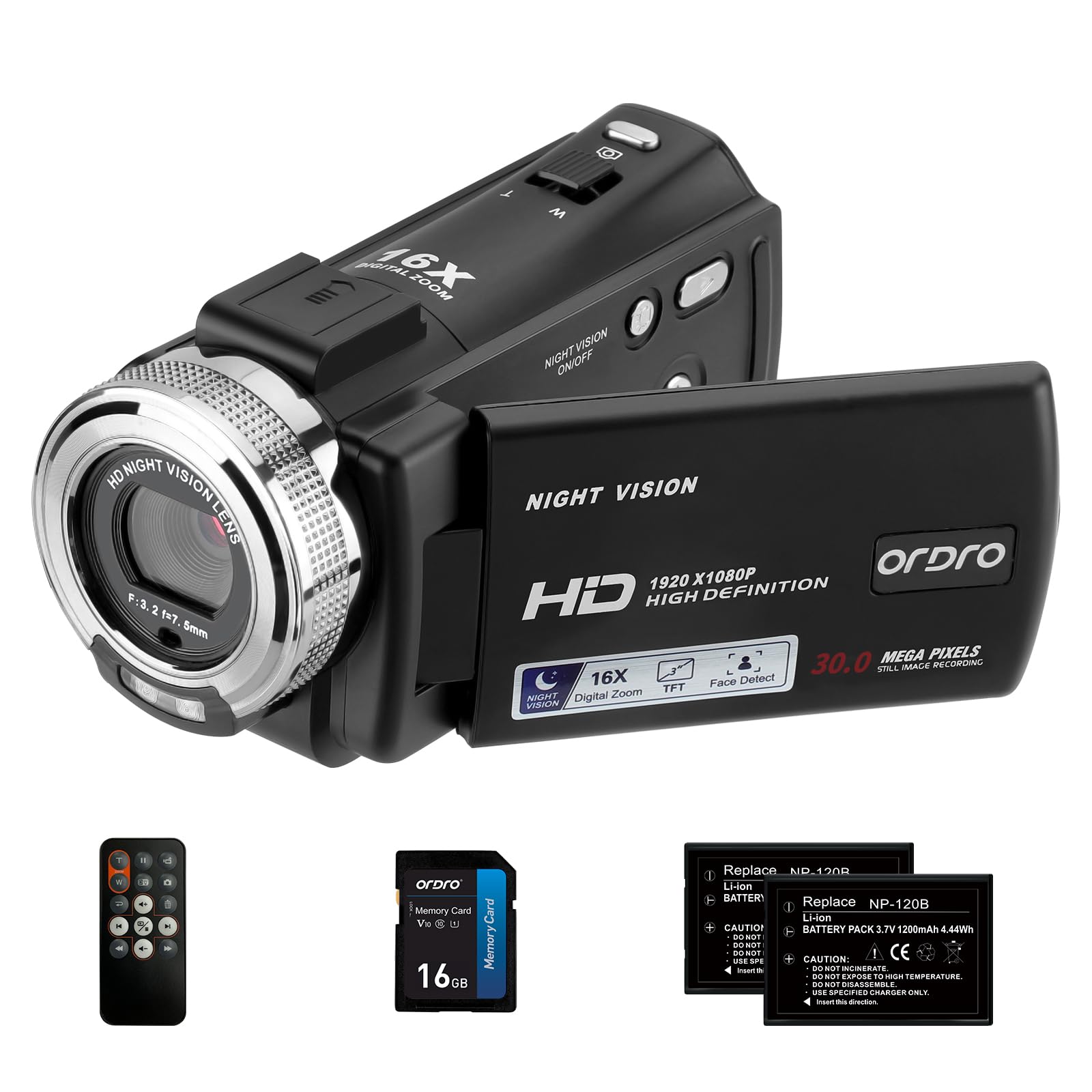
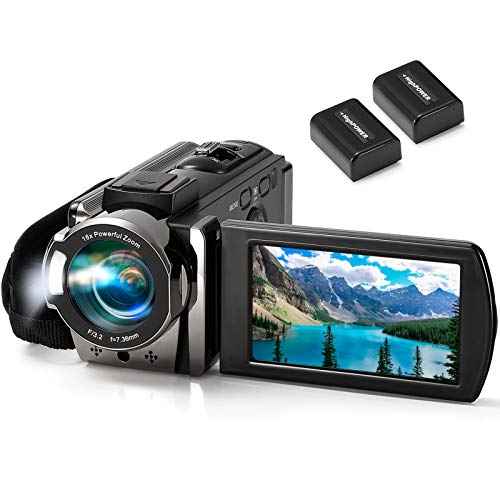
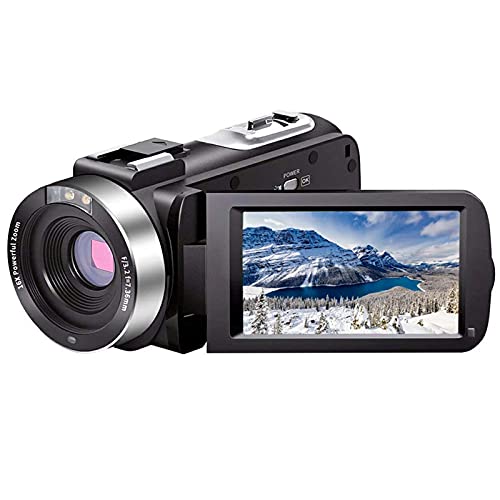
The table above lists current camcorders and pocket video cameras that record in 1080p. Use the sections below to decide what matters for your own shooting before you compare prices.


What 1080p Actually Gives You
A 1080p picture is 1920 by 1080 pixels. That is plenty for a phone, a laptop or a living-room TV, and the files are small enough to edit on an ordinary computer. If you only publish to social platforms or share clips with relatives, a dedicated 1080p camera records everything you need without the storage and editing demands of higher resolutions.
The resolution is only one part of the picture. Two cameras that both say 1080p can look very different because of the sensor, the lens, the processing and how the camera handles a dim room. Treat the resolution as the entry ticket and judge the rest separately.
How to Choose the Best 1080p Video Cameras
Frame Rate: 30 or 60 Frames Per Second
Most budget camcorders record at 30 frames per second, which looks natural for talking, events and travel footage. A 60 frames per second mode gives smoother motion for sports, kids running around and anything you might slow down later. Check the listing for the frame rate at 1080p specifically, because some cameras only reach their top frame rate at a lower resolution.
Zoom: Optical Versus Digital
Optical zoom uses the lens and keeps the picture sharp. Digital zoom crops and enlarges the image, so it gets soft quickly. Many low-priced camcorders advertise large digital zoom numbers such as 16x or 18x.
Treat those as a convenience for framing, not as a way to get a sharp close-up from the back of a hall. If you shoot school concerts or sports from a distance, look for a real optical zoom range.
Stabilization
Handheld footage shakes, especially when you walk or zoom. Electronic stabilization helps a little, while optical stabilization built into the lens does more. For a vlog held at arm's length, a light body, a wrist strap and a steady grip often matter as much as the stabilization feature itself.
Screen, Flip Display and Microphone
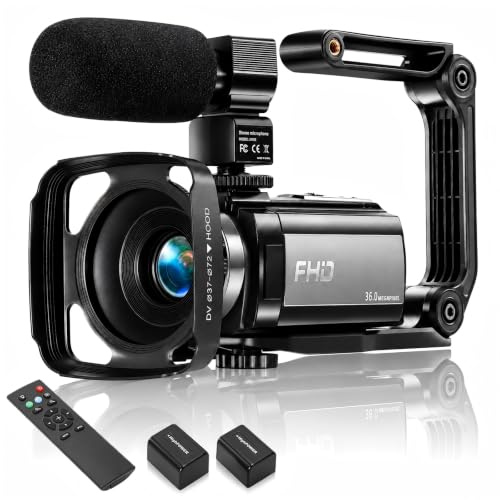
A flip or rotating screen lets you frame yourself while you talk. If you vlog, also look for a microphone jack, since the built-in microphone picks up wind and room echo. Cameras without an external input rely on the internal microphone alone, so keep the camera close to the speaker.
Battery and Storage
Camcorders record to memory cards, and the card matters. Use a card of the speed class the manufacturer recommends, or recording may stop or stutter. Some models ship with a card, others do not. A removable battery is a real advantage on long days because you can carry a spare, while a built-in battery means you need a power bank.
Types of 1080p Cameras You Will See
Traditional Camcorders
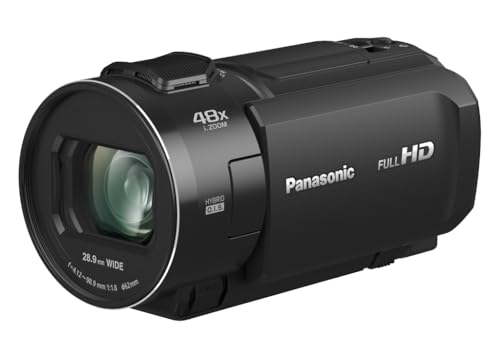
These have a grip, a zoom rocker and a fold-out screen. They suit weddings, school events and family archives where you record long clips and want comfortable handling.
Pocket Vlogging Cameras
Small, light and often with a rotating screen, these are built for talking to the lens and for travel. The trade-off is that the zoom and battery are usually modest.
Night-Vision and Compact Budget Models
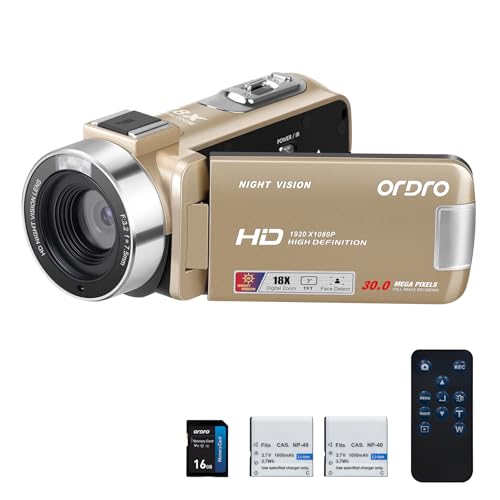
Some entry-level cameras advertise infrared night vision. Infrared footage is black and white and softer than daylight video, so it is a bonus for casual use rather than a reason to buy.
Mistakes That Lead to Returns
- Buying on megapixel claims. Still-photo megapixel numbers on a camcorder listing say little about video quality.
- Ignoring the memory card requirement and discovering that clips stop recording.
- Expecting studio sound from the built-in microphone in a windy place.
- Paying for 4K or 8K labels when the footage will be watched on a phone.
- Forgetting a spare battery or a power bank for an all-day event.
Care and Storage
Wipe the lens with a soft cloth made for optics, keep the camera dry and out of a hot car, and remove the battery if you will not use it for weeks. Copy clips to your computer after every event and format the card in the camera, not on the computer, so the file system matches what the camera expects.
1080p Video Cameras: Your Questions Answered
Is 1080p good enough in a world of 4K?
Yes, for most home and social use. Full HD plays well on every screen people watch family clips on, files stay small, and a good 1080p camera often looks better than a cheap camera that advertises a higher resolution.
Can my phone replace a video camera?
For short clips a phone is hard to beat. A dedicated camera earns its place when you need a long optical zoom, long recording sessions without heating up, a removable battery, or a way to keep recording without draining your phone.
Which memory card should I buy?
Use the card size and speed class named in the camera manual. A card that is too slow may drop frames, and a card that is too small fills up quickly at higher quality settings. Buying from a reputable seller helps you avoid counterfeit cards.
Do I need a microphone input?
Only if sound matters to you. Vloggers, interviewers and anyone filming outdoors usually benefit from an external microphone, while casual family clips do fine with the built-in one.
Final Thoughts
Decide first how you will use the camera, then match frame rate, zoom, screen and battery to that use. The best 1080p video cameras for you are the ones that stay comfortable in your hand, record clean sound and keep going through a whole event. Compare the options in the table above with that checklist and keep the return window in mind when you order.