
Best 13 Inch 2 in 1 Laptops: Hinges, Pens, Tablet Mode and Everyday Battery Life
Disclosure: We may earn a commission when you buy through links on this page, at no extra cost to you. As an Amazon Associate I earn from qualifying purchases. Learn more

Best 13 inch 2 in 1 laptop guide: compare hinge designs, touch and pen support, Windows versus ChromeOS, weight and daily battery life.
A 13 inch 2 in 1 is a laptop that can also act as a tablet, either by folding its screen all the way back or by detaching the keyboard. At this size, it fits on a train tray table, slides into a small bag and still gives you a real keyboard when you need to type. The best 13 inch 2 in 1 laptop combines a comfortable hinge or dock with a screen and battery that last through a workday.
This guide covers the two main designs, touch and pen support, software choices and the details that decide whether a convertible becomes a daily tool or a gimmick. The product table above lists models from simple Chromebooks to premium detachables.


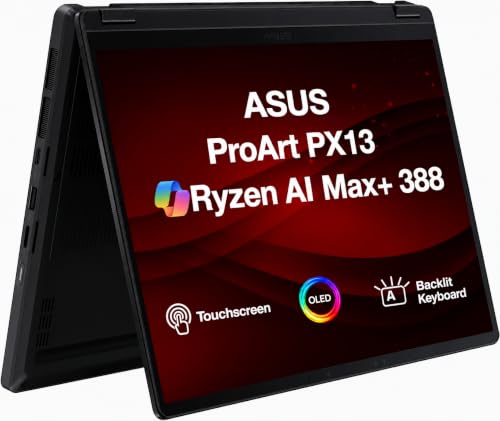

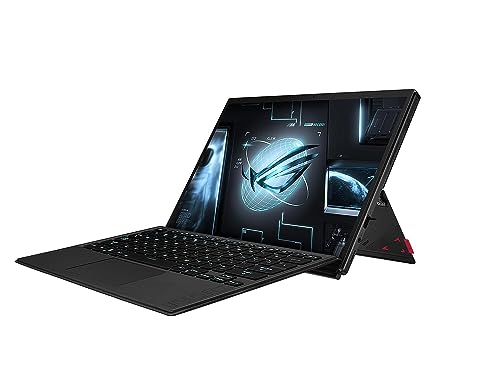
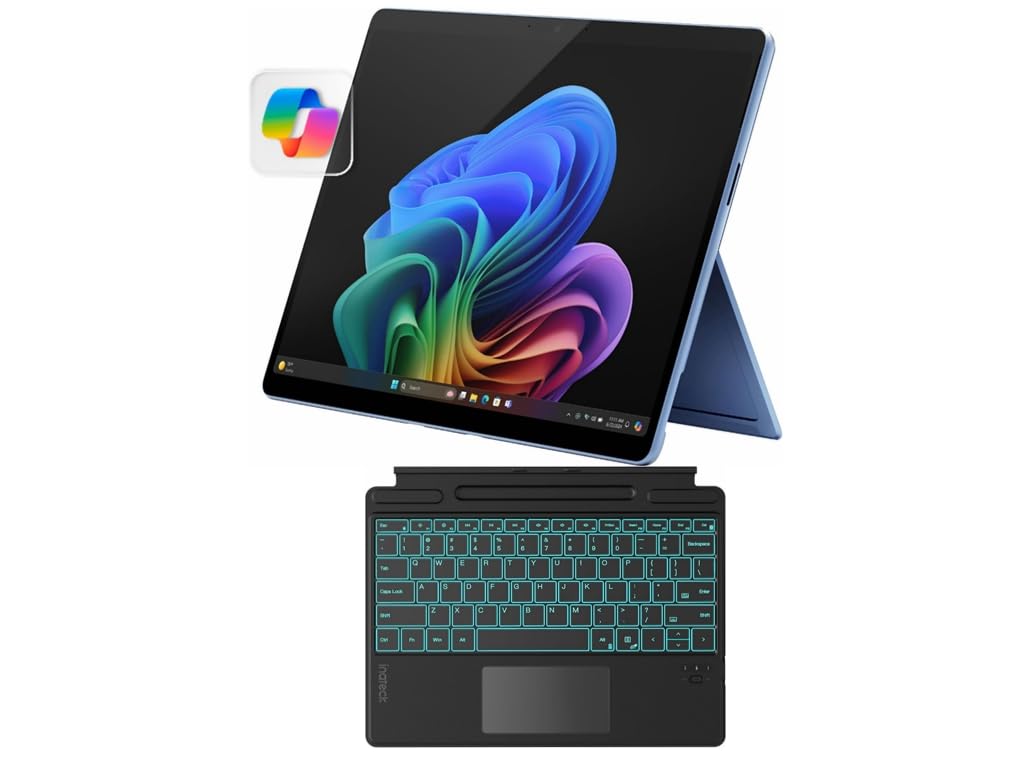
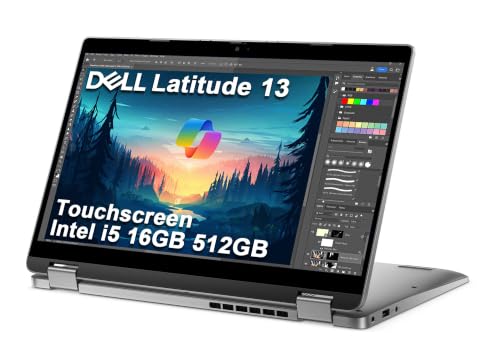


Folding Hinge or Detachable Keyboard
Fold-back convertibles keep the keyboard attached on a 360 degree hinge. You can use them as a laptop, a tent for watching video, a stand for presentations or a flat tablet. The trade-off is that the tablet is as heavy as a laptop, so long handheld use gets tiring.
Detachable designs separate the screen from the keyboard, giving a lighter tablet and a thinner laptop. The keyboard cover and kickstand add weight and cost, and typing on your lap is less stable. Think about whether you will hold it like a tablet more than type on it.
Touch, Pen and Handwriting
A responsive touchscreen is the whole point of a 2 in 1. Check brightness, glare and how the surface feels under a finger. A smooth glass screen shows reflections in sunlight, while a matte layer reduces them.
If you plan to take notes or sketch, confirm that the laptop supports a pen and whether it is included. Pen latency and palm rejection decide whether handwriting feels natural. Storage and charging for the pen are small details that you will appreciate each day.
Windows, ChromeOS or Another System
Windows convertibles run full desktop software, which is useful for office work, creative tools and legacy programs. ChromeOS devices are simpler, boot quickly and cost less, and they run web apps and Android apps well. Choose by the tasks you do, not the label.
Software updates matter for security. Look at how long the maker promises updates, particularly on budget devices. Our guide to the best 2 in 1 laptops compares systems across sizes.
Performance and Memory
Light work such as email, documents and video calls runs well on modest processors. Heavier tasks like photo editing, spreadsheets with large data or many browser tabs benefit from more memory and a faster processor. A convertible with weak cooling may slow down under sustained work.
Aim for enough memory to keep your usual tabs and apps open, and prefer fast storage, which makes the whole system feel snappier than a slightly faster processor does.
Display Size, Resolution and Aspect Ratio
A 13 inch screen is compact but usable. Look for sharp text, good brightness and an aspect ratio that gives you vertical room. Taller screens suit documents and reading, which is handy when the device is held in portrait as a tablet.
Color accuracy matters if you edit photos or draw. Entry-level panels may look washed out, while better panels offer richer color and wider viewing angles.
Battery, Charging and Weight
A convertible should last a workday on one charge, but real life varies with brightness and workload. Check buyer feedback about battery life, since claims are measured under light conditions. Fast charging over USB-C lets you top up from a power bank or a phone charger in a pinch.
Weight is crucial for a device you carry daily. Compare listed weights, and remember that a detachable keyboard adds to the total.
Ports and Connections
Slim devices often skip ports. Check for USB-C with video and charging, a headphone jack and any ports you use regularly, such as a card reader. A small dock or hub can fill gaps for desk use.
Wireless standards affect speed and range, so look for a recent Wi-Fi generation, and check whether the device supports cellular if you plan to work on the move.
Choosing the Best 13 Inch 2 in 1 Laptop by Budget
Budget convertibles are ideal for study, browsing and light office work, with compromises in screen and build. Mid-priced models add better displays, more memory and a sturdier hinge. Premium detachables and creative convertibles offer excellent screens, pen support and long updates.
Spend on the screen and keyboard first, since you will use them every day. Our guide to the best budget 2 in 1 laptops lists affordable options, and a review like the Lenovo Yoga 7i 2 in 1 review shows how a mainstream convertible performs.
Protecting a Convertible
A hinge that bends all the way back deserves some respect. Open and close it by the base rather than by the screen corner, and avoid carrying the laptop folded flat against other items that could press on the display. A padded sleeve protects a thin body, and a screen protector is worth considering if you tap and draw on the glass daily.
Keep a soft cloth in your bag for fingerprints. Check the hinge from time to time for loosening or creaking, and contact the seller early if it feels uneven, since hinge faults grow worse with use.
Frequently Asked Questions
Is a 2 in 1 better than a normal laptop?
Only if you use touch or pen input or want a tablet mode. Otherwise a standard laptop is cheaper and often lighter.
Are detachable models good for typing?
They work well on a desk, but typing on your lap is less stable than on a folding laptop.
Do I need a pen?
Only for notes and drawing. Check whether one is included.
Is ChromeOS enough?
For web apps, email, streaming and Android apps, yes. For specialized desktop software, choose Windows.
How long will it last?
With a good battery and software support, three to five years is typical.
Wrapping Up
Decide whether a folding hinge or a detachable keyboard suits you, then check the screen, pen support, battery and update policy. The best 13 inch 2 in 1 laptop is light enough to carry, comfortable to use in both modes and supported for years. Use the product table above to compare options and check the return window.
Prices and availability can change, so check the product page before ordering.


