
Best 14 Inch 2 in 1 Laptops: The Roomy Convertible Size for Work, Notes and Media
Disclosure: We may earn a commission when you buy through links on this page, at no extra cost to you. As an Amazon Associate I earn from qualifying purchases. Learn more

Best 14 inch 2 in 1 laptop guide: compare Chromebook and Windows convertibles, OLED screens, pen support, weight and battery.
Fourteen inches is the size where a convertible stops feeling cramped. The screen gives enough room for two windows side by side, the keyboard has a comfortable layout and the hinge lets you fold the whole thing flat for reading or sketching. The best 14 inch 2 in 1 laptop gives you that space without becoming too heavy to carry.
This guide covers Chromebook and Windows options, display choices, pen and touch support, weight, battery and the details that separate a comfortable convertible from a clumsy one. The product table above lists a wide range of models and prices.
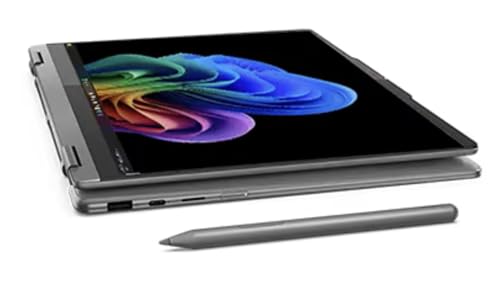
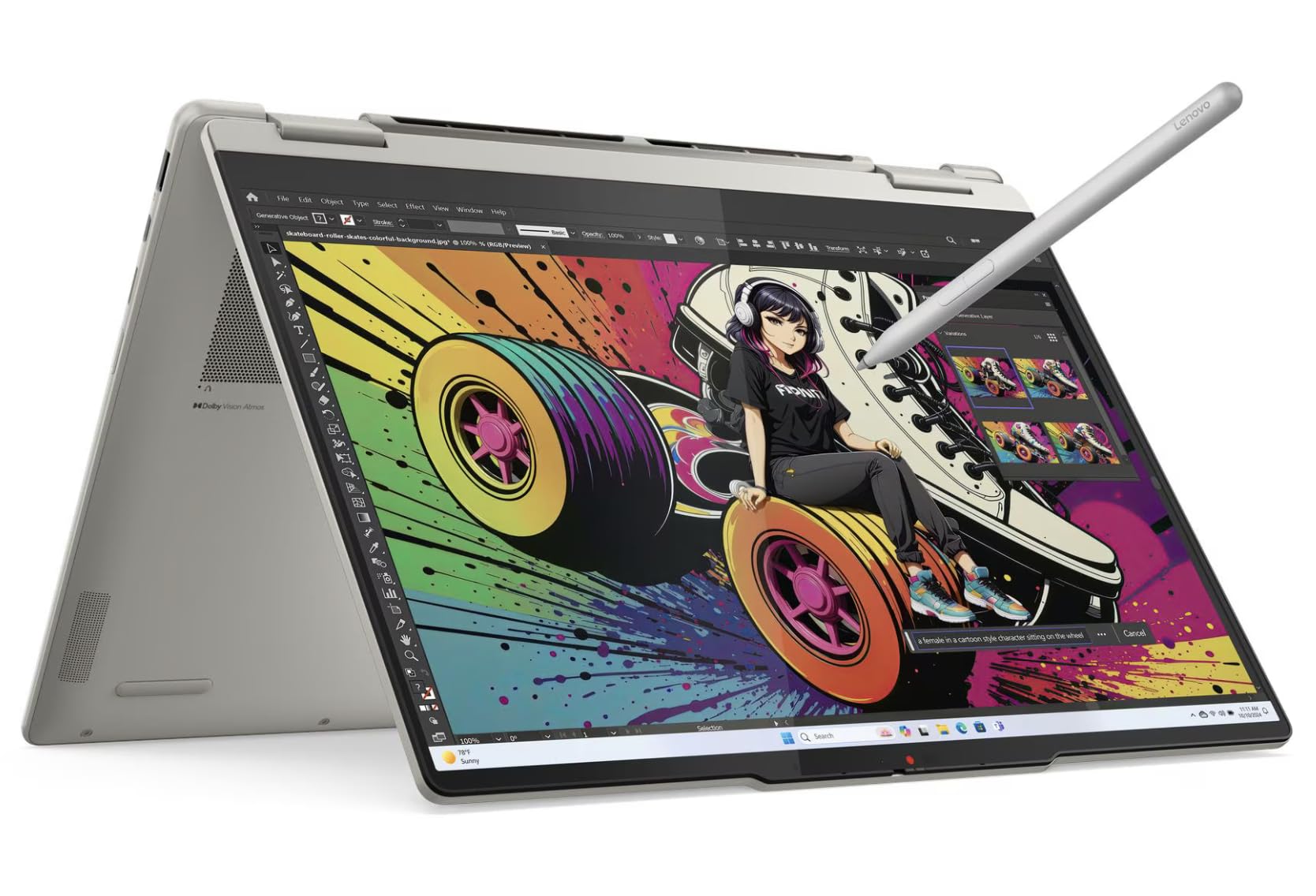
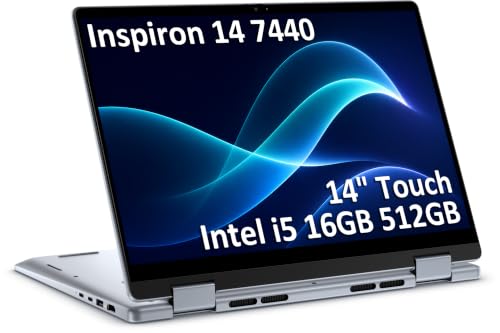
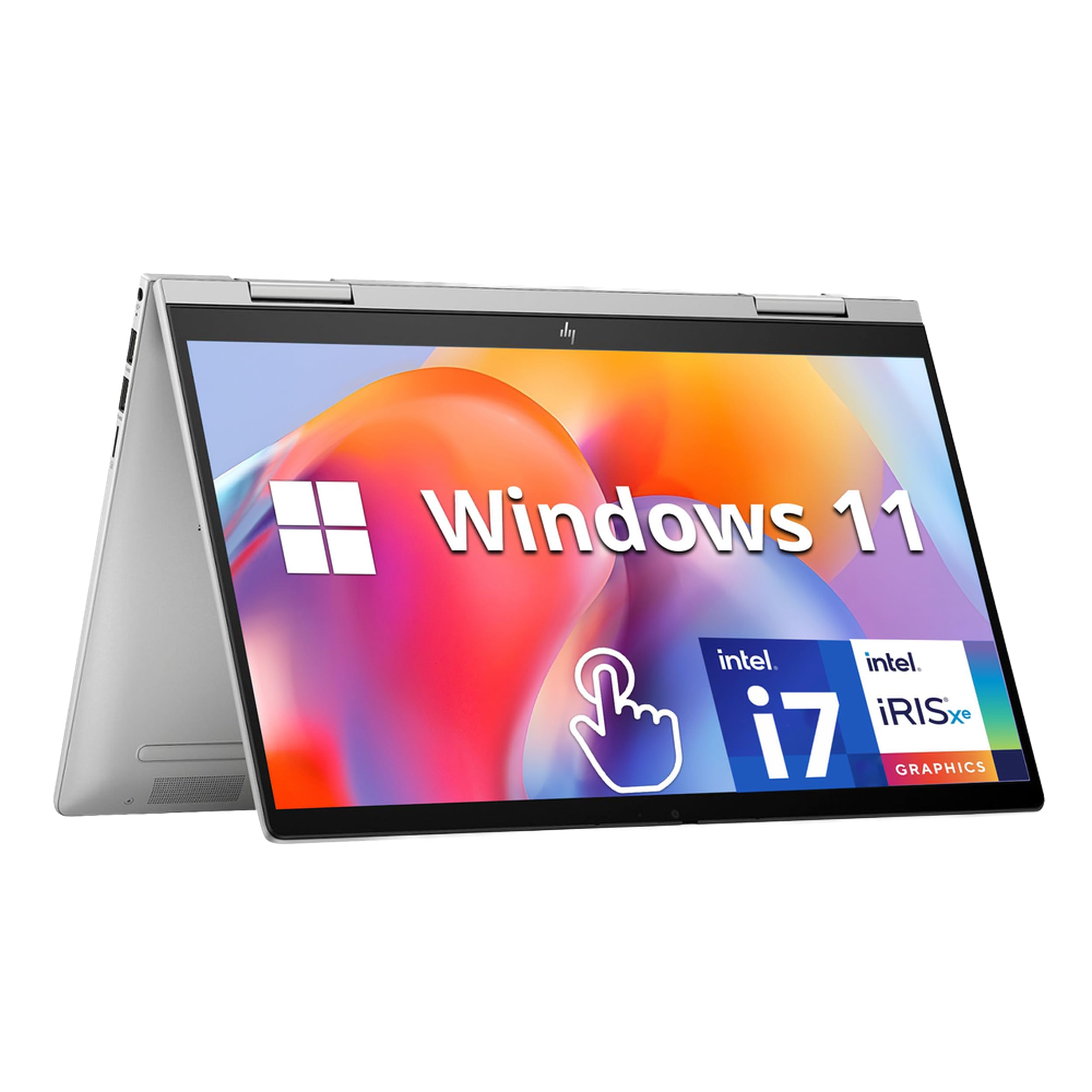


Why 14 Inches for a Convertible
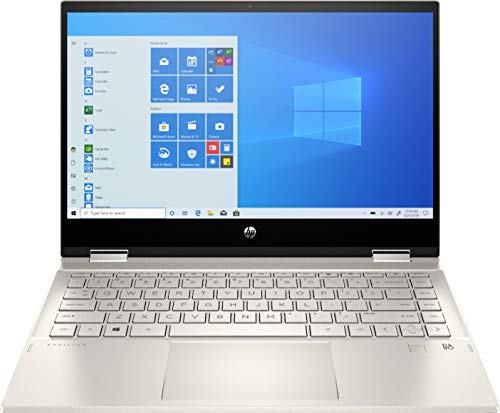
Thirteen inch convertibles are lighter, but fourteen inches adds working space, a roomier keyboard and often a better battery. In tablet mode, a 14 inch convertible is a larger, heavier slab, so it suits tabletop use and reading more than one-handed holding. Think of it as a laptop that bends, not a tablet with a keyboard.
If portability matters most, check our guide to 2 in 1 laptops for smaller options. If you want more screen, fourteen inches is a pleasant middle ground.
Chromebook, Windows or a Mix
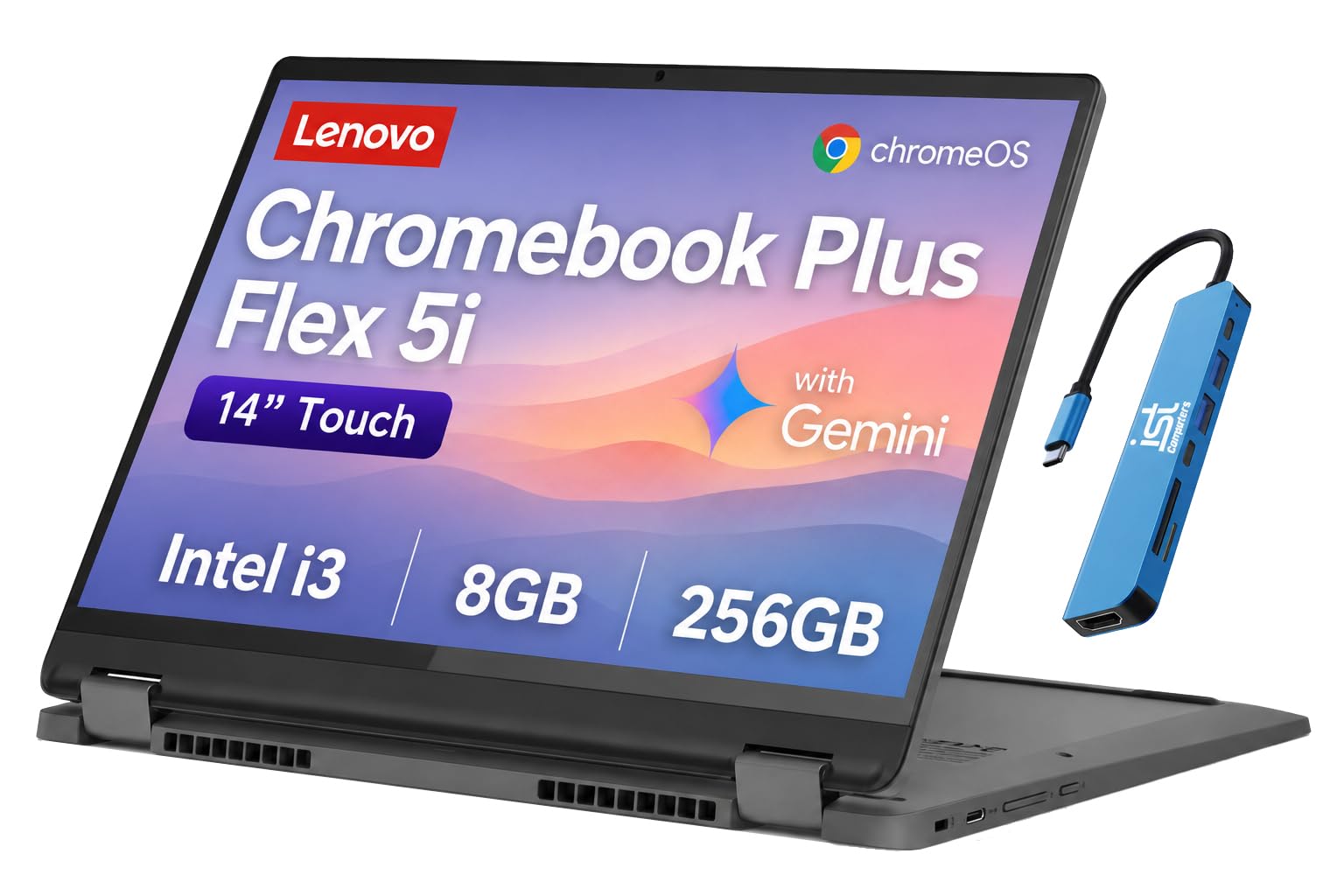
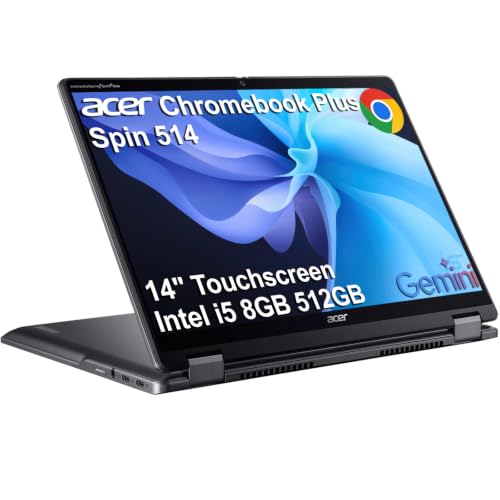
Chromebook convertibles are light, quick and affordable, and they handle web apps, streaming, notes and Android apps well. Windows convertibles run full desktop software and suit office tools, creative apps and legacy programs. Both families offer fold-flat hinges and touch.
Choose the system that runs your key programs. If everything you use works in a browser, a Chromebook saves money. If you need desktop software, choose Windows. Our guide to the best touchscreen 2 in 1 laptops compares platforms.
Display: OLED, IPS and Brightness
A bright, sharp screen is the main reason to choose a premium convertible. OLED panels offer deep blacks and vivid color, which look wonderful for movies and drawing. IPS panels are brighter in daylight and more affordable, with wide viewing angles.
Look at resolution and aspect ratio. Taller screens give more room for documents, and sharp panels make text crisp. Glossy touch screens reflect light, so consider where you work.
Pen Support and Handwriting
If you plan to take notes by hand, check whether the convertible supports a pen and whether one is included. Latency, pressure sensitivity and palm rejection determine how natural writing feels. Some models store and charge the pen on board.
Without a pen, a convertible is still handy for touch navigation and presentations. Decide how much you will use ink, and do not pay for features you will skip.
Performance and Memory
Light work runs well on efficient chips, and heavier tasks like photo editing or large spreadsheets benefit from stronger processors and more memory. Convertibles often have limited cooling, so sustained loads can slow them down.
Memory and storage are usually fixed, so choose a configuration that gives you room to grow. Fast storage makes the laptop feel responsive in daily use.
Hinge, Build and Weight
A convertible's hinge works harder than a normal laptop's. Look for a firm, even hinge that stays in position in every mode, and check buyer comments about creaks or loosening. Metal lids feel sturdier than thin plastic.
Fourteen inch convertibles weigh more than thirteen inch ones, so check the listed weight if you carry yours daily. A thin body is lovely, but not at the cost of flex.
Battery, Ports and Charging
A convertible should last a workday on one charge. Read real-world feedback, since light-use claims are optimistic. USB-C charging is convenient, and a few ports beyond USB-C make desk use easier.
Check for a headphone jack, a card reader and HDMI if you need them. A compact hub can fill any gaps.
Choosing the Best 14 Inch 2 in 1 Laptop by Budget
Chromebook convertibles are the budget route, perfect for study and everyday browsing. Mid-priced Windows convertibles add power and flexibility. Premium models offer excellent OLED screens, pens and years of updates.
Spend on the screen, keyboard and battery before extras. Our guide to the best budget 2 in 1 laptops lists affordable options.
Using Tablet, Tent and Stand Modes
Each mode has a job. Laptop mode suits typing and desk work.
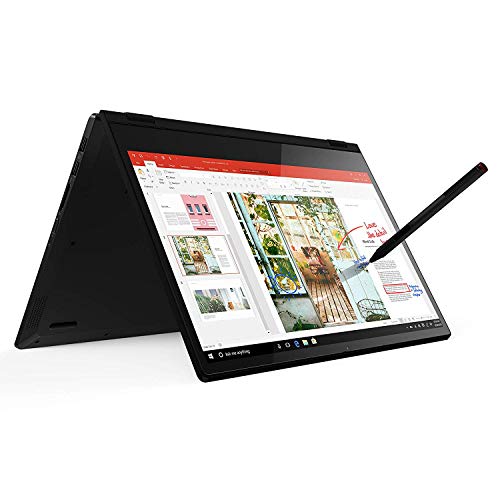
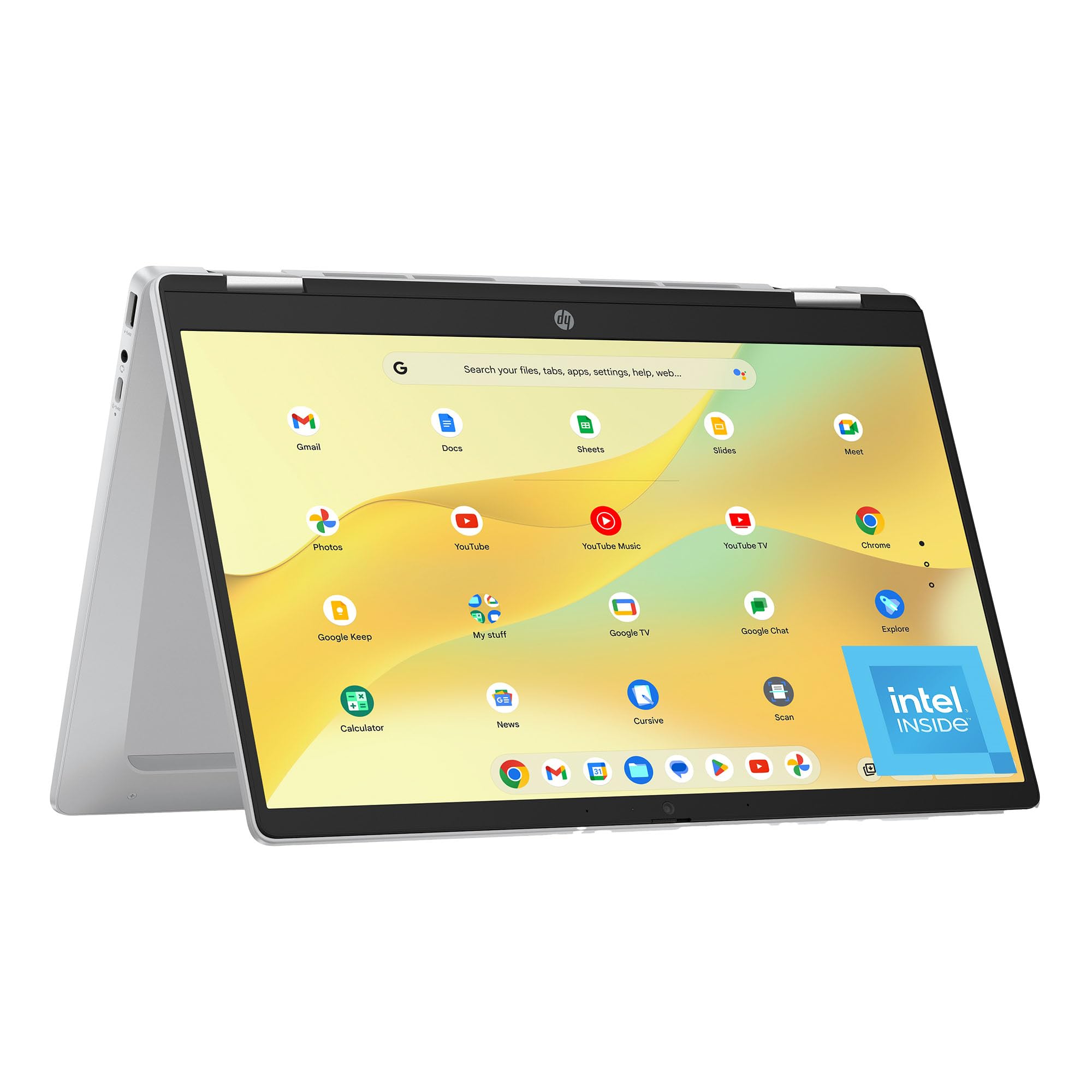
Tent mode props the screen up for video on a small table or a plane tray, with the keyboard folded away. Stand mode places the screen close to you over the keyboard, which suits touch games and recipes in the kitchen. Tablet mode folds the keyboard behind the screen for reading and sketching.
The keyboard keys are disabled in fold-back modes, but the underside rests on your lap or table, so choose a model with rubber feet or a smooth, easy-to-clean base.
Choosing Accessories
A stylus, a sleeve and a compact charger cover the basics. A small stand helps in laptop mode on a desk, and a wireless mouse is easier than a trackpad for long sessions. A screen protector with a paper-like texture can improve handwriting feel, though it changes the look of the display.
Avoid buying accessories before you know how you will use the convertible. Add items gradually based on real need.
Everyday Care for a Convertible
Open and close the lid from the center rather than the corner, and avoid forcing the hinge past its stop. Keep the screen clean with a soft cloth, since touch screens collect smudges quickly. Use a padded sleeve in your bag to protect the glass.
Charge with the supplied adapter when possible, and update the software regularly. If the hinge loosens or the touch layer misbehaves, contact the seller early, because these faults usually get worse.
Frequently Asked Questions
Is 14 inches better than 13 for a 2 in 1?
It gives more space and a bigger keyboard, but weighs more.
Do I need a pen?
Only if you take notes or draw by hand.
Chromebook or Windows?
Chromebook for browser-based work, Windows for desktop software.
Is OLED worth it?
For movies and creative work, yes. For brightness and price, IPS is fine.
How long will it last?
Several years, with decent care and software updates.
Wrapping Up
Pick a convertible with a firm hinge, a bright screen and enough battery for your day, and choose the platform that runs your apps. The best 14 inch 2 in 1 laptop gives you roomy, flexible computing in a size you will actually carry. Use the product table above to compare options and check the return policy.
Prices and availability can change, so check the product page before ordering.


