Best 240hz Monitors Under 300 in 2026: Fast Panels Without the OLED Price
Disclosure: We may earn a commission when you buy through links on this page, at no extra cost to you. As an Amazon Associate I earn from qualifying purchases. Learn more

Best 240hz monitors under 300 deliver fast IPS and VA panels at a fair price. Compare 1080p, 1440p and ultrawide models up to the cap.
Three hundred dollars used to buy a basic gaming monitor. Today, it buys a fast 240 Hz panel with adaptive sync, and in some cases a sharper 1440p or ultrawide screen. The best 240hz monitors under 300 sit in the sweet spot between cheap 144 Hz screens and premium OLED, which makes this budget the best place to shop for most players.
The product table lists models priced from about 150 to 250 dollars, which leaves room for a cable and an arm within the cap. This guide explains what the money gets you and where to be careful.


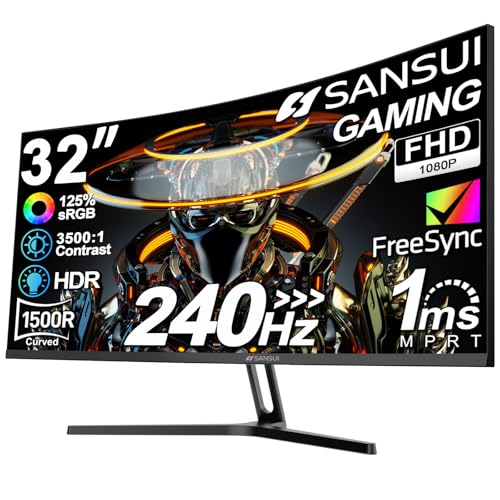
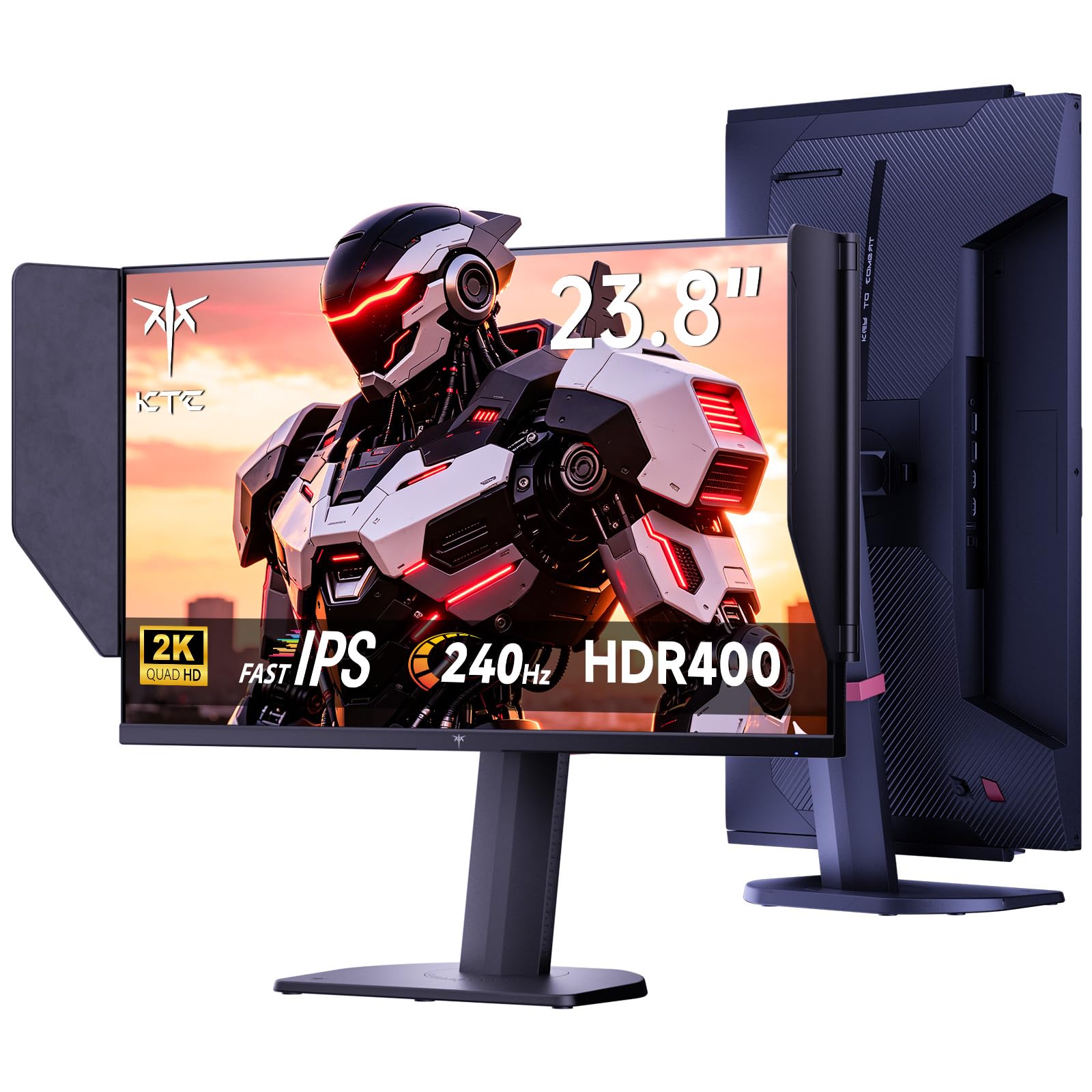

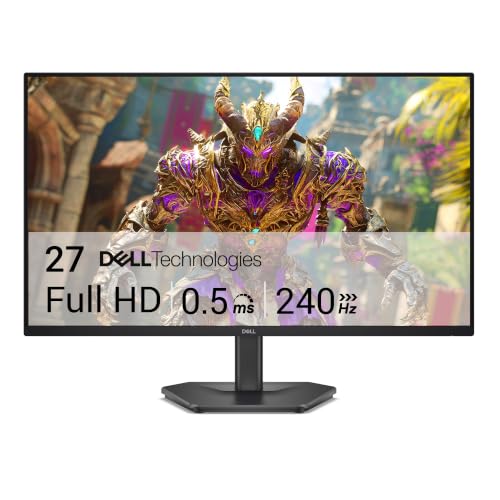
What 150 to 250 Dollars Buys
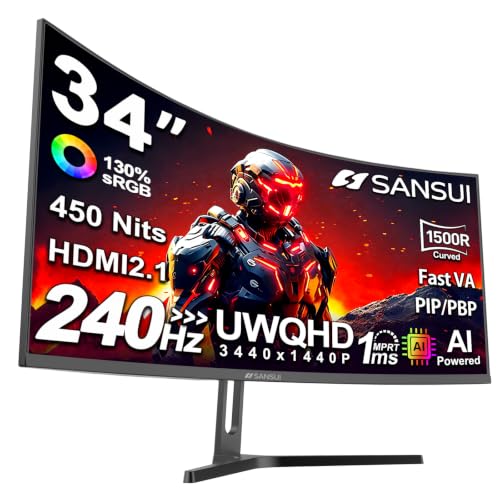
At the low end, you get a 24 to 27-inch 1080p IPS or VA panel at 240 Hz, with a simple stand. In the middle, you add 1440p resolution or a better stand. Near 250 dollars, you can find a 34-inch curved ultrawide with a high refresh rate. OLED models cost more than this cap, so they are outside the table.
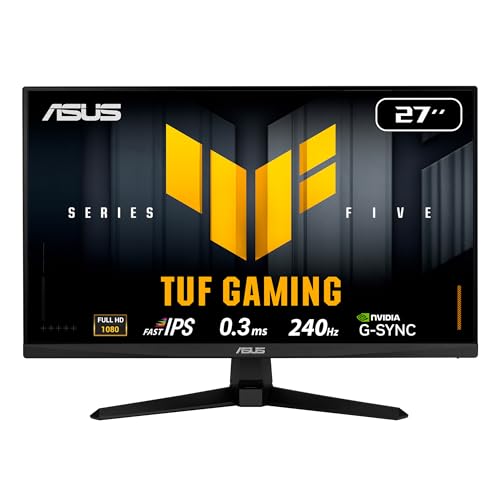
For competitive play, a 1080p IPS at 24 or 25 inches is enough. For mixed play, a 27-inch 1440p model is the best step up. For immersive games, an ultrawide is a fun choice. Compare with the broader best monitors under 300 list for context.
Fast IPS vs VA at This Price
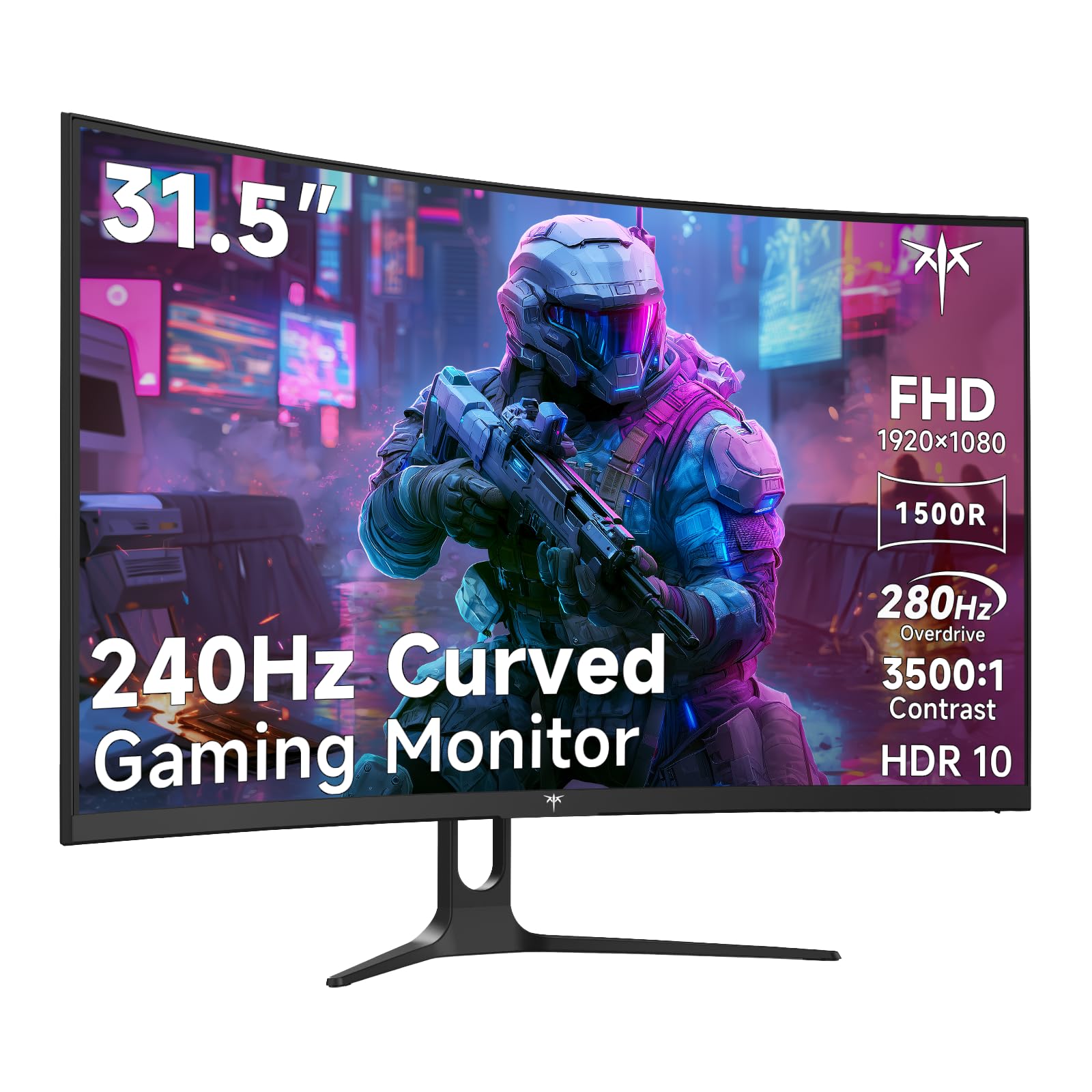
Fast IPS panels in this range respond quickly and keep colors steady, and they are the safer choice for competitive play. VA panels in the table have stronger contrast and often cost less, but they can leave faint trails in dark scenes at 240 Hz. Check the reviews and the overdrive options if you choose VA.
Resolution Choices
A 1080p model keeps frame rates high on modest cards. A 1440p model looks sharper, and the table includes one at about 175 dollars. An ultrawide at 3440 by 1440 costs more and needs a strong card. Pick the resolution your card can drive at close to 240 frames in your main game. If it cannot, a lower resolution is the wiser choice. See also best PC monitors under 300 for general options.
Size and Shape
24 to 25 inches suits competitive play. 27 inches suits a general gaming desk. 32 inches and curved ultrawide models suit immersive games. Flat is better for dual setups; curved suits a single large screen. Think about your desk depth, since bigger screens need more distance.
Ports and Cables
Use DisplayPort for 240 Hz. Some budget monitors only reach 240 Hz over DisplayPort and are limited over HDMI, so check the listing. A good cable costs little and removes a common cause of trouble. Leave room in the budget for an arm if you want better posture.
Warranty and Quality Control
Budget monitors vary in quality. Look for a clear warranty and a reliable return policy, and check the screen for dead pixels and backlight bleed on day one. If you see a problem, return the monitor rather than live with it. Lesser-known brands may offer great value, but support differs.
Getting the Most for Your Money
Set the refresh rate to 240 Hz, enable adaptive sync and tune the overdrive. Use a neutral picture mode and avoid vivid presets. A little effort makes the best 240hz monitors under 300 look and feel like much pricier ones.
Where Budget 240 Hz Monitors Cut Corners
Savings come from somewhere. The usual compromises are a basic stand with tilt only, modest brightness, plain packaging and an on-screen menu that is less polished than premium models. Some budget panels have visible backlight bleed or slightly uneven color. None of these ruins gaming, but they are worth knowing so a small flaw does not surprise you.
The best 240hz monitors under 300 hide these compromises well, and the extras you skip, such as lighting effects and built-in crosshairs, rarely improve play. Spend the money on the panel and the warranty, and add a decent arm if you want a better stand.
Tweaking a Budget Panel
Start with the standard picture mode, then adjust overdrive until moving objects look clean. Lower brightness to a comfortable level, which often improves the look of an inexpensive panel in a dim room. Use adaptive sync, and cap the frame rate slightly below 240. If the colors look washed out, check the cable and the color range in your graphics driver settings.
Is It Worth Waiting for a Sale?
Monitor prices move often. A model priced near 250 dollars can drop to 200 in a sale, and a model at 200 can become a bargain. If you are not in a hurry, track the price of two or three favorites and buy the one that drops first. Check the return window on any sale purchase, and keep the receipt.
What to Spend Extra On Within the Cap
If you have a few dollars to spare, buy a better DisplayPort cable, a sturdy arm or a longer warranty before you pay for a slightly higher panel number. A good arm improves posture and desk space, and a good cable prevents the frustrating situation where the monitor will not run at 240 Hz. These small items often matter more than the difference between two nearby models in the table.
Keep the packaging and receipt. A budget monitor deserves an inspection on day one, and a smooth return is your protection if the screen has a defect. Spend your effort on a careful check rather than a long hunt for the perfect model.
FAQs
Is 300 dollars enough for 240 Hz?
Yes. Many 1080p and 1440p models cost less.
Should I choose 1440p or 1080p?
1440p for sharpness if your card can drive it. 1080p for speed.
IPS or VA?
IPS for competitive play. VA for contrast.
Do I need DisplayPort?
For 240 Hz, usually yes.
Final Thoughts
The best 240hz monitors under 300 deliver real speed without the OLED price. Match the resolution to your graphics card, choose IPS for competitive play and use DisplayPort. Then compare the models in the product table.
Prices and availability can change, so check the product page before ordering.