Best 43 Inch TVs: Budget, Midrange, and Premium Picks
Disclosure: We may earn a commission when you buy through links on this page, at no extra cost to you. As an Amazon Associate I earn from qualifying purchases. Learn more

43 inch 4K TVs from around $200 to $600 sorted by tier, with three picks and the features worth paying for.
Forty three inches is the smallest size where 4K TVs become the norm, making it a popular choice for bedrooms, apartments, offices and secondary living rooms. Prices range from around $200 for basic 4K sets to $600 or more for premium models with better processing and brightness. This guide to the best 43 inch tvs breaks the market into budget, midrange and premium tiers so you know where extra money makes a real difference.
The short answer: most buyers should choose a 43 inch 4K HDR smart TV with Dolby Vision or HDR10+, a smart platform they like and at least three HDMI ports, which costs around $200 to $300; spend closer to $280 to $350 for Mini LED or QLED brightness and color, and around $600 for premium processing from brands like Sony.

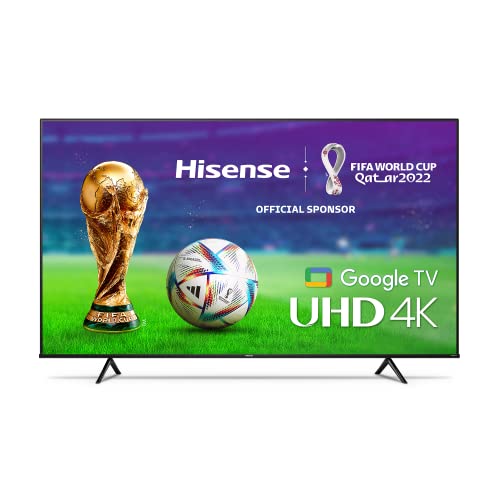

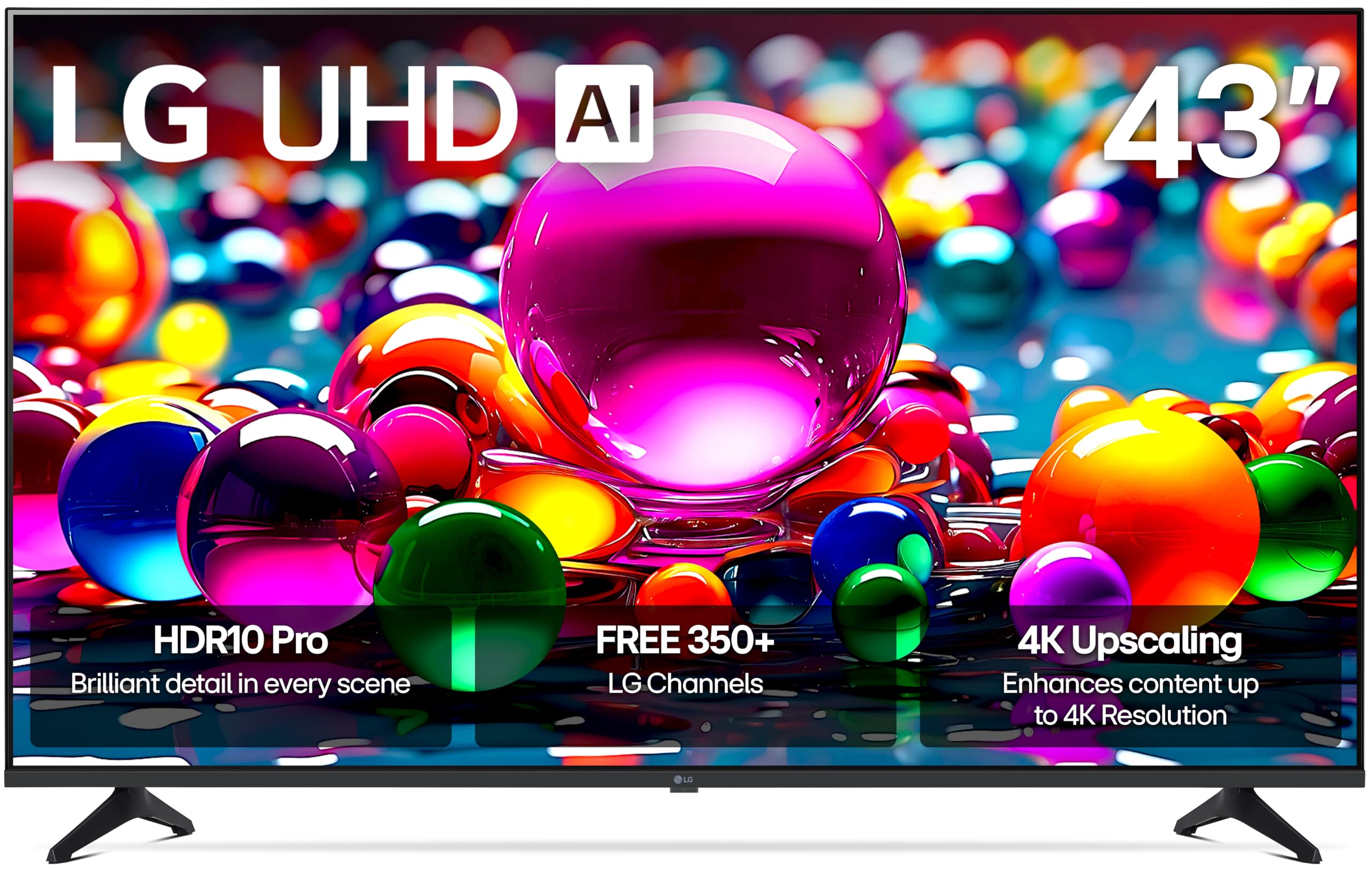
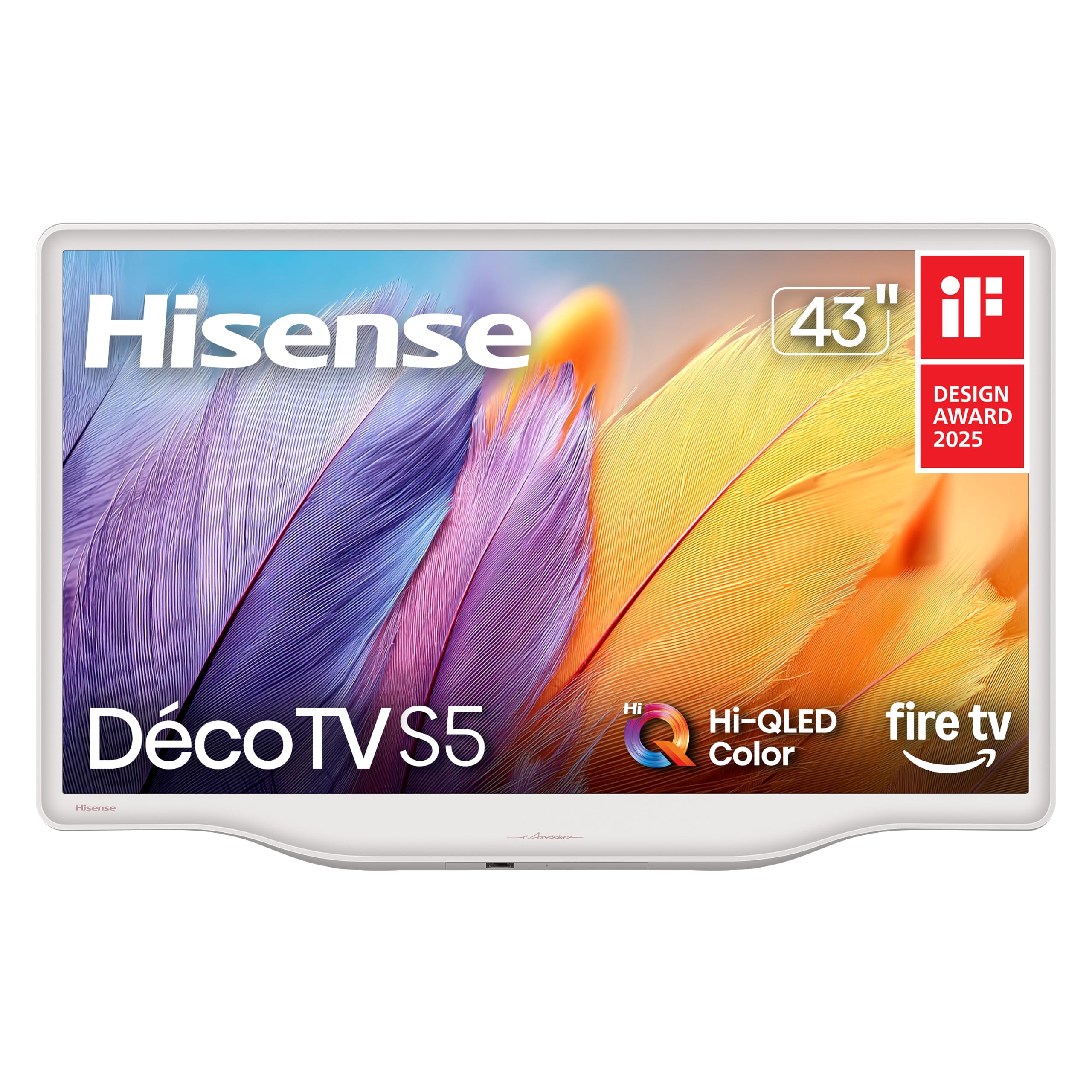
Top 3 Picks by Budget
Each pick below comes from the product table above and represents the best value in its price tier.
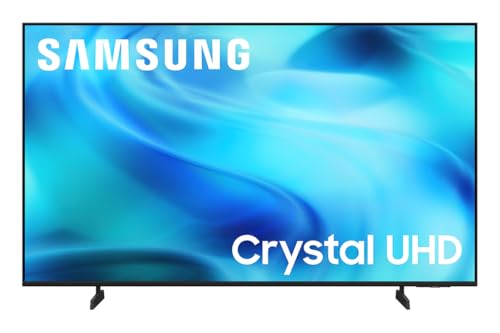


Best Budget Pick
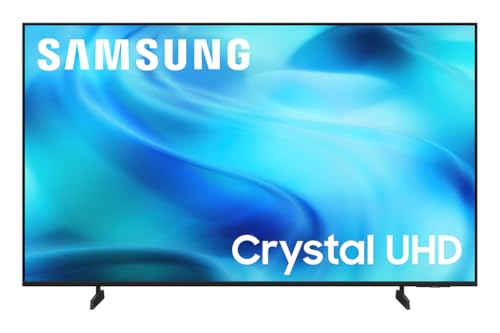
The Samsung 43 inch Crystal UHD U8000H, around $200, suits buyers who want 4K resolution and a polished smart platform for a modest price. Its first strength is 4K Crystal UHD resolution with HDR support, delivering noticeably sharper detail than the 1080p panels common at 40 inches. Its second strength is Samsung's smart platform with Vision AI features, free Samsung TV Plus channels and broad app support for streaming services.
The limitation is a standard LED backlight without local dimming, so dark scenes and HDR highlights look less dramatic than on Mini LED models.
Best Midrange Pick
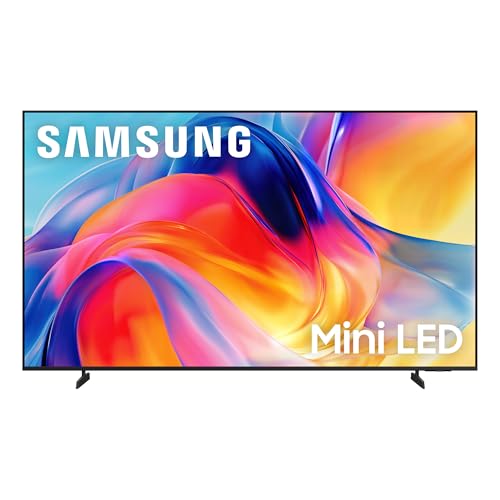
The Samsung 43 inch M70H Mini LED, around $280, is the sweet spot for people who want a big step up in brightness and contrast without paying premium prices. Its first strength is a Mini LED backlight, which uses many smaller LEDs to deliver brighter highlights and better contrast than standard LED TVs. Its second strength is 4K resolution with HDR and Samsung's AI processing, which sharpens lower resolution content and optimizes picture settings automatically.
The limitation is that at 43 inches, Mini LED dimming zones are fewer than on large premium sets, so blacks are good but not OLED deep.
Best Premium Pick
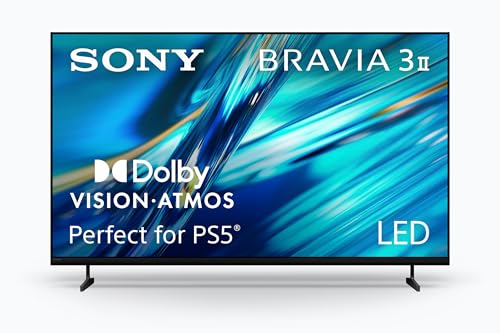
The Sony 43 inch BRAVIA 3 II, around $600, is for viewers who value natural color, smooth motion and excellent processing. Its first strength is Sony's picture processing, known for accurate skin tones, clean upscaling and smooth motion handling in sports and movies. Its second strength is Google TV with Gemini voice features, plus wide app support and casting from Android phones.
The limitation is price; it costs roughly twice as much as capable budget 4K TVs, so it suits buyers who care most about picture refinement.
What Your Money Gets You at Each Price Tier
Budget Tier: What to Expect
Budget 43 inch TVs cost around $200 to $260. They include 4K resolution, HDR10 support and built in smart platforms from Roku, Google TV, Fire TV, Samsung or LG. Expect 60Hz panels, basic LED backlights and modest speakers. These TVs suit bedrooms, guest rooms and anyone upgrading from an older 1080p set.
Midrange Tier: The Sweet Spot for Most Buyers
Midrange TVs cost around $270 to $350 and add QLED or Mini LED backlights, Dolby Vision and HDR10+, better processing and sometimes variable refresh rate for gaming. Picture quality improves noticeably in bright rooms and with HDR content. For most buyers, this tier delivers the best value.
Premium Tier: When Spending More Pays Off
Premium 43 inch TVs cost around $450 to $650. They offer superior processing, more accurate color, better motion handling and refined design. Spending more pays off if the TV is your main screen, you watch lots of sports or movies or you are sensitive to picture quality details.
Features Worth Paying For (and Ones to Skip)
Focus your budget on features that improve everyday viewing when comparing the best 43 inch tvs.
Adaptive Sync and Gaming Features
Gamers should look for auto low latency mode, low input lag game modes and variable refresh rate support, which some 43 inch TVs offer at 60Hz. True 120Hz panels are rare at this size. These features help consoles feel responsive and are worth having if you play often.
Connectivity and Ports
Look for at least three HDMI ports, including one with ARC or eARC for a soundbar. USB ports, an antenna input and dual band WiFi are standard. Ethernet helps stream 4K reliably. Bluetooth lets you pair headphones on some models.
Refresh Rate and Response Time
Most 43 inch TVs use native 60Hz panels, which handle streaming and casual gaming well. Ignore inflated motion rate numbers in listings. Motion processing quality matters more than refresh rate at this size, especially for sports.
Smart Platform and Sound
Choose a platform you enjoy: Roku for simplicity, Google TV for recommendations and casting, Fire TV for Alexa, Samsung Tizen or LG webOS for polished interfaces. Built in speakers are modest on thin TVs, so consider a compact soundbar for clearer dialogue.
Panel Technology (LED, QLED, Mini LED, VA, IPS)
Standard LED panels are affordable, QLED adds richer color and Mini LED improves brightness and contrast. VA panels deliver deeper blacks in dark rooms, while IPS style panels keep colors consistent from wide angles. OLED is not offered at 43 inches by major TV brands.
Features You Can Skip
8K resolution, exaggerated motion rate figures and premium audio branding add cost without real benefit at 43 inches. Spend instead on HDR format support, better backlighting and a soundbar.
Choosing 43 Inch TVs for Your Situation
Best Smart 43 Inch TVs
The best smart 43 inch tvs combine fast, responsive platforms with broad app support and helpful voice remotes. Google TV and Roku models such as the Roku 43 inch Select Series offer simple interfaces, free channels and casting support. Choose the platform that matches your phone and favorite services.
Best for Gaming
Gamers should choose 43 inch TVs with low input lag, auto low latency mode and variable refresh rate support for smoother console play.
Best for Bright Rooms
Rooms with lots of sunlight benefit from Mini LED or QLED models with higher brightness and anti glare features.
Long Term Costs to Factor In
Beyond the purchase price, consider a soundbar around $100 to $250, a wall mount around $25 to $60 and streaming subscriptions, which add up over time. Smart platforms eventually slow down or stop receiving updates, but a streaming stick can extend a TV's life. Energy costs are low for 43 inch TVs. Extended warranties are rarely necessary for budget models but can make sense for premium sets.
Setting Up Your 43 Inch TV
After unboxing, attach the stand or wall mount and connect power, streaming devices and consoles. Follow on screen steps to connect WiFi and sign into apps, then install updates. Switch picture mode from vivid to movie, filmmaker or calibrated for natural colors, and turn off excessive motion smoothing for films. Enable game mode for consoles to reduce input lag. Mount or place the TV so the screen center is near seated eye level, and avoid facing bright windows to reduce glare.
43 Inch TV vs 50 Inch TV
A 43 inch TV suits viewing distances of about 5.5 to 7 feet, making it ideal for bedrooms and small living rooms. A 50 inch TV fills more of your view from 6.5 to 8 feet and costs only slightly more. If your room and furniture allow it, many people find 50 inches more immersive for movies and sports. Choose 43 inches for tight spaces, dressers and secondary rooms, and measure your furniture before deciding.
Comparing Smart Platforms on 43 Inch TVs
Because many 43 inch TVs share similar panels, the smart platform often decides which one feels best day to day. Roku TV is the simplest, with a grid of apps, a neutral search that shows prices across services and a free live channel guide. Google TV builds a personalized home screen from your subscriptions and supports casting from Android phones and Chrome browsers.
Fire TV integrates closely with Alexa and Prime Video, letting you control smart home devices from the remote. Samsung Tizen and LG webOS offer polished interfaces, their own free channel services and AirPlay support on many models. If you already use a particular voice assistant or streaming stick, choosing the matching platform keeps everything familiar and easy for the whole family.
Improving Sound on a 43 Inch TV
Thin TVs leave little room for speakers, so dialogue can sound thin and bass is limited. A compact soundbar is the easiest fix, connecting through HDMI ARC so your TV remote controls volume. Models with a dedicated center channel or dialogue enhancement make voices clearer for news and dramas.
For late night viewing, Bluetooth headphones or the private listening feature in some TV apps let you listen without disturbing others. In bedrooms and small apartments, a soundbar with a night mode reduces loud effects while keeping speech clear.
Using a 43 Inch TV as a Computer Monitor
A 43 inch 4K TV can double as a large computer display for productivity and gaming. At 4K resolution, it offers roughly the same pixel density as four 21.5 inch 1080p monitors, giving plenty of space for multiple windows. Enable PC mode or game mode to reduce input lag and improve text clarity, and check that the TV supports 4:4:4 chroma for sharper text.
Sit about 3 to 4 feet away to view the whole screen comfortably, and use a deep desk. For long workdays, a dedicated monitor still offers better ergonomics and higher refresh rates.
43 Inch TVs: Your Questions Answered
Is 4K worth it on a 43 inch TV?
Yes, 4K is worth it on a 43 inch TV. Most 43 inch models are 4K at little extra cost, and they look sharper than 1080p, especially when you sit close. Streaming services and consoles offer plenty of 4K content.
What size TV should I get for my room?
A 43 inch TV suits viewing distances of about 5.5 to 7 feet. It fits bedrooms, apartments and offices. If you sit farther away, consider 50 or 55 inches for a more immersive experience.
Does refresh rate matter for non gamers?
Refresh rate matters little for non gamers on a 43 inch TV. Standard 60Hz panels handle shows, movies and sports well. Motion processing quality makes a bigger difference than refresh rate at this size.
How long do 43 inch TVs last?
Most 43 inch TVs last around six to eight years. LED backlights last many thousands of hours, while smart platforms may slow down sooner. A streaming stick can keep apps current.
IPS vs OLED: which is better?
OLED offers perfect blacks, but it is not available at 43 inches from major TV brands. At this size, choose VA panels for contrast in dark rooms, IPS style panels for wide viewing angles and Mini LED for brightness.
Are Mini LED 43 inch TVs worth it?
Yes, Mini LED 43 inch TVs are worth a modest premium for brighter images and better contrast. They handle sunny rooms and HDR content better than standard LED models. If the TV mainly plays news in a dim bedroom, a standard 4K model saves money.
Which 43 inch TV brand is most reliable?
Samsung, LG, Sony, TCL, Hisense and Roku all make reliable 43 inch TVs. Reliability depends more on choosing a current model, using a surge protector and keeping vents clear than on brand alone. Register the warranty and buy from authorized sellers to ensure support.
Can I wall mount a 43 inch TV myself?
Yes, most 43 inch TVs are light enough to wall mount yourself. They usually weigh 15 to 20 pounds and use standard VESA patterns. Use a stud finder, mount into wood studs and have a helper hold the TV while you attach it to the bracket.
Wrapping Up
The right 43 inch TV balances picture quality, smart features and price. Choose 4K with HDR support, pick a platform you enjoy and consider Mini LED for brighter rooms or QLED for richer color in everyday viewing. Budget buyers can get excellent 4K TVs around $200, most people will be happiest with a midrange Mini LED or QLED model and picture enthusiasts can step up to premium processing.
Compare the best 43 inch tvs in the product table above to find the right TV for your room and budget.