
Best Affordable Android Phones: A First Time Buyer's Guide
Disclosure: We may earn a commission when you buy through links on this page, at no extra cost to you. As an Amazon Associate I earn from qualifying purchases. Learn more

A plain English guide to budget Android phones from Samsung, Motorola, Nothing and TCL, with specs explained and setup tips.
You no longer need to spend $1,000 to get a great smartphone. Today's budget and midrange Android phones offer big AMOLED screens, all day batteries, capable cameras and years of software updates for a fraction of flagship prices. The challenge for first time buyers is knowing which specs actually matter and which ones are marketing. This guide to the best affordable android phones starts with the basics, explains the key specs in plain English and walks you through setup.
The short answer: most buyers should choose an unlocked phone from a brand with a long update policy, such as the Samsung Galaxy A36 5G around $310 to $330, which offers a 120Hz AMOLED screen, IP67 water resistance and six years of updates; the Galaxy A16 5G around $195 is the best low cost pick, and the Nothing Phone 3a Pro around $430 delivers flagship style cameras for less.
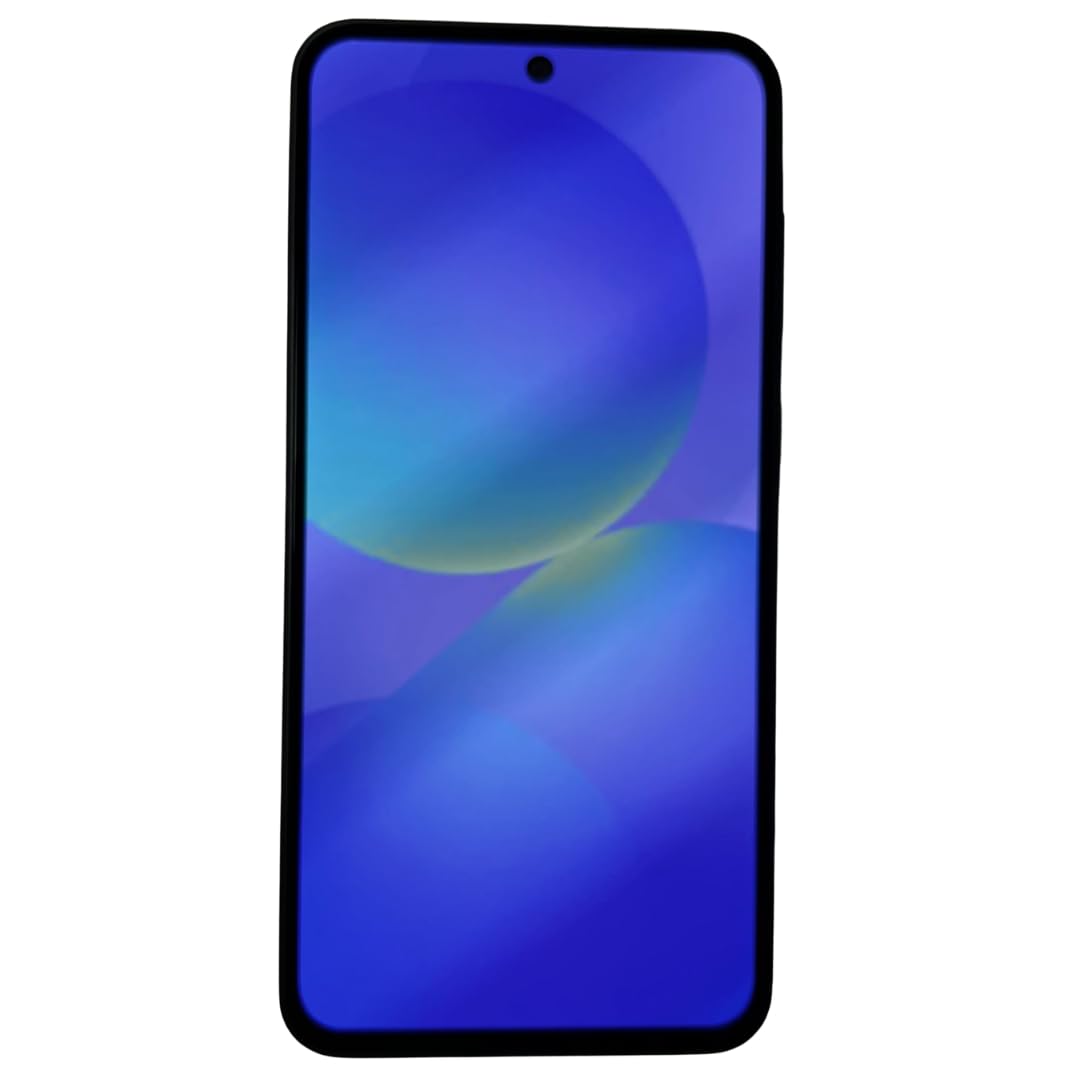


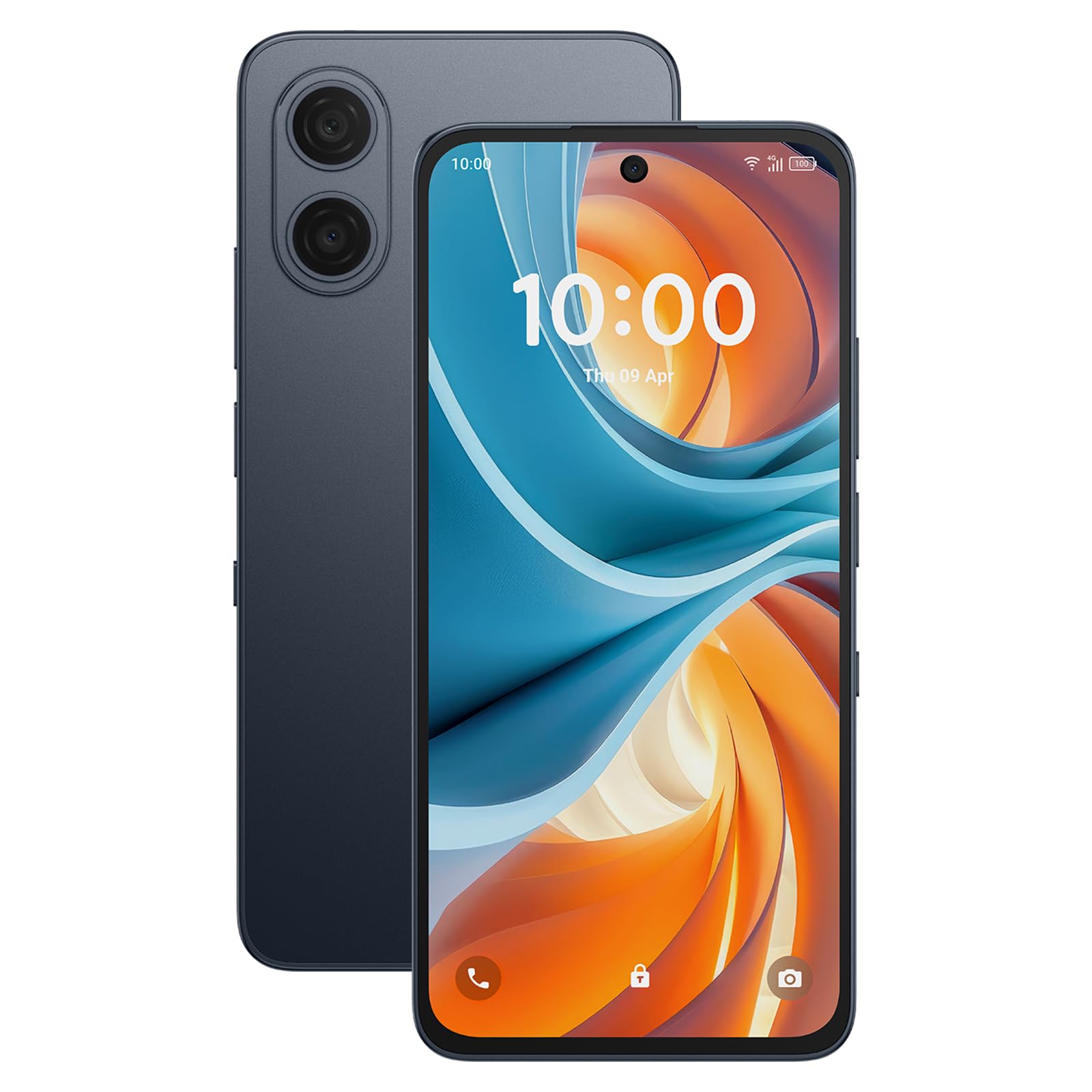
Top 3 Picks at a Glance
These three phones from the product table above cover the best all rounder, the best budget option and a camera focused value pick.


Android Phones 101: The Basics
Android is the operating system made by Google that runs on phones from Samsung, Motorola, Google Pixel, OnePlus, Nothing, TCL and many others. Each brand adds its own interface on top, such as Samsung's One UI or Motorola's near stock Android, but all run apps from the Google Play Store, including WhatsApp, Instagram, Netflix, banking apps and games.
Affordable Android phones generally fall into two groups. Budget phones under about $250 cover calls, messaging, social media and streaming. Midrange phones from about $250 to $450 add better screens, faster processors, improved cameras, water resistance and longer software support. Unlocked phones work with most carriers, while carrier locked phones only work on one network until unlocked.
Key Specs Explained in Plain English
What You Can Realistically Get on a Budget
Around $150 to $250 buys a phone with a large 6.5 to 6.7 inch screen, 5G, a 5,000 mAh battery and a capable main camera for daylight photos. Around $300 to $450 adds 120Hz AMOLED displays, IP67 water resistance, stronger processors, better night photos and six or more years of updates on some models. Budget phones usually cut wireless charging, telephoto lenses and premium materials. Do not compromise on update support and storage, which affect how long the phone stays useful.
Display Size and Quality
AMOLED displays offer deeper blacks and richer colors than LCD screens, and 90Hz or 120Hz refresh rates make scrolling smoother. Most affordable phones have 6.5 to 6.9 inch screens, great for video and reading but large in the hand. Brightness matters outdoors; look for peak brightness above 1,000 nits for easy viewing in sunlight.
Build, Durability, and Water Resistance
IP67 or IP68 ratings mean a phone can survive dust and brief submersion, protecting against spills and rain. Gorilla Glass or similar protection reduces scratches and cracks. Many budget phones have plastic backs, which resist cracks but scratch more easily. A case and screen protector are inexpensive insurance.
Software Updates and Support Window
Updates are one of the most important specs. Security patches keep your phone safe, and Android version upgrades add features. Samsung promises up to six years of updates on many Galaxy A phones, while Google Pixel offers seven years. Some budget brands provide only two or three years. Longer support means you can keep the phone longer and resell it for more.
Processor and Everyday Performance
The processor determines how smoothly apps run. Midrange chips like Samsung Exynos 1580, Qualcomm Snapdragon 7 series and MediaTek Dimensity 7000 series handle social media, streaming and light gaming well. Budget chips manage everyday tasks but can stutter with heavy multitasking. At least 6GB of RAM, ideally 8GB, keeps apps open in the background.
Storage Options
Choose at least 128GB of storage, and 256GB if you take lots of photos and videos or download games. Some affordable phones support microSD cards for cheap expansion, while others do not. Cloud storage helps, but local storage keeps the phone fast and works offline.
Battery Life and Charging
Most affordable Android phones use 5,000 mAh batteries that last a full day or more. Charging speeds vary from 15 to 45 watts or more; faster charging tops up the battery in under an hour. Many phones do not include a charger in the box, so budget for a USB C power adapter.
Choosing Affordable Android Phones for Your Situation
Best New Affordable Android Phones
The best new affordable android phones combine recent processors, 120Hz AMOLED displays and long update windows. The Samsung Galaxy A36 and A56 and Nothing Phone 3a Pro stand out for screen quality, cameras and software support. Choose the newest model your budget allows to maximize years of updates.
Best for Seniors and First Smartphone Users
Large screens, simple interfaces and long battery life suit first time smartphone users. Samsung's Easy Mode and Motorola's clean software make phones easier to navigate.
Best for Students and Note Takers
Students benefit from long battery life and large screens, and the Moto G Stylus adds a built in stylus for notes and sketches. The TCL NXTPAPER 70 Pro's paper like display reduces eye strain during long reading sessions.
Camera Quality on Affordable Android Phones
Cameras are where affordable phones differ most from flagships, but the gap has narrowed. Main cameras on midrange phones take sharp, colorful photos in daylight and handle portraits well. Night modes combine multiple exposures for cleaner low light shots, though budget phones may show more noise. Ultra wide lenses are common, while telephoto lenses for zoom appear mainly on pricier models like the Nothing Phone 3a Pro.
Video stabilization varies, so look for optical image stabilization on the main camera if you record a lot of video. Ignore extra macro or depth sensors with very low resolution; they rarely add value. Software processing matters as much as hardware, which is why Samsung and Google phones often produce pleasing photos even at modest prices.
Carrier Deals vs Buying Unlocked
Carriers often advertise free or heavily discounted phones in exchange for multi year contracts or premium plans. These deals can save money if you plan to stay with the carrier, but they lock the phone and may require keeping a pricier plan. Buying unlocked costs more upfront but lets you choose prepaid plans or switch carriers freely.
Prepaid carriers and MVNOs, which use major networks, often cost far less per month than postpaid plans. Pairing an affordable unlocked phone with a low cost prepaid plan is one of the best ways to save on mobile costs. Always check that the phone supports your carrier's bands and features like WiFi calling.
How Long Will an Affordable Android Phone Last?
With good care and long software support, many of the best affordable android phones remain useful for four to six years. Battery capacity gradually declines, but replacements are often available for $50 to $100. Choosing a model with 8GB of RAM and 256GB of storage helps it stay smooth as apps grow, and phones with six years of updates stay secure far longer than those with two.
Rookie Mistakes to Avoid
- Ignoring update support. Phones with short update windows become less secure sooner.
- Buying too little storage. 64GB fills quickly; choose 128GB or more.
- Not checking carrier compatibility. Make sure unlocked phones support your carrier's 5G and LTE bands.
- Overvaluing megapixels. Camera quality depends more on sensors and processing than megapixel counts.
- Skipping a case. A case and screen protector prevent costly repairs.
Comparing Budget Android Brands
Samsung leads the affordable Android market with Galaxy A phones that offer bright AMOLED screens, IP67 water resistance on midrange models and some of the longest update promises available. One UI is feature rich and familiar to millions of users. Motorola focuses on clean, near stock Android, long battery life and value, with Moto G Power and Moto G Stylus models popular in the US, though update windows are shorter.
Nothing offers distinctive designs, clean software and strong cameras for the price, with the Phone 3a Pro adding a periscope telephoto lens rarely seen at this level. TCL's NXTPAPER phones use matte, paper like displays that reduce glare and eye strain, appealing to heavy readers. Google Pixel A series phones, when available, offer excellent cameras and the longest updates. The best choice depends on whether you prioritize screens, cameras, battery or software support.
Security and Privacy Settings to Turn On
After setup, review a few security settings. Enable automatic system and app updates, turn on Google Play Protect to scan apps for threats and use a strong screen lock with biometrics. Review app permissions in Settings and remove location, microphone or camera access from apps that do not need it. Enable two factor authentication on your Google account and turn on Find My Device so you can locate, lock or erase a lost phone.
Accessories Worth Buying
A protective case and tempered glass screen protector are the most important accessories, preventing most cracks and scratches. A fast USB C charger, usually 25 to 45 watts depending on the phone, makes full use of quick charging. Wireless earbuds replace the missing headphone jack on many models, and a microSD card adds storage on phones that support it.
Getting Started: Setup and First Use
Charge the phone, insert your SIM card or set up an eSIM and turn it on. Sign in with a Google account to restore apps, contacts and photos, and use the transfer tool to move data from your old phone; Samsung Smart Switch and Google's setup tool copy messages, photos and apps over WiFi or a cable. Install system updates right away for the latest security patches.
Set up a screen lock with fingerprint or face unlock, enable Find My Device and turn on automatic backups. Remove apps you do not need, adjust notification settings and enable dark mode to save battery on AMOLED screens.
Android Phones: Your Questions Answered
How much storage do I need?
Most people need at least 128GB of storage, and 256GB is better for photos, videos and games. Apps and system updates use more space over time. If the phone supports microSD, you can add storage cheaply later.
How many years of updates should a phone get?
Look for at least four years of security updates, and ideally six or more. Samsung and Google lead with long update policies. Longer support keeps your phone safe and useful, and improves resale value.
Is a mid range phone good enough?
Yes, a mid range phone is good enough for most people. It handles social media, streaming, navigation, photos and light gaming smoothly. Flagships add better cameras and faster chips, but the everyday difference is smaller than the price gap.
Do I need 5G?
5G is helpful but not essential; most affordable phones include it anyway. It offers faster speeds where coverage is strong. Choosing a 5G phone keeps you ready as networks expand.
Should I buy unlocked?
Yes, buying unlocked gives you freedom to switch carriers and avoid bloatware. Unlocked phones work with most major US carriers. Check band compatibility, and consider carrier deals only if the savings are significant.
Are refurbished Android phones a good deal?
Refurbished Android phones can be a great deal if bought from trusted programs with warranties. Amazon Renewed and manufacturer refurbished phones are inspected and include return policies. Check remaining update support, since older models may stop receiving security patches soon.
Can affordable phones play games well?
Yes, midrange phones handle most popular games well at medium settings. Titles like Candy Crush, Pokemon GO and Roblox run smoothly, while demanding 3D games may need lower graphics settings. Phones with 8GB of RAM and 120Hz screens offer the best experience.
Do affordable Android phones have good battery life?
Yes, most affordable Android phones have excellent battery life. Large 5,000 mAh batteries and efficient chips often last a full day or more. Lower screen brightness and dark mode extend battery life further.
Final Thoughts
Affordable Android phones now deliver most of what people need from a smartphone. Prioritize long software support, a good display and enough storage, then choose camera and battery features that fit your routine. The Galaxy A36 is the best all rounder, the Galaxy A16 offers great value and the Nothing Phone 3a Pro shines for photos, while Motorola and TCL models offer helpful extras like styluses and paper like screens.
Compare the best affordable android phones in the product table above to find the right phone for your needs and budget.


