Best Frame TVs: The Buyer Checklist We Use
Disclosure: We may earn a commission when you buy through links on this page, at no extra cost to you. As an Amazon Associate I earn from qualifying purchases. Learn more

How we judge art style frame TVs from Samsung, Hisense, TCL and LG, with three picks, a checklist and care tips.
Frame TVs, also called art TVs, solve a problem every living room has: a big black rectangle on the wall when the TV is off. When idle, they display paintings, photos and illustrations behind matte screens and frame style bezels, so they look like artwork instead of electronics. Samsung pioneered the category, and Hisense, TCL and LG now offer alternatives. This guide to the best frame tvs explains the checklist we use to judge them, then shows three picks that pass.
The short answer: the best frame TV has a matte anti glare screen that makes art look like paper or canvas, a flush slim wall mount, interchangeable bezels, a motion and light sensor that turns art mode on and off automatically and solid 4K QLED picture quality; Samsung The Frame around $900 to $1,100 is the safest choice, while Hisense CanvasTV and TCL frame TVs offer bigger screens for the money.



How We Evaluate Frame TVs
We score art TVs on six criteria, each with clear thresholds for good and poor performance.
Panel Technology and Art Display Quality
The screen decides whether art looks convincing. Matte anti reflection coatings diffuse light so paintings resemble prints rather than a glossy display. QLED panels deliver rich color for both art and video, while Mini LED backlights add contrast. A wide color gamut keeps paintings faithful. Good: matte anti glare QLED or Mini LED panels. Poor: glossy screens that mirror windows and lamps.
Refresh Rate and Picture Performance
Frame TVs must also work as TVs. Native 120Hz or 144Hz panels improve sports and gaming motion, and good processing upscales lower resolution content cleanly. HDR support with decent brightness keeps movies vivid. Good: native 120Hz or higher with HDR10+ or Dolby Vision. Poor: 60Hz panels with dim HDR at premium prices.
Adaptive Sync and Gaming Features
Gamers should look for HDMI 2.1, variable refresh rate and auto low latency mode. Many art TVs now support these at 120Hz or more, making them suitable for consoles. Good: VRR and ALLM on at least one HDMI 2.1 port. Poor: no gaming features.
Stand, Mounting, and Ergonomics
Flush wall mounting is essential for the framed look. The best models include slim mounts that place the TV almost against the wall, plus cable management systems such as Samsung's One Connect box or wireless connection boxes that keep cords out of sight. Easel or floor stands offer an alternative. Good: included slim mount and hidden cable solution. Poor: standard brackets that leave the TV sticking out.
Resolution, Size, and Bezels
4K resolution is standard, and sizes range from 32 to 85 inches or more. Interchangeable magnetic bezels in white, teak, walnut or gold let you match decor. Choose a size that fits the wall proportionally, like choosing art. Good: multiple sizes and bezel options. Poor: limited sizes and no customization.
Connectivity, Art Library, and Sensors
Art modes rely on software. Look for a large art library, the ability to upload your own photos, and motion and brightness sensors that adjust or turn off the display when no one is in the room. Some brands charge a subscription for premium art collections. Good: free art selection, personal photo uploads and smart sensors. Poor: tiny libraries locked behind subscriptions.
3 Picks That Pass Our Checklist
These three art TVs come from the product table above and meet every criterion on our checklist.


Best Overall
The Samsung 65 inch The Frame LS03F, around $1,100, is the benchmark art TV and our top pick. Its first strength is the matte anti reflection display combined with Art Mode, which makes paintings and photos look remarkably like framed prints. Its second strength is the included Slim Fit Wall Mount that hangs the TV close to the wall, plus customizable bezels sold separately to match any room. QLED 4K picture quality handles everyday TV and streaming well.
The limitation is that picture quality for movies trails similarly priced Mini LED TVs, since you pay partly for design.
Best Value Big Screen
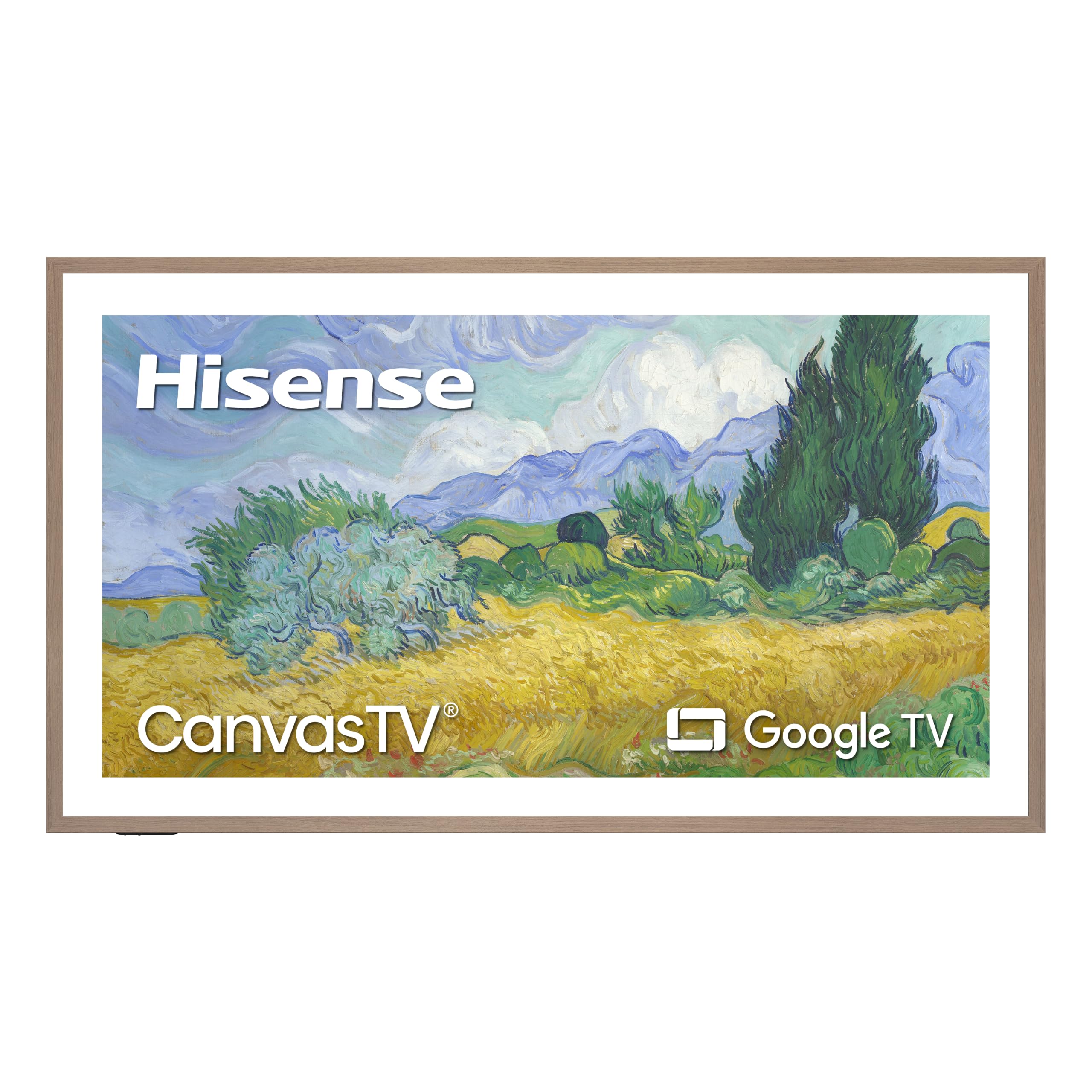
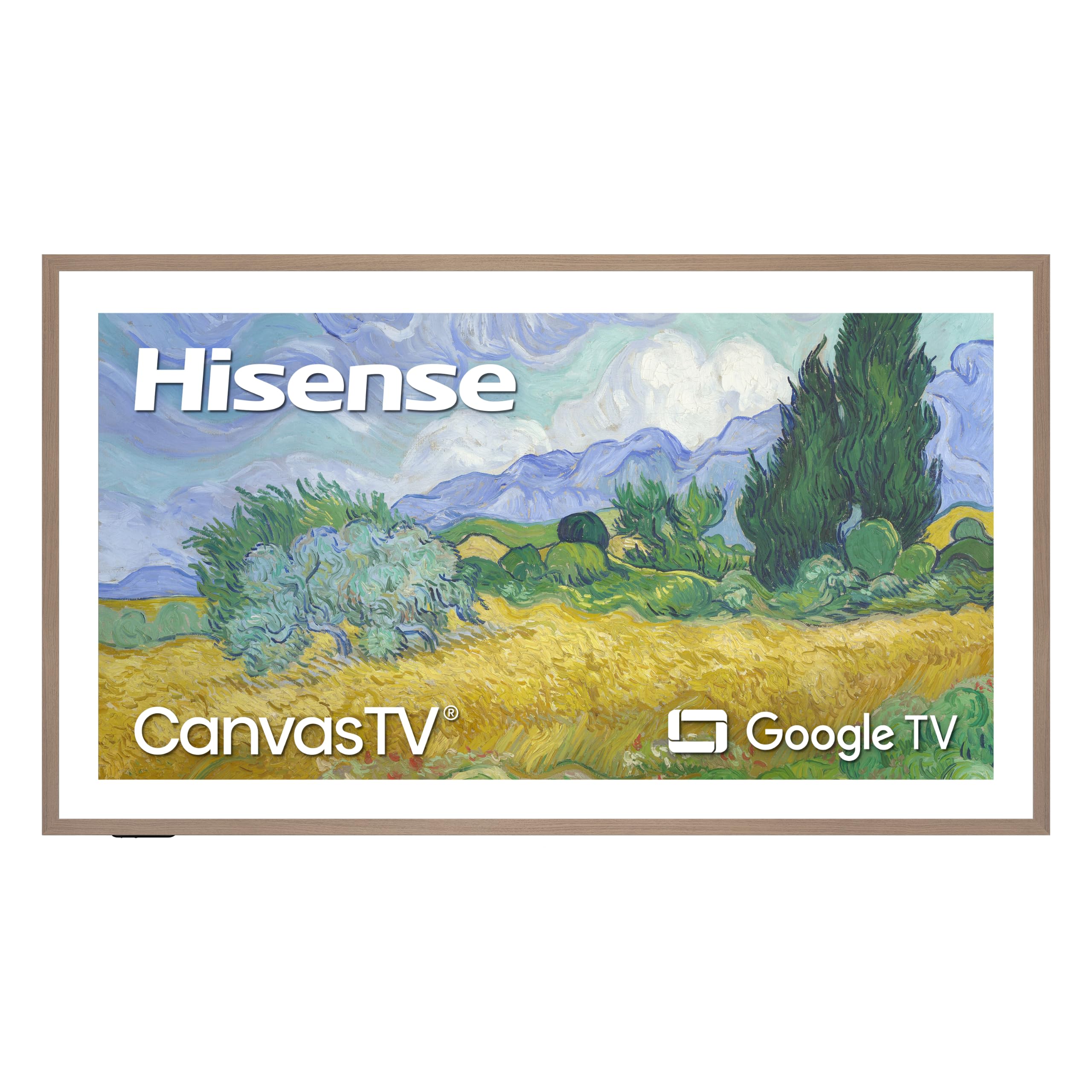
The Hisense 75 inch S7 CanvasTV, around $1,400, suits buyers who want a large art TV without paying Samsung's premium for big sizes. Its first strength is a 75 inch Hi QLED 4K panel with a 144Hz refresh rate, making it a strong choice for sports and gaming as well as art. Its second strength is Art Mode on Google TV, giving access to a gallery of artwork and smart streaming apps.
The limitation is a smaller ecosystem of accessories, such as bezels, than Samsung offers.
Best Premium Pick
The Samsung 65 inch The Frame Pro LS03HW, around $1,800, is for buyers who want the most refined art TV experience. Its first strength is improved picture performance with Neo QLED Mini LED technology, delivering better contrast and brightness than the standard Frame. Its second strength is a wireless connection box that sends video to the TV, so only a power cable runs to the wall for a cleaner look.
The limitation is price; it costs significantly more than the standard Frame and competing art TVs.
Quick Buyer Checklist
- Does it have a matte anti glare screen for realistic art?
- Is a slim flush wall mount included?
- Can you hide cables with a connection box or channel?
- Are interchangeable bezels available in your preferred finish?
- Does the art mode include free art and personal photo uploads?
- Do motion and light sensors adjust art mode automatically?
- Does it offer 120Hz or higher refresh for sports and games?
- Is the size proportional to your wall and furniture?
Red Flags to Watch For
- Glossy screens. Art TVs without matte coatings reflect light and look like regular TVs.
- Hidden subscriptions. Some art libraries require monthly fees for most content.
- Missing mounts. TVs that do not include slim mounts may not sit flush.
- Suspicious reviews. Many short, similar five star reviews posted together suggest manipulation.
- Third party bezels that do not fit. Check compatibility with your exact model and size.
Frame TV vs Regular TV: Is the Design Worth It?
Frame TVs cost more than regular TVs with similar picture quality, because you pay for the matte screen, art software, slim mount and bezels. For living rooms where the TV is a focal point, many owners find the design transforms the space, turning an empty black screen into rotating artwork.
If picture quality for movies and games is your top priority, a regular Mini LED or OLED TV delivers more performance per dollar. If design matters most and the TV hangs in a visible living space, a frame TV is often worth the premium. Some buyers add a decorative frame to a regular TV, but without a matte screen and art mode, the effect is less convincing.
Choosing the Right Size and Placement
Treat a frame TV like artwork when choosing size and placement. Above a console or sofa, the TV should be about two thirds the width of the furniture below it. Mount it at eye level when seated for TV viewing, or slightly higher if art display is the main goal. Avoid placing it opposite bright windows, even with matte screens, to keep art looking natural.
Use the TV's brightness sensor and adjust art mode brightness so paintings look like paper rather than glowing screens. Many owners choose neutral or wood bezels to match picture frames elsewhere in the room.
Samsung vs Hisense vs TCL vs LG Art TVs
Samsung The Frame remains the most established art TV, with the largest selection of sizes, the widest range of bezels, a polished Art Store and years of refinement in its matte display. The Frame Pro adds Mini LED picture quality and wireless connectivity for a cleaner install. Samsung charges a subscription for full Art Store access, though some free art is included.
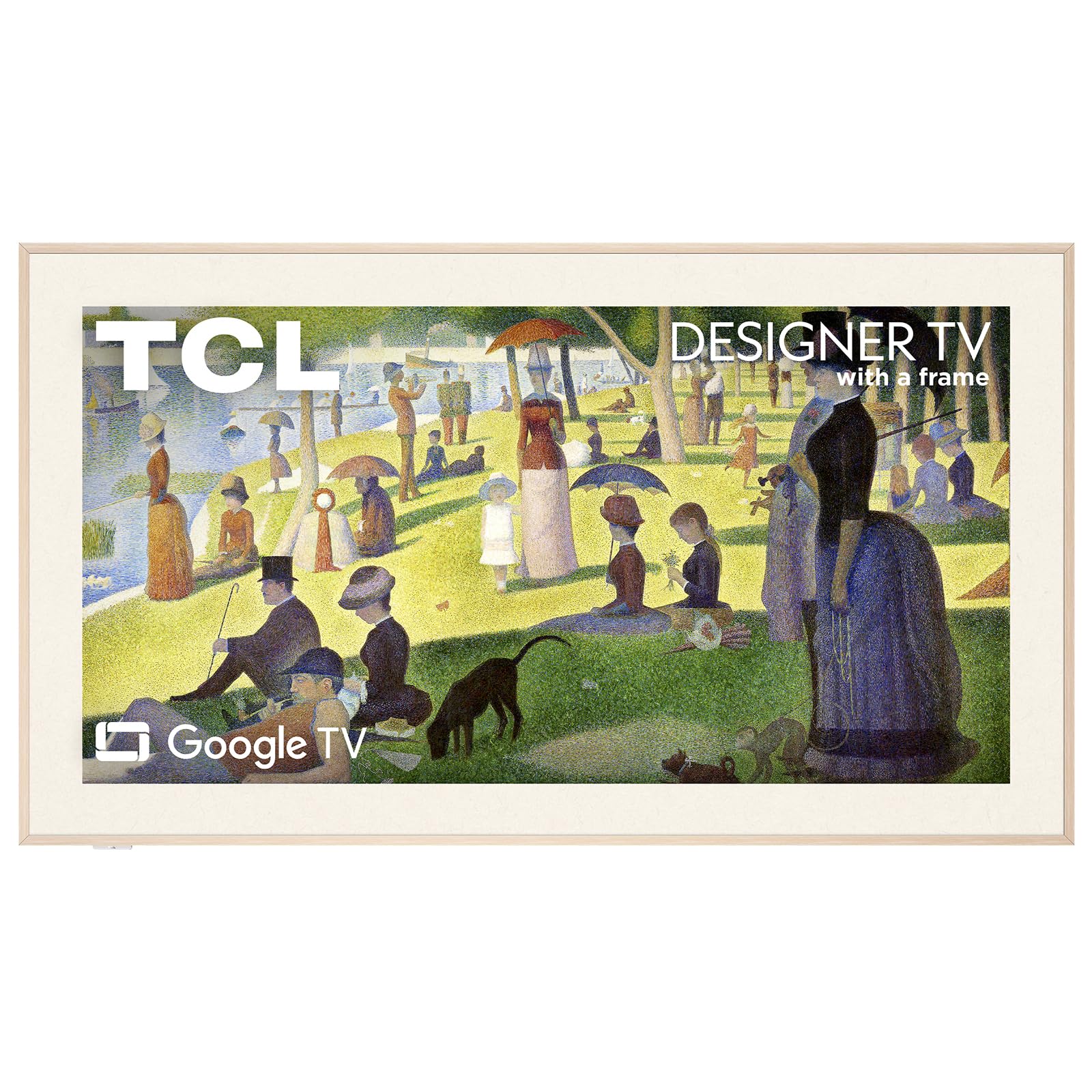
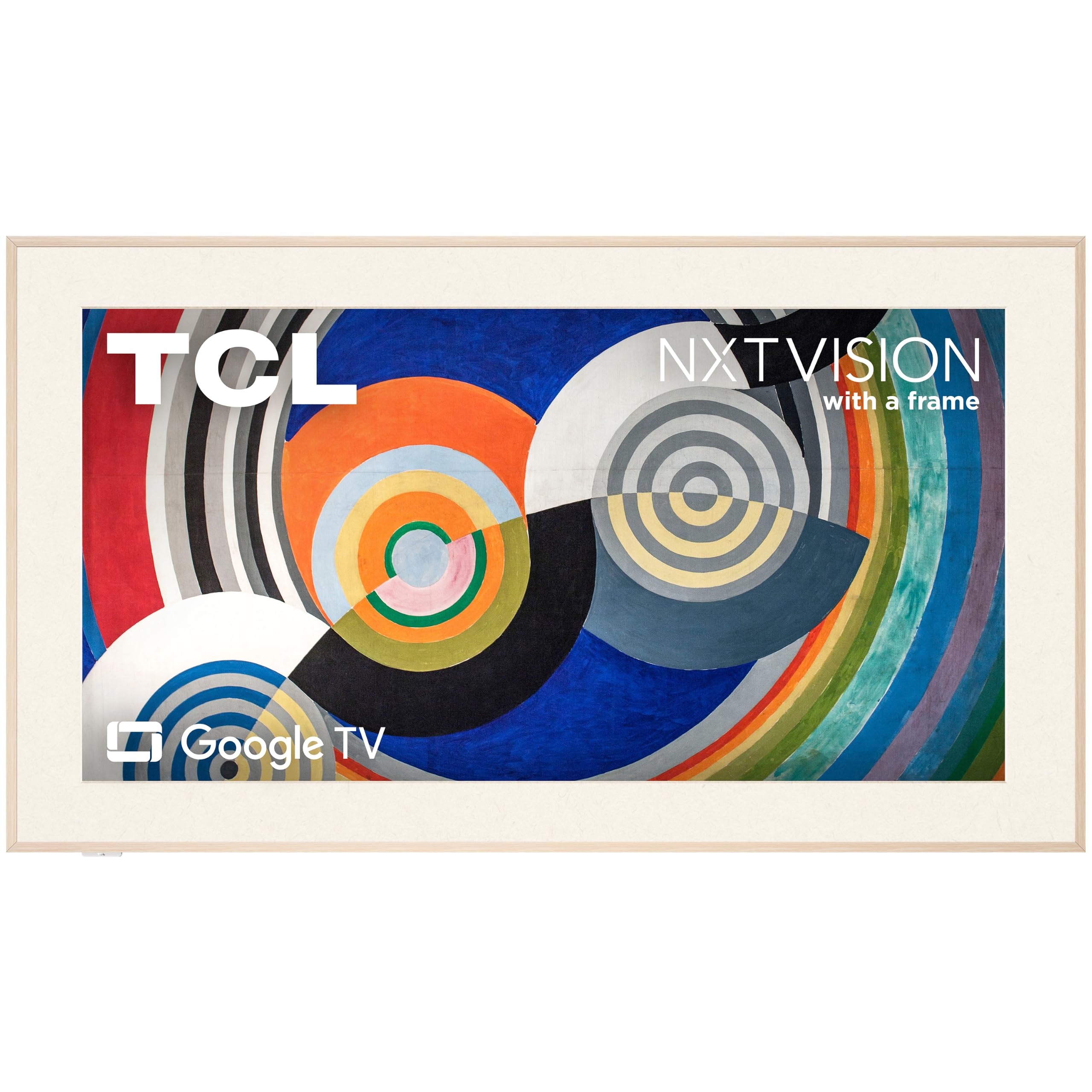
Hisense CanvasTV models offer large sizes, 144Hz refresh rates and Google TV at competitive prices, making them attractive for bigger walls. TCL picture frame TVs, including NXTVISION and Designer Series models, focus on design with built in frames and matte screens. LG's gallery style TVs range from QNED frame models to OLED gallery editions that hang flush but are aimed more at movie quality than constant art display. The best frame tvs for your home depend on screen size, budget and how important bezel customization is.
Uploading Your Own Art and Photos
One of the most enjoyable features of art TVs is displaying your own photos and artwork. Most models let you upload images through a smartphone app or USB drive. Choose high resolution images, ideally 3840 by 2160 pixels, to match the 4K panel. Matting options add a digital border around images, mimicking a gallery frame.
Family photos, travel shots and digital artwork from independent artists all look great. Set up playlists that rotate images throughout the day or by season, and adjust color tone so photos look natural on the matte screen.
How Much to Spend on a Frame TV
Around $600 to $900 buys smaller frame TVs from 32 to 55 inches, ideal for bedrooms and smaller living rooms. Around $1,000 to $1,500 covers popular 65 and 75 inch models from Samsung and Hisense. Premium options like The Frame Pro and 85 inch art TVs cost around $1,700 to $2,500. Budget extra for custom bezels, which range from about $100 to $500 depending on material and size.
How to Make Your Frame TV Last Longer
Enable motion sensors and sleep timers so art mode turns off when no one is home, reducing wear and energy use. Clean the matte screen gently with a dry microfiber cloth, since harsh cleaners can damage coatings. Keep firmware updated for new art features and fixes. Use a surge protector, and allow ventilation behind wall mounted TVs.
Frequently Asked Questions
IPS vs OLED: which is better for a frame TV?
Most frame TVs use QLED LCD panels, which suit art mode better than OLED. LCD panels with matte coatings handle long hours of static art without burn in risk. OLED gallery TVs offer stunning contrast for movies but are not designed for constant art display.
How long do frame TVs last?
Frame TVs typically last around seven to ten years. LED backlights are designed for many thousands of hours, and motion sensors that turn off art mode extend lifespan. Software support may end earlier, but core TV functions continue working.
Is 4K worth it on a frame TV?
Yes, 4K is standard and worth it on frame TVs. It makes artwork look detailed and delivers sharp streaming and gaming. All major art TVs are 4K at common sizes.
Does refresh rate matter for non gamers?
Refresh rate matters mainly for sports and gaming. For art display and casual TV, 60Hz is fine, but 120Hz panels reduce motion blur in fast action.
What size frame TV should I get?
Choose a size proportional to your wall and furniture, typically 55 to 75 inches for living rooms. Smaller 32 to 50 inch models suit bedrooms and offices, while larger walls benefit from 75 inches or more.
Does art mode use a lot of electricity?
Art mode uses less power than watching TV, but it still adds up over many hours. Motion sensors and schedules turn the screen off when rooms are empty, and lower brightness settings cut consumption further. Most owners see a modest increase in their electricity bill.
Can I use a frame TV for gaming?
Yes, many frame TVs support gaming with game modes, HDMI 2.1 and variable refresh rate. Hisense CanvasTV models offer 144Hz panels, and Samsung models include low latency modes. Competitive gamers may still prefer dedicated gaming TVs.
Our Verdict
Frame TVs turn a blank screen into living art. Prioritize a matte anti glare display, flush mounting with hidden cables and a rich art library, then consider picture features like 120Hz and Mini LED. Samsung The Frame is the safest overall pick, Hisense CanvasTV offers big screen value and the Frame Pro delivers premium performance.
Compare the best frame tvs in the product table above to find the right art TV for your space and budget.