
Best Golf Launch Monitors: Budget, Midrange, and Premium Picks
Disclosure: We may earn a commission when you buy through links on this page, at no extra cost to you. As an Amazon Associate I earn from qualifying purchases. Learn more

Launch monitors from around $510 to $5,000 sorted by tier, with three picks, features worth paying for and long term costs.
A golf launch monitor measures what happens when you strike the ball, from ball speed and launch angle to spin and carry distance, and turns that data into practice insights or a full home golf simulator. Prices run from around $500 for portable radar units to $5,000 or more for professional grade systems, and the right choice depends on your space, goals and budget. This guide to the best golf launch monitors breaks the market into budget, midrange and premium tiers so you know what each price level delivers.
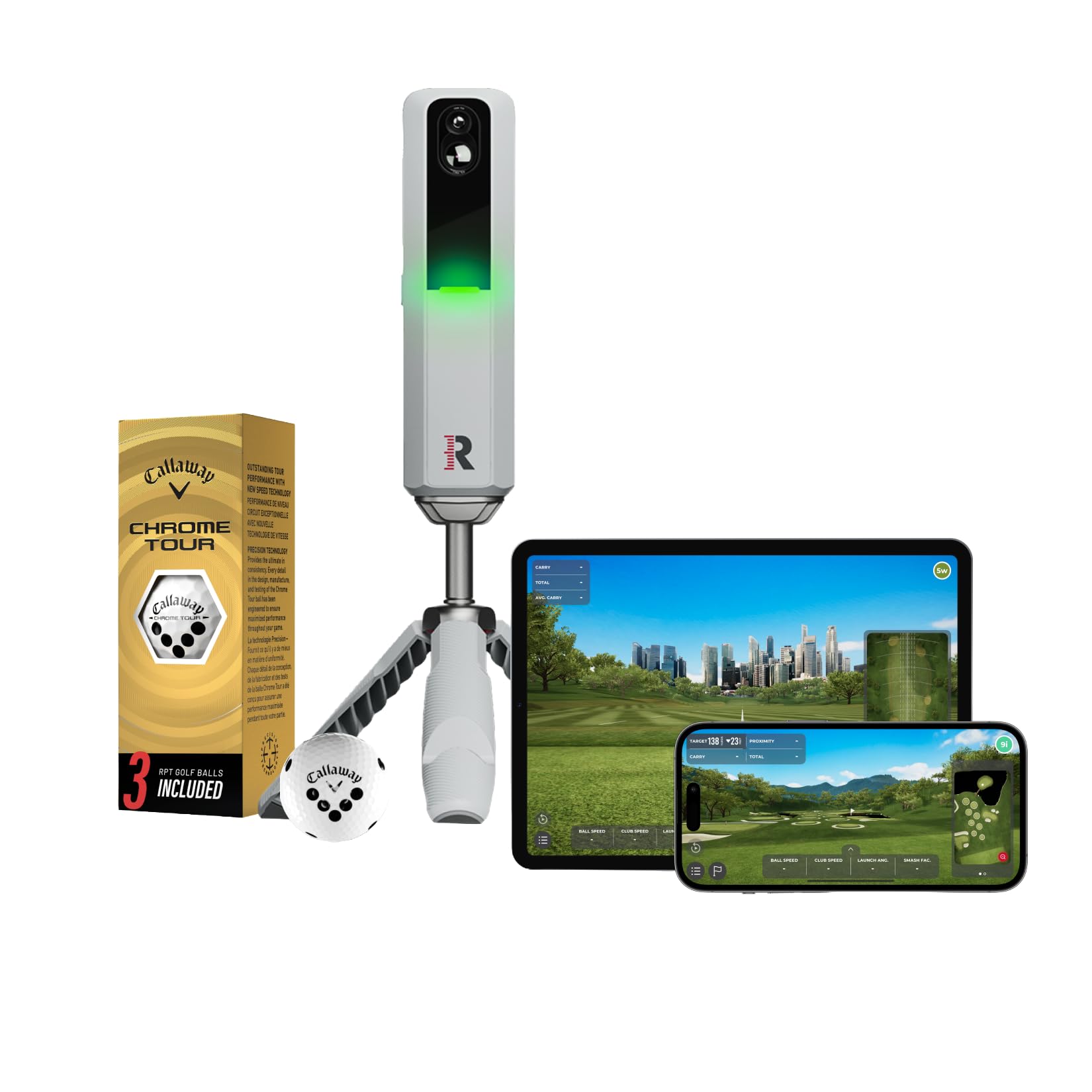
The short answer: most golfers should start with a portable radar launch monitor like the Garmin Approach R10 or Rapsodo MLM2PRO, around $510 to $550, which provide key ball data and simulator play; serious players who want more accurate spin and indoor performance should step up to a midrange unit like the FlightScope Mevo Gen2 around $1,300, and golfers building a dedicated simulator room can invest in premium systems like the Garmin Approach R50 around $5,000.

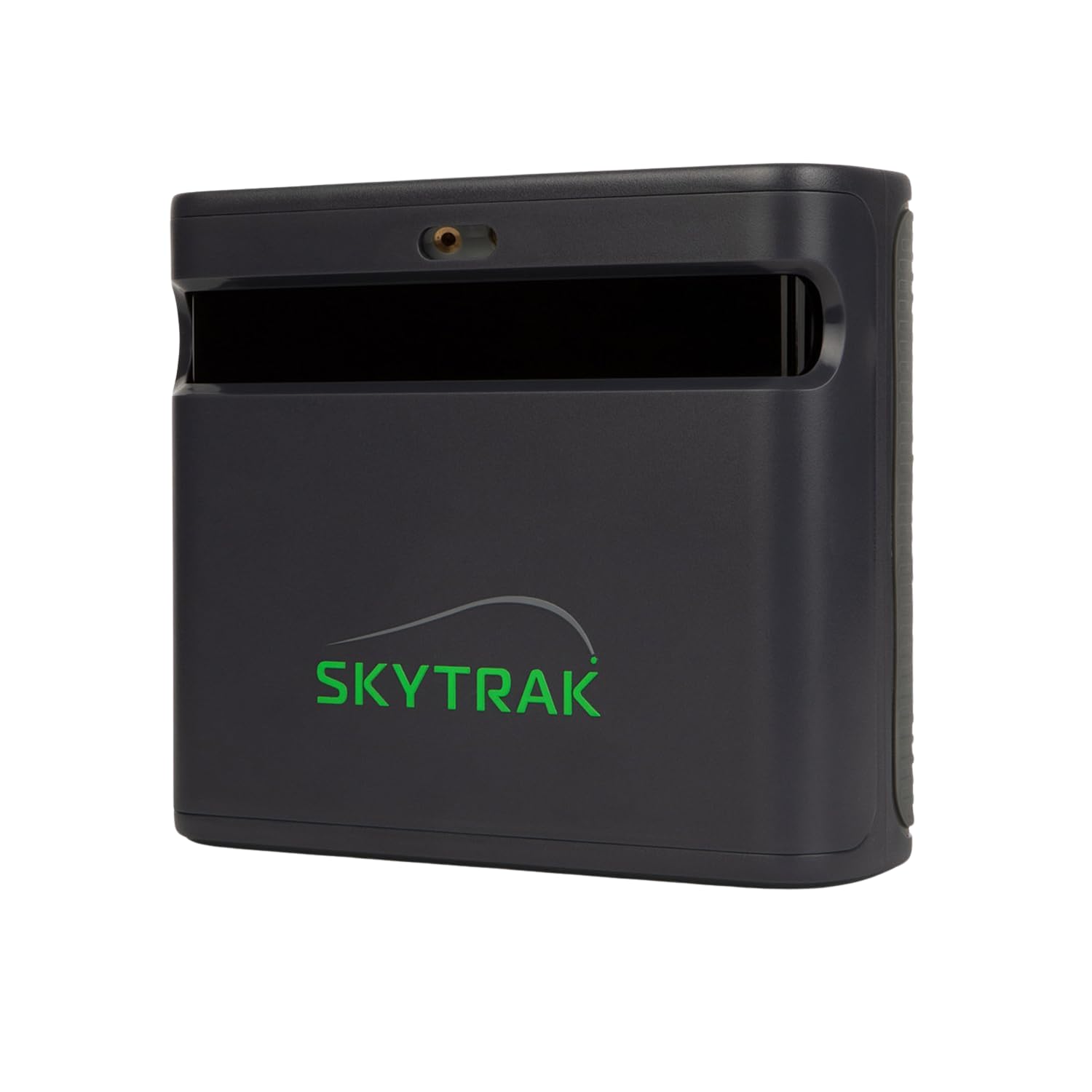
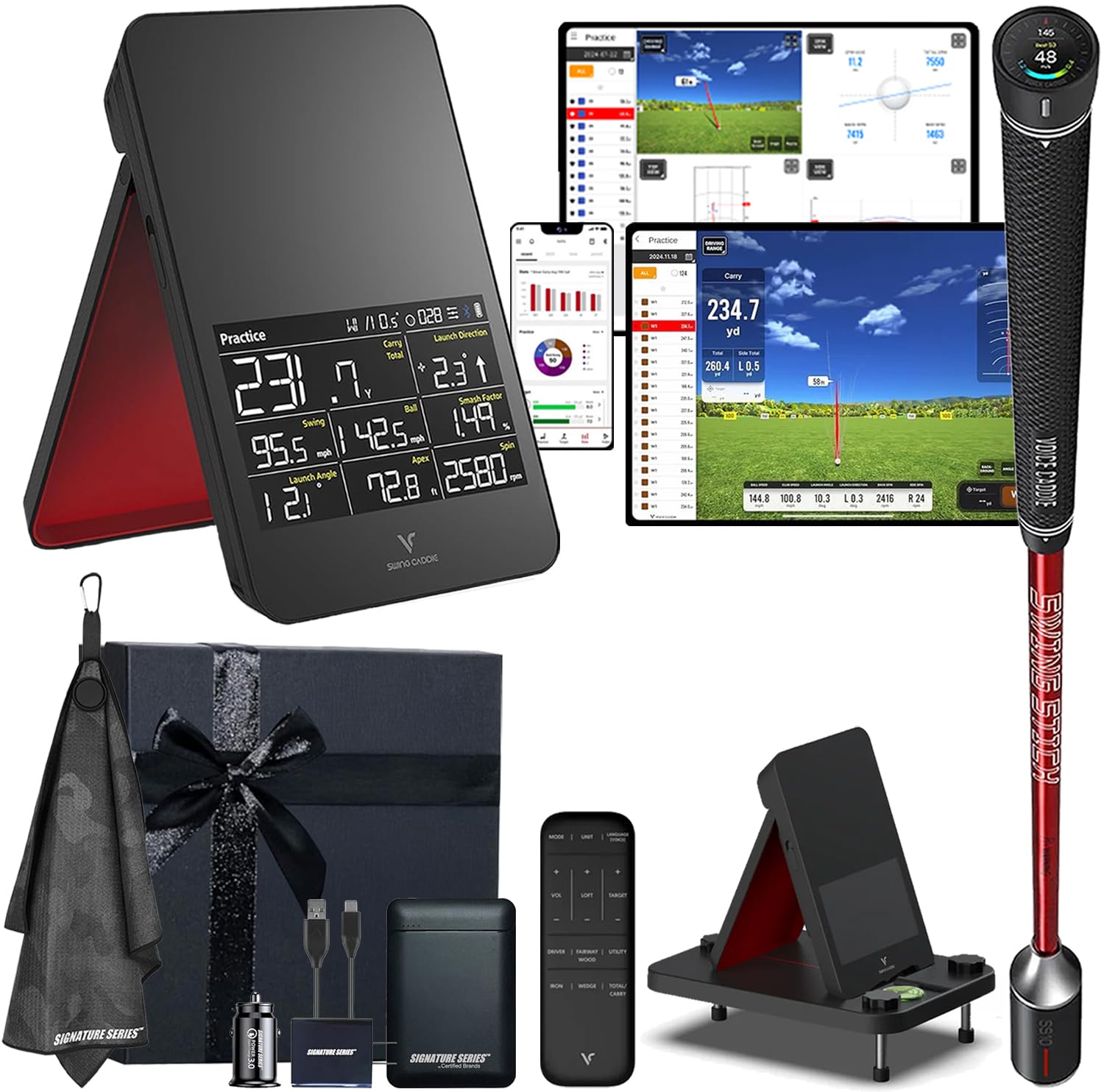
Top 3 Picks by Budget
Each pick below comes from the product table above and offers the strongest value at its price level.


Best Budget Pick
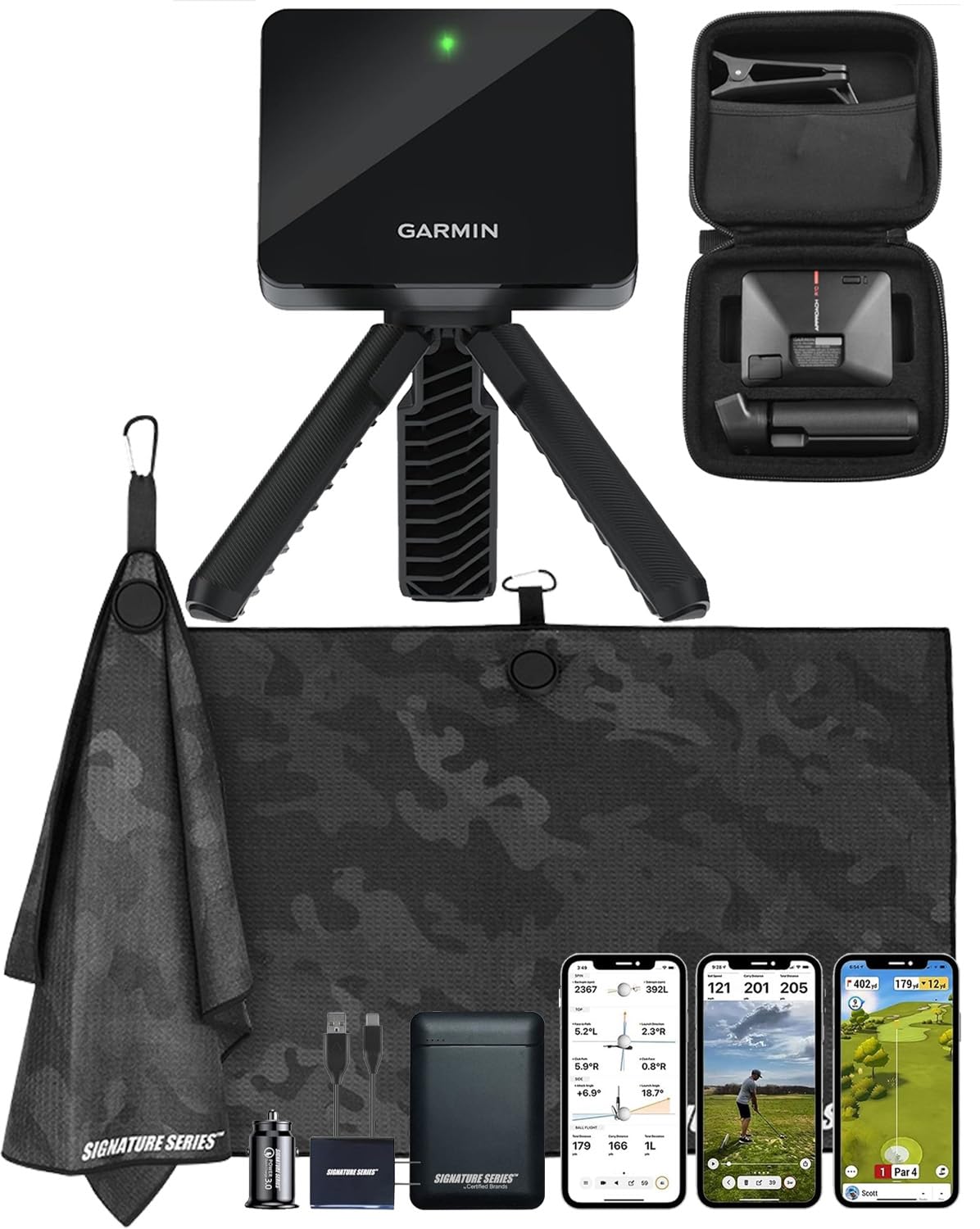
The Garmin Approach R10, around $510, is the most popular entry point into launch monitors. Its first strength is portability: the compact radar unit fits in a golf bag and works at the driving range, in a backyard net or indoors with enough space. Its second strength is a strong software ecosystem through the Garmin Golf app, which shows ball and club data, records sessions and supports virtual rounds on thousands of courses with a subscription.
The limitation is that budget radar units estimate some spin data and need enough ball flight distance indoors, so accuracy is lower than premium systems.
Best Midrange Pick
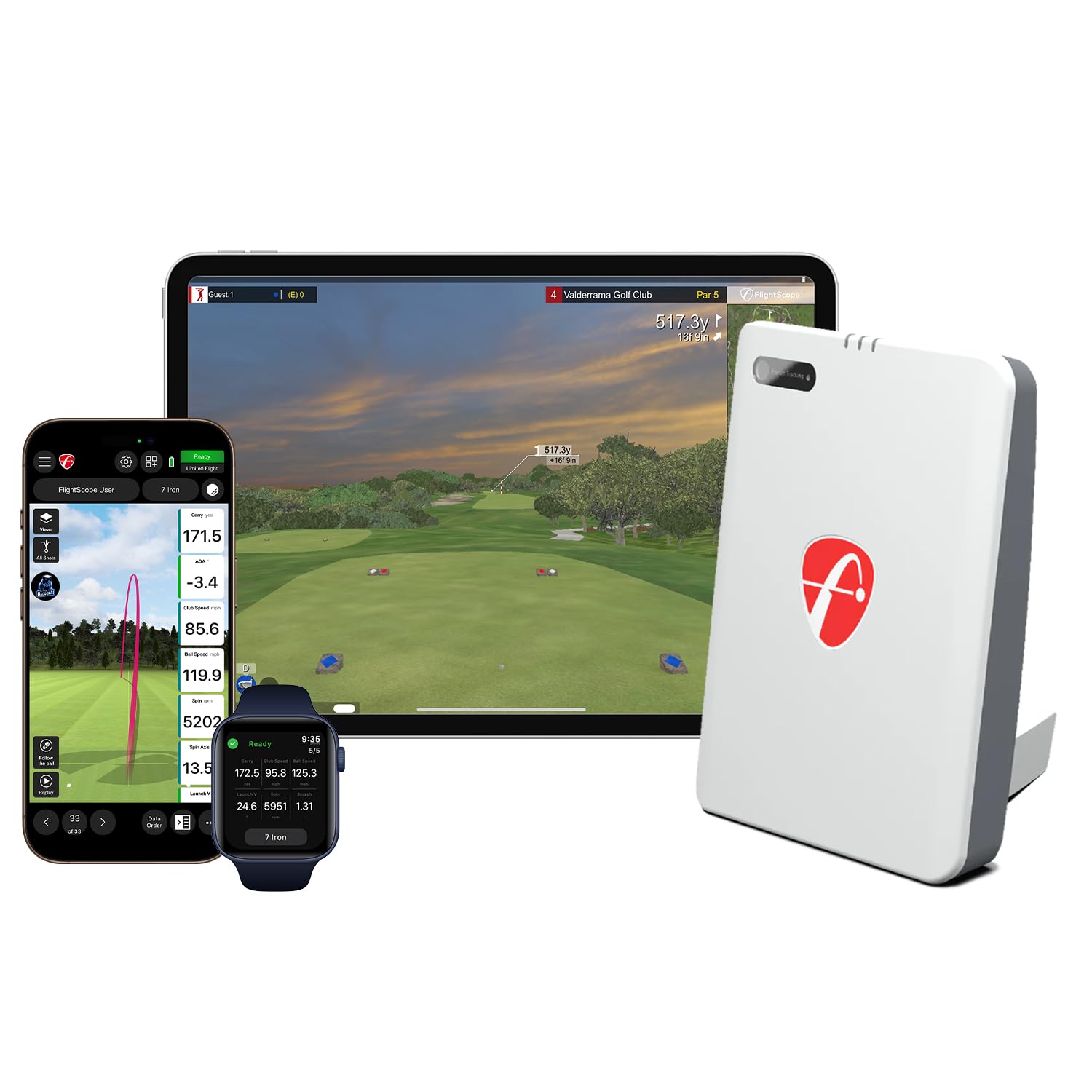
The FlightScope Mevo Gen2, around $1,300, suits dedicated golfers who want more data and better indoor accuracy. Its first strength is 18 swing and ball data parameters, giving deeper insights into ball flight and club delivery for practice and fitting. Its second strength is portability combined with simulator compatibility, so it works at the range and in a home setup.
The limitation is that it costs more than twice the budget options, and some advanced simulator features require additional software subscriptions.
Best Premium Pick
The Garmin Approach R50, around $5,000, is for golfers building a serious home simulator. Its first strength is camera based measurement that captures detailed ball and club data with high accuracy, even in shorter indoor spaces. Its second strength is an integrated display and built in simulator software, letting you play courses and practice without a separate computer.
The limitation is price; it represents a major investment that only makes sense if you practice often or want a premium simulator experience.
What Your Money Gets You at Each Price Tier
Budget Tier: What to Expect
Budget launch monitors cost around $500 to $800. They typically use Doppler radar and connect to a smartphone or tablet app, measuring ball speed, launch angle, carry distance and estimated spin. Many support simulator apps and range sessions. Trade offs include less precise spin data, more space needed indoors and subscriptions for full features. These suit casual golfers, beginners and anyone wanting practice feedback at the range.
Midrange Tier: The Sweet Spot for Most Buyers
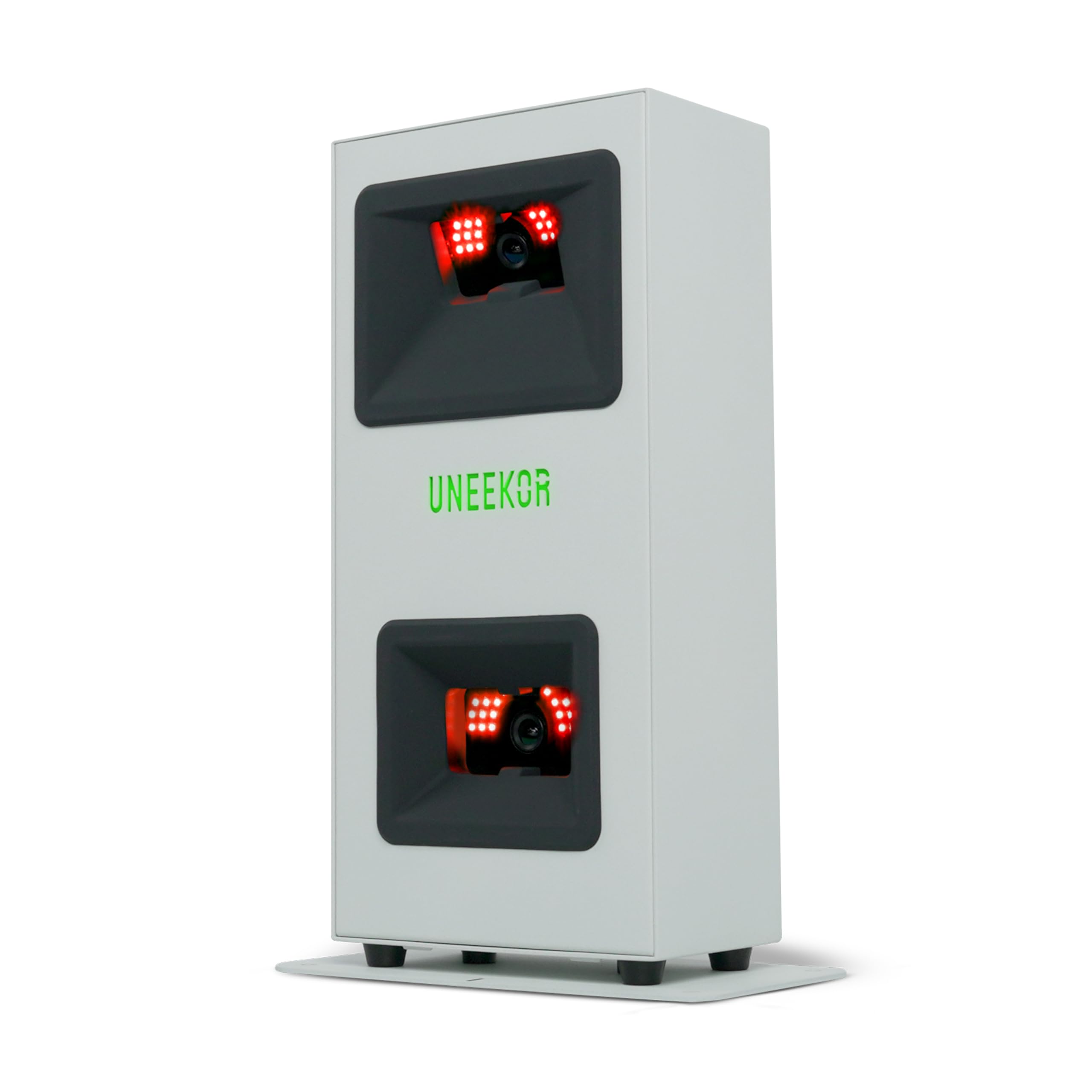
Midrange launch monitors cost around $1,200 to $2,000. They add more data parameters, better indoor accuracy, some camera based systems and improved simulator integration. Options include the FlightScope Mevo Gen2, Uneekor Eye Mini Core and SkyTrak ST MAX. For serious amateurs and players building home simulators on a budget, this tier offers the best balance.
Premium Tier: When Spending More Pays Off
Premium launch monitors cost around $3,000 to $5,000 or more. They provide tour level accuracy, detailed club data, compact indoor setups and integrated simulator software. Spending more pays off for low handicap golfers, coaches, club fitters and anyone building a dedicated simulator room who wants realistic play and precise data.
Features Worth Paying For (and Ones to Skip)
When comparing the best golf launch monitors, focus on the features that match how you practice.
Software, Apps and Simulator Platforms
Software decides how useful the data feels. Look for clear apps that show trends, session history and club averages, plus compatibility with simulator platforms for virtual courses and games. Many brands charge annual subscriptions for course play and advanced metrics, so factor those costs in. Premium systems may include integrated simulator software.
Technology Type (Radar vs Camera)
Radar launch monitors track the ball's flight and work well outdoors with enough space. Camera based and photometric systems capture images at impact, measuring spin and club data precisely in smaller indoor spaces. Hybrid systems combine both. Choose radar for range use and camera based units for indoor simulators.
Data Points and Accuracy
Key data includes ball speed, launch angle, spin rate, spin axis, carry distance and club speed. Advanced units add club path, face angle, attack angle and smash factor. More data helps with fittings and swing changes, but beginners benefit most from accurate core numbers. Check whether spin is measured or estimated.
Connectivity and Setup
Most launch monitors connect by Bluetooth or WiFi to phones, tablets or PCs. Some require specific operating systems or devices for simulator software. Quick setup and alignment tools make range sessions easier, while indoor simulators may need a projector, screen and hitting mat.
Features You Can Skip
Beginners can skip advanced club data and premium simulator graphics at first. Focus on accurate ball data, easy setup and a reliable app, then upgrade as your game develops.
Best Golf Launch Monitors for Specific Needs
Best Portable Golf Launch Monitors
The best portable golf launch monitors are compact, battery powered and quick to set up at the range. The Garmin Approach R10 and Rapsodo MLM2PRO fit in a golf bag and connect to phones, while the FlightScope Mevo Gen2 adds more data in a portable design. Choose portable models if you practice outdoors more than indoors.
Best for Home Simulators
Home simulator builders benefit from camera based systems like the Uneekor Eye Mini Core or premium all in one units like the Garmin R50, which work accurately in limited indoor spaces.
Best for Coaches and Fitters
Coaches and club fitters need detailed club data and high accuracy, making premium systems worth the investment.
Space Requirements for Indoor Use
Indoor launch monitors need enough room to swing safely and capture data. Plan for a ceiling height of at least 9 to 10 feet for drivers, a width of around 10 to 12 feet and enough depth for the ball to travel into a net or screen. Radar units typically need more depth, often 8 feet or more of ball flight, while camera based units work with shorter distances.
Use a quality hitting mat and impact screen or net, and leave clearance behind and to the sides for safety. Check each manufacturer's minimum space recommendations before buying.
Understanding Launch Monitor Data
Launch monitor numbers can seem overwhelming at first, but a few metrics matter most. Ball speed is how fast the ball leaves the clubface and has the biggest influence on distance. Launch angle is the initial vertical angle of the ball; drivers usually perform best around 10 to 15 degrees depending on speed. Spin rate affects how the ball climbs and lands; too much backspin with a driver steals distance, while irons need spin to stop on greens.
Carry distance shows how far the ball flies before landing, which is the most useful number for club selection. Club speed, smash factor, attack angle, club path and face angle help diagnose swing faults. Start by learning your carry distances for each club, then explore deeper metrics with a coach or online resources as your understanding grows.
Building a Home Golf Simulator
A launch monitor is the heart of a home simulator, but a complete setup needs a few more pieces. A hitting mat protects floors and simulates turf, while a net or impact screen safely catches shots. Enclosures with side netting protect walls and ceilings. A projector displays virtual courses on the screen, and a computer or tablet runs simulator software if your launch monitor does not include it.
Budget simulator setups using a portable launch monitor, net and tablet can cost around $1,000 total. Mid range builds with impact screens and projectors cost $3,000 to $6,000, and premium rooms can exceed $10,000. Garages, basements and spare rooms are popular locations; measure carefully before buying.
Using a Launch Monitor to Improve Your Game
Data is most useful when it guides focused practice. Use your launch monitor to map carry distances for each club, then build on course strategy around those numbers. Track dispersion patterns to see whether misses lean left or right, and work on face and path control. Practice with targets in simulator range modes, and play virtual rounds to apply skills under pressure. Reviewing session trends over weeks shows real improvement and keeps motivation high.
Long Term Costs to Factor In
Launch monitors often require subscriptions for simulator courses, advanced data and cloud features, typically around $100 to $300 per year depending on the brand and tier. Building a home simulator adds costs for a hitting mat, net or impact screen, enclosure, projector and computer, which can range from a few hundred to several thousand dollars. Replacement balls with special markings may be needed for some camera systems. Factor these in when comparing total cost.
Common Mistakes When Buying a Launch Monitor
- Ignoring space requirements. Radar units may not track properly in short indoor rooms.
- Overlooking subscription costs. Annual fees for courses and metrics add up over time.
- Expecting tour accuracy from budget units. Entry radar devices estimate some spin data.
- Forgetting the hitting setup. A quality mat and net are essential for safety and realism.
- Not checking device compatibility. Some apps require specific phones, tablets or PCs.
Before buying, list where you will practice most, whether at the range, in a backyard net or in a garage simulator, and choose the technology that suits that space. This single decision narrows the options more than any other spec.
Golf Launch Monitors: Your Questions Answered
How much space do I need for a launch monitor?
Most indoor launch monitors need around 10 feet of ceiling height, 10 to 12 feet of width and enough depth for ball flight into a net. Radar units need more depth than camera based systems. Check manufacturer guidelines for your specific model.
Are budget launch monitors accurate?
Budget launch monitors are accurate enough for practice and casual simulator play, especially for ball speed and carry. Spin and club data may be estimated. Midrange and premium units deliver more precise measurements for serious players and fitters.
Do launch monitors require subscriptions?
Many launch monitors require optional subscriptions for simulator courses and advanced metrics. Basic data is often free. Compare subscription costs when choosing a brand, since they add up over several years.
How long do launch monitors last?
A quality launch monitor typically lasts many years with proper care. Software updates add features over time. Protect units from impacts and weather, and store them safely when not in use.
Can I use a launch monitor outdoors?
Yes, portable radar launch monitors work well outdoors at the range. They track full ball flight for accurate distances. Camera based units may also work outdoors but are often optimized for indoor simulators.
Is a launch monitor worth it for beginners?
Yes, an affordable launch monitor is worth it for beginners who practice regularly. Learning carry distances and seeing immediate feedback speeds up improvement. Start with a portable radar unit and upgrade later if you build a simulator.
Do launch monitors work with any golf ball?
Most radar launch monitors work with any golf ball, though premium balls give the most realistic data. Some camera based systems require balls with special markings for accurate spin readings. Check the manufacturer's recommendations.
Final Thoughts
A launch monitor transforms practice with real data and brings golf indoors year round. Budget radar units offer great value for casual players, midrange monitors deliver better accuracy and more data for serious amateurs and premium systems create realistic home simulators. Consider your space, subscription costs and practice goals before buying, and plan the hitting area first.
Compare the best golf launch monitors in the product table above to find the right one for your game and budget.


