
240hz vs 360hz: Which Is Better in 2026?
Disclosure: We may earn a commission when you buy through links on this page, at no extra cost to you. As an Amazon Associate I earn from qualifying purchases. Learn more

240hz vs 360hz gaming monitors: what the extra speed changes for competitive play, what hardware it demands, and what it costs.
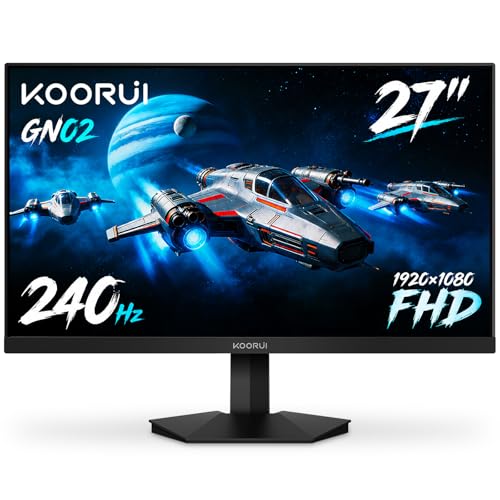
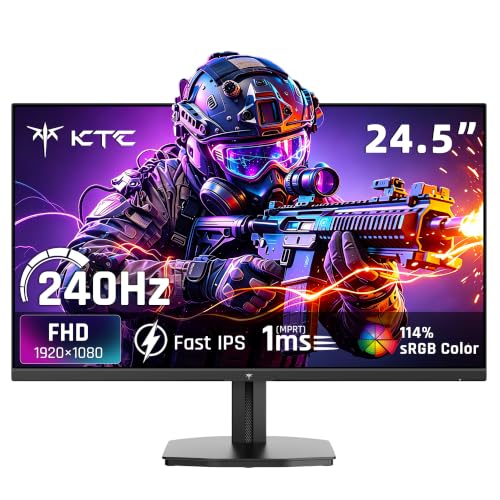
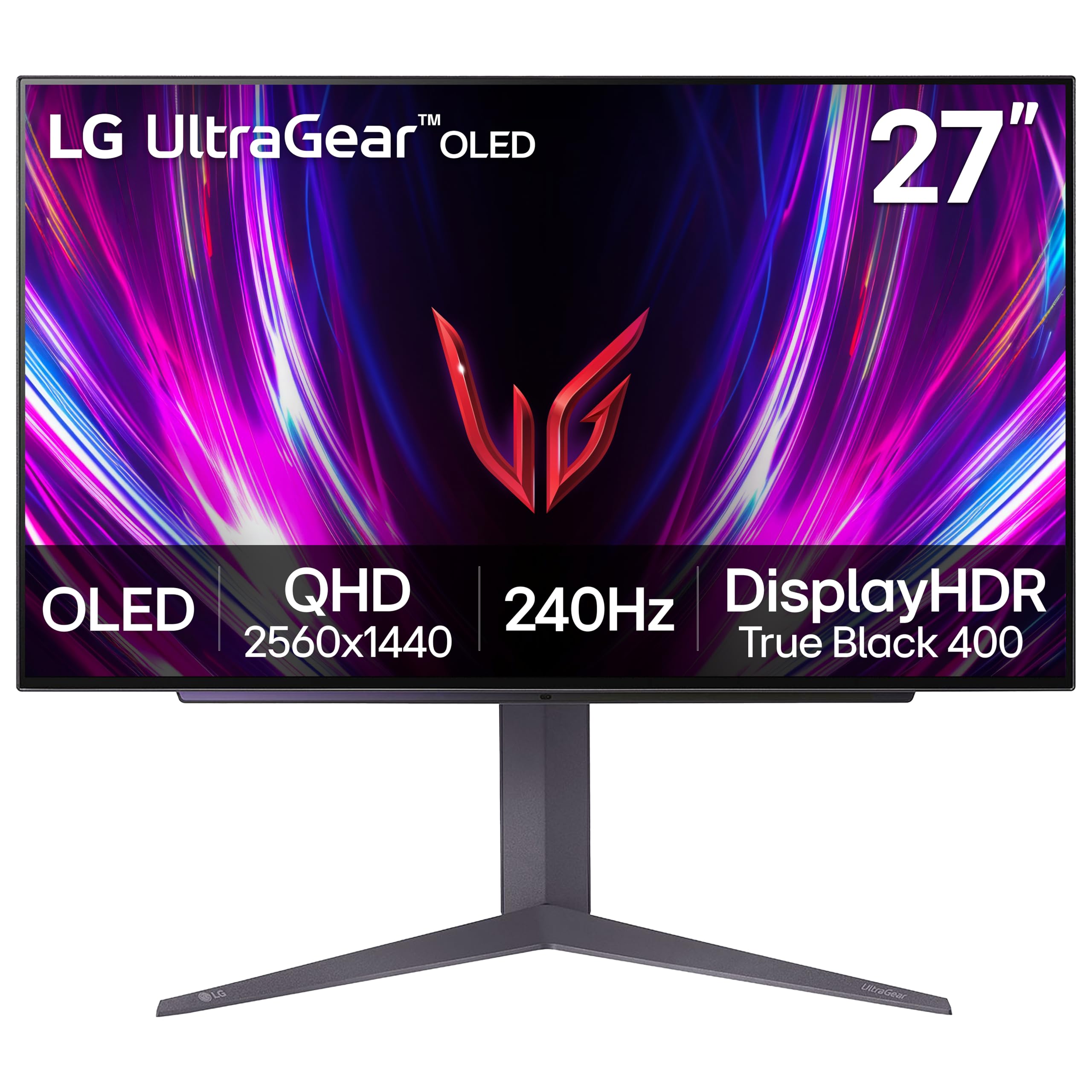
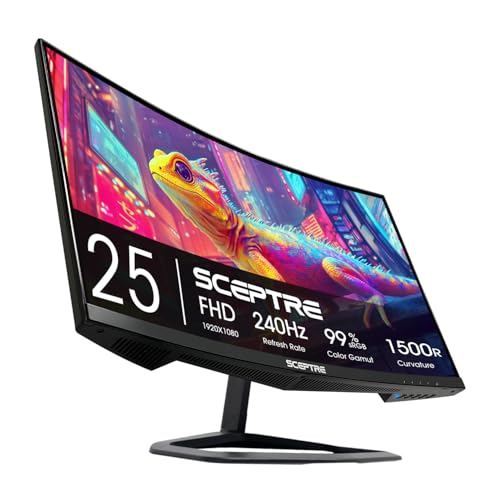
Moving up from 240hz vs 360hz is the point where gaming monitors stop being a question of smoothness and become a question of diminishing returns. A 360Hz screen draws a new image every 2.8 milliseconds against 4.2 milliseconds at 240Hz, a gap of only 1.4 milliseconds. The product table right after this introduction lists fast monitors from both groups.
This guide explains who can actually use the extra speed, what hardware it demands, and why most players are already well served by 240Hz.


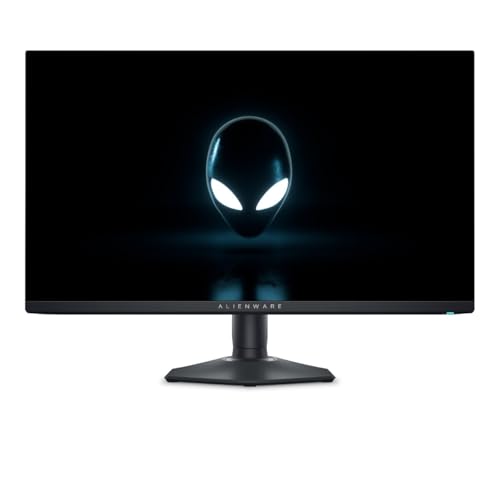
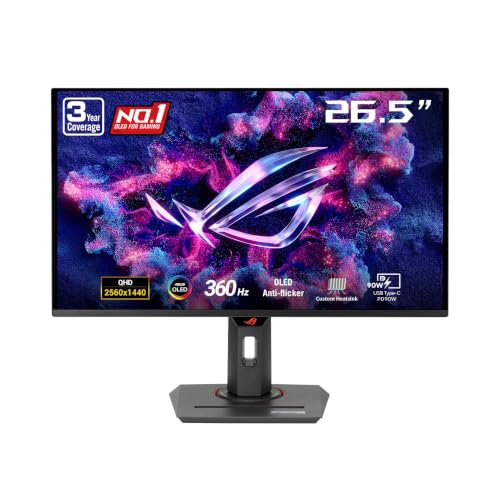

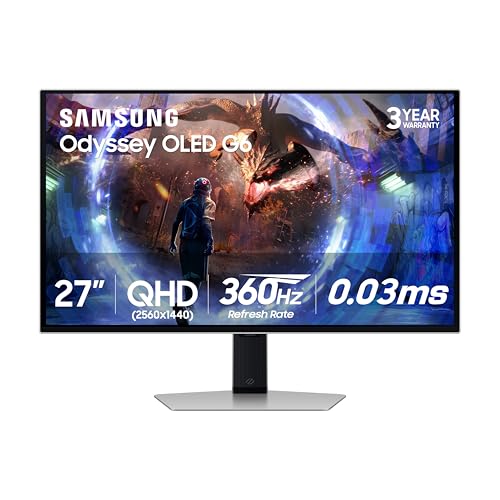
The Frame Time Math
Refresh rate is easier to judge as frame time, the length of one image. Sixty hertz means 16.7 milliseconds. 144Hz is 6.9, 240Hz is 4.2, and 360Hz is 2.8. Each step up trims less time than the one before, so the improvement you can feel shrinks fast.
The jump from 60Hz to 144Hz removes almost ten milliseconds from every frame. The jump from 240Hz to 360Hz removes under one and a half. Even experienced players need ideal conditions to notice that, and for the average person the difference is small.
Your System Must Produce the Frames
A monitor can only show the frames your PC delivers. To benefit from 360Hz you need a game running at something close to 360 frames per second, consistently. That is possible in lighter esports titles such as older shooters at low settings on a fast processor and a strong graphics card, but not in most modern, demanding games.
The processor often limits you before the graphics card does. At very high frame rates the CPU has to prepare each frame in under three milliseconds, so a weak or older processor holds the system back. If your frame rate averages 200 in your main game, a 360Hz screen offers nothing over a 240Hz one.
- Frame rate well under 240: stay at 144Hz or 165Hz and spend on color and resolution.
- Around 240 to 300 frames: a 240Hz panel is the match.
- Above 300 frames in your main game: 360Hz can be worth considering.
Who Can Use 360Hz
The audience is narrow: competitive players in fast, twitch-based shooters who run low graphics settings, own high-end hardware and want every edge. For them, smoother tracking and slightly fresher information can matter at the margins, even if the effect is small.
For everyone else the extra price is better spent elsewhere. Casual and mixed-use players gain more from better color, a larger screen, a sharper picture or a faster panel type. That is why many professionals still use 240Hz screens in tournaments.
Panel Technology Matters More Than the Number
A fast refresh rate needs a pixel response to match, otherwise the picture blurs and the benefit disappears. Modern OLED panels switch pixels almost instantly, which makes them look remarkably clean in motion even at 240Hz. A fast IPS panel is also good, while older or cheaper panels can smear at high refresh rates.
Look at the monitor's overdrive settings, which push pixels to change faster but can add halos if set too high. Reading independent measurements of the motion clarity of a model is more useful than comparing the top refresh rate alone. For more on specific models, see our guide to the best gaming monitor.
Resolution Trade-offs
Most 360Hz monitors are 1080p or 1440p, because pushing higher resolutions at that speed is out of reach for nearly every system. If you prefer a sharper picture, a 1440p panel at 240Hz is often a happier balance than a 1080p panel at 360Hz. The AOC Q27G3XMN review shows how a 27-inch QHD gaming screen compares.
Smaller screens suit very fast play. A 24 to 27 inch display lets you see the whole screen without moving your head, which is why esports players often choose 24.5 inch panels.
Price and Value
A 360Hz monitor usually costs noticeably more than a 240Hz one with similar features, and the price jumps further for OLED versions. Considering the small benefit, it is rarely the best use of money unless competition is a priority. Spending the difference on a stronger graphics card or processor usually improves your frame rate more than any monitor upgrade could.
Prices on fast monitors fall quickly as new models arrive, so waiting a few months often brings a better deal. Check what you pay for in features: a good stand, low input lag and a well-tuned panel matter beyond the refresh rate.
Mouse, Aim and the Rest of the Chain
A monitor is one link in a chain that runs from your hand to your eye. The mouse sensor, the polling rate, the game engine, the graphics driver and the display all add small delays, and the display often accounts for the smallest piece. Upgrading a weak link such as an old mouse or a congested home network can improve how a game feels more than a faster screen.
Settings inside the game help as well. Turning off options that add buffering, such as certain vertical sync modes, cuts delay at no cost. Capping the frame rate just under the monitor's limit keeps the graphics card from queuing frames, which tightens response in some titles.
240hz vs 360hz: Which Should You Choose?
Choose 240Hz if you
- Play a mix of competitive and casual games.
- Want a great balance of price, motion clarity and resolution.
- Do not reach 300 frames in your main game.
Choose 360Hz if you
- Play fast shooters at a serious level.
- Own a powerful processor and graphics card.
- Want every small edge and can pay for it.
Setting Up a Fast Monitor
Once you buy, make sure you actually get the speed. Connect with DisplayPort, choose the top refresh rate in the operating system settings, and enable it in your game, since some titles cap at a lower setting. Turn on adaptive sync to avoid tearing, and consider capping the frame rate a little below the maximum for smoother pacing.
Use a high-quality mouse with a high polling rate, because a fast display helps little if input is sluggish. Keep the graphics driver updated, and close background software that steals processor time.
FAQ
Is 360Hz noticeably better than 240Hz?
For most people the difference is hard to notice. Competitive players with strong hardware may feel a small improvement.
Do I need a powerful PC for 360Hz?
Yes. You need games running at very high frame rates, which requires a strong processor and graphics card.
Is OLED better than a high refresh IPS?
OLED gives faster pixel response and perfect blacks, though prices are higher and some models risk image retention with static images.
Will 360Hz help me rank up?
Practice and settings count far more, but small edges can matter at high skill levels.
For nearly everyone, 240hz vs 360hz ends in favor of 240Hz, with 360Hz reserved for serious competitors whose PCs already push very high frame rates.


