65 vs 75 Inch TV: Which Is Better in 2026?
Disclosure: We may earn a commission when you buy through links on this page, at no extra cost to you. As an Amazon Associate I earn from qualifying purchases. Learn more

65 vs 75 inch tv: how viewing distance, wall space and budget decide the size, and when the larger screen is worth the step up.
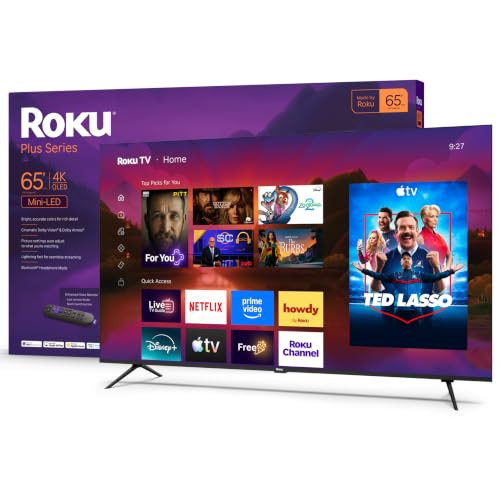
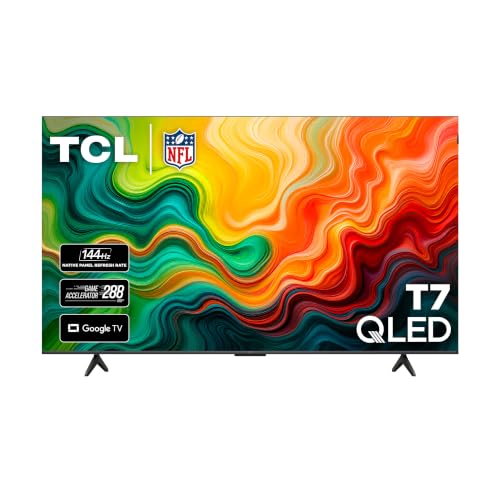
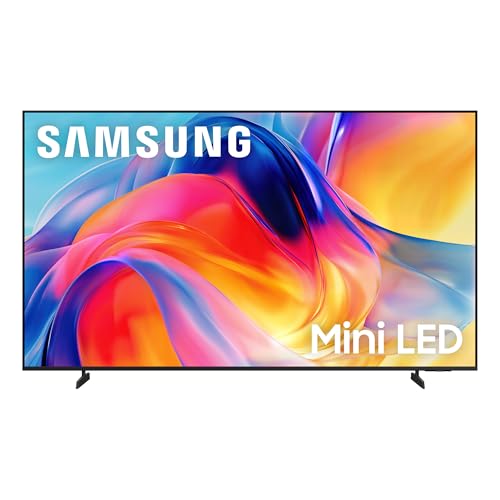
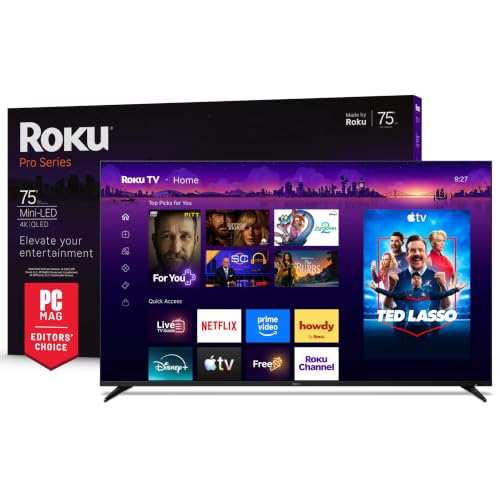
Deciding on 65 vs 75 inch tv sizes is mostly about your room and your seating distance, and only then about budget. A 75-inch screen has about a third more viewing area than a 65-inch one, which makes movies and sports far more immersive, but it needs more wall, more distance and a bigger payment. The product table right after this introduction lists TVs at both sizes.
The sections below give simple distance guidelines, compare price and picture quality, and explain what to measure before you order.


How Much Bigger Is 75 Inches
A 65-inch TV is about 57 inches wide and 32 inches tall. A 75-inch model is about 65 inches wide and 37 inches tall. The difference of 10 inches on the diagonal translates into roughly 33 percent more screen area, because area grows with the square of the size.
That is a bigger jump than the numbers suggest. A 75-inch screen fills more of your field of view, which is why it feels closer to a cinema. It also weighs more and needs a wider stand or a stronger wall mount, so measure the space and the surface it will sit on.
Seating Distance Guide
A common guide for 4K TVs is to sit about one to one and a half times the screen diagonal away. For a 65-inch TV that is roughly 5.5 to 8 feet. For a 75-inch TV it is about 6.5 to 9.5 feet. Closer than that, you may see the pixels or move your head to follow action, and farther away, you lose the immersive effect.
Measure the distance from your couch to the wall. If it is under 6 feet, a 65-inch is usually the better fit. If it is 8 feet or more, a 75-inch makes good use of the space. In between, either works, and personal taste decides.
- Under 7 feet: 65 inches feels comfortable.
- 7 to 9 feet: both sizes work, and 75 inches is more cinematic.
- Over 9 feet: 75 inches, or larger, is easier to enjoy.
Picture Quality at Each Size
At 4K, both sizes look sharp from a normal distance. Picture quality depends more on the panel type and processing than on size. Mini-LED, QLED and OLED models each have strengths: OLED gives perfect blacks, mini-LED offers high brightness, and standard LED models are the most affordable.
Large screens expose weaknesses. Low-quality upscaling of lower-resolution content looks softer on a big screen, and viewing angle limits show more on very wide TVs. Look for good motion handling and a bright panel if the room has windows, and consider what you watch most often.
Gaming and Sports
Gamers often enjoy a bigger screen for immersion, though at very close range a 75-inch TV can feel too large for competitive shooters. Check the refresh rate and the number of HDMI 2.1 ports if you play on a modern console or PC. Several TVs in the table list 144Hz panels and game modes.
For sports, the larger screen helps you follow the action from the couch and makes watching with a group more enjoyable. Fast motion looks best on a TV with good processing and a high native refresh rate.
Price Difference
A 75-inch TV usually costs noticeably more than the same model in 65 inches. The gap varies by brand and sale, and sometimes shrinks to a modest premium. Compare the price per square inch of screen, and look at both sizes across several lines before you decide.
Do not forget extras. A larger TV often needs a stronger mount, a wider stand or a soundbar to match. Our best TV guide lists models by budget, and the TCL QM6K review and TCL QM7K review cover popular mid-range TCL sets.
Practical Measurements
Before you buy, measure the wall or cabinet space, including any shelves or furniture around it. Check the width of the TV, not just the diagonal, and make sure the stand is wide enough for the feet. If you plan to wall-mount, confirm the mount's weight rating and the wall's strength.
Check delivery too. A 75-inch box is large and heavy, and it may not fit through every doorway or stairwell. Two people are advisable for setup, and a flat surface behind the TV avoids damage.
Room Lighting and Placement
A bigger screen reflects more of the room. If you have windows opposite the TV, glare will be more noticeable on a 75-inch panel, so brightness and anti-reflection coatings matter. Dark rooms suit OLED and high-contrast panels, and bright rooms favor brighter mini-LED or QLED models.
Mounting height is the other detail. The center of the screen should sit near eye level when you are seated, which is about 42 inches off the floor for most couches. A 75-inch TV is taller, so mounting it too high strains your neck, and a low cabinet may suit it better.
Sound and Accessories
Thin TVs have small speakers, and the difference between 65 and 75 inches does not change that. A soundbar, with or without a subwoofer, improves dialogue and impact for either size. Check the HDMI eARC port, which makes connecting a soundbar simple and passes high quality audio.
Cable management also helps a large wall-mounted set look neat, and an in-wall kit or a cable cover hides the wires. Budget a small amount for these finishing touches.
65 vs 75 inch tv: Which Should You Choose?
Choose 65 inches if you
- Sit within about 7 feet of the screen.
- Have a smaller room or limited wall space.
- Want a lower price and easier setup.
Choose 75 inches if you
- Sit 8 feet or more from the TV.
- Want a cinematic experience for movies and sports.
- Have the wall, budget and mounting for it.
FAQ
Is 75 inches too big for a living room?
Not if you sit far enough back. Measure the distance and the space first.
Is the picture quality better on a bigger TV?
Not by size alone. The panel type and processing matter more.
Do I need a stronger mount for 75 inches?
Yes, check the weight rating and use a mount designed for the size.
Which is better for gaming?
Both work. Choose by seating distance and check HDMI 2.1 and refresh rate features.
The bottom line on 65 vs 75 inch tv: choose 65 inches for rooms with a shorter viewing distance and tighter budgets, and 75 inches when you have space to sit back and want a cinematic picture.