
Air Cooler vs AIO: Which CPU Cooler Is Better in 2026?
Disclosure: We may earn a commission when you buy through links on this page, at no extra cost to you. As an Amazon Associate I earn from qualifying purchases. Learn more

Air cooler vs AIO compared on cooling, noise, price, fit and lifespan, with a clear pick for mainstream and high power CPUs.
The air cooler vs aio decision looks like a simple one: air coolers are cheap and simple, while liquid coolers promise lower temperatures and a cleaner look. In practice, a good air cooler matches many AIOs on performance and noise, and the AIO pulls ahead mainly on high power CPUs and in small or crowded cases.
This guide compares cooling, noise, price, installation, compatibility, reliability and looks, and recommends which type fits which build.


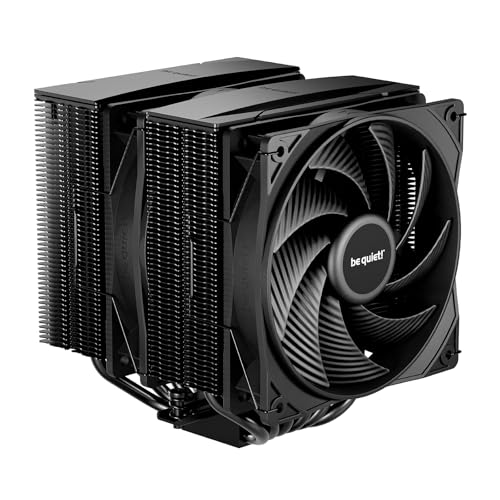

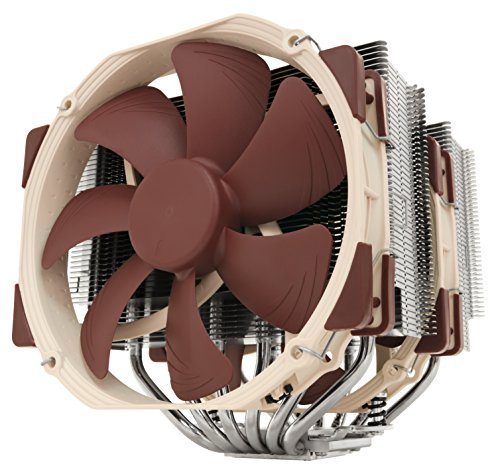
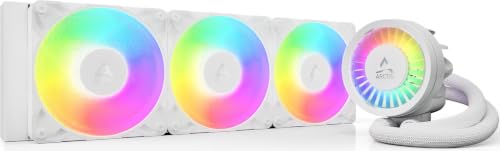
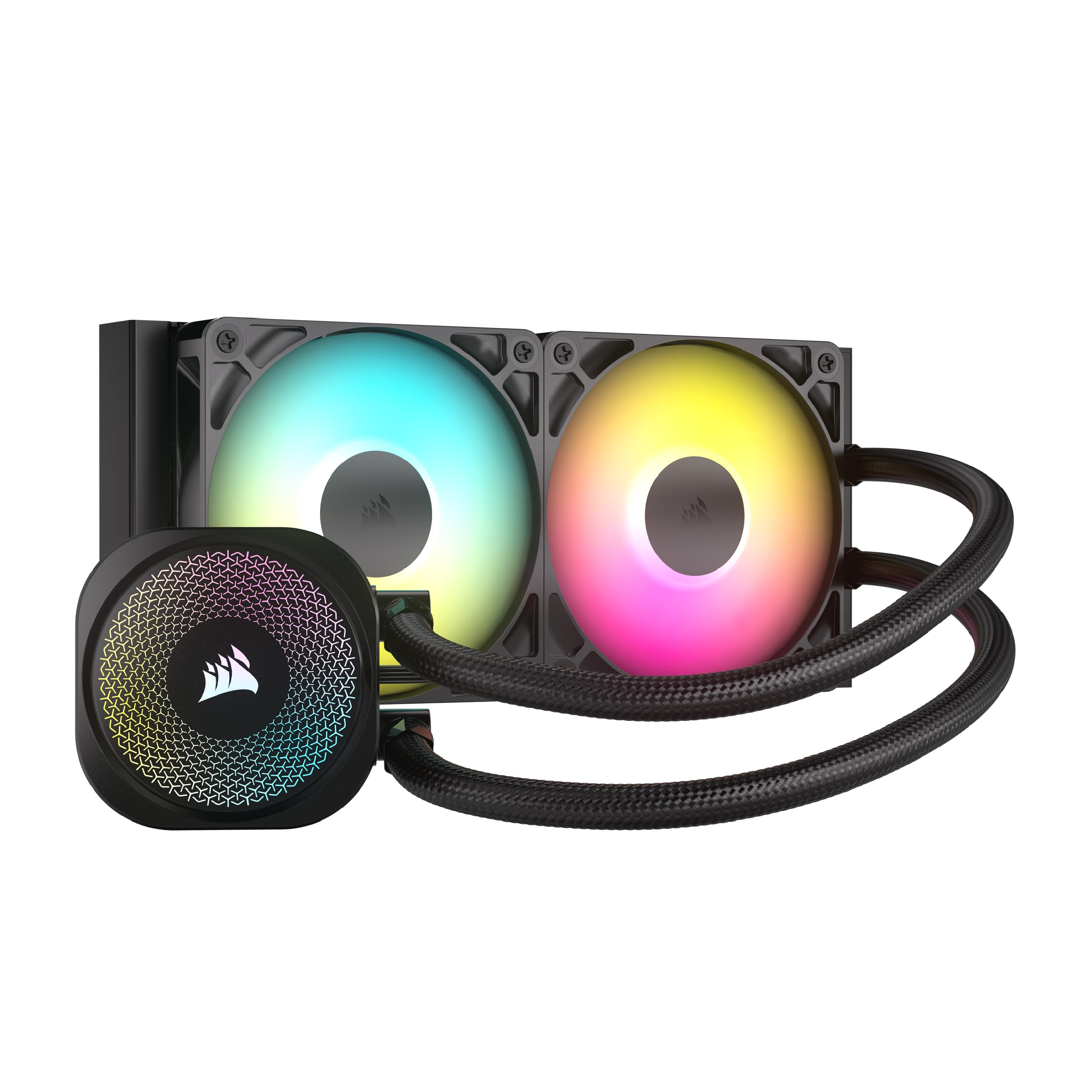

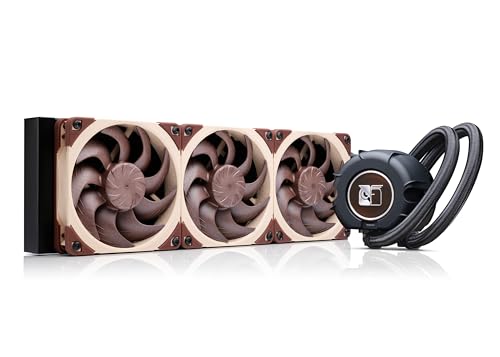
Air Cooler vs AIO: Main Differences
An air cooler uses a metal heatsink with heat pipes and one or two fans, mounted directly on the CPU. An AIO uses a cold plate and pump on the CPU, tubes and a radiator with fans mounted at the case. Air cooling is simpler and has fewer failure points. Liquid cooling moves heat to a radiator, which can sit where airflow is best.
Prices overlap more than most people expect. Thermalright air coolers list around $35 to $40, the be quiet! Pure Rock Pro 3 sits near $55, and the Noctua NH-D15 G2 costs about $160. AIOs start around $35 for a small 120mm model and range from $75 to $250 for 360mm units such as the ARCTIC Liquid Freezer III Pro 360 and the Noctua NL-LC1-36.
Cooling Performance
Dual tower air coolers such as the Noctua NH-D15 G2, with 8 heat pipes and two 140mm fans, or the Thermalright Peerless Assassin 120 SE, with 6 heat pipes and dual fans, handle most gaming CPUs well. The Pure Rock Pro 3 is rated for a 250W TDP by the maker. A 360mm AIO usually beats these coolers on the hottest, highest power CPUs, particularly under long all-core loads.
A 240mm AIO, on the other hand, often matches a top air cooler and rarely beats it by much. If your CPU is a mainstream gaming chip, a good air cooler is enough.
Noise
Air coolers have no pump, so the only noise comes from the fans. Large 140mm fans such as those on the NH-D15 G2 move air quietly at low speeds. AIOs add pump noise, which some people hear as a hum, although premium models such as the Noctua NL-LC1-36 add a pump noise absorber to reduce vibration.
At idle and light load, a good air cooler is often quieter than an AIO. Under heavy load, both depend on fan speed, and a large radiator lets the fans run slower for the same temperature.
Installation and Compatibility
An air cooler installs on the CPU, but tall coolers can collide with memory or the case side panel. The NH-D15 G2 is 168mm tall and lists a clearance of 59mm for memory in single fan mode, so check your case and RAM before ordering. AIOs avoid height problems, but you need a radiator mount in the case and enough room for the tubes.
Check socket support too. Recent coolers support AMD AM5 and Intel LGA1700 and LGA1851, and many include offset mounting for AM5 and LGA1851 to center the cold plate on the hot spot. If you have an older platform, confirm the mounting kit.
Reliability and Lifespan
Air coolers have fewer moving parts and can last for many years, and a fan failure is cheap to fix. AIOs have a pump and sealed coolant, so they have more potential failure points and a shorter practical life. Pump failure is uncommon with reputable brands, but it can happen, and AIOs usually come with a warranty of several years.
Looks and Case Fit
AIOs look clean, with a small block on the CPU and a radiator in the top or front, and many include LCD screens or RGB fans. Air coolers are bulky and block the view of the motherboard, though models with ARGB fans, such as the Peerless Assassin ARGB, look good in a windowed case.
Case Airflow Matters as Much as the Cooler
A cooler is only as good as the air it receives. Air coolers rely on the case fans to bring cool air in and push warm air out, so a front intake and rear exhaust matter a lot. AIOs move the heat to a radiator, and the radiator then depends on the fans you mount on it, usually as top exhaust or front intake. In a case with poor airflow, a larger radiator spreads the heat over more fans and can help, while a tower cooler in the same case will still work but run warmer.
Before you buy either type, check the case specifications for radiator mounts and maximum cooler height, and decide where the fans will push air.
Maintenance and Upkeep
Air coolers need only dusting. Blow the dust off the fins and the fans every few months, and replace the thermal paste when you remove the cooler. AIOs need the same dusting on the radiator, and you should check the pump noise and temperatures from time to time. If you hear gurgling, review how the radiator and pump are positioned, since air in the pump is the most common AIO problem.
- Check that fans spin freely and that no cable touches a blade.
- Replace thermal paste when you remove the cooler, using a small pea-sized dot.
- Keep the case filters clean so the cooler receives fresh air.
Which Should You Choose
Choose an air cooler if
You want simple, quiet, cheap and dependable cooling for a mainstream CPU. See our Peerless Assassin 120 SE review and Phantom Spirit 120 SE review.
Choose an AIO if
You have a hot, high power CPU, a small case, or you prefer a clean look. Read the ARCTIC Liquid Freezer III Pro 360 review and the best CPU cooler guide for more.
FAQ
Is an AIO better than an air cooler?
Not always. A good dual tower air cooler matches many AIOs on mainstream CPUs. A 360mm AIO has the edge on very hot chips.
Which is quieter?
A good air cooler is often quieter at idle. A large AIO can run quieter under heavy load.
Is an AIO worth the extra money?
It is worth it for hot CPUs, tight cases and looks. For most gaming builds, air is enough.
Which lasts longer?
Air coolers usually last longer because they have no pump or liquid.
Final Verdict
The air cooler vs aio comparison favors air for simplicity and value and AIO for high power chips and looks. Check the models in the table above, confirm that your case and memory fit, and buy the cooler that matches your CPU.


